Lenovo Laptops on Noon UAE: account eligibility — coupon troubleshooting
If your Noon UAE coupon for Lenovo laptops is not working, here’s how to troubleshoot without guessing. Begin by locating the coupon listing on Noon.
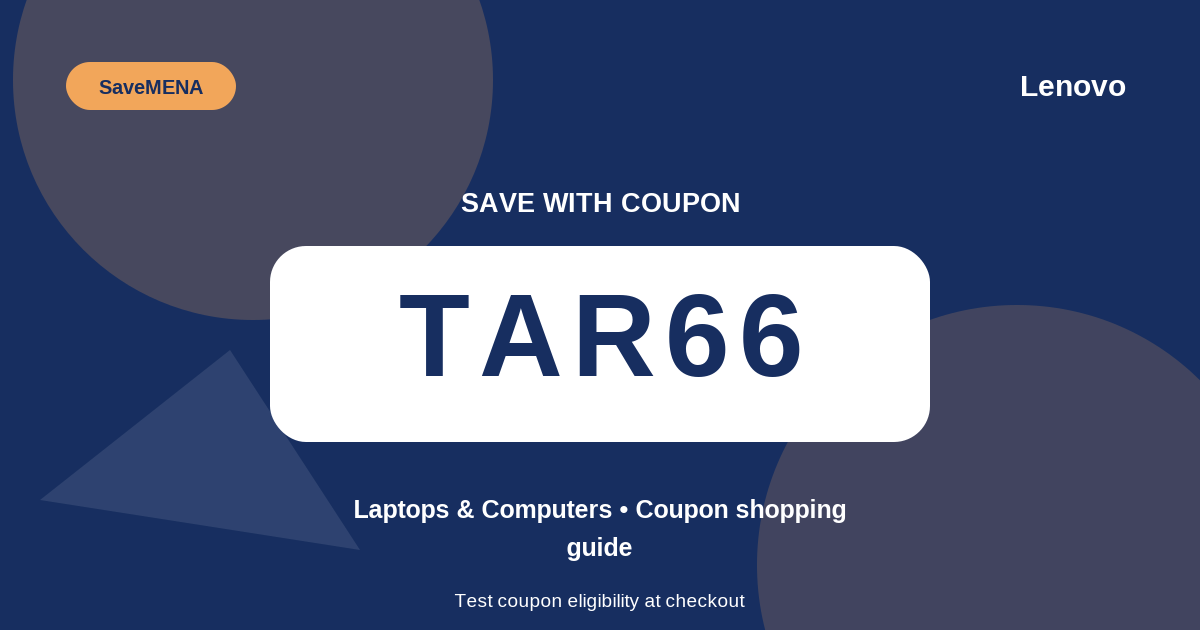
Codes available to try while comparing
These codes are not guaranteed for the article topic or listed brands; test them at checkout and use the live result.
Verify Coupon Eligibility for Lenovo Laptops
If your Noon UAE coupon for Lenovo laptops is not working, here’s how to troubleshoot without guessing. Begin by locating the coupon listing on Noon. The code “TAR66” appears under a generic Promotion header; there is no guarantee of brand or category specificity. The listing will include a brief description but will not reveal a discount rate or expiry. Ensure that the listing is still marked as active by noting the absence of any “expired” or “inactive” indicator in the product‑oriented coupon display.
Once the coupon status is confirmed, search the site for any “eligible under coupon” markers on Lenovo’s laptop page. Some sellers list a note stating “eligible for selected coupons,” but this is optional. If no such note exists, cross‑check the product page for a common “Coupon applicable” tag. The absence of such a tag does not automatically disqualify the coupon; it only signals that the seller’s listing may not apply the promotion.
Check Your Lenovo Account Connection on Noon
If your Noon UAE coupon for Lenovo laptops is not working, here’s how to troubleshoot without guessing. Noon allows external brand accounts, such as Lenovo, to sync with a user profile. Log into Noon and navigate to the account settings. In the “Linked Accounts” section, confirm that your Lenovo credentials are present and active. If the connection is missing, add the Lenovo account by following the on‑screen prompts, which typically include entering your professional email and a corporate password.
After the link is established, revisit the laptop product page. Lenovo’s brand page on Noon may display a small icon indicating a linked account. This icon seldom alters pricing but can influence coupon veracity, especially if Lenovo runs a special team case. If the icon is missing, the coupon may still be valid; however, with no linked account, certain brand‑specific promotional logic could be disabled.
Ensure the Cart Contains a Qualifying Lenovo Laptop
If your Noon UAE coupon for Lenovo laptops is not working, here’s how to troubleshoot without guessing. Add the intended laptop to the cart, confirming that the product is manufacturer‑listed and not a generic third‑party device. Check that the item’s SKU matches the one advertised on Noon. Avoid placeholder items such as “Lenovo Laptop Bundle” unless the bundle is a promoted instance; bundles may be excluded from coupon eligibility.
Once the item is in the cart, verify that the quantity is exactly what you intend to purchase. Multiple quantities can alter eligibility, as some coupons apply only to a single unit purchase. If you have added more than one laptop, reduce the quantity to one and observe whether the coupon now registers. No quantity adjustment should alter the final payable total during initial validation.
Confirm Correct Coupon Code Entry
If your Noon UAE coupon for Lenovo laptops is not working, here’s how to troubleshoot without guessing. Click the “Enter coupon” field on the cart page. Type the code “TAR66” exactly as shown—use uppercase letters, no spaces or hyphens. Many users mistake the code for a similar pattern such as “TAR 66” which is not recognized by Noon’s system.
After entering the code, save or press apply and observe the response. If the system flags an error message such as “invalid code,” double‑check the spelling, capitalization, and location on the cart page. Some earlier versions of the Noon app auto‑format codes, which can lead to misplaced characters; if this occurs, re‑type manually to avoid hidden formatting errors.
Inspect Site‑Wide Rules that Overrule the Coupon
If your Noon UAE coupon for Lenovo laptops is not working, here’s how to troubleshoot without guessing. Noon’s general policy occasionally places restrictions on promotions during high‑traffic sales, such as flash events or weekend sales. Check the Sunday (or any relevant) “Promotions” banner on Noon’s homepage for notices that the site “will not honor external coupons during special sales.” Such notices override individual coupons.
Geographic restrictions can also intervene. Noon reserves the ability to apply discount codes only to specific delivery zones. Confirm that your selected address falls within the eligible zone by examining the “Delivery Settings” section. If your address is outside the allowed zone, the site will decline the coupon regardless of your laptop and account status.
Evaluate Timing, Payment, and Delivery Constraints
If your Noon UAE coupon for Lenovo laptops is not working, here’s how to troubleshoot without guessing. Some coupons have a narrow window of validity, often measured in seconds from application to payment. If you spent more than a few minutes between adding the laptop and entering the coupon, the code may have timed out. In such a case, re‑apply the code immediately before final checkout.
Payment method may influence coupon acceptance. If the coupon is flagged as “app‑only,” using a debit card on the web platform will cause denial. Ensure you are using the correct channel (web or app) and payment type that aligns with the coupon's parameters. Additionally, delivery options—such as express delivery—might disable certain promotions to preserve logistics cost.
Contact Noon Support After Rule Verification
If your Noon UAE coupon for Lenovo laptops is not working, here’s how to troubleshoot without guessing. Should all of the prior checks fail, assist yourself by reaching out to Noon Customer Support via the app’s chat feature. When drafting your message, specify the product, the coupon code, and the steps you already undertook. This context enables the support agent to determine whether the failure is system‑wide, account‑specific, or a temporary glitch.
The support team may reply with guidance such as “coupon requires a new‑user verification” or “system error—please retry after 30 minutes.” Follow any resulting instructions carefully. Also confirm that no concurrent promotions are active that could mask the coupon's effect, as Noon’s system sometimes processes only the highest discount automatically.
Verify the Final Checkout Amount
If your Noon UAE coupon for Lenovo laptops is not working, here’s how to troubleshoot without guessing. Once all previous steps are complete, proceed to the final checkout page. Here, the total payable amount appears after all applicable fees, taxes, and promotions have been calculated. Do not rely on intermediate coupon confirmations; read the final line stating “Total payable” which captures any discount applied.
If the total remains unchanged after entering “TAR66,” then the coupon did not apply. In this case, note the final amount for your records. Provide this detail when contacting Noon support—specifying both the product price and the final payable total helps clarify whether the discount was accepted or ignored by the system.
Related SaveMENA pages
Related articles
Official sources to check
Frequently asked questions
Why does the coupon not apply to my Lenovo laptop even though it works on other products?
Not every product is eligible for every coupon. Noon may apply internal rules that exclude certain Lenovo laptops from the “TAR66” promotion. Without a visible eligibility tag, you must verify in the cart and final checkout. If still not applied, contact Noon support for a definitive reason.
Can I use the same coupon for multiple Lenovo laptops?
Coupons often limit usage to a single item per order. Increase the quantity to one and attempt the coupon again; if it still fails, the code may be restricted to a single unit purchase. Check the cart before applying the code.
What should I do if Noon’s app denies my coupon but the website accepts it?
Coupon validity can differ between the storefront and app. If the app rejects “TAR66,” try the same code on the Noon website. If the website accepts it, maintain usage on the web until the coupon expires or the app updates its policy.
How long should I wait after applying the coupon before completing payment?
Some promotions have a short validity window, often a few minutes. After applying “TAR66,” proceed to checkout within the next few minutes. If delayed, re‑apply the coupon immediately before completing payment.