Guess Perfumes on Noon UAE: account eligibility — coupon troubleshooting · TAR92
On SaveMENA, the checkout page is the place where every promotion, weight, delivery fee, and courier choice combines into a final payable total.
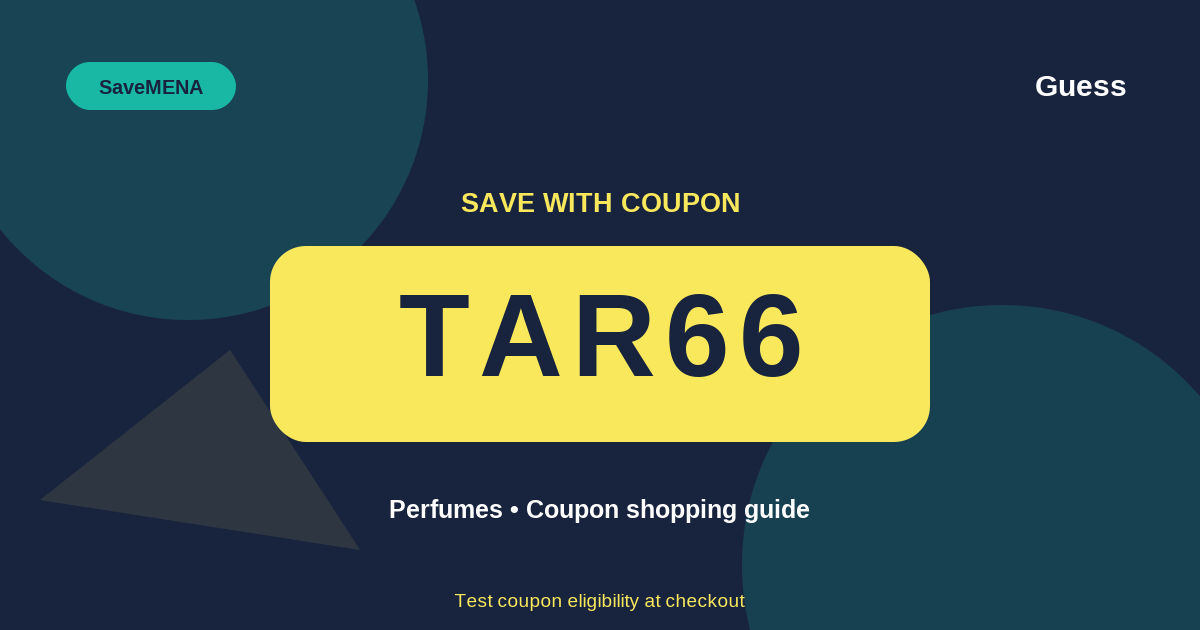
Codes available to try while comparing
These codes are not guaranteed for the article topic or listed brands; test them at checkout and use the live result.
Understanding the SaveMENA Checkout Process
On SaveMENA, the checkout page is the place where every promotion, weight, delivery fee, and courier choice combines into a final payable total. The interface typically presents the item details on the left, while the right-hand panel aggregates the subtotal, tax, and any active discount. Coupons are entered beneath the billing address area, and a green check‑mark appears only after the system verifies eligibility. This flow means that any mismatch—such as a missing item, wrong seller, or out‑of‑stock SKU—will erase the coupon’s effect before you press “Place Order.”
Thus, settling details before confirming the coupon is essential. You should scroll through the “Your Cart” section to verify that the perfume(s) intended for the guess account are listed, that the quantity matches your desire, and that the variant corresponds to the brand's current offering. Once those elements match, proceed to the coupon entry, as a single discrepancy can disqualify the offer and leave you with the full price.
Verifying Your Guess Account Status
Your Guess account is a reflection of your profile and shopping history within SaveMENA. It holds data such as loyalty points, saved payment methods, and preferences that sometimes influence coupon applicability. Log into the app or website, tap the profile icon, and ensure that your account is active, verified, and not marked with pending emails or payment issues. An inactive or unverified account can curb discount eligibility during checkout.
Also, confirm that your account is linked correctly to the Cognito or other user ID used during purchases. If you recently switched from a guest checkout or a different email address, the coupon context might not match the current profile, preventing the coupon from firing. Bloomberg?—the same principle applies: a mismatch in the user record can cause the same outcome.
Applying the TAR92 Coupon to Perfume Orders
Entering the code TAR92 is straightforward: locate the “Enter coupon” field in the checkout summary panel, type the letters and numbers in uppercase, and tap the “Apply” button. When the code is correct and eligible, a brief animation confirms the applied discount, and the total price updates immediately. This visual cue lets you recognize the coupon’s effect before proceeding with payment.
Double‑check that the discount appears beside the item subtotal, not only the order total. Some coupons apply at the cart level but still subtract from the category before shipping is added. If you see no change, it could mean the code is on hold, issued for a different category, or that the perfume’s Seller has restrictions. When that happens, cross‑reference the product page for any promo restrictions before contemplating the next step.
Common Reasons for Coupon Non‑Responsiveness
The main culprits behind a coupon that won’t work are category mismatch, expiration, and seller limitations. A code that functions for general products may not apply when the item is specifically marked as a fragrance from Guess, especially if Guess offers exclusive deals not covered by the coupon.
Second, the coupon could have expired or never had a digital version to begin with due to business changes by Noon or SaveMENA. Even identical codes can become inactive after a certain period, so if the system rejects TAR92, it may simply have reached its lifecycle. Always verify the code’s validity via the “Help” section or the official release announcement before troubleshooting further.
Step‑by‑Step Troubleshooting Checklist
Begin by refreshing the page or closing the app, clearing the cart, then re‑adding the perfume(s) and re‑entering TAR92. This treats any caching glitch that may be preventing the discount calculation. Confirm that the fragrance is indeed Guess-branded and check the delivered product’s title for any “Deluxe Edition” or “Limited Edition” tags, as coupons often exclude such variants.
If the discount still fails, navigate to the “Payments” area and attempt switching the payment method. Sometimes, certain payment avenues can prevent coupon action due to the `pre‑authorization` process. If you maintain this issue, other methods to test include removing the courier choice, clearing the wallet balance, and finally, confirming that the final payable amount reflects the subtotal before shipping.
Checking Order History for Coupon Application
Order history is a definitive source for whether a coupon was applied. Open the “Order History” view from your account menu, locate the most recent fragrance transaction, and click “View Details.” Within the breakdown, you should see a line item labeled “Coupon: TAR92” next to the perimeter price if it was successful.
Should the list omit the coupon entry, the discount was not validated by the system. This absence indicates a possible “failed transaction” or that the client-side was not successfully processed. Even if the final total appears correct but the coupon line is missing, it is still wise to reopen the cart, reapply, and then re-check the order details before finalizing, just to use the “SaveMENA” policy that requires proper documentation in the history.
Contacting SaveMENA Customer Support
If every self‑service step fails, reach out to SaveMENA help through the “Help Center” or live chat. Prepare to provide the exact order reference, the Guess perfume’s SKU, and the coupon code TAR92. Support agents will check system logs and confirm whether the code exists temporarily or is broadly invalid.
Use a concise description that mentions: (1) the product brand and category, (2) the coupon code attempted, and (3) the current total without discount. This clarity expedites the troubleshooting by revealing whether the Hold‑back is at the payment gateway, catalog, or user profile layer.
Alternative Ways to Save on Perfumes
In case the coupon remains stubborn, broaden your saving strategy. Many vendors list loyalty points tied to Guess perfumes, participating in a points‑cash conversion at checkout.A coupon is not guaranteed; verify its result at the retailer checkout.
Search for flash sales in the “Deals” section, where Guess fragrance boxes often feature time‑limited offers deserving of comparison. Keep your app notifications on to catch a second coupon release, or join a savings club on SaveMENA that may pass coded vouchers for a limited timeframe. All these methods work within the same account context, respecting your style preference while still reducing the final cost.
Related SaveMENA pages
Related articles
Official sources to check
Frequently asked questions
A coupon is not guaranteed; verify its result at the retailer checkout.
No. The code is only available to try. Eligibility can vary with the live account, basket, item, seller and campaign context, so checkout is the final reference.
Where should I confirm the coupon result?
Apply the code in the Noon basket and review the live message and final payable total before payment. Do not rely on an undocumented percentage or condition.
Can the result vary by product or seller?
Yes. Eligibility and offer context can vary with the current basket details, so compare the exact item, seller, variant and final total before purchasing.
What should I do if the code does not work?
Check the market, account, item, seller, basket and payment context, then try another code available to try without guessing an unsupported reason.