Skincare on Noon UAE: account eligibility — coupon troubleshooting · TAR53
Start by logging into your Noon UAE account to make sure you are on the same account that holds any loyalty or subscription benefits.
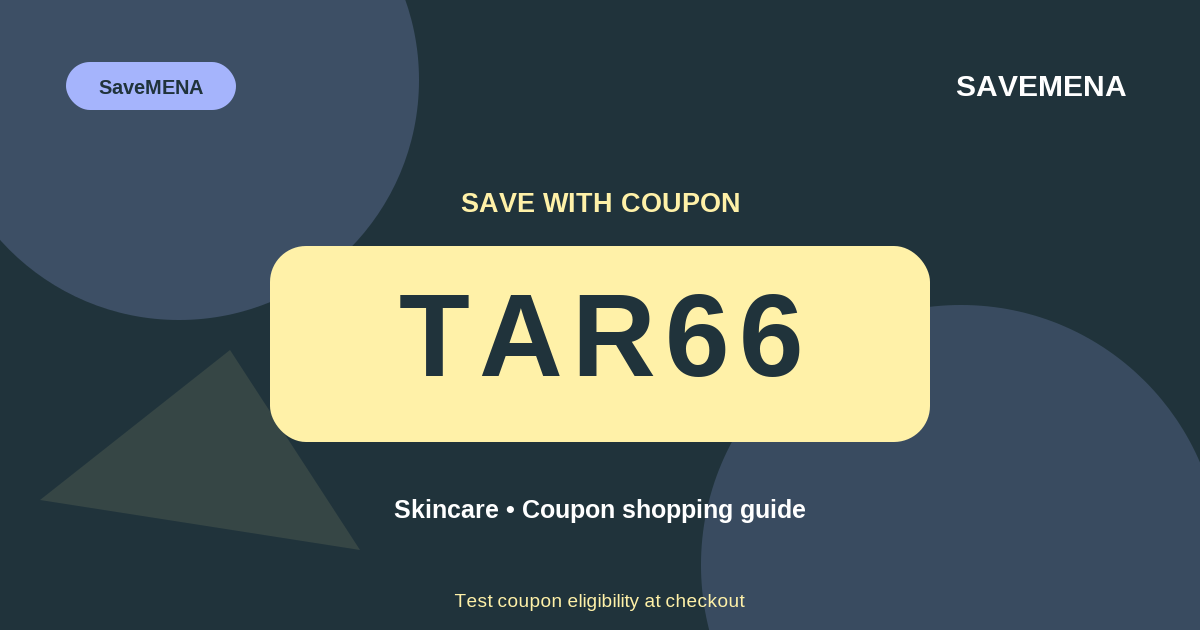
Codes available to try while comparing
These codes are not guaranteed for the article topic or listed brands; test them at checkout and use the live result.
1. Confirm Account Authentication and Status
Start by logging into your Noon UAE account to make sure you are on the same account that holds any loyalty or subscription benefits. Double‑check that the profile you’re using matches the one tied to your previous orders and any saved payment methods. If you’re logged in as a guest or under the wrong user, the platform may reject coupon usage that applies only to registered users.
Sometimes, background sessions can linger, especially when using multiple browsers or devices. Clear the cache or log out entirely then log back in to refresh the session token.A coupon is not guaranteed; verify its result at the retailer checkout.
2. Verify Coupon Code Entry
Ensure that you type “TAR53” exactly as shown—capital letters, no extra spaces, and no trailing or preceding characters. Many users encounter subtle errors such as replacing the letter “A” with the number “4” or trimming a trailing space that Noon’s validation rejects silently. Copy‑pastable codes are ideal, but if you’re typing manually, re‑type to eliminate inadvertent typos.
After entry, confirm that the code appears highlighted or confirmed in the coupon field before proceeding. Some users mistakenly proceed to the payment page before the coupon field registers the code, after which the discount will not apply and the interface may show no indicator of an error, leading to confusion.
3. Check Product Eligibility and Category Alignment
Although the coupon is offered in the Skincare category, the specific items you have selected still need to be part of the agreement. Noon’s policies sometimes restrict coupons to certain product groups or exclude high‑value items. Review each cart item to ensure there are no hidden exclusions—look for tags that note “Not eligible for promotion.”
If your cart contains a mix of skincare and non‑skincare items, the coupon may be rejected. Separate the eligible items into a new order or use the “Save for later” feature to move ineligible items out of the immediate basket; this clarifies eligibility for the platform to process the discount.
4. Confirm Cart Total and Minimum Spend Requirements
Even without a disclosed minimum spend, some coupons require a basic threshold that must be met to activate. Review the cart summary to verify that the total value meets any implicit requirement. If the subtotal is below the threshold, the system may silently fail to apply the discount and proceed to the next step without a clear notification.
In such cases, add a small, eligible product to boost the subtotal or split the order into two separate transactions, each meeting the threshold if that is permissible under the coupon’s terms.
5. Review Payment Method Restrictions
Platforms often tie certain coupons to specific payment methods (e.g., Noon Wallet, credit cards from partner banks). Inspect your selected payment option to ensure it aligns with any available restriction. If you’re using a new or third‑party card, try switching to a listed accepted payment to test whether the coupon applies then.
Should the coupon still fail, switch to an alternate payment method after adding a refundable “try” product to the cart—this isolates whether the method, rather than the code, is the obstacle.
6. Inspect Shipping Options and Delivery Fees
Selecting a high‑cost or expedited shipping tier can sometimes disable certain promos. Cross‑check the shipping option you’ve chosen and verify that its fee structure is compatible with coupon usage. If a “Free Delivery” incentive is in the cart, this may interfere unless explicitly stated as eligible.
Modifying the shipping preference to a standard tier can provide a clearer insight into whether the coupon is being nullified by delivery fee adjustments.
7. Test Coupon Application in a New Browser or Incognito Window
Cache or browser extensions might interfere with coupon recognition. Open a private or incognito window, log into your account, and attempt the entire purchase sequence anew. This isolates front‑end interference and ensures the code is processed in a clean environment.
If the coupon works in this fresh session, the issue lies in browser‑level cache or plugin settings. Clear cache, disable extensions, or switch to a different browser before attempting the transaction again.
8. Contact Noon Customer Support for Verification
If all technical steps fail, reach out to Noon UAE’s customer support through the app’s chat feature or call center. Provide them with a screenshot of your cart, the coupon code entry, and any error messages (or absence thereof). Highlight that the issue appears specific to your account context and affect the skincare category.
Support can confirm whether there are hidden restrictions, account flags, or system errors preventing the coupon application. They may also offer direct instructions on passporting the code to your account or scheduling a refund if a coupon was previously applied incorrectly.
Related SaveMENA pages
Related articles
Official sources to check
Frequently asked questions
What should I do if the coupon code appears to work but I still see the full price?
Check the checkout summary again to confirm that the discount icon or label is present beside the item subtotal. If the discount isn’t reflected, try clearing the cart and re‑adding items, ensuring the code enters before the final payment step.
Is it safe to use a different account to test the coupon?
Yes, logging into a different registered account can confirm if the issue is tied to your primary account. If the coupon works on the alternate account, contact Noon for account‑specific restrictions or consider creating a new profile if the merchant’s policy allows.
Can I apply the coupon after choosing my shipping method?
Depending on Noon’s platform logic, some coupons must be applied before finalizing shipping to activate. To avoid rejection, enter the code earlier in the checkout flow, then confirm shipping. If the platform prompts a re‑validation, it will update automatically.
Why does the coupon not work in a private browsing session?
A private session removes stored cookies and cached data, which sometimes leads Noon to reset session variables tied to discount eligibility. When the coupon fails here, it suggests a browser or extension conflict on your normal browsing setup.