Samsung Smart Watches on Noon UAE: account eligibility — coupon troubleshooting · TAR53
If the Noon UAE coupon isn’t working for you, the first move is to examine the account details that come into play when redeeming a code.
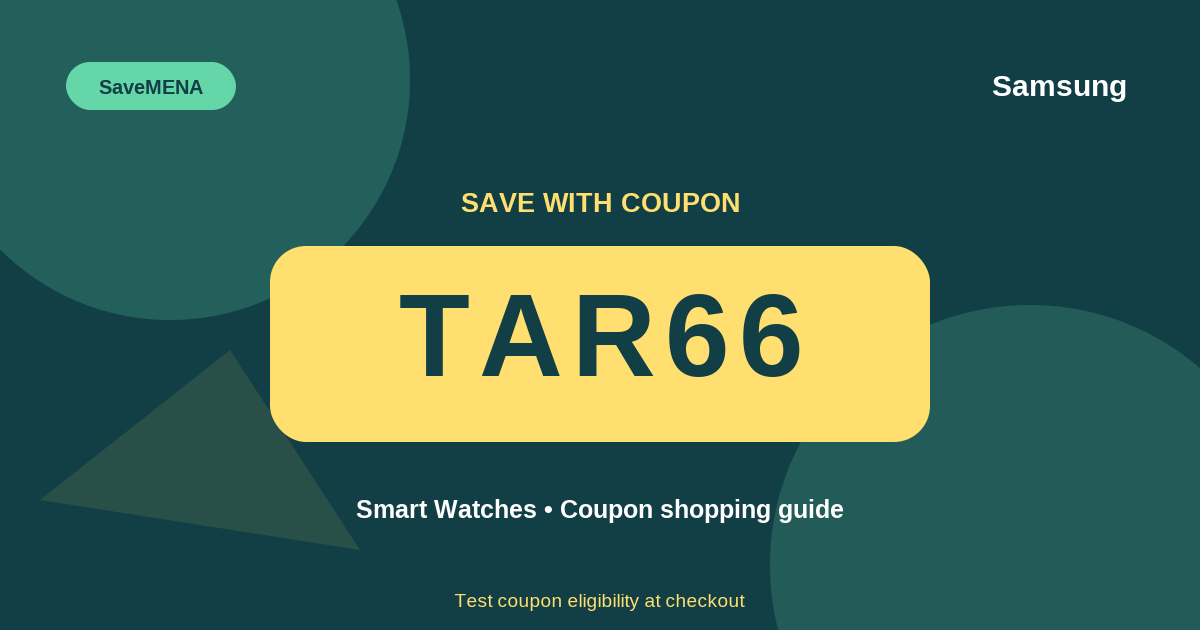
Codes available to try while comparing
These codes are not guaranteed for the article topic or listed brands; test them at checkout and use the live result.
Why the Noon UAE Coupon Might Not Work: Account Insights
Coupons on Noon are bound by a set of account rules that can quietly disable them. For instance, if your Noon account is linked to a corporate email or is flagged for business use, certain promotional codes may automatically become ineligible. Even activity logs showing repeated code attempts can trigger a temporary ban on that particular coupon. Understanding that your account’s profile—whether it’s a personal or a corporate setup—directly dictates eligibility is the first piece of the puzzle when the code refuses to accept.
Additionally, Noon’s policies favour users with a confirmed phone number and verified payment method. If your account lacks a verified contact, the platform may not activate discount logic even though the code appears valid within the interface. A quick audit of your account profile to confirm these details will often reveal why a seemingly straightforward coupon does not apply.
Understanding the Samsung Smart Watch Collection on Noon
When you zero in on Samsung Smart Watches, Noon offers models ranging from the classic Galaxy Watch lineup to the latest semi‑rugged variants. Each device may have its own vendor and shipping terms, which can influence promotional compatibility. Making sure you’re selecting a specific SKU—such as a 44‑mm Galaxy Watch active with a Samsung account—is essential, since blanket category discounts rarely extend across all variations.
Samsung’s watch ecosystem also relies on a subscription-compatible service, and Noon sometimes provides bundled offers for compatible devices. While the TAR53 coupon is general, checking if your chosen watch has any brand‑specific promotional ties beforehand can help match coupon expectations with the actual device purchase.
First Step: Verify Your Noon Account Settings
Log into Noon and navigate to the account settings section. There you should confirm that your email, phone number, and payment methods are verified and active. A missing or unverified phone number can trigger a “coupon not applicable” error, even when the code type is correct. If you see a notification flagging your account, update the relevant details promptly to eliminate verification-related roadblocks.
Check the “Account Type” field—personal versus business. Some coupons are limited to personal accounts, and a business designation will automatically limit eligibility. Should you identify a discrepancy, switching the account type or contacting Noon’s support to adjust your profile can often resolve the issue without abandoning your intended purchase.
Coupon Eligibility: Is TAR53 Compatible with Your Cart?
Before tossing the code into the checkout field, use Noon’s cart review. The cart screen will enumerate any hidden constraints: minimum spend thresholds or incompatible product categories. If the telephone or accessory items in your cart are not eligible for promotional discounts, the entire code can fail, regardless of other conditions. Checking the cart for eligibility flags is quick and will tell you if TAR53 can apply to your Samsung Smart Watch.
Also ensure that the cart does not contain items that require a Phased-Delivery or International Shipping policy, as codes sometimes don’t apply to shipments outside a given region. If your selections trigger any of those constraints, re‑arrange the cart to match the coupon’s permissible scope.
Checking Cart Totals Before Applying the Code
Neatly assess the sum of your cart—item price, optional accessories, and any existing tax or delivery fees. Noon shows a “Subtotal” line that reflects all pre‑application costs. Introducing a coupon lower the effective payable total only if the code is valid on that subtotal. If the subtotal is too low or the coupon does not factor in the tax, it may skip application. Pay specific attention to any conditional “Promo” bars that may appear after the code is entered.
This step also highlights whether the cart total aligns with any unadvertised minimum spend. If you’re hovering close to that threshold, small changes—like removing a related accessory or adding a different product—could push you past the limit necessary for the code to fire.
Refreshing the Browser or App: Technical Workarounds
Sometimes, a coding glitch in the browser cache or app can mask the real status of a coupon. Clearing the browser’s cache, or logging out and back into Noon, forces a fresh session that often clears lingering errors. If you’re using the mobile app, try uninstalling and reinstalling; this will reset local data that could be preventing discount logic from running.
Another useful technique involves using the incognito mode, which bypasses saved cookies that might carry stale transaction data. Once in a clean environment, you can input the TAR53 code again and observe whether the platform now reflects a discount or still presents an error message. A successful code entry after these steps indicates a session issue rather than a coupon limitation.
Alternative Redemption Paths: Using Promo in Checkout
If the code continues to stall on the cart page, proceed to the official checkout screen where the “Apply Promo” button is located. Noon often reserves certain coupon logic exclusively for the final checkout or re‑validates eligibility at that point. Entering TAR53 during this phase can circumvent earlier blockages. Some users notice that the discount flag only appears after selecting the payment method and confirming the shipping option.
Once located, watch the coupon field’s response: it may temporarily flash “Processing” before either approving or rejecting the code.A coupon is not guaranteed; verify its result at the retailer checkout. Keep in mind that certain coupon interactions will not reverse if you change shipping locations after the discount has been applied, so confirm your shipping address aligns with the coupon’s geographic scope before final confirmation.
When All Else Fails: Contact Noon Support
Having tried the standard account, cart, and checkout checks yet still seeing the “coupon not working” message, reach out to Noon’s customer support. Utilize the chat or email servers, referencing the TAR53 code and your purchase number. Be concise: mention that all prerequisites—verified phone, personal account, eligible cart, and fresh session—were already verified before the code seemed to fail. This helps the support team quickly zero in on whether the issue is systemic or isolated to your account.
Support typically offers a live troubleshooting session, which can uncover hidden constraints like a temporary coupon suspension or a limited‑time offer that has already lapsed. While Noon does not guarantee the coupon’s applicability, their agents can confirm the code’s current status and sometimes provide a manual discount. This interaction also allows you to see if an alternative promotional code could serve as a substitute for your purchase.
Related SaveMENA pages
Related articles
Official sources to check
Frequently asked questions
How can I verify if my Noon account is set up for personal use and not business?
On Noon, go to Your Account → Profile Information. The account type will be displayed there. If it reads "Business," change it to "Personal" through the settings or contact Noon support for help. A personal designation is often required for promo codes that are not business‑specific.
What steps should I follow if the coupon code is accepted but my total is unchanged?
Check that the cart’s subtotal meets any undeclared minimum spend, and confirm that the selected Samsung Smart Watch is eligible for the code. If all conditions are met yet the discount doesn’t apply, clear your browser cache or restart the app and retry the coupon at checkout.
Can I use the TAR53 coupon on a Samsung Smart Watch bought outside the UAE?
Coupon applicability usually hinges on the shipping destination being within the UAE. If you’re shipping internationally, the coupon might be invalidated. Verify the shipping country before applying the code, or contact Noon support to confirm cross‑country eligibility.
What if my Noon phone number is not verified during a checkout? Will the coupon still work?
Unverified phone numbers can trigger coupon ineligibility, even if the code precedes it. Make sure to verify your phone number in Account Settings; this often unlocks promotional discounts, including the TAR53 code, and ensures smoother transactions.