Tablets on Noon UAE: account eligibility — coupon troubleshooting · TAR92
If your Noon UAE coupon is not working when adding a tablet to your cart, here’s how to troubleshoot without guessing.
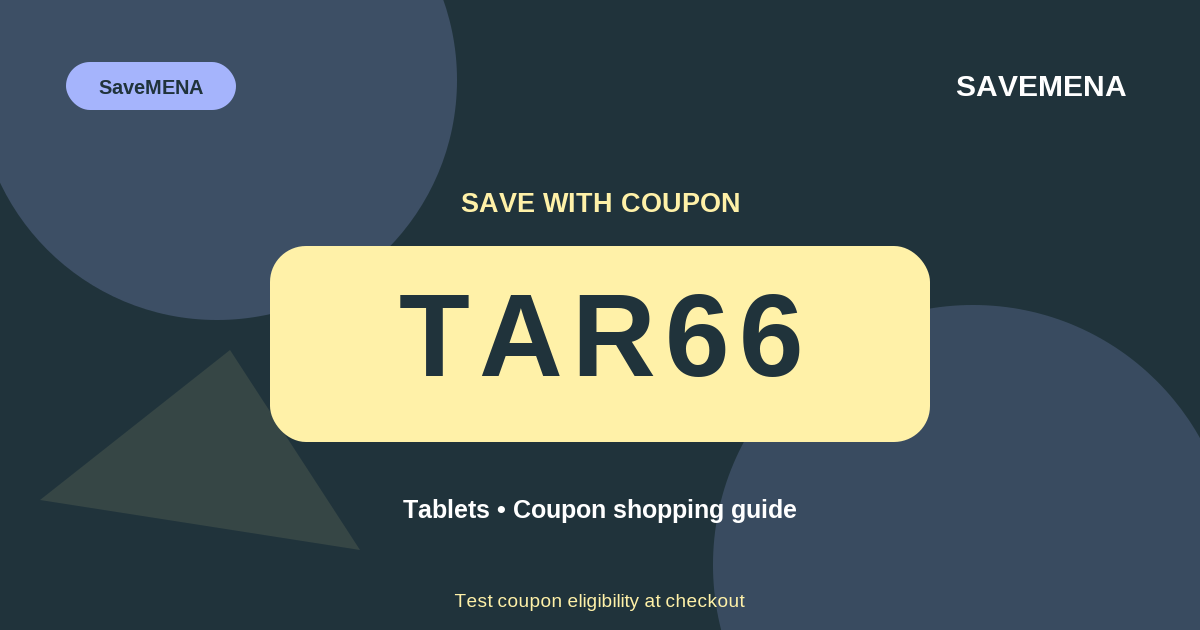
Codes available to try while comparing
These codes are not guaranteed for the article topic or listed brands; test them at checkout and use the live result.
1. Why the Noon UAE Coupon May Fail Under Your Account
Often, the script that prevents a code like TAR92 from applying starts with the shopper’s account state. Noon’s coupon engine checks whether the purchase is linked to a verified, active profile, especially when the discount requires a “logged‑in” status. If the account’s email address remains pending validation, or if the profile is flagged for incomplete details, the system will block coupon usage. These safeguards are meant to enforce legitimate transactions, but they can trigger the non‑applicable error even when the code itself is correct.
In the UAE, Noon sometimes restricts voucher eligibility based on regional delivery settings tied to the user profile. An account registered with a particular address can face restrictions that others do not. Ensuring your delivery address reflects your current country is essential for a smooth checkout. If on the wrong country page, the code may still be accepted in the shopping bag but will reject at the confirmation stage due to the account’s delivery country mismatch.
2. Verify Your Account Status and Settings
Begin by logging into Noon and navigating to your account settings. Confirm that your email address has been verified and that your mobile number, if used for OTPs, is correct. A missing or outdated phone number can trigger a “coupon not applicable” error, because Noon’s algorithm sometimes considers phone verification as part of the coupon eligibility process. Refreshing your profile and re‑entering accurate data restores the system’s confidence in your account.
Check for any automated restrictions, such as a “suspended for long‑term inactivity” flag or a “pending dispute” label. These often appear when you haven’t logged in for an extended period or have unresolved payment claims. Clearing such status by completing the necessary account actions or contacting Noon’s support can remove the invisible wall preventing the TAR92 code from showing as valid.
3. Confirm Tablet Eligibility Rules Within Your Account
Not every tablet listed on Noon automatically qualifies for every promotional code. Some deals are exclusive to particular seller sellers or require a minimum purchase. When your account enters a cart, Noon evaluates whether the specific tablet brand or model falls under the code’s scope. If your account has enrolled in a program like “Prime or My Noon,” the rules can change, sometimes awarding extra discounts but also applying stricter acceptance checks. Checking the terms for TAR92 yourself or viewing the code’s description in your account ensures you are not confronted with an eligibility mismatch.
Moreover, Noon treats certain tablets as “app‑only” items, meaning they can only be discounted via the Noon mobile app. This restriction is identified in the product description with a small mobile icon. Even if you attempt to apply the code on the web interface, the system will block the voucher. If you discover this limitation, using the app is your only avenue to activate the discount.
4. Input the Coupon Correctly: Format, Timing, and Context
A technical glitch can occur if you mistype the code. The TAR92 code must be entered without spaces, all uppercase, and without trailing punctuation. Pay attention to the input field’s placeholder suggestion; if you see “Enter offer code,” adding a double‑quote mark or a space before TAR92 will cause an immediate rejection. The checkout prompt usually checks for alphabetic integrity before even contacting the backend.
Timing matters too. If you add the coupon after you’ve selected a delivery date and time slot, Noon may re‑evaluate eligibility. In rare cases, the system will refresh the cart totals and add a “session expired” warning. Re‑inserting the code immediately after the sale or moving the cart to the “shopping bag” helps to maintain the session’s validity and improve the chances that Noon accepts it.
5. Inspect Cart Totals for Hidden Constraints
Even if the code appears to apply, the final “Apply” button may disappear because of minimum spend restrictions hidden behind the discount line. Noon ties delivery fees, item weight, or payment method to the total amount. When a tablet’s price is below the threshold required for TAR92, the engine will flag the order as incomplete and prompt you to add more items or choose a different payment. The only way to confirm is to check the cart summary just before you hit “Buy Now.” The “Total” number must satisfy any hidden criteria.
Another nuance: some sellers apply a bundle discount that overrides the voucher. If the chosen tablet is part of a supplier’s bundled offer, Noon may not allow an additional coupon to stack. In such situations, the cart will display a conflict message. Look for a note that says “voucher cannot be combined with seller’s discount” and adjust either the product selection or accept the seller’s offer alone.
6. Check Final Charges After Coupon Application
The moment a code like TAR92 registers, Noon recalculates the entire transaction: product price, VAT, delivery, and payment processing fees. If the the coupon code code is accepted, you should see a dent in the “Amount to Pay” section. However, if the system still labels the discount as “Not applicable,” examine the “Cart Details” line. A hidden rollback rule can revert the discount if other variables, like delivery availability for the chosen day, aren’t satisfied.
Always confirm that the payment method chosen is active and still linked to your account. Some credit cards expire or are blocked on the Noon platform; this can prevent the final order confirmation and inadvertently flag the coupon as invalid. Double‑checking your card status or switching to an alternative payer often clears card‑related obstacles while keeping the discount active.
7. When to Escalate: Contact Noon Customer Support
If, after verifying your account, cart, and coupon format, the code remains blocked, it’s time to bring Noon’s customer service into the loop. Use the in‑app chat or the website’s “Help” section to explain that the TAR92 code entered in the middle of a tablet purchase is not being accepted, citing the exact error message. Providing a screenshot is optional but speeds the response because the support team can cross‑check the order ID and session data.
Account‑related problems are common, so don’t hesitate to ask the representative to run a quick audit of your profile and cart history. They can identify if there’s a temporary system glitch, a dispute status, or a regional restriction that isn’t obvious from the shopper end. Most issues resolve within a few minutes of a direct conversation, saving you from waiting or risking a missed stock.
8. Alternative Ways to Activate the Coupon Deliberately
Should the web checkout refuse TAR92, consider shifting to the Noon mobile app. Many vouchers are coded in the app’s backend and will validate smoother due to a slightly different session handling. Using the app also allows you to skip certain web‑only restrictions. Download, log in with the same account, search for the same tablet, and apply the code in the app’s offer field.
Another adjustment is clearing your browser cookies or using an incognito window. This renews your session, often resetting any error states that linger because of cached data. After clearing, re‑add the tablet, log back into your account, and rerun the coupon. A fresh session can bypass hidden caches that trigger “not applicable” errors.
Related SaveMENA pages
Related articles
Official sources to check
Frequently asked questions
What should I do if TAR92 still shows as “not applicable” after all checks?
If the coupon appears valid in your cart but still rejects at checkout, it may be due to a seller‑level restriction or a pending account status. Reaching out to Noon support or switching to the mobile app often clears the issue.
Is there a minimum amount required to use TAR92 on tablets?
The exact minimum spend, if any, isn’t disclosed publicly. Check the cart totals before applying the code; if the order total is below the slider shown by Noon, the discount may not activate. No extra explanation is provided in the system.
Can I apply TAR92 to a tablet bundle or a different brand?
Only if the product specifically lists the discount in its description or if the seller’s terms allow it. If Noon lists it as an app‑only code or restricts it to certain brands, you’ll need to use a separate voucher or adjust the cart.
Will a family or shared account accept the same coupon?
Coupons tie to the individual account applying them. If multiple family members share the same account for purchases, only that master account’s status will determine acceptance. Individual users must log in separately to use the coupon.