Sony Gaming on Noon UAE: basket contents — coupon troubleshooting
Noon UAE coupon not working Gaming Sony basket composition: When a Noon UAE coupon like TAR66 will not apply to your Sony gaming basket, the solution is not
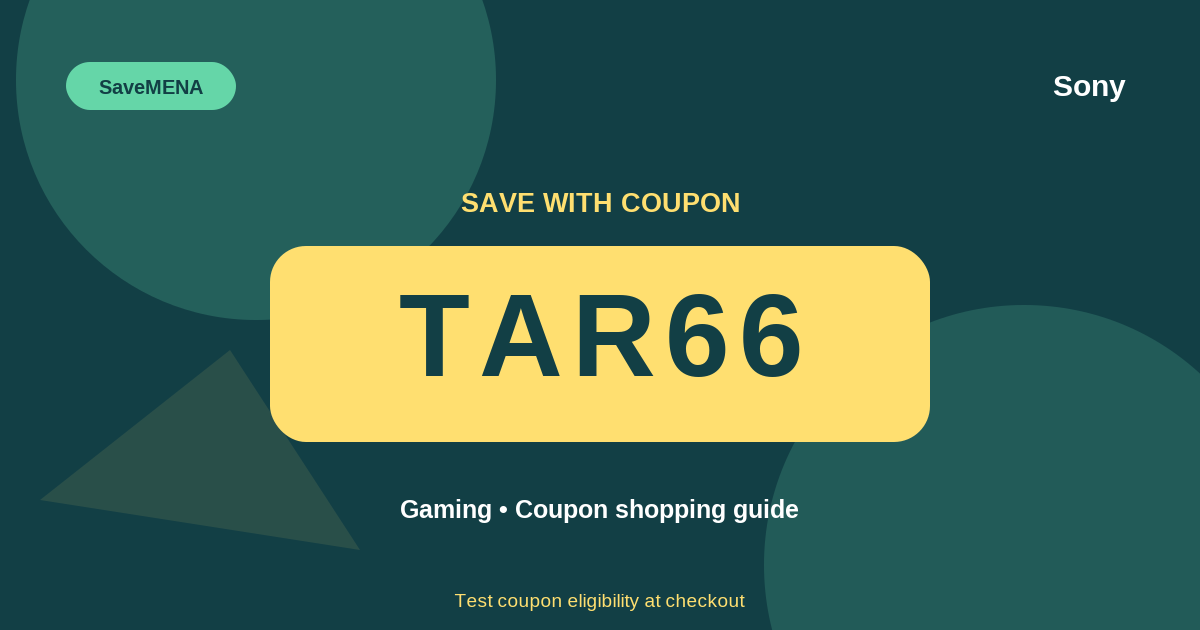
Codes available to try while comparing
These codes are not guaranteed for the article topic or listed brands; test them at checkout and use the live result.
1. Confirm the Coupon Code is Typed Correctly
Start with the most basic check: the code itself. A single misplaced letter or missing digit stops the discount at the very first character. Carefully copy or type “TAR66” into the coupon field on Noon’s checkout page, ensuring no leading or trailing spaces. Pay attention to case sensitivity, as some platforms treat codes as case‑sensitive even though visual differences rarely appear. When the code is entered properly, Noel’s system will immediately denote whether the coupon is recognized or rejected.
Next, observe the response message that follows code entry. If the platform says “Coupon applied successfully,” you can skip to the next step. If it indicates an error, note the wording. Terms like “Expired” or “Invalid” suggest the code may have conditions you haven’t met yet. If the message is “Not eligible,” it likely flags an incompatibility with your basket’s contents, steering discussion toward basket composition.
2. Examine Basket Items for Sony Branding and Category Alignment
Once the coupon appears active, verify that every Sony gaming product in the cart aligns with the intended category. Even if the coupon is not brand‑specific, some promotions only apply to items that meet certain criteria, such as “Gaming” or “Electronics.” Double‑check that each Sony item you added truly belongs to one of these accepted segments. Confusing a peripheral for a console, for example, could change the eligibility.
To further confirm, list each Sony item’s primary category and vendor source. If any product falls outside the recognized gaming category—say a Sony-branded apparel piece—the coupon may still flag it. Remove or adjust such items before reevaluating the discount. Making the basket homogeneous strengthens the coupon’s chance of applying.
3. Assess the Basket Total for Minimum Spend Thresholds
Coupons often require a minimum spend that is not obvious until the checkout window updates. On Noon’s cart page, look for a note stating how much you need to spend for the discount to activate. If your current Sony gaming basket hits or exceeds that threshold, the code remains in play. Understanding where your total falls relative to the requirement is essential because subtle pricing drops—like a small extra fee—can shift you below the needed sum.
Also inspect whether the minimum spend applies to the subtotal before taxes or after adding shipping fees. In the former case, your selective Sony items may be enough; in the latter, you might need to add more. Note that the code’s check may automatically adjust once you add a qualifying product, so a quick recalculation can reveal missing pieces.
4. Verify Noconflicting Discounts or Promotions
Coupon checks can be overridden by other active discounts, especially if the platform limits the number of simultaneous promotions. On the wrist, go to the “Applied Promotions” section of your cart and see if any other coupon or store credit is listed. If another discount is already active, the new one might be disabled or partially overridden. Remove the other coupon to see if TAR66 then becomes available.
Alternatively, some prices may already include a flash sale or bundled discount that prevents additional savings. In those cases, the system may refuse to stack further coupons. Identify any such overlapping promotions, decide which offers bring better value, and temporarily exclude the less advantageous ones before re‑attempting the coupon entry.
5. Check Payment Method Compatibility and Regional Restrictions
Coupons sometimes tie to specific payment methods or regional marketplace subsidies. When you proceed to the payment screen, look for notes that specify a preferred card type or local payment method. If you attempt to pay via a foreign card or a non‑UAE wallet, the coupon may show as invalid. Switching to a UAE‑based credit card or an official Noon wallet can resolve the issue.
Similarly, examine if the coupon’s terms mention country restrictions. Noon may run promotions valid only within the UAE or for specific local zip codes. Confirm that your shipping address matches one of the eligible regions; if not, you might need to adjust the address or pick a different store that meets the geographic criteria.
6. Review Tax, Shipping Fees, and Final Totals
Coupon eligibility sometimes hinges on the total after adding taxes and shipping. On Noon, enable the “View Full Summary” feature to see how each fee tallies. If shipping costs push your order beyond a threshold where the coupon is no longer valid, consider free‑shipping options or adjusting the quantity.
Use the real‑time total displayed after each adjustment to double‑check whether the coupon remains marked as “active.” An updated total that still flags the coupon indicates that the gift code itself is properly recognized, isolating any remaining issue to order specifics.
7. Perform a ‘Hard Refresh’ of the Cart and Browser
Occasionally, browser caching can cause the coupon indicator to lag behind your current cart. Clear your browser’s cache or open a private browsing window, then reload the Noon page and add your Sony items afresh. Re-enter TAR66 and watch for the prompt; a clean session eliminates stale data that might misrepresent coupon validity.
Repeat the final checkout steps to see if the coupon applies differently after the refresh. If it still fails, the problem likely resides with the coupon’s condition or your basket composition, not a browser glitch. Document any error messages that appear for later reference.
8. Contact Noon Support with a Detailed Request
When all internal checks confirm that your basket meets the expected criteria yet the coupon refuses to apply, gather the cart screenshot, the coupon code, and the error message. Call or email Noon customer support, explaining the steps you’ve taken, and ask for clarification on why the discount is blocked. A support agent can review your order context and confirm if the coupon is indeed active for your country, product, and price range.
While waiting for a response, keep an eye on the checkout confirmation page for any changes after re‑applying the coupon. If the discount still doesn’t show, consider exploring equivalent deals elsewhere, but your system‑based troubleshooting ensures you made every feasible attempt to claim TAR66.
Related SaveMENA pages
Related articles
Official sources to check
Frequently asked questions
What should I do if the coupon says “Expired” even though I know it’s new?
If you see “Expired,” double-check Noon's expiration notice near the coupon field. It could signify a typo or backend issue. Reach out to support with the code, or try the coupon after clearing your browser cache to rule out a session error.
Can I use multiple Sony games in my cart and still get the coupon applied?
Coupons typically apply to the entire cart, but the discount may only activate if the combined subtotal meets the coupon’s minimum spend. Ensure all Sony items are in the same category and that the total reflects the required threshold.
Will a different shipping address affect the coupon’s applicability?
Yes. Some coupons are restricted to specific regions or zip codes. Verify that your chosen delivery address falls within the area listed in Noon’s discount terms, or switch to an eligible address before reapplying the coupon.
Is the coupon limited to debit cards only?
Check the payment instructions on Noon’s checkout page. If a restriction appears, try a different card type or use the Noon wallet, which may bypass the limitation. Otherwise, contact support for guidance.