Apple Mobile Accessories on Noon UAE: basket contents — coupon troubleshooting
The first clue in troubleshooting a coupon error comes from the exact wording of the popup or message at checkout.
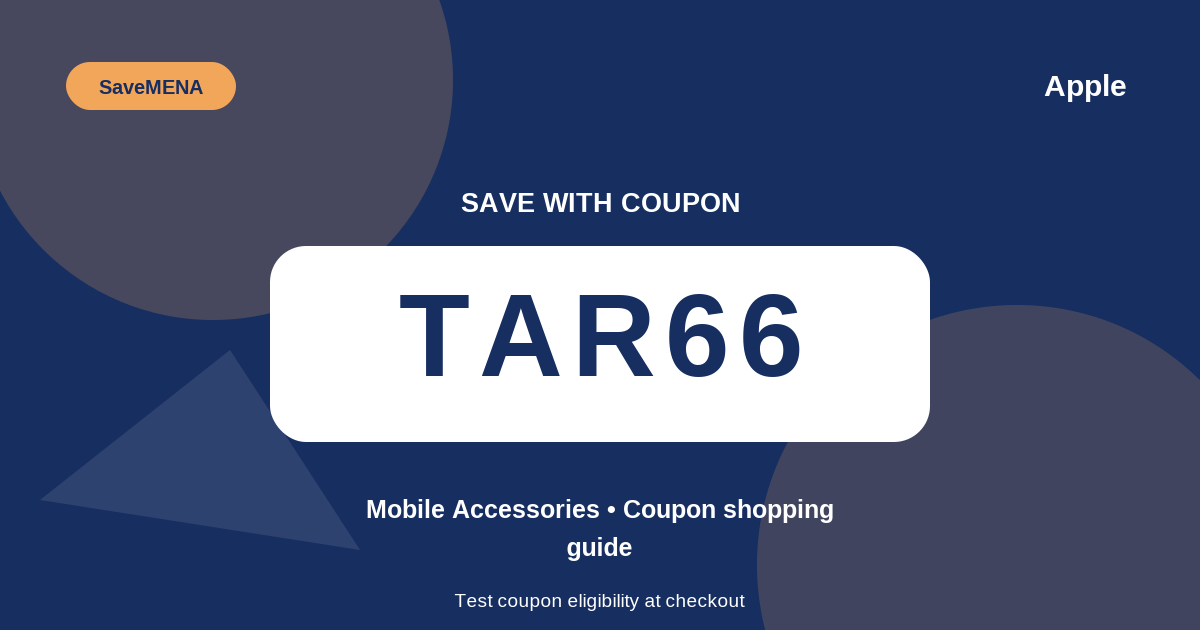
Codes available to try while comparing
These codes are not guaranteed for the article topic or listed brands; test them at checkout and use the live result.
Understanding the Problem: Why Your Coupon Might Not Activate
The first clue in troubleshooting a coupon error comes from the exact wording of the popup or message at checkout. “Coupon not accepted” can signal anything from a typo in the code, to a mismatch between the coupon’s hidden conditions and the items in your cart. Rather than guessing, the logical first step is to ask yourself: which rule might be blocking the code? Is it related to the product category, price threshold, or seller-based condition hidden behind the scenes?
In the UAE shopping environment, coupons are often tied to specific vendor listings or subscription services. If the code was added to a basket containing a mix of items from various merchants, the system may flag a conflict. The best practice is to remove any non-mandatory items—especially those from different sellers—before reapplying the coupon. This simple refresh of the basket composition can reveal whether the problem lies with the code itself or with the product lineup.
Confirming the Coupon Code: Tile TAR66 and Format Matters
Seeing a coupon entry field that accepts “TAR66” is only the first verification step. The code is case-sensitive and must be entered exactly as shown: three letters followed by two numbers. Typographic errors—such as substituting an ‘S’ for an ‘8’ or adding a trailing space—are frequent culprits of silent failures. Ensure each character is captured correctly before you press “apply.”
Even when the format is correct, the code’s status may still change over time. Erroneous activation could stem from regional restrictions; for instance, a coupon designed for the Saudi marketplace may not activate on the UAE platform. Additionally, some store‑specific conditions require the coupon to be entered before any cart modification happens. Double‑check that the code is applied at the right moment: right after adding the final item and before adjusting quantities.
Verifying Basket Composition: Item Eligibility and Seller Consistency
The basket composition—compilation of products, sellers, and variants—is the essential lens for coupon eligibility. Start by listing every item in your cart: note the brand, model, and seller name. If one of these items violates an unseen condition, the whole coupon can be invalidated. A typical scenario is adding an Apple accessory from a third‑party seller while the coupon conditions are reserved for Apple’s official store.
Next, examine the quantity levels. Some coupons are limited to a single piece per order, or they may restrict the total number of items to avoid bulk purchases. While the coupon’s alphabetic code does not reveal these quantitative limits, many e‑commerce platforms automatically flag the mismatch once the “apply” button is pressed. If you suspect this is the issue, try removing extra units or adding a single Apple‑specific accessory to see if the code activates.
Checking Cart Timing: Session Expiry and Page Refreshes
Online shopping systems often have a session timeout that can expire if your browser becomes idle. A coupon applied months ago may become orphaned when you return to the checkout page after a breather. In that case, the code will return a “not working” notice even though the items themselves remain in your cart. Refreshing the page or re‑logging can restore the session and re‑activate the code.
Another timing issue arises from page load errors. If the cart page fails to fully load all product details, the underlying logic that checks eligibility may skip some items, leading to a false negative. In such circumstances, clearing the cache, closing tabs, and re‑loading the cart can resolve the glitch. Always make sure the checkout screen displays all product images, prices, and seller logos before you proceed.
Reviewing Payment Method Constraints: Cards, Wallets, and Store Credits
During checkout, your chosen payment method can sometimes conflict with a coupon’s hidden rules. Some coupons only work with specific credit card issuers or with Noon’s digital wallet.A coupon is not guaranteed; verify its result at the retailer checkout. For example, using a prepaid card might trigger a limitation if the system associates it with a different spend tier.
If you’re experimenting with store credits or store‑specific loyalty points, it’s possible that the coupon is designed to be exclusive to cash‑based transactions. While you can’t see these constraints in the interface, you can test by temporarily disabling one payment option and seeing if the coupon applies. Switching payment methods early in the process might circumvent a hidden incompatibility.
Inspecting Store Policies: Non‑Stackable Discounts and Return Eligibility
Many coupons are not designed to stack with other promotional offers, free gifts, or return‑incentive programs. When you add an item to your cart that already qualifies for a different discount, the system may override the new coupon altogether. This is especially true for high‑margin products or limited‑edition accessories that require individual pricing.
Additionally, return eligibility policies can impact coupon activation. Certain items, such as fragile Apple accessories, may carry a stricter return policy that disqualifies them from coupon use. The checkout system will automatically block the code if any item in the cart belongs to that restricted category. Populate your basket with a single, neutral item, then attempt the coupon again to see if the issue persists.
Contacting Customer Support: When Self‑Help Falls Short
If after all logical checks the coupon still fails, reaching out to customer support is the next practical step. Provide them with a screenshot of the error message, the exact code “TAR66,” and a brief list of items in the cart. Emphasize the brand focus—Apple accessories—and specify the seller information. The support team can look up internal validation logs that are not visible to end users.
While this process may take a few minutes, peer‑to‑peer assistance often unearths hidden policy updates or regional restrictions that are not publicly advertised. They can also confirm whether the coupon is slated for discontinuation or if a redistribution is planned. Recording the outcome of this interaction helps you avoid repeating the same action next time.
Related SaveMENA pages
Related articles
Official sources to check
Frequently asked questions
What should I do if the coupon code is typed correctly but still not accepted?
Begin by clearing your cart of any items from different sellers, especially those not aligned with the Apple accessory line. Next, reload the page to refresh your session and re‑apply the coupon before changing any quantities or payment methods. If the issue remains, contact Noon support with the error details.
Can I use the same coupon for multiple Apple accessories in one order?
The system may limit the discount to a single eligible item per order or require that each item be from the exact same vendor. Verify each product’s seller before applying the coupon; if they differ, the code may revert to “not working.”
Does using a digital wallet affect coupon validity?
A digital wallet may activate or block a coupon depending on internal policies. Test by temporarily selecting a credit card or cash payment to see if the coupon applies. If the discount appears only with a specific payment method, that constraint is likely the cause.
Where can I find official rules for the TAR66 coupon?
Official coupon terms are hosted internally on Noon’s help portal. Until those terms are publicly listed, the safest approach is to test the coupon with a minimal basket and contact customer support if it repeatedly fails. Keep all notifications and screenshots for reference.