Gaming on Noon UAE: delivery fees — coupon troubleshooting · TAR62
Every coupon on Noon UAE, including TAR62, carries subtle conditions that determine its eligibility. The code may be tied to certain product categories, order
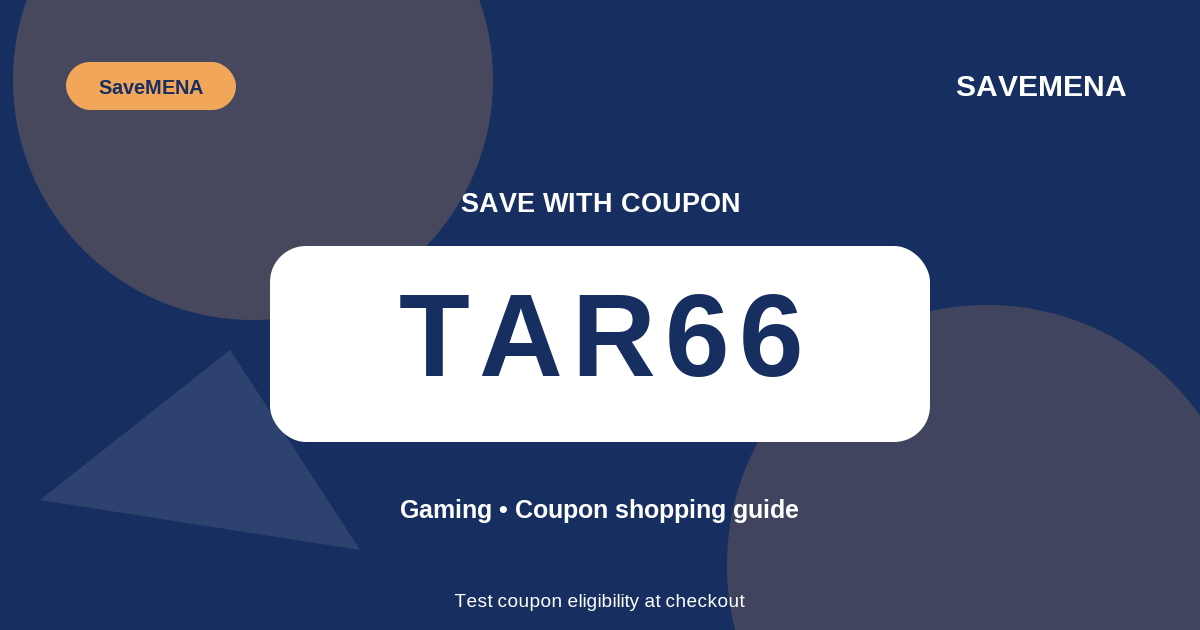
Codes available to try while comparing
These codes are not guaranteed for the article topic or listed brands; test them at checkout and use the live result.
The Anatomy of a Noon UAE Coupon
Every coupon on Noon UAE, including TAR62, carries subtle conditions that determine its eligibility. The code may be tied to certain product categories, order values, or specific sellers. Even a small mismatch—such as a different gaming headset brand or an alternate seller listing—can deactivate the discount. Before doing anything else, locate the coupon details in the promotions section of the Noon app. Note any restrictions like “app‑only” or “first‑time customer only.” While the copy may not mention dates or percentages, these hidden clauses shape the coupon’s behavior at checkout.
Even if the coupon appears to meet those visible rules, other logistics can derail it. Delivery fines or certain payment providers sometimes trigger a fallback to the full price. A quick scroll through the terms and conditions will surface clauses like “delivery charges are not included” or “certain payment methods exempt from discounts.” Understanding this internal logic is essential; it tells you whether the discount truly belongs on the cart or whether it simply gets dropped during the final calculation.
Common Causes for Coupon Failure
One of the most frequent reasons a coupon falls flat is a delivery fee that the system deems incompatible with the discount. Noon’s algorithm may subtract the coupon’s value from the order total but still charge a delivery fee that tries to push the final amount back into a threshold that disallows the discount. In such cases, the code appears to fail even though it was technically applied.
Another culprit is the payment method. Certain cards or wallets may not support discounts due to regional restrictions or processing rules. If your chosen payment instrument falls outside the allowable list, Noon’s system will override the coupon at checkout. Likewise, if your cart spans multiple sellers or includes items that have individual delivery charges, the aggregate may surpass a hidden minimum spend required for the coupon to activate.
Step‑by‑Step Troubleshooting Routine
Begin by reviewing the cart’s subtotal before any discounts. Note whether the items belong to the gaming category, as some coupons only work with specific types of hardware. Then, examine the calculated delivery fee separately. If the fee seems high, it could signal the inclusion of items from a seller that applies its own delivery requirements, which might conflict with the coupon.
Next, confirm the payment method selected. Switch to an alternative card or wallet if possible and check whether the coupon now applies. If the discount still won’t activate, try removing and re‑adding the same gaming items to refresh the cart state. Finally, delete the coupon code and re‑enter it precisely as shown—watch for extra spaces or case sensitivity that could corrupt the entry.
Checking Your Cart for Compatibility
Gaming products can come from a range of sellers, each imposing unique delivery policies. Ensure all items in your cart come from a single seller or from sellers that share the same delivery fee structure. A mix of sellers can trigger a separate calculation that negates the coupon’s application. If you spot a discrepancy, consider consolidating the items or choosing a different completion route that aligns with the coupon’s eligibility.
Also inspect whether any bundled deals or add‑ons inadvertently add a fee that isn’t accounted for in the discount. For example, extended warranty or accessory packs might carry a supplementary delivery that pushes the total cost beyond the coupon’s coverage range. Removing such add‑ons, or selecting a simpler bundle, often restores coupon functionality.
Making Sure Delivery Fees Are Covered
Delivery fees can be variable, often depending on distance or seller location. When a coupon like TAR62 is active, Noon may first reduce the product subtotal, then apply the delivery charge. If the resulting total still exceeds a threshold that flags the coupon as inapplicable, it will be dropped. Checking the calculated delivery fee before confirming the order allows you to anticipate this trigger.
To map the fee accurately, toggle the delivery option to “most economical” or “express” and see how the fee changes. Choosing a shipping method that aligns with the coupon’s acceptable fee range can keep the discount intact. Keep in mind, the final delivery fee recalculates at checkout, so mid‑process updates might still affect the outcome.
How to Review Payment Method Constraints
Certain payment solutions on Noon come with restrictions that can override coupon usage. Credit cards from specific banks, national wallets, or even some debit options may be flagged as incompatible due to merchant agreements. During checkout, the payment step will list acceptable methods, and any incompatible ones will trigger a warning that directly impacts discounts. Switching to a permissible payment instrument often resurrects a dormant coupon.
Beyond the method itself, consider how transaction amounts are processed. If your final payable total, after discount, falls below a minimum charge that some payment systems enforce, the system may refuse the coupon to avoid a “zero‑balance” scenario.A coupon is not guaranteed; verify its result at the retailer checkout.
Final Confirmation at Checkout
When all the pre‑checkout checks align, you should see the coupon’s effect reflected in the order summary. The subtotal will show the adjusted product cost, while the delivery fee registers separately. Any discrepancy between the displayed total and your expectation signals an underlying issue—likely a hidden fee or incompatible payment method.
In that moment, double‑click the coupon box, delete the code, then carefully re‑enter it to guarantee no hidden characters are slipped in. After re‑applying, observe the recalculated total. If the coupon still doesn’t appear to influence the sum, it’s prudent to reach out to Noon’s support for a manual resolution, as the glitch lies beyond consumer control.
When to Escalate the Issue to Noon Support
If you’ve navigated through all cart adjustments, delivery fee checks, and payment method updates without success, the next logical step is to invoke Noon’s assistance. Bring evidence of the coupon code, cart configuration, and the final amount displayed after each attempt. This information helps the support team replicate and diagnose the problem accurately.
Provide a concise description of when the coupon fails and which specific parts of the process trigger the failure. Because Noon operates a centralized discount engine, the developer team can either confirm a known bug or implement a fix at the system level. Escalating at this juncture saves time and removes the frustration of constantly re‑testing the coupon.
Related SaveMENA pages
Related articles
Official sources to check
Frequently asked questions
Does Noon UAE allow the same coupon code on multiple items in the cart?
Yes, you can apply the code to any set of compatible items, but the coupon’s validity depends on the combined total meeting the internal conditions. If the final order value still falls outside those limits, the discount may not apply.
Will a coupon that doesn’t appear at checkout still reduce my final amount?
No, only when the coupon is reflected in the cart’s order summary does it prove that Noon’s discount engine recognizes it. If it’s absent, the discount won’t be factored into the final payable amount.
Can I combine Noon UAE coupons with other platform promotions?
Generally, coupons are designed to be used independently. Combining them with other promotions may lead to conflicts, causing one or both offers to be discarded during checkout.
What should I do if delivery fees keep blocking my coupon usage?
Try selecting a different shipping option that offers a lower fee. If the issue persists, contact Noon support with screenshots of the cart and fee breakdown; they can assess whether the delivery charge is the sole obstacle.