HP Office on Noon UAE: delivery fees — coupon troubleshooting · TAR78
If your Noon UAE coupon isn’t applying, here’s how to troubleshoot it step-by-step while keeping delivery fees in focus.
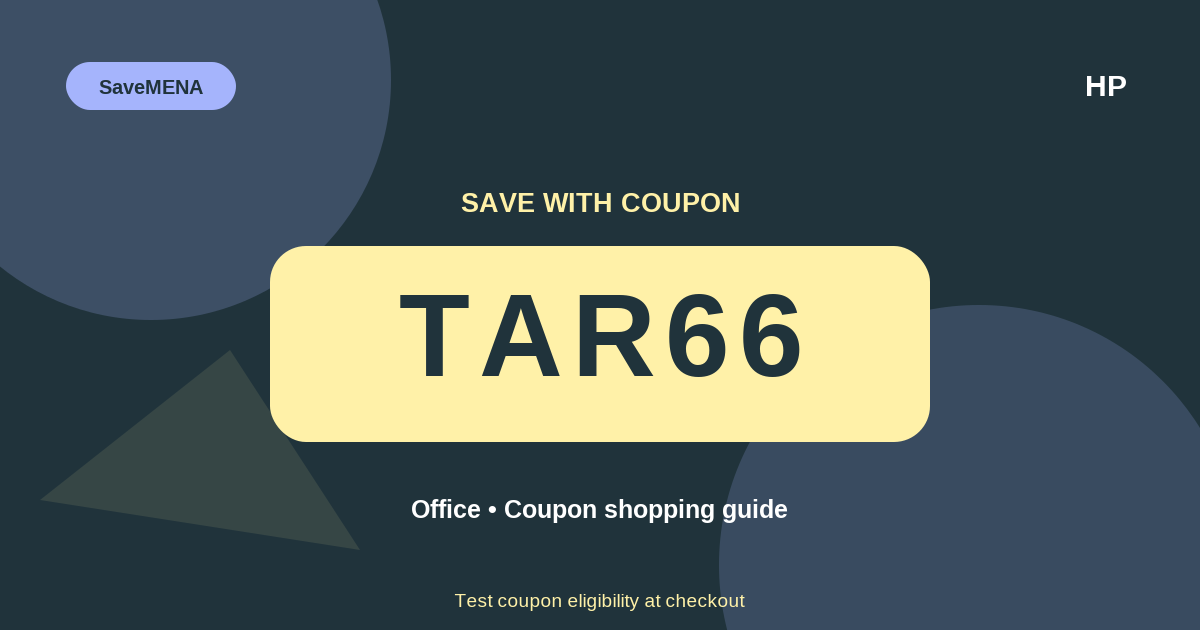
Codes available to try while comparing
These codes are not guaranteed for the article topic or listed brands; test them at checkout and use the live result.
Understanding Coupon Eligibility and Terms
Every coupon on Noon carries conditions that shape its applicability. While the platform never discloses a strict expiry or mandatory new‑user rule for the “TAR78” code, typical conditions include minimum spend or specific product categories. Before you even add items, review the coupon description that appears in your account settings. This helps you gauge whether the office hardware you want qualifies for the discount and whether it can be applied alongside certain shipping options that may affect the fee structure.
In the office category, quantity limits or seller restrictions sometimes prevent a coupon from being applied. If the “TAR78” code lists “selected sellers only,” you’ll need to confirm that your chosen HP outlet is included. Double‑checking these constraints early in the process prevents surprise failures once you reach checkout, letting you adjust your cart and shipping choice to fit the coupon’s full benefit.
Verifying Cart Total Before Applying the Coupon
Coupons often trigger once the cart’s subtotal reaches a threshold. For office equipment, the required minimum can vary from a modest amount to an order that supports free delivery. Ensure your cart total—before any delivery fee—is above this threshold. If you’re only adding a single HP monitor, the base price may fall short. In such cases, either add a complimentary accessory or adjust the delivery option to increase the subtotal, keeping in mind that delivery charges may also impact the overall cost.
Also remember that the coupon typically applies only to the product subtotal, not the shipping fee. If a delivery fee is added after coupon usage, the discount remains intact, but your final payable amount could still feel inflated. This nuance is critical: a fully discounted product can still carry a high delivery charge that diminishes perceived savings.
Confirming Product Availability and Seller Restrictions
Not all listings on Noon accept every coupon. Some HP office items are sold by partners who may not honor “TAR78.” When adding a laptop or printer, note the seller badge; if it indicates external partners, the coupon may be void. Look for seller tags such as “Authorized Dealer” or “Platform Seller” that typically support platform coupons.
Availability also influences coupon success. If an item is out of stock or limited in quantity, applying the code may fail because the product is temporarily unavailable. Ensure the item is in stock and not marked as “Coming Soon,” as such listings often ignore coupon codes until they’re in active stock.
Examining Delivery Options and Associated Fees
Delivery choices directly affect your checkout experience. Noon offers multiple shipping speeds, each with its own fee; more expensive options may prevent some coupons from applying if the coupon’s eligibility is limited to a specific fee tier. Verify that the selected delivery method matches the coupon’s allowable range.
When you select a standard delivery slot, check whether it adds a flat fee or a percentage of the subtotal. The “TAR78” code may not reduce this fee, so understand how it impacts the total amount you’ll pay. Some coupons simply filter out during a second checkout stage, once the platform calculates the final amount, including delivery.
Timing the Coupon Application During Checkout
The point in the checkout flow where you enter the code matters. On Noon, you generally apply the coupon before selecting delivery; applying it afterward often causes the platform to reject the code because the fee structure has already been finalized.
Scroll to the “Apply Coupon” field on the payment summary page, right before you confirm your payment method. If you’re being prompted to choose a delivery firm first, try adding the coupon earlier and then revisit the delivery section.A coupon is not guaranteed; verify its result at the retailer checkout.
Reapplying the Coupon After Adjusting Fees
Once you’ve verified that the card meets minimum spend and that the seller accepts coupons, re‑enter “TAR78” in the coupon field. The page should refresh and reflect any changes in the subtotal.
Sometimes the platform requires a manual refresh or a review of the cart after the coupon is applied. Click the “View Cart” button, then re‑apply the code if it disappears from the displayed amount. Save the refreshed total for comparison with the amount after selecting a different delivery option.
Using Noon Support for Technical Coupon Issues
If the coupon still fails after all checks, reach out to Noon customer service. Capture screenshots of the coupon field, the error message, and the delivery fee details before reaching out. This helps the support agent diagnose whether the problem is technical or a policy mismatch.
When contacting support, specify that you are ordering HP office equipment and mention the delivery fee you’ve chosen. The support representative can confirm whether the coupon is active for your cart or if delivery cost adjustments prevent its usage.
Related SaveMENA pages
Related articles
Official sources to check
Frequently asked questions
Question
Answer 35-55 words
Does the “TAR78” coupon cover delivery fees for office items?
No, the coupon typically applies only to the product subtotal. Delivery charges are added after coupon application and may not be reduced or exempted by the code.
What should I do if the coupon code is accepted but the discount is missing from the total?
Refresh the cart and re-enter the coupon before choosing a delivery option. Some sellers update the subtotal after delivery selection, which can invalidate the discount if applied too late.
Will a coupon still work if I change my delivery speed after applying it?
It depends on the platform’s policy. Some shops recalculate the total after a delivery change, which may alter or remove the coupon if the new fee violates eligibility thresholds.