Home Appliances on Noon UAE: delivery timing — coupon troubleshooting
Noon UAE coupon not working Home Appliances estimated delivery timing: If the Noon UAE coupon code isn't applying to your home appliance order, the frustration can
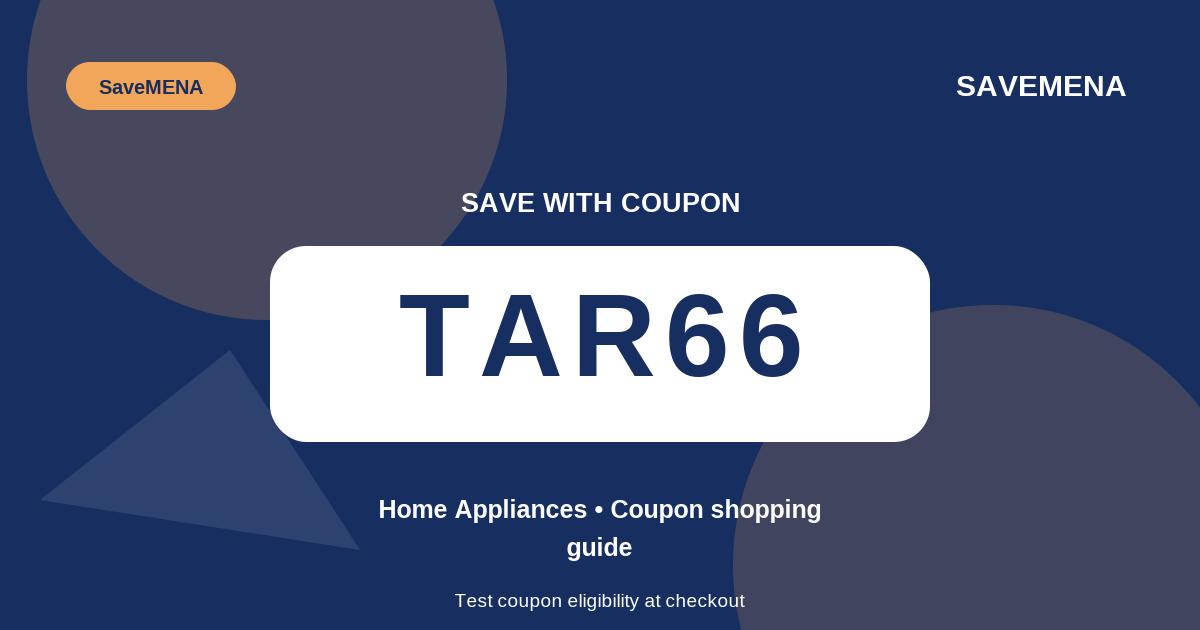
Codes available to try while comparing
These codes are not guaranteed for the article topic or listed brands; test them at checkout and use the live result.
Verify Basic Eligibility and Coupon Placement
Begin by verifying the coupon code entry field after you’ve added a home appliance to your cart. Enter TAR66 only after the item’s price sticks on the cart page; some systems recognise the coupon before the final subtotal appears. If the code is rejected immediately, double-check that the spelling is exact—no spaces or typos. This step ensures the code reaches Noon’s backend and is checked against the correct item.
Next, confirm that the selected appliance is listed under the coupon’s applicable category. Some coupons apply only to select models or bundles. In the cart, navigate to the product details and cross‑check that the brand and model aren’t excluded, as this will impact whether the discount is applied before delivery estimation is generated.
Review Cart Composition and Minimum Spend
Home appliance purchases often involve large values, and some coupons require a minimum spend to activate. Before you hit checkout, sum the total of all items in the cart, ensuring it meets any implicit threshold, even if the coupon description is silent on it. If the total falls short, Noon's system may quietly refuse the code without a clear prompt.
After inputting TAR66, watch the cart’s subtotal field for any discount indicator. If the number remains unchanged, revisit the cart to look for hidden fees or gift‑wrap options that might disqualify the coupon. A clean, uncomplicated cart is the best foundation for a discount that aligns with your delivery expectations.
Check Coupon Timing and Expiration
Coupons have validity windows that can be triggered by different dates: the issue date, the expiry date, or the day you add items to the cart. While Noon often highlights expiration dates on the coupon page, they may also appear when you attempt to apply the code. If the date is past, the code will have no effect regardless of your cart.
Check that the date you’re shopping aligns with Noon’s clock. Facebook or email notifications sometimes use your device’s local time, so a misalignment in timezone can create an appearance of expiration. Use Noon’s public calendar or the banner in the coupon section to confirm active status before you proceed.
Consider Delivery Fees and Payment Method Impact
Some coupons exclude additional charges such as delivery fees or express shipping. Verify whether a higher‑cost delivery option (for faster arrival) is selected, as this could override the discount. If you’re in a hurry for an appliance installation, a premium delivery lane may preclude TAR66 from applying.
Additionally, certain payment methods—like cash on delivery or using specific credit‑card nets—can be incompatible with coupon redemption. Scan the payment option list for any crossing “coupon not supported” icons or read the fine print on the checkout page. Selecting an alternate payment method may reinstate the coupon, thereby aligning your expected delivery time with the discount benefit.
Utilise App Versus Web Differences
Noon’s mobile app and desktop site sometimes treat coupons differently due to backend version disparities. If TAR66 refuses in the app, try the web version, or vice versa. The algorithm that validates coupons may have been updated on one platform but not yet on the other.
Clearing local cache or logging out and back in can also resolve transient code‑recognition issues. On mobile devices, ensure your app is updated to the latest version, as older builds sometimes permanently block newer voucher logic.
Contact Noon Customer Service for Persistent Issues
When the simple steps above don’t work, reaching Noon’s support team gives you the most direct answer. Call the in‑app chat or the provided phone number; providing the order ID and coupon code can expedite the review. Ask specifically whether TAR66 is still valid for the model you wish to purchase and whether the delivery channel affects it.
Support can also confirm whether any regional restrictions apply to your purchase, such as a temporary pause on coupons due to inventory shortages. A quick clarification often removes the barrier and allows you to re‑enter the code with no further delay to your expected drop‑off.
Track Estimated Delivery Timing After Coupon Confirmation
Once the coupon applies, Noon updates the estimated delivery window on the confirmation screen. Open the “My Orders” tab and review the “Estimated Delivery” field. Different home appliances may have varying handling times—some may be allocated to express lanes, others to standard.
Don’t assume the posted window is final; keep an eye on the order status updates. If the coupon triggered an automated switch to a slower shipping method (to accommodate the discount), you may notice a shift in the delivery estimate. Document any changes so you can inform installation teams or relocating partners accordingly.
Final Verification and Ready For Payment
Before finalising, look at the full order summary: confirm the subtotal, the exact discount amount reflected from TAR66, the delivery fee, and any taxes. The screen should display the final payable amount; this is the figure Noon will charge upon confirmation. A discrepancy implies the coupon hasn’t been accepted, indicating you need to troubleshoot further or consider a different promo.
Once the summary matches the expected figure, seal the transaction. If you’re still uncertain, copy the order confirmation into a note and revisit Noon’s customer service for a final check. Knowing your exact total and delivery estimation gives peace of mind, avoiding last‑minute surprises and delayed arrivals.
Related SaveMENA pages
Related articles
Official sources to check
Frequently asked questions
Why isn’t the Noon UAE coupon working on my home appliance order?
If the coupon disappears at entry, ensure the code is typed correctly, in the right place, and that the appliance falls under the coupon’s eligible category. Double‑check minimum spend, delivery options, and payment method restrictions before trying again.
Does TAR66 apply to all home appliances on Noon?
The coupon may be limited to certain models or price ranges. Verify the specific product’s eligibility in its details page or contact Noon support to confirm whether your appliance is covered.
Can the coupon affect delivery timing?
Yes, some discounts may trigger a change in shipping lane, especially if a cheaper delivery option is unlocked. Review the estimated delivery details after applying the coupon to see any shifts.
How do I find the estimated delivery time after checkout?
After placing the order, open the “My Orders” section. The “Estimated Delivery” field will list the earliest arrival window based on the selected shipping method and any coupon‑induced changes.