Puma Men’s Fashion on Noon UAE: shipping responsibility — coupon troubleshooting
Noon UAE coupon not working Men’s Fashion Puma fulfilment and shipping context: When a Noon UAE coupon doesn’t apply while shopping for men’s fashion, especially
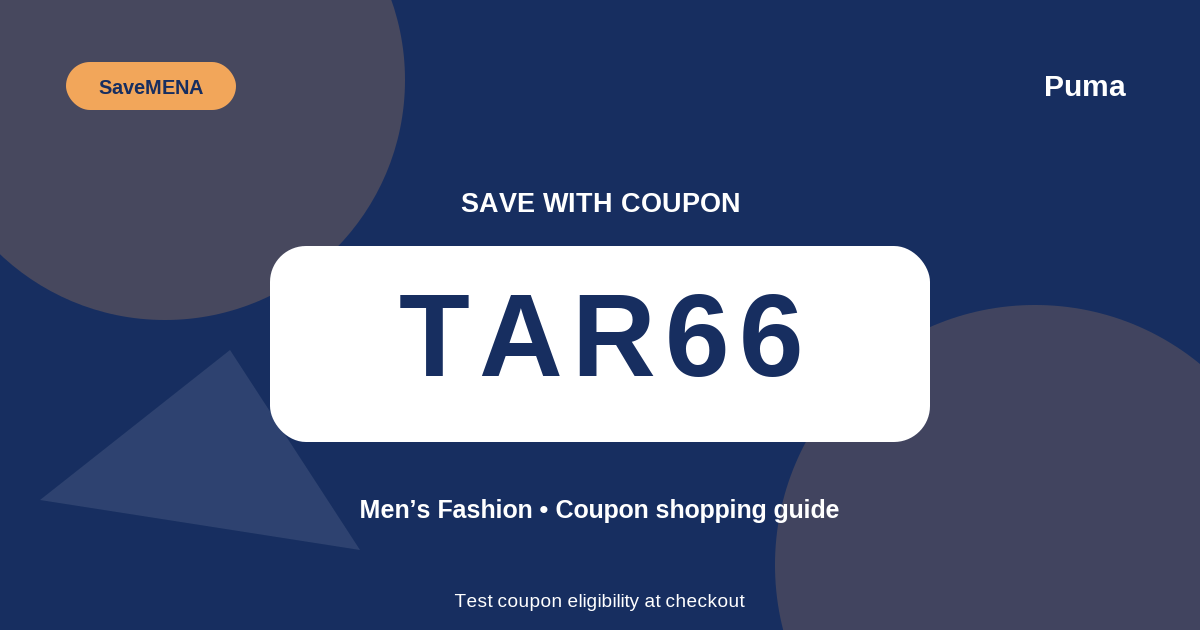
Codes available to try while comparing
These codes are not guaranteed for the article topic or listed brands; test them at checkout and use the live result.
1. Confirm Cart Items Match Shipping Address
To enable any coupon, Noon requires the items in your cart to be eligible for delivery to the chosen address. First, ensure that the shipping zip code you entered is correct and that the delivery location is covered by the seller’s shipping options. If a Puma item or any other men’s fashion apparel is marked as “not shippable to this location,” it will automatically nullify coupon applicability even if the code itself is valid.
Verify that all garments in the cart are intended for the same address. Mixed-address carts, such as adding a test order for a friend to a separate delivery slot, can trigger a cart mismatch error. In these cases, shop with a single shipping address to keep the cart consistent and open the path for the coupon to be evaluated.
2. Check Seller’s Fulfilment Method Preference
Many sellers on Noon offer multiple fulfilment methods, including Noon’s own fulfilment centers, third‑party logistics partners, or seller‑direct shipping. The TAR66 coupon may only apply to items that are fulfilling through a particular method, e.g., items processed via Noon’s fulfilment network. During the cart review, look for the “fulfilment” label next to each product; if it indicates a different provider, the coupon may be blocked.
Switch the fulfilment option if possible. If a Puma shirt is set to ship via a third‑party courier that the seller prefers, you might need to adjust your cart by removing that item or selecting an alternative seller that operates through Noon’s fulfilment. Adjusting the fulfilment choice often resolves coupon rejection caused by logistics mismatches.
3. Validate Minimum Order Value for Shipping Fees
Although the exact figure varies, sellers sometimes impose a minimum purchase threshold before waiving shipping fees or allowing coupons. If the cart value is below this threshold, the coupon may be ignored at checkout, not because the code is wrong but because shipping fees remain unapplied. Check the cart summary for a “shipping fee applies” notice and compare it to the minimum order requirement stated within the product description.
To test this, add an extra men’s fashion item or upgrade the quantity of a Puma item until the threshold appears crossed. This action helps confirm whether the coupon’s denial is due to shipping weight rather than the code itself. After reaching the threshold, reapply the TAR66 code to see if it now registers.
4. Examine Region‑Based Shipping Restrictions
Some sellers restrict delivery to certain emirates or remote areas. If your chosen address falls outside these regions, the item may be flagged as ineligible for standard shipping, which can also deactivate any coupon. Cross‑reference the seller’s shipping map or “available delivery areas” section on the product page to confirm coverage.
When a restriction exists, consider updating the address to one within the seller’s delivery radius or selecting an alternative seller who covers your region. Making sure your shipping address lies within the allowed zone restores the coupon’s chance to apply.
5. Refresh the Cart After Coupon Application
Once you input the TAR66 code, the system should instantly recalc the total. If the interface still shows the original price, a temporary glitch may have prevented the coupon from registering. Try clearing the applied coupon or adding a brief delay before re‑entering it to allow the front‑end scripts to refresh.
After entering the code, hit “Refresh” on the price table or simply remove an item and re‑add it. This often forces a full re‑calculation of eligible discounts and shipping fees, giving the coupon a clean slate to apply.
6. Clear Browser Cache and Cookies for Checkout
Old cookies can contain stale cart data leading to mismatches between coupon eligibility and the current cart state. Deleting storage data for Noon or using an incognito window ensures that the platform reads the latest cart contents and shipping configurations.
After clearing, start a fresh session: add the desired men’s fashion pieces, rebuild the cart, input the address, then apply TAR66. A clean session often bypasses the hidden conditions that previously blocked the coupon.
7. Verify Payment Method Compatibility
Some coupons might implicitly require a certain payment method, such as a local credit card or Noon wallet. Although the TAR66 coupon is not advertised as payment‑specific, mismatched payment options can sometimes interfere with checkout processing in subtle ways. Confirm that the chosen method is supported for your current cart.
If you suspect an issue, try switching to an alternate local card or Noon wallet, proceed to apply the coupon again, then continue to the final payment step. A successful coupon across a different payment path can confirm the problem was payment‑related.
8. Contact Seller Support for Direct Confirmation
When all systematic checks are complete and the coupon still fails, reaching out to the seller can clarify whether the TAR66 code is, at present, running an active promotion. Use the “Contact Seller” link on the product details page; politely ask if the coupon applies to the selected items and shipping setup.
Seller responses often include specific activation details—such as an additional promo code or a specific order value requirement—that internal platforms do not reveal automatically. Once you have that insight, revisit the checkout steps with the new information and re‑enter the coupon.
Related SaveMENA pages
Related articles
Official sources to check
Frequently asked questions
Why does the TAR66 coupon not apply even though it shows as “valid”?
The displayed validity might refer to the code itself being active, but shipping thresholds, fulfilment methods, or regional restrictions can still block its use. Re‑check shipping address, fulfilment type, and minimum order conditions before re‑applying.
Can I use the TAR66 coupon on any men’s fashion item from any seller?
Noy. The applicability of a coupon is defined by each seller’s promotion settings. Some sellers might restrict certain brands or specific items. Verify the coupon tag on the product page for confirmation.
What if my delivery address is outside the seller’s shipping zone?
In that case, the item may be excluded from the order, and any applicable coupon will not apply. Choose a seller that services your area or adjust your delivery address to a valid zone.
Do I need a Noon wallet to use the TAR66 coupon?
The code does not specify a payment requirement, but local cards or Noon wallet are the most common ways to complete purchase. Try an alternate payment method if the coupon fails when using your usual card.