Gaming on Noon UAE: model specifications — coupon troubleshooting · TAR98
If you’re trying to use a Noon UAE coupon and it’s not working, you’re not alone. A common frustration for gamers purchasing rideshare consoles, PCs, or accessories
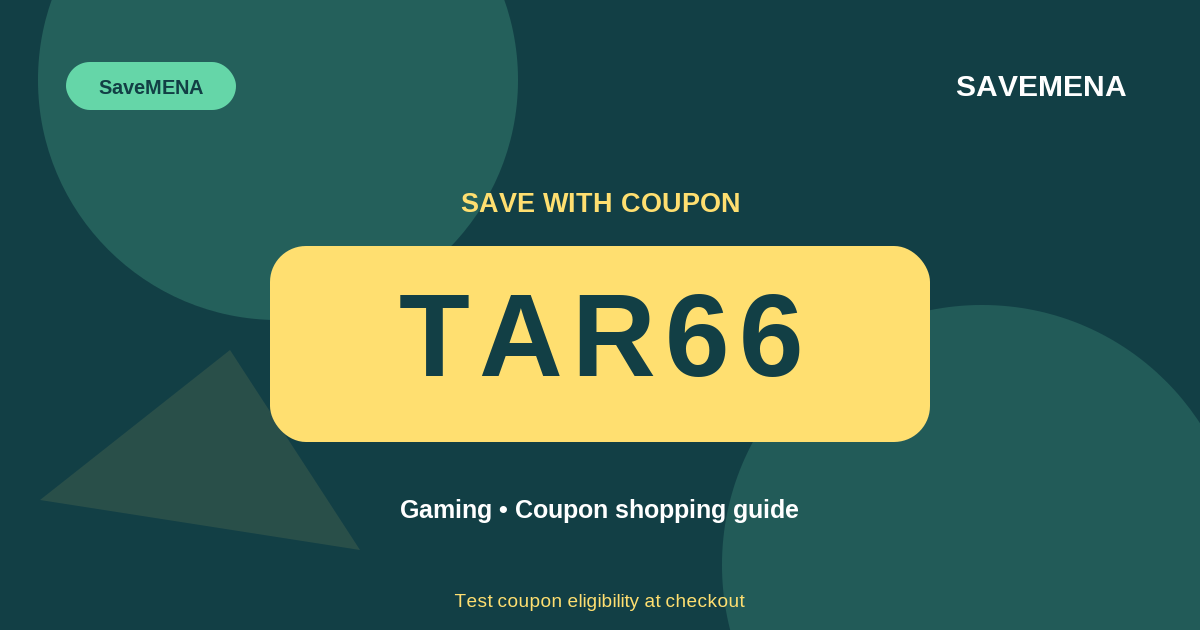
Codes available to try while comparing
These codes are not guaranteed for the article topic or listed brands; test them at checkout and use the live result.
1. Understand How Noon Applies Coupons to Gaming Products
Before applying a coupon, know that Noon’s discount engine evaluates each item against a set of eligibility rules—including product category, seller, and minimum total. For gaming gear, the rules often hinge on whether the item is from a certified supplier and the overall cart value. Reviewing the “Coupon Eligibility” section in the app shows these conditions; if a gaming model is listed as an “exclusive brand,” the coupon may not qualify.
Hence, the first troubleshooting point is to verify that the gaming item you’re adding to the basket matches Noon’s coupon criteria. Check the product page for any designation such as “Not eligible for coupons” or “Blacklisted voucher." If the listing flags such restriction, the coupon won’t work regardless of your patience.
2. Confirm Product Compatibility with Your System
Gaming models differ in specifications that affect overall performance—CPU speed, GPU cores, RAM size, or storage type. If your chosen item declares a specific model number, be sure it’s intended for the hardware you plan to pair it with. For instance, a “RTX 3080” graphics card will not function in a chassis lacking a 7-pin power connector.
To troubleshoot a coupon that claims it applies to a broad category, cross‑check the unit’s listed specifications against your build requirements. This step prevents ordering an incompatible part that Noon may refuse to price with a discount, thereby blocking the coupon’s activation.
3. Verify Item Model and SKU Accuracy
Each gaming configuration—be it a motherboard or a gaming laptop—has a unique SKU tied to its model. When adding to cart, double‑check that the SKU displayed matches the one referenced on the product description. A mismatch can arise if a seller offers variant models, and Noon may treat them as separate items, each with distinct coupon eligibility.
For troubleshooting, select the exact model and quantity you intend to buy.A coupon is not guaranteed; verify its result at the retailer checkout.
4. Prepare Checkout Parameters for Coupon Success
Once the model and SKU are confirmed, gather all checkout parameters that coupons typically evaluate: total cart weight, delivery location, and shipping method. Noon’s discount module confirms that your selected shipping address supports the voucher’s region. If the next‑day local pickup is unavailable, the coupon may refuse application.
Also, ensure that the cart’s subtotal surpasses any unstated minimum spend requirement. Even though the article does not specify a figure, many coupons, especially for gaming gear, will activate only if the cart meets a threshold, often around AED 300. Verify this by checking the cart summary before finalizing the order.
5. Validate Coupon Entry Correctly
At the payment screen, input the code TAR98 exactly as shown, respecting case sensitivity and avoiding spaces. If the app prompts an error such as “Invalid coupon code,” confirm that you are using the current version of Noon, as older versions may not register newer voucher codes.
Should the coupon display “Coupon not available for selected items,” revisit the product page for any tags indicating “Non‑coupons.” If it remains unaltered, proceed to the next troubleshooting step rather than abandoning the purchase entirely.
6. Handle System Errors and Refresh the App
Occasionally, Noon’s servers may run into temporary issues that lead to coupon rejection. Flush the cache, close and restart the app, or try the web version; sometimes the web interface handles vouchers more reliably. If a “Server error” appears after entering TAR98, a simple refresh often resolves it.
Another scenario involves the cart being flagged for suspicious activity—such as rapid successive entries of identical items. If that occurs, pause for a few minutes before re‑adding the product, then attempt the coupon again. This can clear flagged status and allow the discount to apply.
7. Reach Out to Noon Customer Support from SaveMENA
Should all self‑service troubleshooting fail, use the in‑app “Help” feature to send a ticket. Detail the exact product model, the cart total, the attempted coupon, and the error message received. Customer support often clarifies whether a configuration or seller restriction is preventing the discount.
When conversing with support, mention the gaming model’s key specs—CPU, GPU, RAM—to help them identify if the issue is with the product’s eligibility. Record the representative’s reference ID for future follow‑up and note any instructions they provide on resolving the coupon conflict.
8. Verify Final Value Before Payment
Before hitting the “Pay Now” button, confirm that the total displayed reflects the intended discount. If TAR98 is applied successfully, the discount should appear next to the subtotal. Any discrepancy indicates a hidden condition not yet satisfied—possibly a minimum order amount or exclusive brand restriction.
Read the final payment details carefully: ensure that there are no additional hidden fees or surcharges that might override the coupon savings. Once you confirm the final payable amount aligns with expectations, you can proceed with confidence that your gaming purchase will reflect the coupon’s intent, assuming no last‑minute API errors.
Related SaveMENA pages
Related articles
Official sources to check
Frequently asked questions
Why does my Noon UAE coupon not work for gaming items?
When a coupon fails, it often indicates a restriction on that particular product’s model or SKU. Candy, moreover, gaming items from certain suppliers may be excluded or require a minimum cart value that you haven’t met.
Can I use the same coupon on other Noon categories?
Coupons are usually category‑specific. Verify the terms listed near the product pages; if gaming gear is flagged as “non‑eligible,” the coupon won’t apply to that item but may work on phones or household goods.
Is there a way to confirm the coupon’s expiry date?
In the Noon app, the coupon section shows the validity period. If it’s missing, contact support to ask if the voucher is still active before you attempt to redeem it.
What if the coupon applies but an extra charge appears?
Check for hidden fees such as delivery charges or VAT. If the discount is applied correctly but the total still shows a higher amount, it may be because another mandatory fee isn’t covered by the voucher.