Nike Men’s Fashion on Noon UAE: model specifications — coupon troubleshooting · TAR84
This article guides UAE shoppers on how to troubleshoot a Noon UAE coupon that isn’t working for men’s fashion Nike models and specifications.
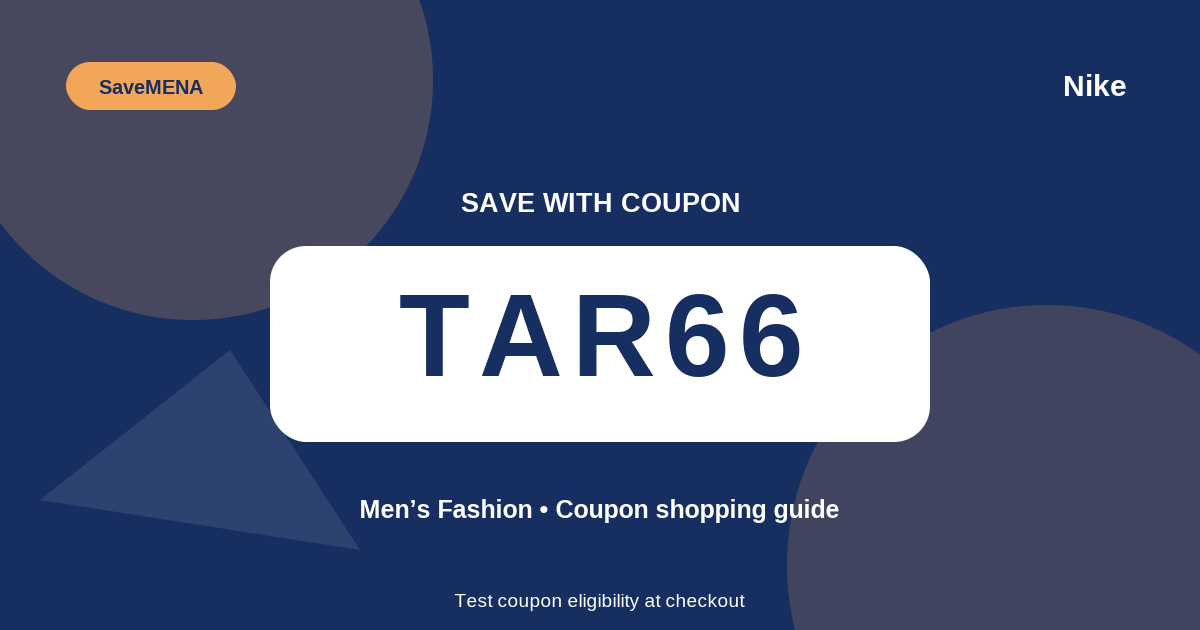
Codes available to try while comparing
These codes are not guaranteed for the article topic or listed brands; test them at checkout and use the live result.
1. Verify the Compatibility of Your Nike Model with the Coupon
Begin by opening the product page of the specific Nike item you intend to purchase. Pay close attention to the model number printed in the product description and on the tag. Match this number against any mention of model-specific restrictions that Noon may publish on the coupon’s landing page. If the page states “certain Nike releases only,” compare the numbers side‑by‑side; a misparsing of the model can cause the coupon to be rejected at checkout.
Remember, campaign rules are usually sensitive to the difference between, for example, “Nike Air Max 270” and “Nike Air Max 720.” A single typographical difference in the model name or a missing “Pro” designation could invalidate the coupon. Thus, keep a mental note or jot down the full model identifier before adding the item to your cart.
2. Check the Full Specification Set Before Adding to Cart
Once you’ve confirmed the model number, double‑check the specifications that could affect coupon eligibility: size, colorway, material, and special edition tags. Many coupons apply only to standard editions, not limited colorways or premium fabrics.A coupon is not guaranteed; verify its result at the retailer checkout.
Use the product’s “Full Spec” tab to view the technical details: construction type, sole material, cushioning technology, and any performance features. If the coupon’s conditions mention “standard leather,” and the item has “synthetic booties,” you might need to adjust your selection or look for an alternate model that fits the prescribed specs. Keeping these details in check pre‑emptively reduces the chance of the coupon being invalidated later.
3. Confirm Cart Composition and Order Totals
After adding the desired item to your cart, double‑check that no other product interferes with the coupon’s eligibility. Coupons that apply to a single product category may be invalidated by shoppers who add a different brand or product beyond the required quantity.A coupon is not guaranteed; verify its result at the retailer checkout.
Next, look at the cart’s subtotal: it should reflect the price of the Nike item alone or the weighted average if you have multiple items. Some coupons only activate when the subtotal hits a stated threshold; while the exact threshold is not known, you should verify the subtotal against any visible exit‑rewards or offers shown near the coupon input field.
4. Input the Coupon Code Correctly and Watch for Typos
Enter the code TAR84 into the coupon field exactly as displayed, using the same case and spacing. The Noon app and website are case‑sensitive for many voucher codes, so accidental lower‑case letters can trigger a “code invalid” error. Be sure to press the Apply button after you finish typing.
After applying, review the change in the cart total. The discount should appear either as a reduction line item or a note indicating “Coupon applied.” Verify that the discount line matches the product you added. If the cart fails to show the discount or reverts to the pre‑discount total, the code is likely blocked for that specific product or specification.
5. Inspect Payment Method Restrictions That May Block the Coupon
Some discounts only work with certain payment methods, such as credit cards, debit cards, or wallet balances. At checkout, note the payment options displayed immediately after coupon application. If the payment method dropdown is disabled or shows a warning, it might indicate incompatibility with the coupon.
Switch between available payment options—if you have multiple saved cards or wallet balances—and check if the coupon reappears. Though the exact rules are not disclosed, the pattern of the feature showing a "Payment method not eligible for this offer" message is a clear indicator that the chosen method is the cause of the error.
6. Review Account Status and Recent Order History
Even if the account appears legitimate, recent orders sometimes trigger temporary restrictions on promotional codes. Log into Noon’s app and look for any recent activity or flagged orders that might have used out‑of‑stock items. Check for any warning banners or notes about coupon usage limits.
Furthermore, confirm that your account is not flagged for a business profile or for an alternate region, as these settings can limit coupon availability. Refresh the account page after any changes and then attempt to re‑apply TAR84. If you still face the same issue, the problem is most likely tied to the coupon’s validity for the specific Nike model or its specifications.
7. Contact Noon Support with Detailed Model Information
If all previous steps fail, reach out to Noon customer service. Be ready with the exact Nike model number, any spec details, and the URL of the product page. Provide a screenshot of the cart showing the attempted coupon application.
Explain the step‑by‑step error you’re encountering: the coupon code did not apply, and you received an error message indicating the coupon is invalid for this product. By supplying the model and specification details, the support team can quickly determine whether the coupon has been discontinued for this item or if there is a system hiccup on their end.
8. Experiment With Alternate Nike Models and Variant Checks
Occasionally, the issue is not with the coupon but with a specific colorway, size variant, or a discontinued version of the Nike model. Try adding a different variant—such as a new color or a standard retail size—in the same product line to see whether the coupon still fails.
If the coupon is accepted with another variant, the original item or its specific specifications were likely the cause. Document the variant that works, and consider selecting that one for your purchase. If all variants fail, the coupon is probably no longer valid for that Nike model line, and you should look for an alternative discount or promotion.
Related SaveMENA pages
Related articles
Official sources to check
Frequently asked questions
A coupon is not guaranteed; verify its result at the retailer checkout.
No. The code is only available to try. Eligibility can vary with the live account, basket, item, seller and campaign context, so checkout is the final reference.
Where should I confirm the coupon result?
Apply the code in the Noon basket and review the live message and final payable total before payment. Do not rely on an undocumented percentage or condition.
Can the result vary by product or seller?
Yes. Eligibility and offer context can vary with the current basket details, so compare the exact item, seller, variant and final total before purchasing.
What should I do if the code does not work?
Check the market, account, item, seller, basket and payment context, then try another code available to try without guessing an unsupported reason.