Mobile Accessories on Noon UAE: model specifications — coupon troubleshooting · TAR84
Mobile accessories come in a wide range of models, and many are tailored to specific phone series. A common cause of coupon failure is that the accessory’s model
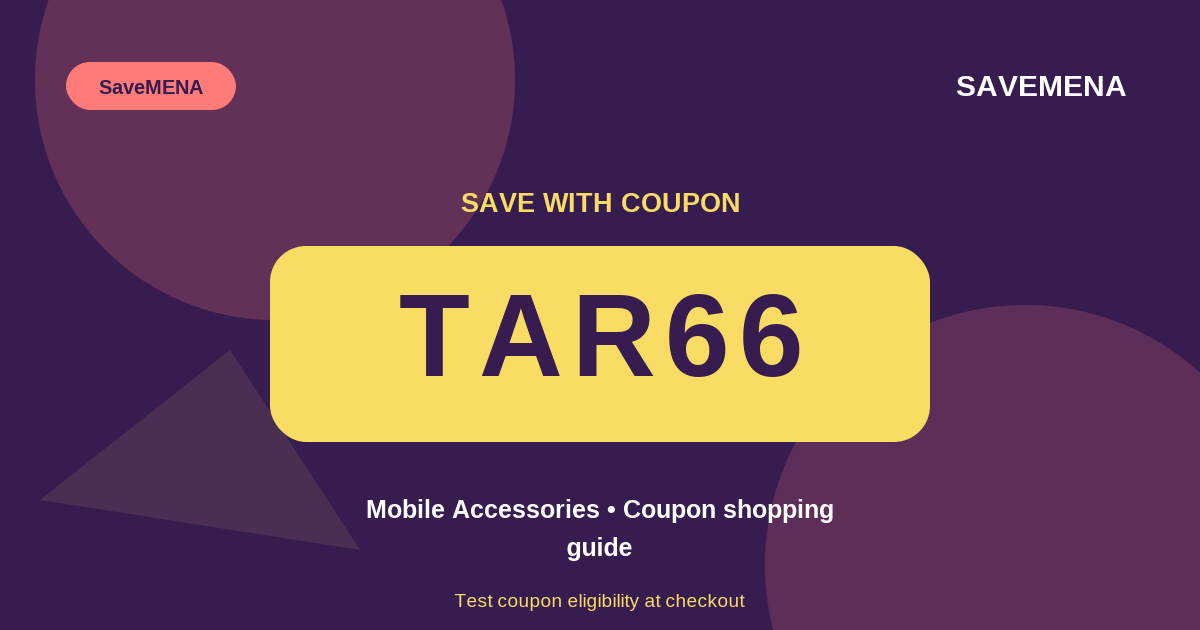
Codes available to try while comparing
These codes are not guaranteed for the article topic or listed brands; test them at checkout and use the live result.
Verify Model Compatibility
Mobile accessories come in a wide range of models, and many are tailored to specific phone series. A common cause of coupon failure is that the accessory’s model number does not match the device you intend to use it with. At the product listing, look for the “Compatible Models” field and cross‑reference it with your phone’s exact model code. Missing or mismatched specifications mean the accessory will not work, and consequently the coupon may be blocked to avoid unused or misapplied offers.
For example, if you are purchasing a charging cable and its packaging lists only “Galaxy S24” compatibility, but you have an iPhone 15, the coupon will not apply because the model specification mismatch triggers a restriction. Always double‑check the specific model id, not just the brand, to ensure your accessory is a genuine fit for your device.
Check for Restrictions in Product Details
Each mobile accessory’s details page usually lists “Restrictions” or “Quick Notes” that highlight special purchase conditions. These can include limits on the number of units per customer or specific seller restrictions. If a restriction states that the item is “For approved sellers only,” then a coupon code like TAR84 may be blocked if the seller does not qualify. Look for such phrases in the product description; they are often the reason the coupon fails.
Even if the product notes no explicit restriction, the seller’s rating or business status can influence coupon eligibility. Noon’s algorithm may filter out certain sellers when applying discount codes to protect against fraudulent or low‑quality listings. If your chosen seller has a lower star rating or is a new seller, this could trigger a coupon failure even though the accessory itself is compatible with your phone.
Confirm Seller and Product Availability
Coupons may also be limited to items sold by Noon’s own marketplace rather than third‑party sellers. If you are buying from a store that uses the same address as Noon but qualifies as a third‑party seller, the code may not apply. Checking the seller name at checkout, ensuring it matches the official Noon store name, can help you see whether this is the issue.
Product availability plays a role too. If the accessory is in low stock or pending restock, the coupon may temporarily be disabled. The cart will show “Limited Stock” status or “Restock Notification.” In such situations, the coupon “not working” message simply reflects the platform’s precautionary measures against code misuse for scarce items.
Examine Technical Specifications
Beyond the phone model, technical specifications such as power output, input voltage, or cable length can affect coupon eligibility. If the accessory specifies “5V/2A” while your device requires “9V/3A,” Noon may block the coupon to avoid mismatch promises. Skimming the tech specs on the product page and confirming they align with your phone’s needs is essential before relying on a discount.
Moreover, certain special features (wireless charging, USB‑C, fast‑charge compatibility) can be prerequisites for coupon use. The coupon may be valid only for accessories that support a particular specification. Reading the “Features” or “Specifications” table will let you confirm that the product meets the expected technical criteria that the coupon assumes.
How to Apply the Coupon Code
Once you’ve verified model compatibility, seller status, restrictions, and technical specs, you’re ready to apply TAR84. Navigate to your cart, locate the “Enter a coupon code” field, and input the code exactly as shown, without extra spaces or characters. The platform will immediately display whether the coupon is accepted, and a confirmation tick will appear beside the field. If it is rejected, the cart will give a brief reason, which often points back to the eligibility check.
It’s beneficial to apply the coupon before adding accessories to the cart if you’re dealing with multiple items. Some coupons apply only to the first item or are limited to a single product. By applying the coupon early, you’ll see how it reduces the subtotal and confirm that it is indeed being considered for your specific accessory.
Common Errors and Fixes
In addition to compatibility and restrictions, technical glitches can prevent a coupon from applying. Clear your browser’s cache or try a different device to rule out a browser‑specific caching problem. Logging in to your Noon account can also force a fresh eligibility check, as some deals are tied to account status or user profile settings.
Similarly, check that you are logged into the same account you use for purchases. Coupons tied to a specific account may not work if you try to apply them from a guest checkout or another user profile. If the issue persists, contacting Noon customer support can provide a quick audit of your account’s coupon eligibility.
Final Checkout Confirmation and What to Expect
At the checkout screen, after the coupon has been accepted, you should see the adjusted subtotal. This is the definitive confirmation that the coupon is valid for that accessory. If the disposable changes are missing or “not applied,” revisit earlier sections to ensure all conditions are still satisfied. The final payable total, visible just before payment, finalizes whether the coupon was applied.
If a coupon shows as “not applicable” even after verifying all checks, consider removing the product from the cart and re‑adding it, or reach out to Noon support. Sometimes a quick re‑application or a new browser session can resolve unseen glitches. Until the final total reflects the discount, the coupon is effectively not working, and either the coupon or the accessory is at fault.
Related SaveMENA pages
Related articles
Official sources to check
Frequently asked questions
What does it mean if TAR84 shows “not applying” to my accessory?
The code may be blocked because the accessory’s model or specifications don’t match the coupon’s eligibility criteria, or the seller doesn’t qualify. Double‑check model compatibility, seller name, and any restrictions before retrying.
Can I use TAR84 if I buy multiple accessories?
Coupons may have limitations, such as applying to a single item or a specific category. Verify in the cart if the discount is visible after adding all accessories. If still not applied, contact Noon for clarification.
Is there a a minimum-spend condition, if the retailer shows one?
Any minimum spend requirement would be communicated in the cart or product description. If you see no such details but the coupon refuses to apply, review compatibility and restrictions, as they may be the real barrier.
Will using a different browser help if the coupon fails?
Yes, clearing cache or switching browsers can resolve caching issues that may block the code.A coupon is not guaranteed; verify its result at the retailer checkout.