Calvin Klein Perfumes on Noon UAE: model specifications — coupon troubleshooting
Noon UAE coupon not working Perfumes Calvin Klein model and specifications: The first step to resolving a Noon UAE coupon not working situation for Calvin Klein
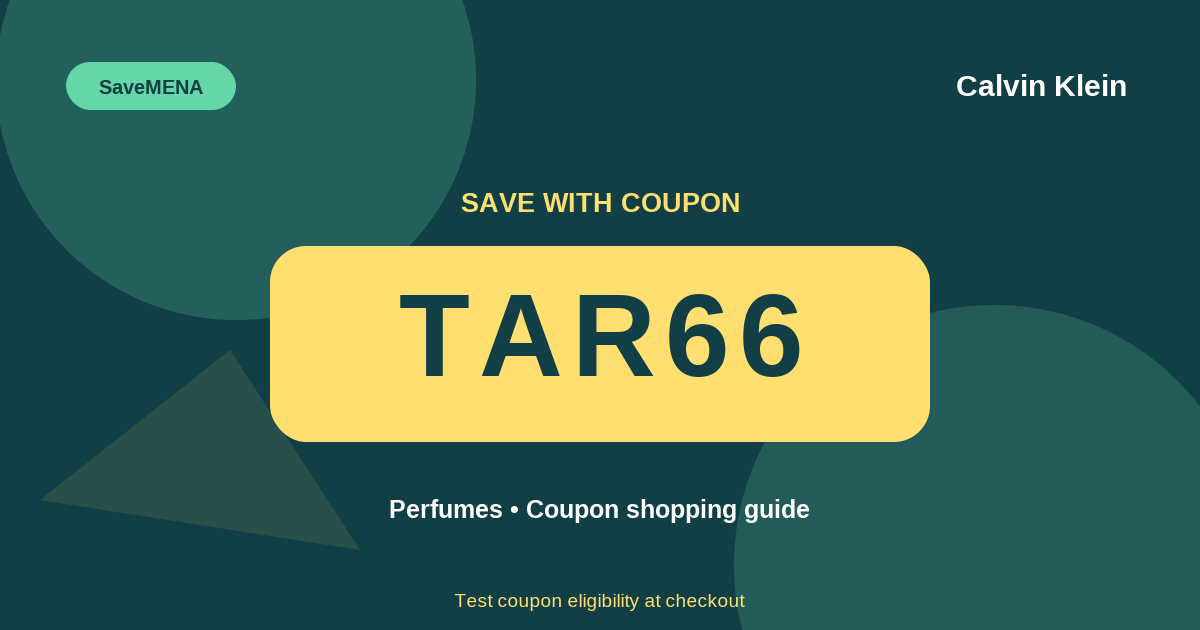
Codes available to try while comparing
These codes are not guaranteed for the article topic or listed brands; test them at checkout and use the live result.
Verify the Exact Product Model and its Specifications
Begin by confirming that the listing you choose matches the specific Calvin Klein perfume model you intend to buy. Many brands release multiple variations—such as “Pride” versus “The One”—each with distinct durations and scent profiles. A mis‑matched model can invalidate a coupon, even though the SKU looks similar on the screen. On Noon, the product title and price are usually followed by a concise set of descriptors; use those descriptors to verify the exact variant. A quick cross‑reference with the official Calvin Klein website or a trusted retailer’s page can confirm that the Noon listing precisely aligns with your the coupon code fragrance.
When you’ve located the correct model, examine the specifications listed under “Product Details.” The weight or volume (for example, 50 ml, 100 ml, 150 ml) directly influences applicability of coupons that the coupon code a fixed product size. Additionally, note the concentration type—parfum, eau‑de‑parfum, or eau‑de‑lait—and the panel of notes that define the scent. Some promotions are limited to specific concentrations or limited‑edition releases, so a mismatch between the listed specifications and your intended purchase can lead to a disappearance of the discount at checkout. Ensuring these details line up before adding the item to your cart prevents a cascading failure of the coupon later.
Confirm the Coupon Format Accepted by Noon
Noon’s coupon center typically accepts alphanumeric strings of up to eight characters. The notation may be case‑sensitive, though the platform usually accepts upper or lower case strategically. A common problem arises when users insert extra spaces or hyphens that aren’t part of the official code. In the case of TAR66, the correct entry is the four letters and two digits, with no punctuation or whitespace. Locate the coupon box on the cart page or during checkout; mis‑placement of the code can result in an automatic rejection even if the code itself is valid.
Double‑check that you’re entering the coupon in the correct section, not on an unrelated discount field such as a loyalty point input. If you’re using the Noon mobile app, the coupon field normally appears after you add a product to your cart but before proceeding to payment. The absence of a response—happy or unhappy—after you press enter is the primary indicator that the coupon format is not being recognised. A clean approach: paste the code directly, press “Apply,” observe the response, and if it stays unchanged, re‑type it meticulously to avoid invisible characters that can trip the system.
Ensure the Purchase Meets any Minimum Spend or Quantity Threshold
Some coupons, especially from larger retailers, impose a minimum spend or a required quantity of items. While the exact threshold for TAR66 may not be publicly disclosed, it’s wise to assume that a single fragrance bottle may or may not reach the leverage intended by the promotion. At checkout, the total order amount and item count are usually displayed beneath the shipping summary; confirm that the value shown would normally qualify a coupon that promises a discount on locomotion to the next level.
The easiest method to check compliance is to view your cart total before applying the coupon. If the number is below a suspected minimum, the application will likely fail silently. In such cases, you can either add a second bottle—be it the same model or a compatible SKU—or pair the perfume with other nondiscounted items to reach the threshold. The result is a validated transaction where the coupon has a realistic chance of acceptance, and the shopping experience remains smooth for the customer.
Verify Login Status and Account Availability
Coupon codes on Noon often require an active user account to be applied successfully. If you’re browsing as a guest, the code field might still appear, but the system will typically bypass the discount logic until you sign in or create an account. When shopping for Calvin Klein fragrances, ensure that you’re logged in before adding the product to your cart, as this triggers the profile‑specific coupon eligibility check.
If you’re already logged in but suspect a session problem, try logging out and back in again. This action refreshes your authentication token and can resolve residual caching issues that might have postponed the coupon evaluation. The account’s saved shipping address should also be correct; mismatched addresses sometimes trigger internal anti‑fraud checks that inadvertently suppress promotional offers. A carefully set up account, with confirmed personal details, gives the coupon code the room it needs to register properly.
Clear Browser Cache and Disable Extensions
Browser‑level issues can prevent Noon from correctly recognising a coupon. Cached data might store outdated coupon validation logic, or a third‑party extension could interfere with form submissions. If a code fails after repeated attempts, refreshing the page or clearing the cache within 10–15 minutes can often reset the client‑side state. After clearing, revisit the cart, pasting the TAR66 code to see if the coupon now registers.
For added stability, open the Noon site in an incognito window or switch to a different browser such as Safari or Chrome. Many users have found that no extensions are loaded in incognito mode, eliminating the possibility of script conflicts. This clean environment can highlight whether an installed extension—ad blockers, security plugins, or script managers—might be actively blocking the coupon code field from transmitting its value to Noon’s servers.
Apply the Coupon at the Appropriate Checkout Stage
Timing matters: placing the code in the cart page sometimes works, but the most reliable spot is the dedicated coupon field on the final payment page. Many users have encountered scenarios where the code applies when first entered but disappears after the cart updates due to a price change or shipping selection. In such cases, re‑enter the coupon immediately after adding shipping or selecting payment options, and watch for a prompt that confirms the discount has taken effect.
If you’re adding multiple items or changing quantities after the coupon activation, the platform may recalculate totals and potentially invalidate the code. In that situation, reapply the coupon after all changes are finalized. Ensuring the coupon is re‑verified after every cart modification keeps the discount active without having to revisit earlier steps.
Document the Issue and Seek Noon Customer Support
When repeated attempts fail, assemble clear evidence: take screenshots of the product listing, the cart total, and the coupon field with the code entered. Include the URL to the specific Calvin Klein fragrance page and a photo of the error message (if any). This documentation provides a concrete basis for a support request.
Contact Noon’s customer service via the in‑app chat or the help centre. Inform them politely that you’ve followed the prescribed steps, yet the TAR66 coupon is not applying. Reference the specific product model and the exact time you attempted the code. While the support team cannot guarantee a re‑application, they can track the issue internally and notify you of any system‑wide updates that might affect coupon availability.
Follow Up After Purchase and Track the Order
Once the order is placed, carefully review the confirmation email or the order summary in your Noon account. Look for any indication that a coupon was applied—usually a line item showing a discounted amount—or confirm that the total matches the price you saw in the cart before finalising. If the coupon field was left blank at checkout, the discount will not appear, and you’ll need to notice this discrepancy immediately.
If you discover that the coupon was missing post‑purchase, contact customer support to request a manual adjustment or refund of the coupon value. Keep your order ID handy; the Noon support team will use it to locate the transaction. If the provider insists the coupon was inapplicable, you may file a formal dispute through the Noon app or their customer support portal, citing the steps you followed during checkout. This formal track keeps the resolution process transparent and your financial interests protected.
Related SaveMENA pages
Related articles
Official sources to check
Frequently asked questions
What should I do if the Noon app keeps showing “Coupon code invalid” after entering TAR66?
Start by confirming there are no hidden characters in the code. Try re‑typing it without copying. Clear the browser or app cache, log out then back in, and apply the code on a fresh checkout page. If the error persists, contact Noon support with screenshots for further troubleshooting.
Can TAR66 be used with multiple perfume items of the same Calvin Klein brand?
The coupon’s terms, which are not publicly listed, may limit usage to a single item or particular categories. It’s safest to add only the the coupon code perfume to your cart before applying the coupon. If you wish to combine items, double‑check at checkout if the discount still registers.
Is it necessary to have a Noon membership before applying the coupon?
Coupons on Noon typically require an active user account; however, membership status is not mandatory. If you’re not logged in, create an account or log in before attempting to apply TAR66. Logged sessions prevent many common coupon application errors.
What happens if I detect a discount after the order is placed?
The discount must be reflected in the order confirmation. If it appears post‑purchase, you can request a manual adjustment from Noon support, providing your order ID and the details of the coupon. Any refund or credit will be processed according to Noon’s standard resolution policy.