Puma Sports on Noon UAE: model specifications — coupon troubleshooting · TAR84
If you’re experiencing a “coupon not working” error while attempting to use the Noon UAE coupon code TAR84 on a Puma sports item, the problem likely stems from
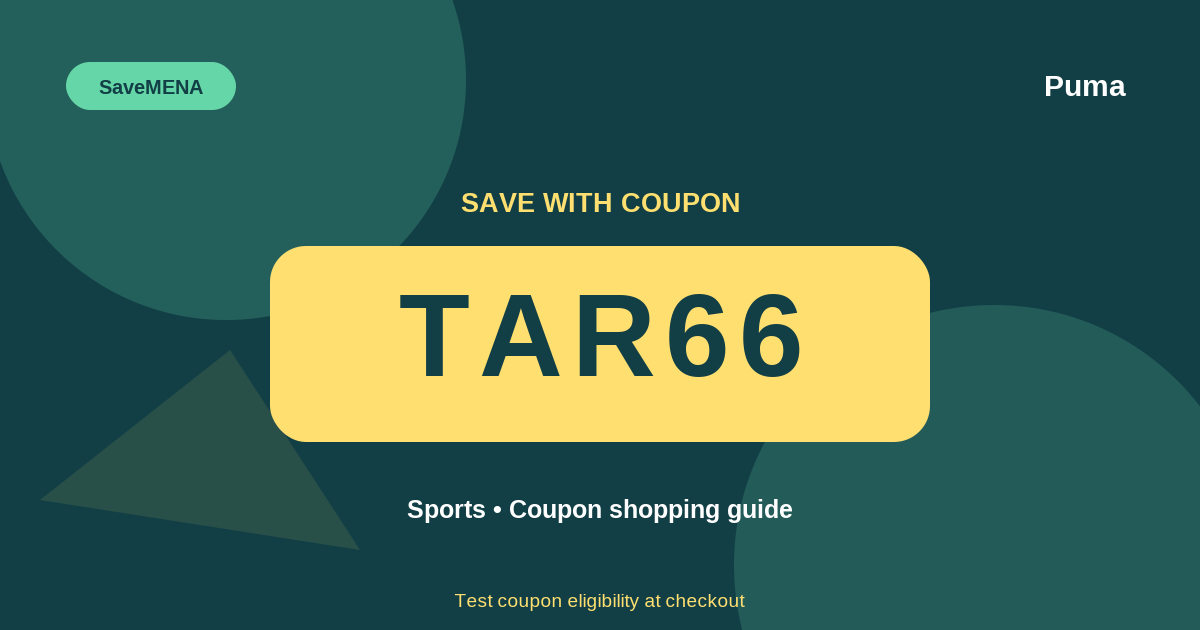
Codes available to try while comparing
These codes are not guaranteed for the article topic or listed brands; test them at checkout and use the live result.
1. Understanding How Coupon Codes Interact With Specific Puma Models
Coupon validity on Noon is typically tied to the entire cart or selected product categories. However, some discounts only apply to items that match specific attributes, such as technical specifications, branding labels, or model variations. When a Puma sports shoe or apparel item has unique model numbers, materials or feature tags, the system may flag the coupon as incompatible even when the general sports category is eligible. Checking the “Specifications” field on the product page confirms which attributes are mandatory for code eligibility.
Because the TAR84 code is marketed broadly, it usually covers a range of sports products, but it may impose restrictions on certain model numbers or specification sets. If your chosen Puma article lists a particular model code, series, or technology (e.g., “SPEED RUN” or “AERO‑TEC”), there’s a possibility the automatic filtering disables the coupon during checkout. Identifying those specs early prevents time‑wasting attempts to redeem the coupon on incompatible items.
2. Matching Your Cart Items Against Model‑Specific Restrictions
Before adding a Puma product to your cart, inspect the “Specifications” information for model numbers, technology tags, and range labels. Noon’s system cross‑checks these attributes when a coupon is applied. If the item is listed under a restricted sub‑series, the coupon will refuse activation. For instance, a special edition Puma model with a unique colorway might fall outside the standard sports category that the coupon the coupon code. Notice any discrepancies between the listed specifications and the homepage or brand page when you add the item.
Once the item is in the cart, use the “View Cart” page to verify that all model data remains intact. The system sometimes updates or consolidates product details during cart loading. If a brief delay alters the model spec, the coupon may no longer match the eligibility matrix. In such cases, retrying the coupon on the fresh cart view or re‑adding the product can resolve the conflict.
3. Ensuring Cart Quantity Does Not Trigger Exclusion Rules
The TAR84 coupon may have implicit quantity thresholds that subtly affect its application. While no explicit minimum spend is quoted, the code might be designed to apply only when certain cart conditions are met, such as purchasing a particular item quantity or total item count. Instead of guessing, confirm that the “Quantity” field for your Puma product matches the typical cart setup for successful coupon use—usually one or two pieces of the same model.
Adjusting the quantity can be tested by reducing or increasing the item count and observing whether the coupon prompt changes. If a single unit triggers a failure but two units succeed, the issue likely stems from quantity-based restrictions. You can also observe how the “Subtotal” updates versus any delivered fee adjustments during this test.
4. Verifying Delivery Options and Coinciding Discounts
Coupon applicability can vary depending on the chosen delivery location and method. Noon’s system links some coupons to specific delivery zones or modes, especially for sports goods that require larger shipments. Confirm that the delivery address you’ve selected falls within a zone the coupon covers. Some zones implicitly waive certain coupons, resulting in a “not working” alert.
When selecting a same‑day or express delivery option, observe if the system prompts a different discount status. Switching to standard delivery or re‑entering the address can sometimes realign the coupon eligibility. Keep in mind that the coupon may auto‑deactivate if the delivery fee exceeds a threshold tied to the item’s weight or size.
5. Checking Your Account Status and Login Conditions
Coupon codes on Noon are often tied to your account status. Logging out and back in, or refreshing the browser, can sometimes reset cart metadata that the coupon engine relies on. Ensure you’re using the same login session associated with any wallet balance or loyalty points that might be required for the coupon to activate.
Additionally, confirm that your account hasn't surpassed any daily or monthly coupon application limits. Even if the code is generic, some users report that after multiple activations the coupon becomes temporarily inactive—this is an automated guard against abuse. If the issue persists after re‑login, try clearing the browser cache or using a different device.
6. Browser/Device Compatibility Checks
Browser extensions, ad blockers, or scripts that interfere with JavaScript can cause coupon codes not to validate on checkout. Disable optional extensions or switch to a minimally configured browser to see if the issue resolves. For mobile shoppers, ensuring that the Noon app or mobile site is refreshed to the latest version bypasses potential rendering bugs that interfere with coupon recognition.
In some cases, older mobile browsers lack support for specific cookie protocols that Noon uses for coupon validation. Switching to the latest iOS or Android view, or using the desktop site on a mobile device, can help isolate the problem. Remember to clear any stored session data that might be part of the old cart state before re‑trying the coupon.
7. Alternative Discount Paths and Customer Support Interaction
If the TAR84 code remains stuck, you might explore alternative discount pathways. Noon frequently offers product‑specific or brand‑centric promotions within the seller’s own marketing deck rather than through generic coupon codes. Check the Puma product page for any “Limited Time Offer” tags that pair the specific model with a separate discount ID.
Should all else fail, contacting Noon’s customer support provides a direct route to verify whether the coupon is momentarily inactive due to backend maintenance or if a hidden restriction applies to the model. When reaching out, reference the exact Puma model number and specify the coupon code TL84 for a focused response. The support team can confirm whether the coupon state has changed after a set interval or whether a supplemental code is now available.
8. Final Confirmation and Checkout Audit
Once you believe the coupon should work, perform a final audit of the cart.A coupon is not guaranteed; verify its result at the retailer checkout. ” This final check avoids last‑minute surprises such as an expired coupon field or an inadvertent reduction in the cart count.
Proceed to checkout only after the “Total” sums accurately reflect your expectations. If the discount appears applied, the use of TAR84 is confirmed; if not, proceed with the troubleshooting log you’ve built—this will aid future attempts or support queries. By systematically following each step, you maximize the chances of restoring the coupon’s intended benefit.
Related SaveMENA pages
Related articles
Official sources to check
Frequently asked questions
What should I do if the TAR84 code still doesn’t work after trying all steps?
It’s possible the code has been temporarily disabled or is limited to specific items not matching the exact Puma model. In this case, contact Noon support with your order number and model details, or look for a brand‑specific promotion on the product page.
Can using a different delivery address resolve a coupon issue?
Yes, coupons sometimes apply only to certain delivery zones. Changing the location to a zone that falls under the coupon’s coverage can unlock the discount.
Is there a risk that a coupon code keeps getting blocked if I try too many times?
No explicit repeat‑attempt limit is known, but some users note that frequent tries may trigger a temporary lock. Taking a short break before retrying can avoid this.
Will using a VPN affect my coupon redeemability?
On occasion, VPN usage can misrepresent location-based restrictions, causing the coupon to fail. Disable VPNs for a smoother checkout process.