Baby & Kids on Noon UAE: payment method — coupon troubleshooting
When Noon UAE coupon not working on Baby & Kids payment method, the frustration is real – the promise of savings evaporates just before your purchase.
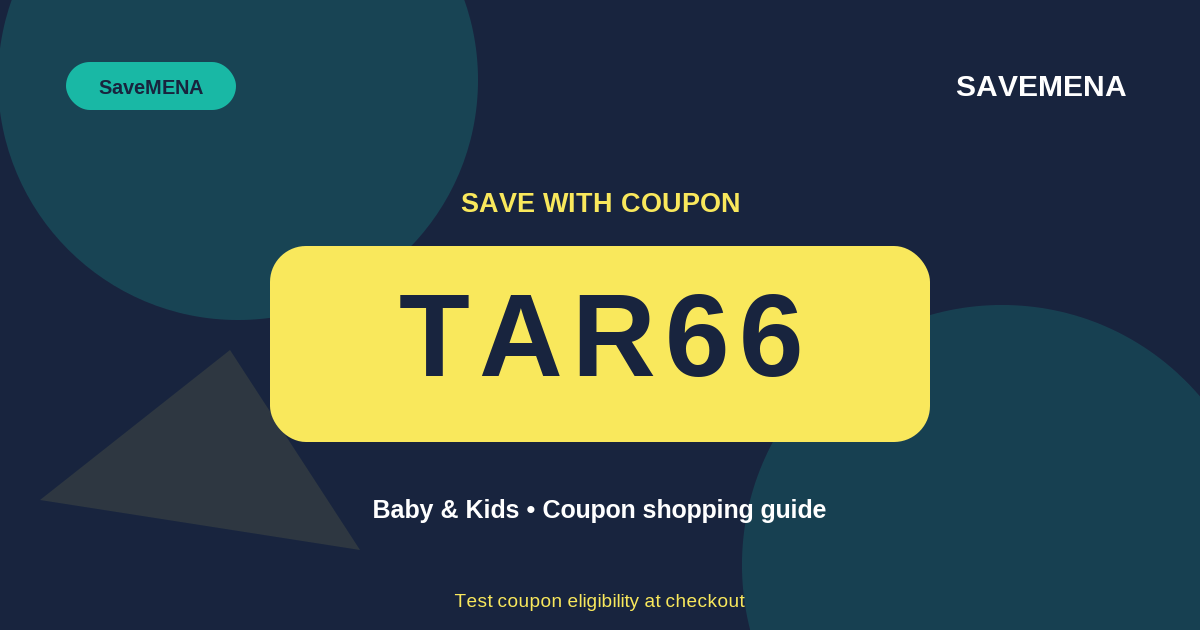
Codes available to try while comparing
These codes are not guaranteed for the article topic or listed brands; test them at checkout and use the live result.
Understand the Coupon Structure in Noon UAE
Every Noon coupon, including TAR66, follows a base set of rules that determine applicability. While it’s offered to testers, the system still checks for limits such as minimum spend, product category, or seller participation. A coupon’s failure may happen if the cart total is silently below the required threshold or if the the coupon code item is marked as non‑discountable by its vendor. By logging into Noon and reviewing the coupon description, you can confirm the basic conditions before pushing ahead.
Even if the code appears valid in the coupon list, Noon’s discount engine applies real‑time checks. For example, a card issued by a partner bank might trigger an automatic sub‑category protection. Ensuring that your cart completes these preliminary checks is the only way to see if TAR66 will fly past the validation gate.
Check the Baby & Kids Product Eligibility
Not all baby and kids items engage with every coupon. Sellers can disable discounts on certain stocks, especially recent consignments or exclusive collections. When adding products to your cart, look for a “discount allowed” indicator near the price or in the product details. If absent, it may hint that the item will not accept the TAR66 code.
Double‑check each item’s disclaimer at the checkout page. The totals panel often lists “non‑eligible” items; those items can cause the entire coupon to be invalid. A swift audit of all baby products before attempting the code prevents later disappointment.
Verify the Payment Method Constraints
Payment method can directly influence coupon redemption. Noon often restricts certain coupons to specific modes of payment, like Visa or Mastercard, or even to Noon’s own wallet. If your selected card type is outside the allowed list, the coupon drops outright. Test this by switching to an alternative payment method before re‑applying TAR66.
Even within the same card brand, regional variances exist; for instance, cards issued from UAE banks might have different merchant codes. Therefore, double‑check the payment method dropdown to confirm the option is not automatically flagged as incompatible with the coupon.
Confirm Checkout Network Compatibility
Sometimes the issue lies beyond your choice of card – it may hinge on the backend network that processes the transaction. Noon could temporarily block coupon application on certain payment gateways during high‑traffic periods or when a system update occurs. Logging in at a later time or switching networks, such as from Wi‑Fi to mobile data, can refresh the session and allow the coupon to validate.
Additionally, if you’re using a VPN, the seller’s region restrictions may trigger. Disable any VPN or proxy before resubmitting TAR66 to avoid misaligned regional codes.
Re‑enter the Coupon Code Correctly
Human error is a common culprit. The proper input for the code is uppercase: TAR66. A miss‑typing, such as “TAR66” or insertion of a space, stops the engine from matching the string. Copying and pasting from the coupon list often eliminates this risk.
Some Noon sessions remember an invalid attempt, causing subsequent tries to be ignored. Clearing the coupon field or refreshing the cart before re‑inserting ensures the system treats each attempt afresh.
Clear Browser and App Cache Prior to Application
Stale cookies or cached data in your browser or mobile app can cause discount misreads. Clearing cache forces a fresh retrieval of discount rules from Noon’s servers. On a PC, navigating to browser settings and clearing cookies for noon.com clears the slate.
In a mobile environment, the same applies. Open the Noon app, go to settings, and choose “clear cache.” After doing so, reload the product page and attempt the coupon again.
Contact Noon UAE Support for Issue Escalation
If all previous steps confirm that the coupon should work yet it remains inactive, reaching out to Noon customer support is the next logical step. Provide a screenshot of the cart totals, payment method, and the coupon field. This helps support identify a backend glitch or a specific seller restriction.
Support responses are normally returned within a few hours during business days. In many cases, they can apply the discount manually or correct a misconfigured rule on the backend.
Alternative Saves: Other Coupon Codes and Discount Avenues
While TAR66 may fail, other discount mechanisms may still apply. Look for app‑exclusive flash deals, member‑only savings, or bundle offers that merge baby products with complementary items. Noon often releases seasonal codes that the coupon code a broader category, which can sometimes be combined with free shipping promotions.
Another avenue is loyalty points or a Noon Wallet credit that grows over time. Tracking these options through the account dashboard keeps you ahead, allowing you to purchase immediately when a coupon finally goes live.
Related SaveMENA pages
Related articles
Official sources to check
Frequently asked questions
Why does the Noon UAE coupon not work on certain baby products?
Some vendors disable coupon eligibility for specific baby items. Check the product details for a discount allowance indicator before adding them to the cart. If absent, the item may be excluded from the TAR66 code.
Can I use the same coupon with a different payment method?
Yes, if the restriction is on the payment type. Try switching from a debit card to a credit card or to Noon Wallet, then reapply the TAR66 code.A coupon is not guaranteed; verify its result at the retailer checkout.
What steps can I take if the coupon still fails after troubleshooting?
Contact Noon customer support with screenshots of your cart, payment and the code field. They can verify backend issues or apply the discount manually if approved.
A coupon is not guaranteed; verify its result at the retailer checkout.
A coupon is not guaranteed; verify its result at the retailer checkout. After clearing, re‑enter the coupon code and confirm its application.