ASUS Computer Accessories on Noon UAE: payment method — coupon troubleshooting
If the Noon UAE coupon not working Computer Accessories ASUS payment method puzzle stumped you, here's how to troubleshoot it without guessing.
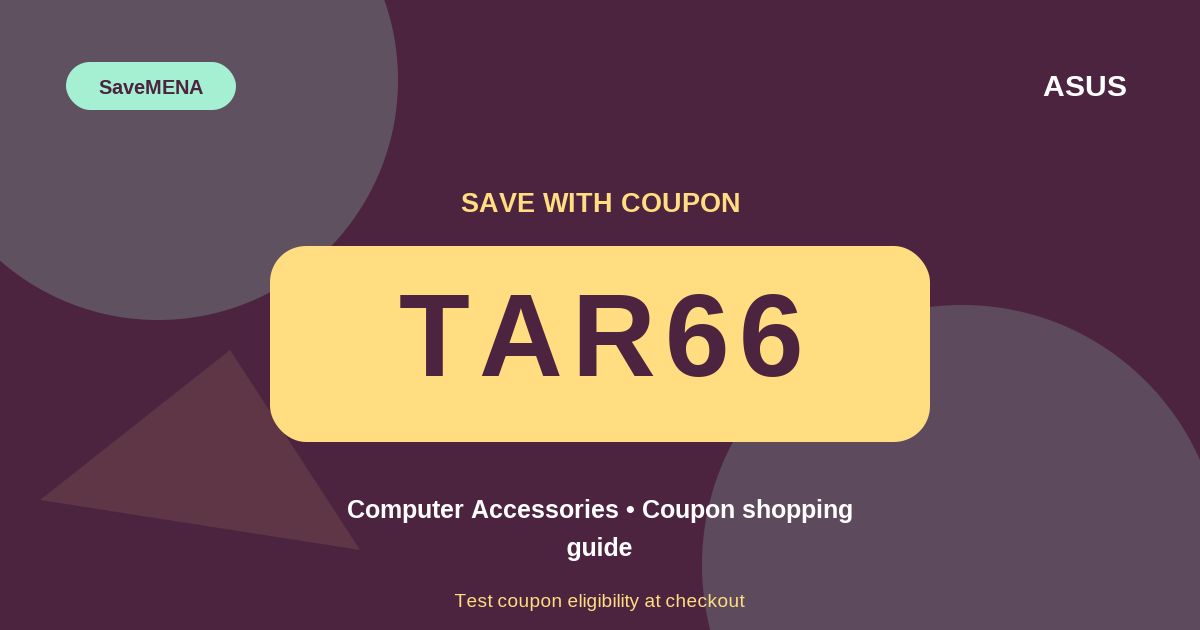
Codes available to try while comparing
These codes are not guaranteed for the article topic or listed brands; test them at checkout and use the live result.
1. Why Your Noon UAE Coupon May Fail on ASUS Computer Accessories
The first reason a coupon might be rejected is that the coupon’s eligibility rules do not align with the ASUS accessory you’re purchasing. Even if the product is part of the Computer Accessories category, the coupon may require a different sub‑category, brand, or a minimum spend that isn’t met. Always double‑check the coupon’s general description on the product page, as coupon rules can change without notice.
Another common issue is that the coupon was entered for a different marketplace or was designed to work with specific payment methods. For ASUS accessories, Noon may have paired the coupon with a particular bank card or PayPal instead of other options. If your selected payment method isn’t supported, the system will reject the code even if the cart meets all other criteria.
2. Key Eligibility Checks Before Entering a Coupon
The first step in troubleshooting a non‑working coupon is to verify that you meet all eligibility criteria displayed on the coupon detail page. Look for remarks such as “Applicable to Asus accessories only,” “Requires a minimum cart value,” or “Excludes bundled deals.” Each of these conditions must be satisfied before the coupon can apply. Use the cart summary to confirm that the total and item list match the rules.
Next, confirm that your account is active and not flagged by any prior violations that might block promotional usage. Noon may enforce restrictions on new accounts, high‑risk accounts, or accounts that have recently changed email or address details. Ensuring that your profile is in good standing can prevent unexpected validation failures.
3. Checking Cart Items and Product Variants
Coupons typically apply to specific SKUs or variant configurations. When you add an ASUS keyboard, for instance, check that you’re selecting the correct model number, connectivity type, or color before the coupon applies. If you switch to a different variant after entering the code, the discount may be lost.
Also, be mindful of bundled items or bundle pricing. Some ASUS accessories come in starter packs that may not be eligible for certain coupons. If your cart includes such packages, you may need to split the items into individual purchases or contact support for clarification.
4. Impact of Payment Methods on Coupon Validation
One of the most overlooked factors is the payment method you choose. USC coupons and specific discount codes on Noon sometimes work only with certain payment methods, such as Credit Card or Digital Wallets. Selecting an unrelated method, like a debit card from a foreign bank, could trigger a validation error, even if all other conditions are met.
To avoid this, review the coupon information for any payment method restrictions. If none are listed, the next step is to test with each available option until you find one that accepts the code. Capture a screenshot of any error messages to provide to Noon support if further assistance is required.
5. Managing Sales, Promotions, and Additional Fees
Occasionally, multiple promotions may conflict, leading the system to ignore the coupon. For example, if a flash sale on ASUS accessories is already active, the sale price might not accommodate an additional discount, causing the coupon to be rejected automatically.
Also, check for any extra fees such as delivery or handling that are added post‑cart. These fees can push the cart value outside the coupon’s minimum spend window, effectively nullifying the code. Adjusting the order of applying discounts can sometimes resolve this, but the safest approach is to re‑enter the coupon after all fees are displayed.
6. Capturing Error Messages and Communicating with Support
When a coupon fails, Noon typically shows an error pop‑up or a brief message. Take note of its wording and the time it appears. Documenting the exact error can help support identify whether the issue is with the coupon itself, the cart, or the payment method.
Reach out to Noon’s customer service via live chat or email with the screenshot and the coupon code. Be sure to state the ASUS accessory, the selected payment method, and the coupon code TAR66. Providing this detail expedites the resolution, especially if the coupon is still valid but blocked due to a technical glitch.
7. Alternative Approaches to Secure Savings on ASUS Accessories
If the coupon persists in being unworkable, consider exploring competing discount avenues. Noon occasionally offers Apple Pay or 2‑pay installment promotions that can reduce the final outlay for ASUS accessories. These can be combined with a lesser discount code that applies to the cart’s base price.
Another option is to use a “Shop & Pay” approach, where you first add the ASUS product to your cart, apply the coupon, then adjust the payment method to one supported by the coupon. Once the discount appears, finalize the payment using a suitable method that preserves the coupon’s application.
8. Final Checklist Before Checkout
Before finalizing your purchase, run through this quick checklist: ensure the ASUS accessory matches the coupon’s SKU requirements; confirm all cart items satisfy the minimum spend; verify that the payment method is one of the approved options; double‑check that no additional fees push the cart beyond the coupon limit; and finally re‑enter TAR66 to confirm it is applied.
If the code still does not work after these steps, it is prudent to contact Noon support with your order details. In the meantime, monitor the product page for any updates to the coupon’s terms or new promotional opportunities that may be available. Happy shopping!
Related SaveMENA pages
Related articles
Official sources to check
Frequently asked questions
What should I do if the coupon shows an “unknown error” message?
If you encounter an unknown error, record the exact text and screenshot it. Then contact Noon customer service with the screenshot, your order details, and the coupon code TAR66. They can investigate whether the coupon has expired or if a system glitch is preventing its application.
Can I use the coupon with a credit card that is not linked to my Noon account?
Yes, as long as the card is supported by Noon and the payment method is listed as compatible with the coupon. Double‑check the card details before confirming payment to avoid rejection after the code is applied.
Will the coupon apply if I purchase a bundle of ASUS accessories?
Uplike many coupons, it depends on the coupon’s terms. If the bundle is considered a single SKU that meets the coupon eligibility, the code may apply.A coupon is not guaranteed; verify its result at the retailer checkout.
What if my payment method is changed after I apply the coupon?
Changing your payment method after applying a coupon can sometimes invalidate it, especially if the new method isn’t supported. It’s safest to finalize the coupon code before selecting the final payment method, and review the discount in the cart summary afterward.