HP Computer Accessories on Noon UAE: payment method — coupon troubleshooting
If you’re struggling with a Noon UAE coupon that isn’t applying to your HP computer accessories order, this guide explains how to troubleshoot the issue without
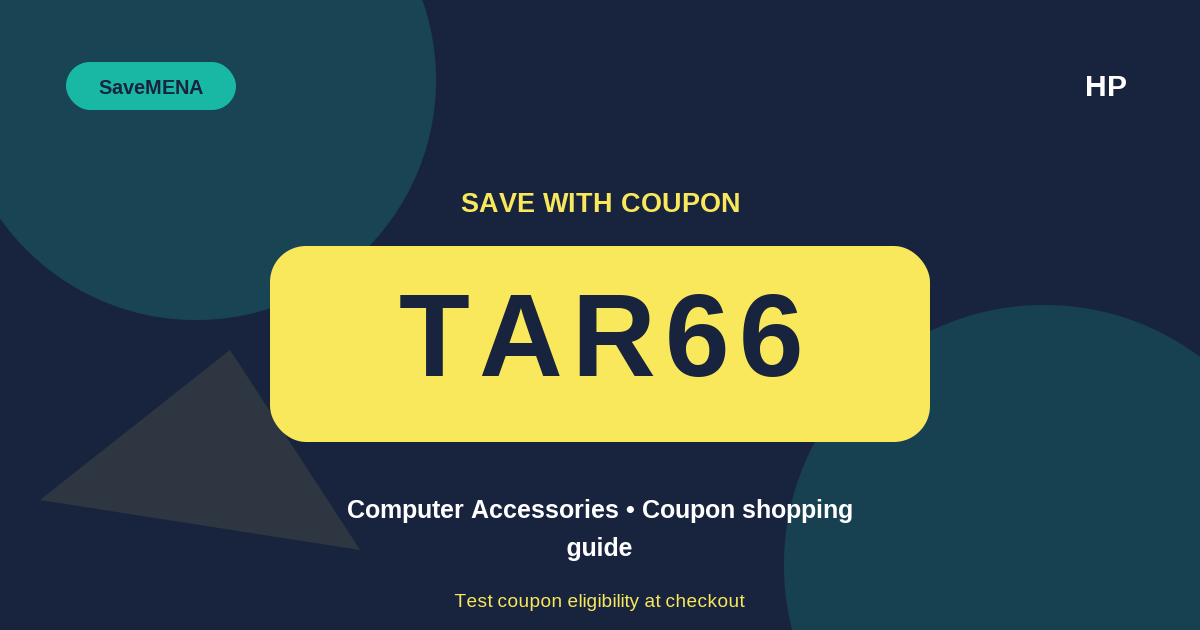
Codes available to try while comparing
These codes are not guaranteed for the article topic or listed brands; test them at checkout and use the live result.
Understanding the Coupon Mechanics
Coupon codes on Noon are tied to a set of hidden rules that are visible only at checkout. The code TAR66 must match the exact format and be entered into the dedicated field before the final payment step. Even a single character error will cause the coupon to be rejected, and the system will not provide a detailed explanation unless a live chat is initiated.
Beyond formatting, the coupon’s validity is determined at the backend, taking into account the product category, brand, and the total cart value. If any of these parameters deviate from the coupon’s expected values, the system will refuse the code without offering a specific error message. Therefore, reviewing the coupon’s standard clauses on the Noon website is the first logical step before attempting any adjustments.
Verify the Product Eligibility
Once you confirm that the coupon is typed correctly, the next check involves the referent product. Noon categorizes items under broad headers and sub‑headers, and some coupons only apply to items from certain manufacturers. Though you cannot see the exact specification of TAR66, HP computer accessories often have distinct eligibility, potentially restricted to laptops or peripherals that meet certain firmware requirements.
Make sure the item you intend to buy is stored in the “Computer Accessories” folder and that its brand tag lists HP explicitly. If the product appears under a different sub‑category or its brand label differs, the coupon will not be recognized as relevant. Shopping carts that combine eligible and ineligible items can also break coupon applicability, so consider isolating the HP accessory in a separate cart to test the behavior.
Check Cart Total and Minimum Spend Rules
Online platforms frequently set a minimum spending threshold that a coupon must meet to activate. While the specific threshold for TAR66 is not public, it is safe to assume that a minimal purchase amount or a certain number of items may be required. Verify that the current cart total, inclusive of any previously applied vouchers, reaches this baseline before entering the coupon field.
Only after confirming the cart value and assuring that it is the correct number of items can you live the coupon. If you are in doubt about whether your cart meets the requirement, do not proceed to payment to avoid transaction failure. Instead, adjust quantity or add another item of the same category and verify that the discount cue appears beside the price.
Inspecting the Account Status
Coupon codes may also be contingent upon your account status—some are exclusive to returning customers, while others favor new registrations. Check that you are logged in to a valid Noon account. If any group membership or loyalty status is missing, the coupon will be inaccessible even though the code is correct.
In a few scenarios, coupon usage is tied to a particular point in the customer lifecycle. For instance, some promotional codes may be activated only after a certain number of completed purchases or a confirmed subscription. While the exact criteria for TAR66 remain undisclosed, such prerequisites are a common reminder to examine account data before resubmitting the coupon during checkout.
Confirm the Payment Method Compatibility
Payment method is a critical dimension that can affect coupon processing. Some platforms restrict coupons to be valid only with specific payment types, such as local credit cards or national bank integrations. To verify this firmware for Noon, ensure you have chosen a payment method that falls under the allowed category. This may involve cross‑checking card brand, issuer country, and whether the card is linked to a local bank account.
Additionally, some sellers impose their own rules that clauses overlap with platform rules. If your chosen payment card is an international card and the seller’s terms restrict free shipping for TTL charges, the coupon may still decline at the final step. Therefore, after confirming your card works with the standard checkout flow, test whether any on‑screen warning emerges that specifically references the payment method alongside the coupon status.
Applying the Coupon Correctly During Checkout
Even if all previous checks are satisfied, the order in which you activate components can cause a coupon to fail. The recommended sequence is: add the HP accessory to the cart, review cart totals, confirm eligibility, then enter the code into the coupon field. Only after the subtotal updates should you proceed to “Proceed to Payment.” Many users attempt to apply a coupon after payment is chosen, which triggers an automatic rejection.
When the coupon code is applied, the checkout should display a line that reads “Coupon applied” or a similar confirmation. If this phrase does not appear, it signals that the coupon step was bypassed. Always confirm the message appears before you confirm the payment details to avoid a silent failure that would negate any discount you might have earned.
Dealing With Common Technical Glitches
At times, system hiccups or browser issues can cause valid coupons to disappear. To address this, clear your browser’s cache and cookies or attempt the same process in a private/incognito window. Some apps fail to sync coupon status due to network latency; restarting the app or logging out and back in can refresh the session data.
If you are using a multi‑device strategy—adding items from a phone, then checking out from a laptop—the coupon state might not transfer seamlessly. A final step in troubleshooting is to duplicate the cart on the same device where you intend to finalize the buy. This eliminates cross‑device discrepancies that commonly masquerade as coupon problems.
What to Do If the Coupon Still Doesn’t Work
When all logical checks have been exhausted and the coupon TAR66 remains inactive, it is best to contact Noon customer support for clarification. Explain that the product is a HP accessory, the cart totals satisfy general expectations, the coupon code was entered correctly, and the chosen payment method is a local card that usually supports such discounts.
Support teams can confirm the status of the coupon against your account and provide guidance on whether the issue is temporary or systemic. If the coupon is indeed expired or restricted, they may offer an alternative, or you may choose to wait for a new promotional code. Persistence combined with clear evidence of your steps will often expedite a helpful resolution, whether that means a refund of a fee or a retro active discount.
Related SaveMENA pages
Related articles
Official sources to check
Frequently asked questions
Why does a Noon UAE coupon sometimes refuse to discount HP computer accessories?
Coupons may be constrained by hidden eligibility rules related to product brand, category, cart value, and account status. Without meeting these specific conditions, Noon’s system will not apply the discount, usually returning a silent error at checkout.
Does the payment method affect whether a coupon will be accepted?
Yes. Certain coupons are active only for specific payment types. The payment method you select must align with the platform’s predetermined criteria; a different card or bank may trigger a refusal even if the coupon is otherwise valid.
Can I use the same coupon code on different devices during checkout?
Coupon status syncs with your Noon account, but inconsistencies can arise if you add items from one device and check out on another. Re‑adding the cart to the same device and re‑applying the coupon helps ensure consistency.
What is the best place to find the exact terms for a Noon coupon code?
Coupon specifics are usually listed on the Noon homepage under a dedicated promotion section or within a pop‑up at the checkout page. If no details appear, contacting customer support is the next reliable step to confirm eligibility.