Logitech Computer Accessories on Noon UAE: payment method — coupon troubleshooting
then 8 sections, each with containing ... , two paragraphs each. Total 1,400-1,650 words before FAQs. Each paragraph 80-100 words. So
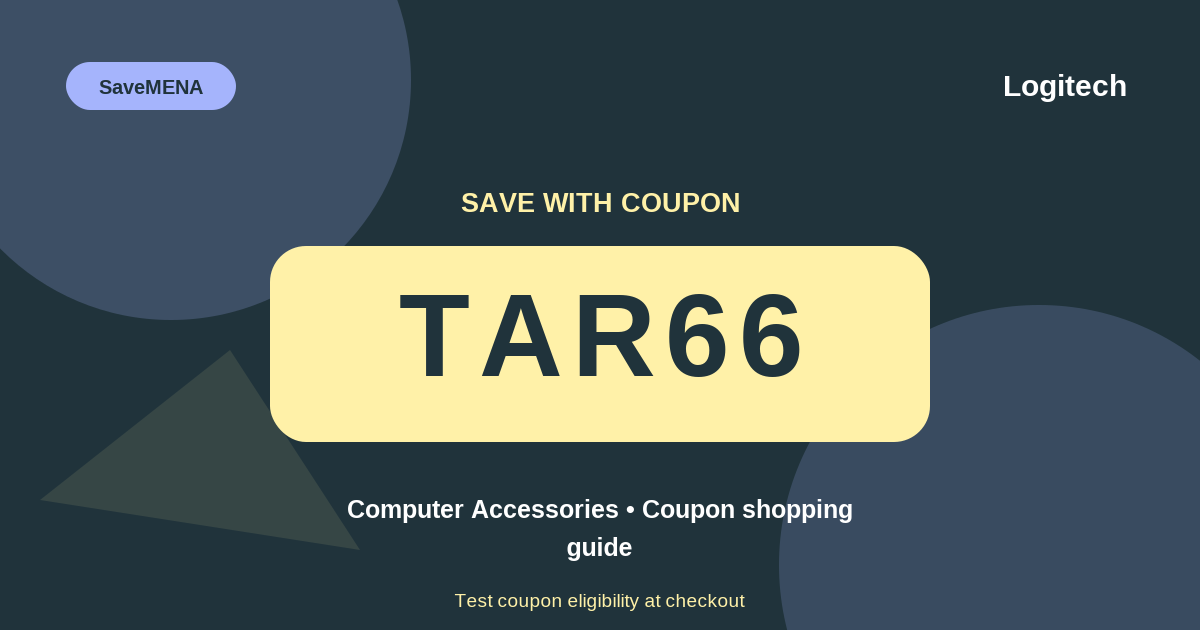
Codes available to try while comparing
These codes are not guaranteed for the article topic or listed brands; test them at checkout and use the live result.
Common Reasons a Noon UAE Coupon May Fail
One frequent cause of a coupon not working is an account status issue. If the user’s profile isn’t verified—say, the phone number or email still requires confirmation—the platform might block discount application as a fraud prevention measure. Another scenario involves cart content mismatches: certain accessories can be sell‑through via vendor exclusivity, leaving the coupon inapplicable even though the product belongs to the same category. Finally, the placement of the coupon code in the wrong field, or a trailing space, prevents the system from recognizing it. These small inaccuracies often lead to the “coupon invalid” error fans.
Timing is also a factor: Noon may have a narrow window in which a code can be used on specific product launches. Moreover, promotional codes are sometimes activated only for unique payment methods. A coupon that appeared during a promotional email may be limited to a debit card or a specific wallet, meaning that for other payment types the tag is ignored. Thus, an overlooked payment method can be the hidden culprit in a coupon failure.
How Payment Methods Influence Coupon Validity
Payment method verification is a key element in Noon’s coupon processing algorithms. Many smart carts tie coupon eligibility to specific payment instruments: some codes unlock only when using a Noon wallet, Apple Pay, or a particular credit card. The underlying logic is that certain partners sponsor promotions and therefore restrict validity to their channels. If you inadvertently choose a bank card that is not on the approved list, the platform will silently discard the discount and proceed with the original price.
Additionally, loyalty points or store credits can affect coupon reception. If a user’s cart is already offset by a large amount of credit, the remaining balance might fall below the coupon’s activation threshold. In such cases, Noon’s checkout will refuse to apply the code and give the impression that it is broken. A practical remedy is to switch the payment method or remove a credit application and re‑enter the code before confirming the transaction.
Step‑by‑Step Troubleshooting Checklist
Start by reviewing the cart: confirm that the Logitech product is listed under Computer Accessories and that no red‑flag gadgets are present that remain ineligible. Next, log out and log back in, ensuring your profile has a verified phone number and email address. Two app or web containers can conflict, so closing the app or refreshing the browser can eliminate mis‑synchronization errors that hide the coupon.
After that, navigate to the “Coupons” section before selecting a payment method. Enter TAR66 exactly as shown, with no leading or trailing spaces. Hit the voucher icon to prompt the system to recalculate the total. If there’s still no discount, try deleting the coupon, choosing a different payment method such as the Noon wallet, and re‑entering the code. This process isolates whether the problem lies with the code itself or the payment channel.
Verifying Your Logs and Account Settings
Often, a coupon fails because account settings restrict promotional use. Go to your account dashboard and scan the “Promotion Preferences” section to confirm that you haven’t accidentally blocked coupon usage for certain payment types. Some users enable “No Promotional Codes” for security or privacy reasons, which the platform read as a blanket refusal to accept any voucher regardless of the payment chosen. Re‑enabling the preference ensures the code can be read.
Also, cross‑check that your wallet balance is up‑to‑date. A zero balance can trigger an automatic switch to another payment method that the coupon doesn’t support or may hide the discount indication. If your wallet shows a low balance (<the amount shown at checkout), try topping it up or choose a card that has a known partnership with Noon. Once the settings are verified and the wallet updated, retry the coupon application to see if it is recognized.
Exploring Alternative Payment Options
When a coupon dismisses under one payment, testing an alternative can clarify if the issue is payment‑specific. For example, if you originally tried a plastic credit card, select the Noon wallet or UBank first. PayPal and certain Apple Pay configurations also have distinct coupon‑processing pipelines. In many circumstances, the same code will show and provide a discount on one method while disappearing on another.
Keep a record of what each attempt produces: note whether the Discount field appears and how the total changes. Even if a payment method returns a “code not found” message, you still might be able to use the coupon after switching to a different method. This trial‑and‑error process, while time‑consuming, can uncover a specific pairing that Noon allows while effectively failing others.
What to Do When the Coupon Still Doesn't Apply
If your multi‑payment attempts yield no discount, consider contacting Noon’s customer support. Sometimes there is a back‑end issue that only a support agent can identify. Provide screenshots of the coupon field, the error message, and the payment method selected. Mention that you’re shopping for Logitech computer accessories, as brand specifics can help isolate any vendor‑specific restrictions.
Alternatively, visit a nearby Noon outlet or an authorized reseller to use the TAR66 code in person, if that matches the promotion’s conditions. Some coupons are valid exclusively online, others are extended to in‑store purchases. Confirming the coupon rules with a store representative ensures you don’t abandon a legitimate discount simply because the digital platform didn’t recognize it. While waiting for support, proceed with the checkout if the price is acceptable—you can still apply the coupon during the shipment stage or pursue a refund scenario later.
Preventing Future Coupon Issues with Logitech Products
After you’ve resolved the immediate challenge, set a routine to verify coupon compatibility. Bookmark Noon’s “Terms and Conditions” for promotions, and check that the active codes list includes your category. For Logitech accessories, the vendor page often outlines any payment‑specific activation thresholds. If you frequently rely on vouchers, creating a quick cheat‑sheet with the following axes—coupon code, merchant category, accepted payment methods—keeps you prepared before reaching checkout.
Finally, keep your browser or app updated and regularly clear cache data. Stale cookies can lock a unique session to a prior coupon status. Also, consider saving multiple payment profiles to quickly switch without re‑entering card details. By strategically managing payment channels and staying informed on coupon eligibility, future attempts should encounter fewer roadblocks, and you’ll enjoy a smoother checkout experience on Noon UAE each time.
Related SaveMENA pages
Related articles
Official sources to check
Frequently asked questions
Why am I still not seeing the TAR66 discount after entering the code?
Double‑check that the TAN66 code is typed correctly, verify your profile is fully confirmed, and try a different payment method like the Noon wallet. If the issue persists, contact Noon support with a screenshot.
Can I use the same coupon on physical stores?
Noon typically reserves online promotions for web and app checkout unless stated otherwise. Confirm with staff in‑store if the code applies to in‑person purchases.
Does my login status affect coupon application?
Yes. If your account is not verified (e.g., phone or email pending), Noon may block certain promotions. Ensure all verifications are complete before using the code.
Will the payment method impact the coupon’s validity?
Many coupons are linked to specific payment channels. Try the Noon wallet or another supported card to see if the discount activates.