LG Electronics on Noon UAE: payment method — coupon troubleshooting
We need to produce a long-form SaveMENA shopping article for UAE shoppers. Focus keyword: Noon UAE coupon not working Electronics LG payment method.
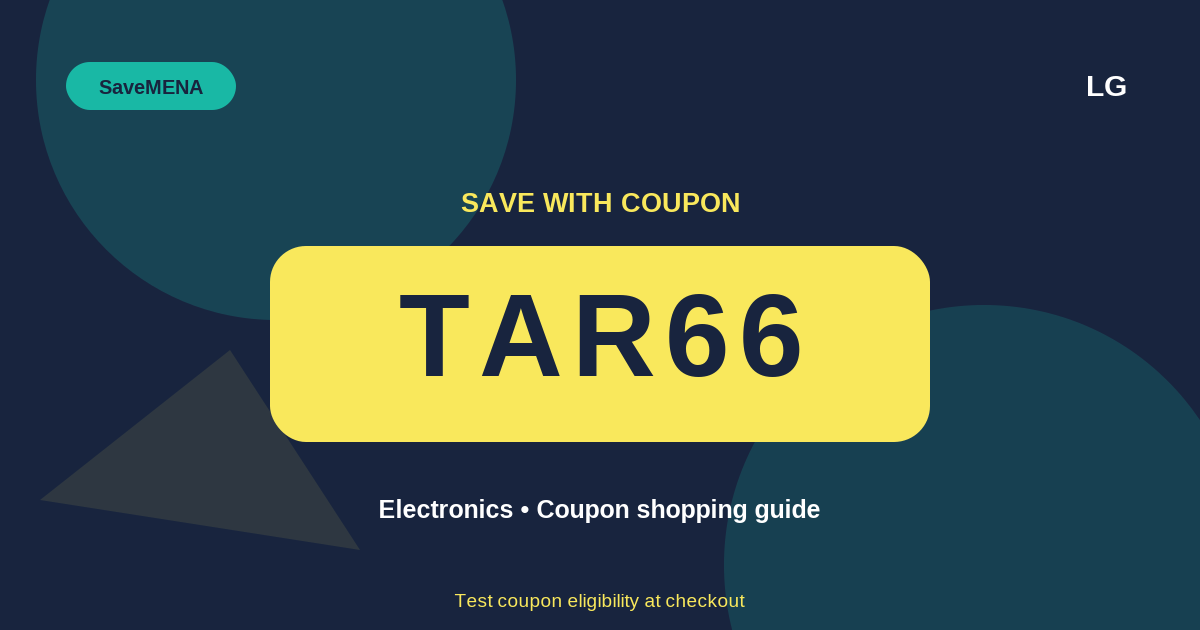
Codes available to try while comparing
These codes are not guaranteed for the article topic or listed brands; test them at checkout and use the live result.
Verifying Coupon Eligibility for Noon UAE
Start by ensuring the TAR66 coupon is active for your order. Many coupons on Noon are tied to specific categories or brands, but the code itself is typically available for all electronics unless a restriction is posted. At the very beginning of checkout, enter the code in the designated field and watch for a confirmation message or a visual change in the cart total. If it still remains inactive, double‑check that the code is typed correctly—extra spaces or lower‑case letters can trigger a failed attempt.
Next, scroll through the coupon terms displayed on the confirmation screen. Look for any indication that the code only applies to purchased items currently in stock or to certain models, like LG LED TVs. Even if the code appears generic, there could be hidden constraints such as a requirement that the item has been added to the cart for more than 24 hours. If you see nothing listed, the coupon may simply not be a restricted offer, but you still need to confirm its standing at the final payment page.
Ensuring Your LG Electronics Meet the Coupon Terms
With electronics such as LG refrigerators or washing machines, the catalogue can be vast. Check that the model you’re buying is on Sale and listed in the "Electronics" section that the coupon covers. Some deals are exclusive to certain LG sub‑brands—like LG OLED TVs or LG NanoCell air purifiers—so viewing the individual product page for a “Deal of the Day” label gives you confidence that the coupon is compatible.
If the product page shows a badge like "Free delivery" or "No minimum spend," these indicators can imply that the coupon will work. Should the badge be absent, or if the page lists multiple variants, the coupon might require a specific SKU. Hover over each variant in the selector to confirm that the price and SKU match the one associated with the applied coupon. If the variant changes after you enter the code, the plugin might reject it.
Assessing Cart Total and Minimum Spend Issues
Some coupons on Noon require a minimum cart value before activation, even if the text does not spell it out. After you apply the TAR66 code, observe the updated cart summary for any “Minimum spend” alerts. In some cases, the cart may display a “Not eligible” warning but still proceed to checkout; this can mean the subtotal is below what the coupon expects.
To be sure, add a few more items or increase the quantity of an existing gadget so the subtotal rises above any unseen threshold. Once the total is high enough, re‑apply the code. If it still does not reflect, consider removing and re‑adding the product to reset any leanings the system may have stored.A coupon is not guaranteed; verify its result at the retailer checkout.
Does Your Payment Method Block the Coupon?
In the UAE, certain payment methods—such as specific credit card providers or wallet services—can conflict with coupon validation on Noon. For instance, an online wallet that does not support tokenization may prevent a discount from applying, or a credit card might trigger a post‑payment limit that overrides a before‑payment discount. Before attempting to finalize the order, note the icon of the chosen payment option in the checkout sidebar.
Switching to an alternative method, like a standard Visa or Mastercard, can sometimes bypass the block. Conversely, if you are using a PayPal-like service, the coupon may be rejected in the preliminary stage because the merchant is not registered to process discount codes with that provider. Test each option by initiating a brief payment and observing whether the coupon remains active or is removed after you confirm the payment method. This diagnostic process can reveal whether the problem is truly the coupon code or the payment gateway.
Technical Steps to Resolve Coupon Error
When a coupon fails to apply, a simple browser solution is to clear your cache and cookies. These storage files can save an outdated state of the cart, causing the code to appear invalid even when the conditions are met. Navigate to your browser settings, locate the privacy section, and delete cookies for the Noon UAE site. Then reload the page, log in, and rebuild your cart.
After clearing data, log out from the Noon app or website, log back in, and add the LG product again. Re‑enter the TAR66 coupon. If the code still fails, try a different device or a different browser—sometimes the mobile app’s caching logic is stricter than the desktop version. If you’re on the app, updating it to the latest version can also fix a bug where the coupon input field does not properly register the code.
Getting Help from Noon Customer Service
When every troubleshooting step fails, contact Noon’s support line or chat service. Provide them a screenshot of the cart where “TAR66” has been entered, the error message received, and a note that you are using a local UAE payment method. The support agent can confirm whether the coupon has been temporarily deactivated or if there's a system-wide issue affecting all buyers.
Keep in mind that Noon’s customer service often resolves such cancellations within a business day. If they confirm that the code is no longer valid or that the coupon relies on a promotional event that has ended, ask if they can suggest a similar discount through a different code or point out an upcoming sale that aligns with your intended purchase of LG electronics. This can help you glean future opportunities without having to start from scratch.
Using Different Payment Options to Unlock the Offer
Some coupons on Noon activate only with direct card payments, not with third‑party digital wallets. If your current payment method is a stored wallet or a digital funds transfer, try instead to use a linked debit card or enable a new credit card in your account. Adding a new payment option can be as simple as selecting “Add Card” under the payment methods, entering card details, and verifying ownership.
Once the new card is saved, return to the checkout, choose it as the payment method, and re‑apply the TAR66 code. Carried through a direct debit, the coupon may now successfully refresh the cart’s discount line. If the discount still does not appear, you may need to delete the previous payment method so Noon’s algorithm does not apply any hidden restrictions tied to that account’s transaction history.
Learning From the Experience for Next Time
After handling a coupon failure, jot down key observations: did the product SKU change the discount? Did the payment method affect coupon acceptance? Keeping a checklist of “no‑go” conditions, such as specific wallet usage or minimal spend thresholds, can have a lasting impact on future orders. You can set reminders for upcoming Noon sales and prepare your payment method list in advance to avoid repetition.
Furthermore, stay tuned to Noon’s official newsletters and app notifications to catch any new coupon releases. If you regularly want to stay ahead of coupon expirations, a quick weekly review of today’s deals allows you to plan purchases around valid discount codes. Over time, these habits turn the debugging process into a proactive advantage rather than a reactive frustration.
Related SaveMENA pages
Related articles
Official sources to check
Frequently asked questions
Why does my Noon UAE coupon not apply during checkout?
Possible reasons include incomplete eligibility criteria, cart value thresholds, or incompatibility with the chosen payment method, especially if using a non‑standard digital wallet. Clearing cache or switching to a direct card often resolves the issue. <FAQ>
Can I use the TAR66 coupon with a PayPal account on Noon?
Coupons like TAR66 typically require a direct card payment during checkout. PayPal integration may bypass the coupon system, so the code could be rejected. Attempting a direct credit card could unlock the discount. <FAQ>
Do I need a minimum purchase to use the SPLIT30 coupon for electronics?
While the coupon code is available, Noon may have an undisclosed minimum spend. Review the coupon terms in the checkout summary or contact customer service to confirm. <FAQ>
Is there a way to see the exact terms of the coupon before I attempt to use it?
During checkout, Noon displays a brief pop‑up with coupon requirements. If the terms are not visible, contact support or monitor the official Noon help center for updates on coupon eligibility. <FAQ>