Apple Headphones on Noon UAE: payment method — coupon troubleshooting
Begin by verifying the exact characters of TAR66. Even a stray space, capital‑case shift, or punctuation mark can invalidate the code due to the system's strict
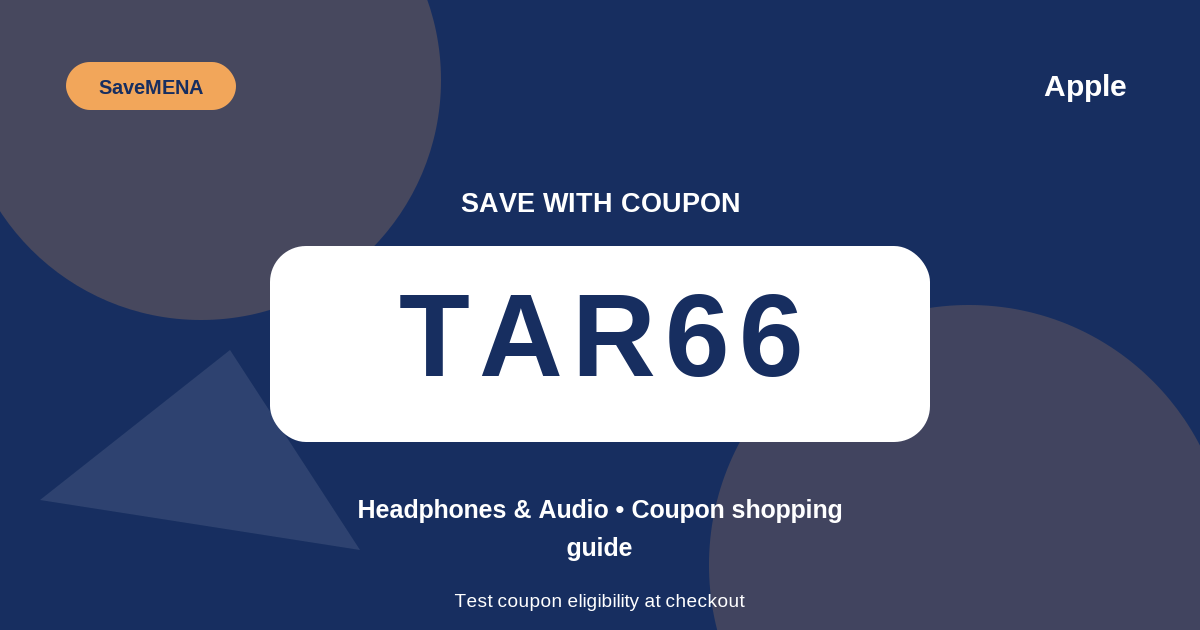
Codes available to try while comparing
These codes are not guaranteed for the article topic or listed brands; test them at checkout and use the live result.
2. Double‑Check the Coupon Syntax and Scope
Begin by verifying the exact characters of TAR66. Even a stray space, capital‑case shift, or punctuation mark can invalidate the code due to the system's strict matching algorithm. Many shoppers inadvertently enter similar codes like TAR 66 or the coupon code, which Noon considers separate inputs. The best practice is to re‑type the code manually rather than paste, ensuring no invisible symbols are carried over from another platform.
After entering the code, watch for an automatic refresh. Noon UAE often processes the coupon with a brief animation: a spinning wheel or a blinking “Loading” text. If the process halts midway or reverts to the original price, the code may be outside the active period or match a restricted category. Cross‑checking with any email or banner that mentions TAR66 will clarify its current eligibility.
3. Why Your Apple Payment Method Can Affect Coupon Acceptance
Apple payment methods—whether Apple Pay or vaulted credit cards at Apple Accounts—interact with Noon’s payment gateway in a unique way. Noon UAE’s architecture routes Apple related transactions through a separate processor that sometimes applies additional verification steps. These steps can temporarily flag digital coupons as non‑applicable if the system does not recognize the payment token before coupon validation.
When this occurs, the checkout screen might return a “Coupon not applied” notice even after successful entry. The underlying cause is that Noon’s current coupon engine expects a traditional credit or debit card number alongside the code. Using Apple Pay triggers a fallback that bypasses this requirement, leading to the perceived failure. Recognizing this connection helps avoid the temptation to think the code is simply broken.
4. Common Missteps That Cause the “Not Working” Message
Beyond syntax errors and Apple method quirks, there are several straightforward reasons a coupon may appear dead. These include: being outside the store’s geographic eligibility, the product being part of a promotion that excludes third‑party coupons, or cart total not meeting a vague threshold. Noon’s interface may not reveal all these nuances outright; instead it simply borders the code entry with a cautionary tone.
Another frequent cause is stale cart data. The browser may cache an earlier list of items that no longer aligns with the current selection.A coupon is not guaranteed; verify its result at the retailer checkout.
5. Setting Up Apple Pay for a Smooth Coupon Process
To sync your Apple Pay with Noon UAE, ensure your device’s wallet is updated and that the active card is the primary payment method. On iOS, tapping “Edit Payment” in the Wallet app lets you reorder cards; the topmost card is used first by most merchants, including Noon. This pre‑emptive step can reduce handshake clashes during the coupon verification phase.
It also pays to decline any prompt that suggests “Use another payment method” when Noon flags a coupon issue. Since Apple’s tokenization may interfere, selecting a conventional credit or debit card can bypass the problem. Once the voucher is applied correctly, you can revert to Apple Pay for the final transaction.
6. Workarounds When Apple Pay Muffles Coupons
If the TAR66 code refuses to confirm while you’re locked into Apple Pay, consider temporarily switching to an alternative card. Noon UAE supports a range of domestic and foreign cards; simply add your alternative card as a secondary option in the payment section, then re‑enter the coupon. This often clears the error because the payment token aligns with the coupon engine’s expectations.
After confirming the discount, you can reset the primary payment to Apple once the order is sealed. Monitoring the “Payment Method” line during the last minute ensures the system doesn’t automatically swap selections, preserving the coupon’s effect while still benefitting from the convenience of Apple Pay afterward.
7. Final Verification: Re‑Reading the Checkout Summary
Before the “Place Order” button becomes active, Noon UAE reviews all variables: coupon, shipping, taxes, and payment method. The summary window will display a final line called “Total Due.” If the TAR66 coupon has been recognized, the discount will be reflected subtracted from the subtotal. Observe that the amount appears beside the code label, often in parentheses, and the final figure updates dynamically.
Should the “Total Due” still mirror the original sum, double‑check for hidden variables like a mandatory membership fee or a gateway surcharge that could interfere. In such cases, tightening the cart by removing non‑essential items or opting for a single‑item purchase can sometimes expose the discount. Once the final figure shows a decreased amount, click “Place Order” to proceed securely.
8. When All Else Fails: Contacting Noon and SaveMENA Support
If your coupon remains stubbornly inactive after all troubleshooting, it is prudent to reach out to Noon UAE’s live chat or support hotline. When communicating, specify that you are using Apple Pay, the product category (headphones), and the exact code entered. Supplying this snapshot reduces the time for resolution and clarifies whether the issue is systemic or isolated.
Alternatively, SaveMENA’s customer‑care portal can relay your concern to Noon’s internal team. While SaveMENA is independent, it has a mechanism to forward user experiences for clarification. In your request, include the order id placeholders and mention any error messages received. A timely confirmation from Noon will assure you whether the coupon’s failure is temporary and a technical fix is underway.
Related SaveMENA pages
Related articles
Official sources to check
Frequently asked questions
What does it mean when my coupon shows “not working” but I entered TAR66 correctly?
It could signal a temporary mismatch with the Apple payment method or that the coupon is not valid for the specific headphone category or cart value. Re‑enter the code in a fresh cart or switch to a non‑Apple payment to confirm.
Will using a different card help the coupon apply if I’m on Apple Pay?
Yes, switching to a conventional credit or debit card can align the payment token with Noon’s coupon engine, allowing the discount to process before returning to Apple Pay.
Does Noon UAE’s coupon system recognize multiple discount codes at once?
Noon UAE typically processes one coupon per transaction. If you try to apply two, the system will reject the second or revert to the first entered.
How do I know if my headphones are eligible for the TAR66 discount?
At checkout, the summary will indicate whether the discount applies. If it does not, the final price won’t reflect the reduction and you should verify the code’s eligibility with Noon’s help center.