Braun Kitchen on Noon UAE: payment method — coupon troubleshooting
If the Noon UAE coupon code TAR66 refuses to work while you’re about to buy a Braun kitchen appliance, it’s tempting to toss it aside.
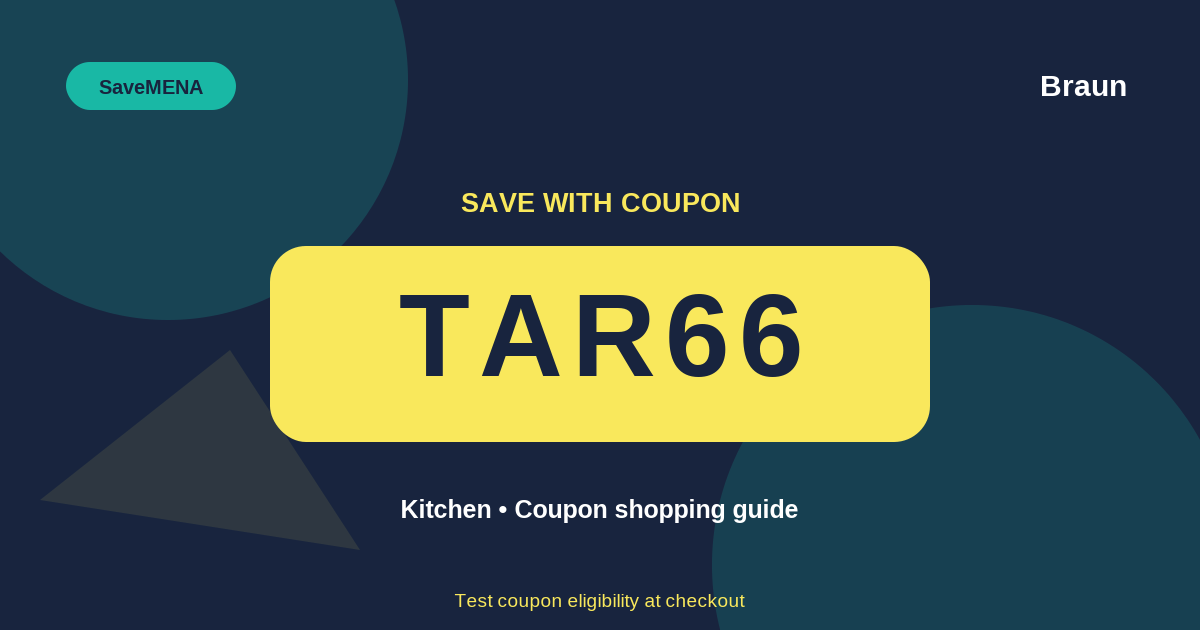
Codes available to try while comparing
These codes are not guaranteed for the article topic or listed brands; test them at checkout and use the live result.
1. Start With the Basics: Verify the Coupon Code Entry
The first hurdle appears simple: ensuring the code is typed correctly in the designated field. Pay special attention to capitalisation, as Noon’s system treats uppercase and lowercase letters differently. Notice any accidental spaces—especially trailing ones—and confirm that the field is active by clicking away and back before confirming. Even a missing letter can silence the whole discount, so double‑check against the coupon card or email you received. A well‑entered code, however, is only the starting point; the real enforcement happens at the payment stage.
Next, confirm that the code is still active on the checkout page. Some codes auto‑deactivate after the first attempt or once the cart total drops below an item’s value. Many shoppers find that pasting the code into an empty field sometimes triggers auto‑completion errors in the Noon app, which may present a “coupon invalid” message. In such cases, manually re‑type the code into a fresh field, avoiding auto‑filled suggestions, and press the apply button once more. The Spot‑verification at this early point saves you from misreading a valid code as invalid.
2. Ensure Your Braun Product Meets Coupon Eligibility Rules
Even if the code opens the gates, the product you’re buying must satisfy the coupon’s fairness criteria. Overnight, many Noon users discover their Braun blenders or coffee makers were deemed “non‑eligible” because the brand was excluded or an item price fell below an undisclosed threshold. This doesn’t mean the coupon is worthless; it simply means the benefit is locked to a narrower subset of goods. Verify on the cart page whether a banner flashes “Excluded product” or “No discount applied.” If Braun is flagged, look up the fine print on the coupon card or the sender’s email to see if the code is meant for general kitchen appliances or specific Braun models.
If you suspect Braun appliances are not covered, take a moment to browse Noon’s Kitchen section outside your basket. Identify an alternative Braun model or accessory that meets the coupon criteria, and replace the excluded item in your cart. Alternatively, search the Coupon Dictionary in the app or look for a second copy of the discount notes that may state a “family‑friendly” condition. Converting an ineligible item to an eligible one can unlock the savings you’re aiming for, all while keeping your purchase within the payment method guidelines you’ve chosen.
3. Spot the Hidden Payment‑Method Gateways That Disable Coupons
On Noon, coupons often hinge on the chosen payment gateway. Authentication gates on certain cards—especially prepaid cards or corporate corporate cards—can trigger an auto‑rejection of discount codes. For instance, using a local UAE card from a bank that defaults to *"Online Approval"* can bypass the coupon field altogether if the gateway fails to recognise the code. Check your payment method in the “Payment & Delivery” section before hitting “Checkout.” If you see “Third‑party” or “Bank Transfer” listed, it might be the culprit, leaving your coupon still approved but unseen.
To confirm this, experiment by switching to the other payment options offered by Noon, such as a standard credit card or Apple Pay. Once the currency and the discount become visible, you’ll know the issue lies not with the code but with the original payment gateway. After performing one swap to the lender’s questionnaire, return to the original method, re‑apply the code, and see if the discount appears. If yes, a workaround is to use the alternative gateway. If not, move on to the next steps to resolve the underlying bank‑level problem.
4. Verify Bank or Card Settings Affecting Noon Transactions
Many UAE customers are familiar with dynamic card limits, pre‑authorization holds, and security alerts that can silently suspend an ongoing transaction. If your selected card has a low daily spending ceiling or a flagged “electronics” transaction category, Noon’s checkout may refuse to apply the coupon. Reach out to your bank’s 24‑hour helpline or use their mobile app to confirm that the card allows e‑commerce purchases and that the amount you’re placing is within the set limit.
Should the bank reset or block the transaction mid‑process, the coupon field may not refresh, resulting in a “coupon not applied” message even after correct entry. In such scenarios, a quick remedy is to pause the checkout, close the app, reopen, and re‑authorise the payment. Even a minor adjustment—adding your full name exactly as on the card or updating the billing address—can re‑establish a clean transaction line and prompt Noon’s system to re‑validate the coupon against the fresh payment authorization.
5. Identify App Versus Website Differences in Coupon Acceptance
Users often report that the Noon app accepts a coupon while the website does not, or vice versa. The difference lies in the underlying payment modules: the app hands off payment requests through the native OS sandbox, whereas the website uses a web‑based sandbox that may have stricter cross‑site scripting rules. Test the same Braun appliance on both platforms to see if the coupon activation window behaves differently. If the coupon works on the website but not in the app, keep your order open and switch to the web route.
Similarly, the latest app update could introduce a “mandatory two‑factor authentication” that inadvertently prevents coupon validation. In that rare case, installing the prior update (if you have a backup) or retracting to a previous OS version can offer a temporary fix. Always ensure your app or browser is running the latest version, though, as outdated software can be the silent trigger of unseen errors. Web browsers allow you to clear cache or try incognito mode, ensuring a fresh session before each attempt at applying TAR66.
6. Re‑apply the Coupon After You Have Selected Your Payment Method
A key step many shoppers overlook is the sequence of actions: first commit to a payment method, then re‑attempt the coupon. When Noon’s checkout automatically selects a default payment source—often your first saved card—it may lock in a “no‑discount” policy for the current session. To avoid this, manually deselect the card, then open the “Promo Code” field and re‑enter TAR66. This re‑checks the coupon against the perspective of the new payment iteration, potentially unlocking the discount that was previously hidden.
If the coupon still refuses to appear after a change of payment method, scroll to the “Review Order” page and look for any red‑audio or yellow‑warning signs that indicate a gateway error. Often, these signs are accompanied by a short message like “Technology issue: reload our terms.” Resubmit after a brief 30‑second pause. In the interim, double‑blowing the “Apply” button on the coupon field can further prompt the dealer’s booking engine to reconcile the coupon with the newly chosen card.
7. Request Noon Customer Service Intervention When All Else Fails
If the code TAR66 continues to bubble up as “invalid” despite all correct attempts, the problem may lie beyond your control. In such cases, contact Noon’s help centre through the chat widget or telephone. Provide them with the order ID, the screenshot of the failed coupon message, and the card type you used. They can manually override the payment gateway classification and re‑apply the discount to your account, or they may issue a refund if a discount was erroneously applied earlier.
Keep in mind that Noon’s support team typically requests that you confirm which expiration date you’re near. If the coupon was issued with a send‑date, they can verify the order mentions in the system and try to reinstate. While some online stores lack this feature, Noon’s regional policy sometimes allows a “manual” clean‑up that covers 48‑hour “soft‑expire” coupons, which might be the reason you keep seeing a code timer at the top of the cart. By keeping the conversation precise, you avoid drawn‑out engine debugging sessions that would otherwise idly tie your handle to endless attempts.
8. Accept the Outcome and Look Forward to the Next Successful Transaction
Sometimes the best lesson reduces to acceptance: the coupon code TAR66 may simply be flagged for region‑specific use or tied to another platform’s discount engine. In such scenarios, the few extra minutes you spent troubleshooting the payment method paid off in a different way—for example, securing a “Cashback” through a partnered banking app or a loyalty point. Bank partners such as Emirates NBD often offer cashback keys that can now be applied to your Braun appliance purchase. Collect that bonus and use it to offset the shortfall you observed earlier.
Going forward, consider bookmarking the coupon’s application procedure and noting the successful payment method. In future orders, you may then skip the initial “code not working” warning and move straight to the payment stage. At minimum, you’ll have a hard‑wired understanding that the payment gateway governs discount acceptance. This knowledge ensures smoother transactions on Noon UAE and, more broadly, across Gulf e‑commerce sites that follow the same paradigms.
Related SaveMENA pages
Related articles
Official sources to check
Frequently asked questions
What should I do if I keep getting “coupon not applied” even after checking everything?
If all manual steps fail, call Noon customer support with your order details and the coupon code. They can manually activate the discount or offer a compensation method. Additionally, verify that your payment card is enabled for e‑commerce and that the amount falls within your daily limits.
Can I use my card if I’m still seeing a discount error in the app but not on the website?
Switch to the online web version and apply the coupon again. Sometimes the mobile app’s sandbox environment doesn’t process discount codes the same way. If it works on the site, you may complete the purchase there for a smoother experience.
Does the brand Braun have any impact on the coupon acceptance?
Coupon application depends on checkout rules; if a Braun product is flagged in the cart as excluded, the code will not apply. Review your cart items to confirm eligibility before re‑applying the code.
Will I be refunded if the coupon is wrongly applied to my order?
Once the order is confirmed with the discount, Noon’s policies handle any refund via the original payment method, usually within a few business days. Keep your receipt and order ID for reference.