Makeup on Noon UAE: payment method — coupon troubleshooting
Before you even drag the TAR66 code into the coupon box, double‑check that the discount is still listed on Noon’s active promotions page.
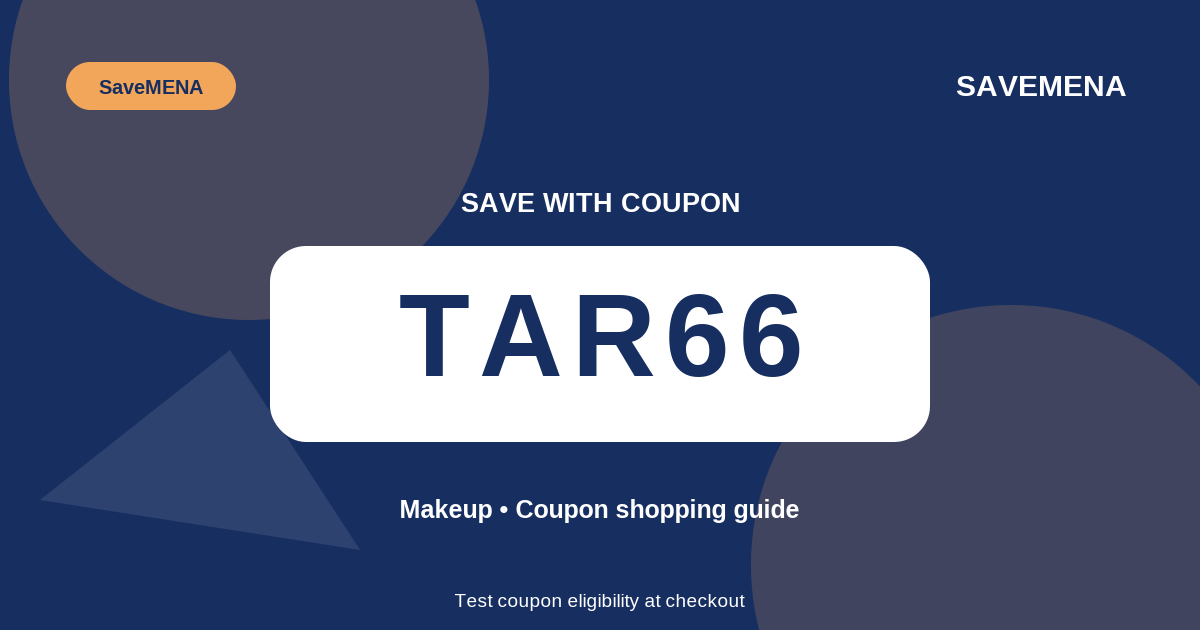
Codes available to try while comparing
These codes are not guaranteed for the article topic or listed brands; test them at checkout and use the live result.
Step 1: Assess Coupon Eligibility Before Payment
Before you even drag the TAR66 code into the coupon box, double‑check that the discount is still listed on Noon’s active promotions page. Look for a persistent banner or a downloadable coupon sheet that confirms TAR66 is in circulation. If the page shows a notice of a new code instead, the coupon may have expired or been superseded. This preliminary check removes the guesswork of whether the offer exists in the first place, saving you from a later disappointment.
Once you confirm the coupon is live, the next hurdle is the payment method you intend to use. Noon requires the payment option to be stable before allowing a discount to stick. For instance, if you switch from using a prepaid Noon wallet to a credit card midway, the system might recalculate totals without reapplying the coupon. Keeping your payment choice consistent from cart to checkout avoids this hiccup, especially when buying makeup sets where final prices fluctuate due to packaging tiers.
Step 2: Choose a Compatible Payment Method
Explore the available payment methods in your Noon account. Often, promotional codes register only with cards or wallets that have been verified on the platform. A card that hasn't completed the 3‑D Secure verification may trigger a decline even if the coupon applied. Therefore, before checkout, ensure your chosen card is not marked “Pending” in your payment settings. If you rely on a digital wallet, verify that the wallet itself supports Noon’s promotional system.
To verify status, navigate to the payment section in the Noon app, where each card shows an icon indicating activation. You can also test by logging out and attempting a small purchase with the same card. If the system accepts the card but refuses the coupon, the payment method is not the root cause and you should move to the next troubleshooting step.
Step 3: Enter the TAR66 Code at the Right Time
When you’re ready to apply the discount, paste TAR66 into the coupon field located directly above the payment options. The application button usually refreshes your total instantly.A coupon is not guaranteed; verify its result at the retailer checkout. In this situation, re‑login and re‑enter the code before proceeding to payment.
If the total still does not reflect the discount, check whether the makeup product you selected falls under a category that the code excludes. Noon sometimes limits coupons to specific brands or product types. Since we’re focusing solely on makeup, confirm there’s no hidden restriction by scanning the product’s detail page for coupon compatibility notes.
Step 4: Watch for Automatic Payment Switching
UAE consumers often configure Noon to auto‑select a preferred payment method during checkout. However, when a coupon is entered, the platform may temporarily override this preferred option to re‑validate the transaction. This automatic switch can reset the coupon application. If you notice the discount disappears after the payment dropdown changes, manually re‑apply the coupon after deciding on the final payment method.
Another nuance is related to installment plans. If you choose a longer installment period, Noon may recalculate the total in a way that the coupon no longer fits. Because makeup sets sometimes include high‑value items, this recalculation can trigger a silent rejection of the code. Switching to a single‑payment method before entering TAR66 can prevent this issue.
Step 5: Confirm Coupon is Accepted by the Checkout Interface
On the final checkout page, before you hit the pay button, there is a small but critical confirmation that the coupon has applied. Look for a line item showing the discount amount next to your subtotal. If it’s missing, you might have inadvertently pressed the wrong payment tab or entered the code too late in the process. Some shoppers accidentally hit the checkout button immediately after applying the code, bypassing the final verification step.
If you’re still seeing the full price, click the “See Details” link typically found beside the total. This allows you to review a breakdown of each charge, including shipping, taxes, and any active discount. A missing discount line item indicates the coupon did not persist, often due to the payment method’s conflict or a site glitch that can be resolved by refreshing the page or clearing the cart and restarting the purchase.
Step 6: Addressing the Most Common Payment Method Triggers
Payment method issues are the most frequent reason coupons fail on Noon. Common triggers include using a card that has not been updated in the app, opting for a digital wallet that isn’t linked to your account, or selecting a new payment option after the coupon has been applied. Because Noon’s system recalculates on any payment method change, it’s best practice to lock in your payment choice before entering and finalizing the coupon.
Additionally, for UAE shoppers, certain NilCash or credit cards may have regional restrictions that block promotional codes. If you notice a coupon error during checkout, try switching to a different card that has a broader acceptance profile, such as a Visa or Mastercard issued by a major bank. This small switch often reinstates the code’s validity once you refund or clear the cart and recreate the order.
Step 7: When All Else Meets Your Losers, Request Noon Support
If every technical step from eligibility checks to payment method consistency fails, the straightforward solution is to reach out to Noon’s customer service. Prepare your order ID, screenshot of the coupon entry, and a note that TAR66 did not apply due to payment method restrictions. Notice that Noon’s support team can manually re‑apply the discount or provide a voucher that behaves identically.
During your support conversation, emphasize that you’ve verified your selected makeup items meet the category criteria and that your payment method is fully verified in your Noon account. This clarity can speed up the resolution process. In most cases, customers receive a phone call or chat reply within a few business hours and a revised order confirmation indicating the discounted amount.
Related SaveMENA pages
Related articles
Official sources to check
Frequently asked questions
Why does the TAR66 code disappear after I choose my payment method?
Once you select a payment method, Noon’s system re‑validates the order total. If the chosen method isn’t authorized for promotional codes, the system cancels the discount and removes the code. Re‑entering TAR66 after confirming the card is verified restores the coupon.
Can I use TAR66 with a Noon wallet on top of a credit card?
Noon generally requires a single payment source for coupon validity. Using a wallet plus a card isn’t supported. Choose either the wallet or credit card after applying the coupon; adding a second option may reset the discount.
Does the token USD or AED matter for coupon usage?
Coupons like TAR66 are not tied to a specific currency; you can purchase in AED or USD with Noon. However, the payment method must be linked in the selected currency’s payment system, and the coupon will apply regardless of currency as long as the payment method is valid.
Will the coupon work if I have a pending top‑up on my card?
A pending top‑up blocks the card from processing during checkout. If the payment method shows as pending, Noon may reject the coupon. Complete the top‑up or wait until the balance syncs before using TAR66 on makeup orders.