Office on Noon UAE: payment method — coupon troubleshooting
TAR66 is a unique coupon that Noon has offered to select shoppers, but its eligibility is not automatic.
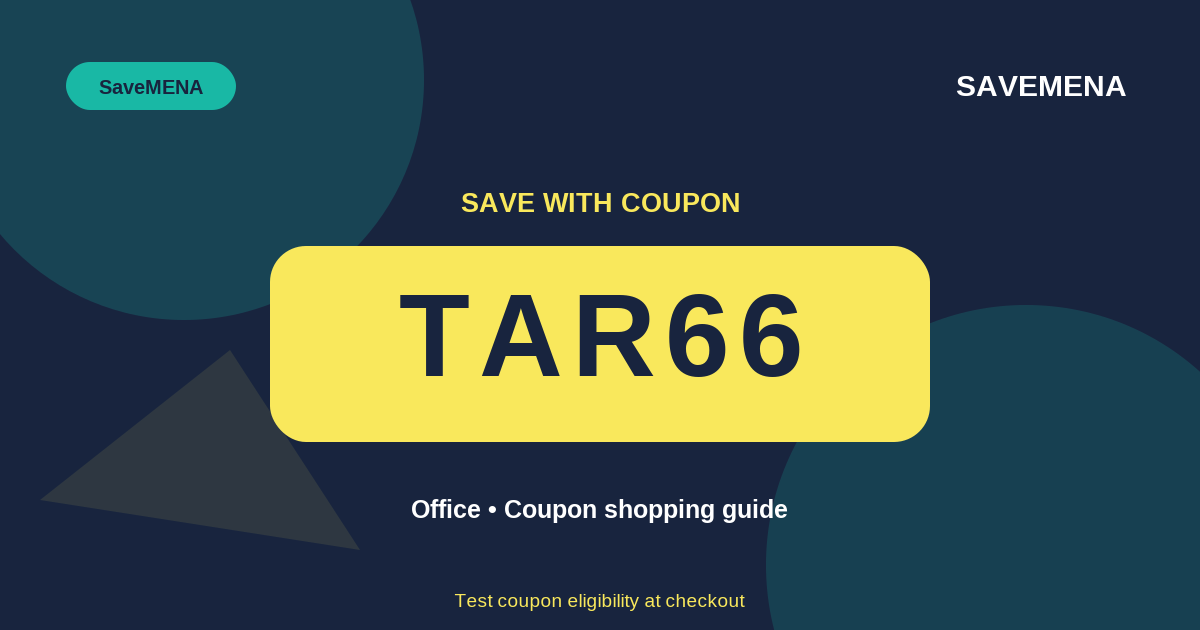
Codes available to try while comparing
These codes are not guaranteed for the article topic or listed brands; test them at checkout and use the live result.
Understanding the Scope and Conditions of TAR66
TAR66 is a unique coupon that Noon has offered to select shoppers, but its eligibility is not automatic. While the exact discount value or eligibility threshold is not disclosed, the coupon’s conditions are enforced at the checkout stage. Therefore, you should focus on confirming that the code is entered correctly and that your order meets the implicit criteria the system checks for. Any typo, extra space, or mismatch in case can cause the code to be rejected. The simplest way to verify is to copy the exact string “TAR66” from your email or coupon list and paste it into the coupon field during checkout, ensuring no surrounding characters or line breaks.
After pasting the code, watch for a real‑time success tick or a notification that the coupon has been accepted. If the screen offers no confirmation, the code is likely invalid for the selected payment method or your current cart. In such instances, note the message as it might indicate a relationship issue between the office payment method and the coupon’s activation. This observation will help you decide if you need to contact Noon support or adjust your order before proceeding.
Step‑by‑Step: Applying TAR66 During Checkout
Proceed to the shopping cart and confirm that your items are correctly listed, the quantity is accurate, and the subtotal reflects all selections. Then, scroll to the “Apply Coupon” field, usually situated just above the payment options. Input the code TAR66 with precision: case‑sensitive and no spaces. After pressing the enter key, wait for Noon’s server to confirm the coupon. A small banner or checkmark beside the field signals that the code reached the system and matched its criteria.
Next, review the updated total: Noon should recalculate the subtotal, any shipping fees, and the applied discount in real time. If the total decreases or a discount badge appears, the coupon has been accepted. If no change occurs, or if an error prompt surfaces, you’ll need to re‑evaluate the payment method compatibility or the coupon’s validity. Remember that the application of the code is independent of payment method confirmation—it only locks in once the right method is selected.
Diagnosing Common Reasons for Coupon Invalidation
One frequent cause for a “coupon not working” message is that the office payment method is not flagged as eligible for discount codes. Noon’s backend checks payment method permissions against coupon data; mismatched setups trigger automatic rejection. If the code fails, revisit the payment method list in your profile, confirm that your corporate card or bank account is listed, and verify it is the default choice.
Another culprit is that the order size does not meet an undisclosed threshold. Even though the coupon’s required spend is not disclosed, Noon may enforce a minimum order value during checkout. If your cart total does not reach this unsaid floor, the coupon will be ignored. A quick way to test this is to add a single low‑priced item that meets typical duration thresholds and see if the coupon works; if it does, you’ve identified a threshold-based block.
Verifying Eligibility at Checkout: The Final Validation Gate
During the final stages, Noon presents a consolidated order summary: items, shipping, taxes, discounts, and the payment method you have chosen. Carefully compare each component. If the coupon bar shows the discount applied, the payment method is highlighted in the final paid line, and the total amount is lower than the pre‑coupon subtotal, you have successfully navigated the coupon logic. At this stage, the system confirms every rule—including payment method eligibility—before proceeding to authorisation.
If the coupon is shown as “not applied” or the code resets after you change the payment method, this indicates a system blockage. Noon’s checkout does not allow a coupon to live when the selected bank is flagged as non‑eligible. In such cases, the summary screen will explicitly mention “This coupon cannot be used with the selected payment method.” This is the moment to switch to a personal or alternate corporate card that is recognized by Noon or to explore if the office payment can be updated in your profile to match.
What to Do If TAR66 Still Fails
When a coupon continues to refuse, first double‑check for hidden characters or copy‑paste errors. Then reposition the issue by selecting a different payment method—perhaps your personal card—while keeping the same cart, and attempt the coupon again. If the coupon finally works, you can confidently deduce that the problem lay within the initial office method. Do not proceed with the office payment; the coupon’s discount will not attach if the method is flagged.
Should the alternative method succeed but not the office payment, contact your company’s finance administrator. Provide them with screenshots of the checkout screen that displays the coupon failure and the selected office payment option. Most corporate payment setups require an additional layer of approval for discount usage, and an official update or re‑authorization may resolve the barrier. Until the office payment method is corrected, it is safer to rely on a payment method that the coupon accepts to avoid order denial.
Leveraging SaveMENA for Future Coupon Checks
SaveMENA serves as an independent platform that aggregates coupon codes and offers insight into their applicability across major UAE marketplaces like Noon. By keeping an updated record of your coupon codes—including their aliases, linkage types, and potential compatibility notes—you reduce the guesswork in future purchases. Even if a particular coupon like TAR66 fails now, understanding the pattern of its failures can inform your next code selection or shop platform.
SaveMENA’s insights also help you anticipate changes in coupons that Noon may introduce temporarily. By syncing your list to the platform, you will automatically receive alerts when a code’s status updates, which can inform your decision to switch payment methods before checkout. This proactive approach ensures that you are not caught waiting for a coupon to fail during the critical last minute of an office purchase.
Maintaining Accurate Payment Records for Corporate Spend
Once the transaction completes successfully, capture a screenshot of the final receipt, noting the date, total amount, and payment method. Corporate accounting often requires precise documentation for each purchase, and having a visual record proves compliance and payment method consistency. Store this receipt in the company’s shared folder or expense tracking system to ease later reconciling.
If you had to switch payment methods due to coupon incompatibility, create a brief note explaining the reason—coupon non‑compatibility with the office card—and attach it to the receipt. This context can be invaluable when the finance team reviews the expense for year‑end or audit purposes, allowing them to confirm that the employee’s decision to avoid discount loss adhered to policy. By combining clear documentation with supportive evidence, you maintain full transparency and avoid misunderstandings about the purchase process.
Related SaveMENA pages
Related articles
Official sources to check
Frequently asked questions
A coupon is not guaranteed; verify its result at the retailer checkout.
No. The code is only available to try. Eligibility can vary with the live account, basket, item, seller and campaign context, so checkout is the final reference.
Where should I confirm the coupon result?
Apply the code in the Noon basket and review the live message and final payable total before payment. Do not rely on an undocumented percentage or condition.
Can the result vary by product or seller?
Yes. Eligibility and offer context can vary with the current basket details, so compare the exact item, seller, variant and final total before purchasing.
What should I do if the code does not work?
Check the market, account, item, seller, basket and payment context, then try another code available to try without guessing an unsupported reason.