Calvin Klein Perfumes on Noon UAE: payment method — coupon troubleshooting · TAR64
Many shoppers see a coupon displayed in the product or cart view but the discount never appears during checkout.
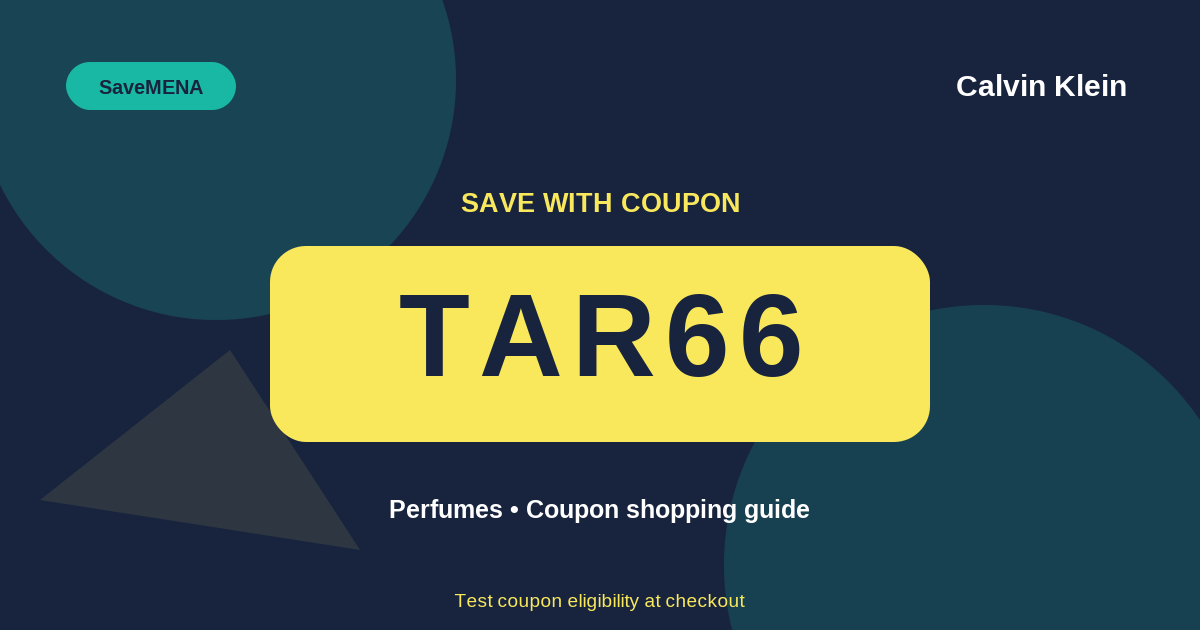
Codes available to try while comparing
These codes are not guaranteed for the article topic or listed brands; test them at checkout and use the live result.
Spotting the Problem: Why the Noon UAE Coupon May Fail With Perfumes
Many shoppers see a coupon displayed in the product or cart view but the discount never appears during checkout. With Noon’s platform, this mismatch commonly arises when the coupon is specific to a category or brand that isn’t fully supported in the current checkout module. Even if a Calvin Klein perfume is listed as eligible, the site may not recognize the coupon if the seller’s inventory settings differ from the public catalog. Consequently, the final payment screen shows the full price, making the coupon “not working” in real‑time.
Identifying the root cause first requires a quick audit of the product page and cart totals before you even pick a payment method. Check if the coupon code appears next to the perfume’s price, and whether the seller’s page flags any restrictions. If the tag is present but the discount never applies, you’re likely encountering a technical override likely tied to payment processing rather than a simple invalid code.
Confirm Your Payment Method Compatibility for Calvin Klein Perfumes
Noon’s checkout allows several payment methods: credit or debit cards, wallets, and bank transfers. For premium items like Calvin Klein perfumes, the platform sometimes restricts certain wallets or payment apps to mitigate fraud risk. If you choose a method flagged as “unverified” or unsupported for high‑value purchases, the coupon engine may automatically disable all discounts to maintain security policies. This is why Tango or PayPal‑like wallets often fail after a code is applied.
To verify compatibility, log into your Noon account, navigate to the Settings > Payment Methods section, and note which options are active for your profile. When a coupon enters the cart, the system temporarily flags eligible payment options; if the chosen method is absent from that list, the discount will not be applied. Always double‑check that your selected payment option remains visible and untitled after you apply the TAR64 code.
Coupon Eligibility: Make Sure TAR64 Applies to Your Cart
The voucher code TAR64 is available for try‑out purposes and applies to the current product selection, assuming no hidden conditions. Since the focal product is a Calvin Klein perfume, the presence of the brand on the product page usually satisfies the card’s basic eligibility. However, Noon’s algorithm also checks for seller restrictions or minimum order amounts that might not be explicitly listed.
If your cart contains additional items or the perfume is part of a bundle, the total may exceed what the coupon is designed for. In that scenario, the checkout screen will remove the discount even though the code is technically valid. Remove any non‑essential items, verify the product’s price is shown with the discount in the cart, and then proceed to payment.
Cart Verification: Avoid Hidden Fees That Break Coupons
Even if the coupon shows a reduced subtotal, adding shipment, gift wrapping, or handling fees can push the total back to the original price during final verification. Noon sometimes applies a “service fee” for high‑end perfume purchases that isn’t visible until the order summary. This hidden charge can nullify your TAR64 discount unless the shipping method is chosen beforehand.
To sidestep this, select your shipping option before applying the coupon. In the cart, click the ‘Edit’ icon next to the delivery details and break down the fees. Confirm that the price the coupon adjusts is the final amount you'll see once the payment method is selected. If a fee appears after you attach your payment option, revisit the coupon application process.
Handling Payment Method Errors During Checkout
When you proceed to the payment screen, Nail your chosen method and watch for any error or warning pop‑ups. Common messages such as “Payment cannot be processed with this coupon” or “Coupon invalid for selected payment method” are signposts that your account’s payment preference conflicts with the discount. These warnings are generated by Noon’s fraud detection and automated discount engine.
If you encounter such an error, the most straightforward fix is to switch to a different payment type—perhaps a registered debit card if you are using a mobile wallet. Sometimes a simple retry is enough; log out, clear your browser cache, and re‑enter your information. Persistence is key because the platform may temporarily flag the coupon on the first checkout attempt.
Alternative Payment Options to Preserve Coupon Value
When the primary payment method consistently fails to honor TAR64, consider adding a secondary card or switching to a disposable virtual card offered by your bank. Noon’s payment gateway typically supports these alternatives, and they often bypass the restrictions that affect basic wallets or prepaid accounts.
Before switching, ensure the new card has no transaction limits that might block a high‑value perfume purchase. Check that both the card's CVV and expiration are current in your wallet profile. Once updated, reapply the coupon in the cart, refresh the page, and see whether the discount reappears when the new payment method attains a successful payment status.
When to Reach Out: Seller Support vs Noon Customer Service
Persistent coupon failures may stem from the seller’s inventory configuration rather than Noon’s platform. If a Calvin Klein perfume is sold by a third‑party vendor who imposes their own discount policy, the code may be blocked at the vendor’s checkout layer. In such cases you’ll see a prompt to contact the seller directly.
Start by scrolling to the bottom of the product page where “Seller Details” appear. Use the “Contact Seller” button to report the coupon issue, providing screenshots of the cart and the error message. If the seller cannot resolve the problem, film the screenshot of the vault and open a Noon support ticket through the app’s Help Center, selecting “Payments & Discounts.” They’ll review whether the coupon code is misconfigured in Noon’s system.
Quick Checklist: Finalizing a Coupon‑Ready Order
Before you hit “Place Order,” conduct a final run‑through: (1) Verify the product is a Calvin Klein perfume; (2) Check that TAR64 appears in the cart subtotal; (3) Confirm your chosen payment method is listed as compatible; (4) Review all additional fees—shipping, handling, tax—and ensure the discounted subtotal remains after they are applied; (5) Make sure the payment method is active and not flagged by your bank.
If all items above check out, proceed to payment. Should a “Coupon not working” warning still surface, switch to an alternative card or temporarily use a different browser. Keep the voucher handy for the next purchase if the issue appears persistent—use it at a future checkout when all conditions are satisfied.
Related SaveMENA pages
Related articles
Official sources to check
Frequently asked questions
How can I know if my payment method is compatible with a Noon coupon?
Verify the method listed under Noon’s Settings > Payment Methods. If you see no warning about incompatibility when you apply the coupon, the payment method is likely compatible. You can also try applying the coupon first, then selecting your payment; if the code disappears, it’s a compatibility issue.
Can I use a mailbox or virtual card to submit a missing coupon?
Yes. A virtual or disposable card typically bypasses limitations placed on standard wallets or prepaid accounts. Add it to your Noon wallet, then apply the TAR64 code again during checkout.
What should I do if the coupon code is accepted but the discount vanishes at checkout?
Check for hidden fees such as shipping or handling that may push the subtotal back up. Remove any extras, apply the coupon again, then review the final amount before entering payment details.
When should I contact Noon’s customer support about a coupon issue?
If the code is accepted in the cart but you consistently see an error message during payment with no viable alternative fee, open a ticket in the Noon app’s Help Center. Provide screenshots and the coupon code for quicker resolution.