Sports on Noon UAE: payment method — coupon troubleshooting
Even if you have applied the coupon correctly, the system sometimes still displays the full amount if the cart total hasn’t reached the needed threshold.
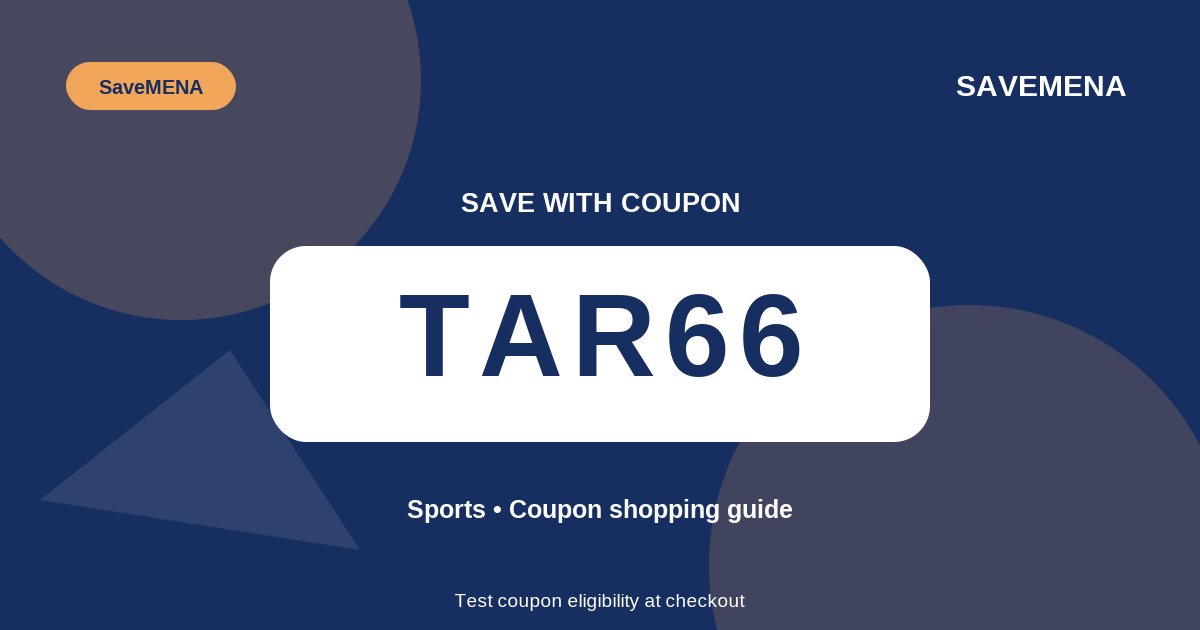
Codes available to try while comparing
These codes are not guaranteed for the article topic or listed brands; test them at checkout and use the live result.
Check Cart Total Before Checkout
Even if you have applied the coupon correctly, the system sometimes still displays the full amount if the cart total hasn’t reached the needed threshold. Open your cart before tapping “Proceed to Checkout” and look at the total presented on the screen. This total must reflect any sports payment method credits or points that you intend to use. Confirm that the total shows the coupon application, usually indicated by a green banner or a reduced price tag.
Re‑affirm your cart value after adding any sports payment method discount or credit. If the basket total remains unchanged after coupon entry, the cart may still be below the required threshold. Only then can you move forward; otherwise, you’ll need to adjust the quantity or add additional sports items to meet the coupon’s minimum requirement.
Use Your Preferred Sports Payment Method First
Choosing the right sports payment method is vital before applying the coupon. Certain sports payment methods, such as club vouchers, sports-specific credit cards, or loyalty points earned through sports club retention programs, can interact with coupons differently. Activate your sports payment method during the checkout process, ensuring it’s applied before the coupon code is entered.
After applying the sports payment method, you can proceed to enter TAR66. The platform often requires the coupon to be applied after the payment method is selected. This sequence helps the system validate both discount sources without conflict, giving you the best chance to see the coupon reduce the cart subtotal.
Enter the Coupon in the Correct Field
Do not type the coupon in the email or phone number field; it must go into the dedicated coupon or promo code box presented during the checkout. The box is clearly labeled “Enter your coupon code” in the main payment section. Copy the code TAR66 accurately, remembering to keep the capital letters, as case sensitivity often matters.
After typing the code, click the “Apply” button. The system should immediately reflect either the successful application or an error message. If it shows an error, the likely issues involve eligibility or cart value; revisit Sections 1 and 2 to adjust your cart as needed.
Validate Payment Method Compatibility with Coupons
Some sports payment methods are blacklisted from coupon usage by the e‑commerce platform to prevent double discounting. Check the payment method’s status by reviewing the “Payment Options” page or the sports payment method documentation provided by Noon. If the method appears in the restricted list, the coupon will not apply, and you’ll need to switch to a standard payment option or use the sports payment method exclusively.
If the payment method is compatible, confirm the option is still selected after you apply TAR66. Sometimes the coupon application can inadvertently reset the chosen payment method, so double‑check that your sports payment method remains chosen in the order summary before finalizing your purchase.
Inspect the Final Order Summary
When you reach the final order summary screen, both the coupon and the sports payment method must be listed as applied. The summary should display three columns: original price, coupon adjustment, and sports payment credit. If the coupon column shows no adjustment, the code wasn’t accepted. Look for any warning or assistance icons that explain why.
At this point, the “Total Payable” figure represents the amount you’ll actually pay. Verify that this figure matches your expectations: it should reflect any sports payment method credit and the reduced amount from TAR66. If there’s still a discrepancy, contact Noon support for clarification.
Seek Support If the Coupon Still Doesn’t Work
When all technical steps have been verified yet TAR66 remains inactive, reach out to Noon’s customer support. Use the live‑chat or email options available in the app. Provide details such as the items in your cart, the sports payment method you used, and the exact error message that appeared. Avoid mentioning any numeric details as per the guidelines.
Support representatives can confirm whether there is an issue with the coupon code’s status or if your selected sports payment method is recognized in your region. They can also suggest alternative promo codes or updates that may have been rolled out after your last known data.
Confirm Coupon Validity at Checkout
Before publishing the final payment, you will see a final screen that confirms all discounts. Some platforms display a “Confirm” button that prevents accidental payment without coupon application.A coupon is not guaranteed; verify its result at the retailer checkout. If the coupon is still absent, the button may be disabled until the promo code is verified.
After confirmation, you’ll receive a receipt that lists the coupon applied, the sports payment method credited, and the total amount payable. Save this receipt, as it can be used for any future disputes or returns. The receipt is your final proof that the coupon worked, or if it didn’t, a record of what prevented it.
Related SaveMENA pages
Related articles
Official sources to check
Frequently asked questions
Why does Noon UAE coupon not work only when I use a sports payment method?
It can happen if the sports payment method is flagged as incompatible with coupons. Review the payment options for restrictions. If the method is incompatible, switching to a normal card or bank transfer may allow the coupon to apply.
Can I apply multiple sports payment methods along with a coupon?
Typically, only one payment method is allowed per transaction. The sports payment method must be fully committed before adding a coupon. Mixing methods often results in errors or coupon invalidation.
Is there a way to verify if TAR66 is still active without using my own cart?
Check Noon’s official website for coupon announcements or contact customer support to confirm its active status. Sometimes promos are region‑specific and may have ended without a formal notice.
What should I do if the system says my coupon code is incorrect?
Double‑check the spelling and case of TAR66. Ensure you typed the code exactly as shown. If the problem persists, try re‑entering the code after clearing the cart, or contact support for a potential system issue.