Nike Sports on Noon UAE: payment method — coupon troubleshooting · TAR64
Before diving into troubleshooting, it’s important to grasp what “coupon not working” truly means in the context of Noon’s sports category.
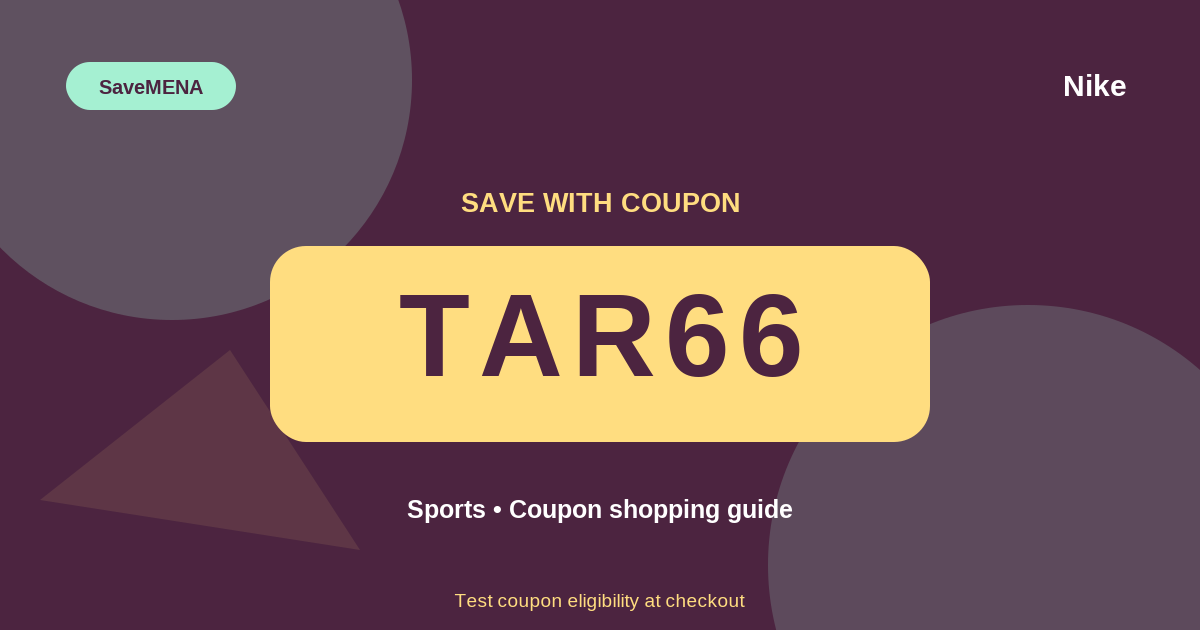
Codes available to try while comparing
These codes are not guaranteed for the article topic or listed brands; test them at checkout and use the live result.
Understanding the Coupon Scenario
Before diving into troubleshooting, it’s important to grasp what “coupon not working” truly means in the context of Noon’s sports category. A coupon failing to apply typically signals that one of the criteria for redemption isn’t met—whether the code was entered incorrectly, the product mix doesn’t satisfy the coupon’s terms, or the selected payment method is disallowed. In every case, you begin by ensuring the coupon has been inserted into the correct field on the final shopping‑cart page, where Noon compiles all eligible offers.
By confirming that the code entered matches the exact spelling and case of the coupon—here, TAR64—you can remove one layer of uncertainty. Keep in mind that Noon may require the code in uppercase or a precise format; a misplaced space or lowercase letter can prevent recognition. Double‑checking the accuracy of the coupon entry sets the stage for a smoother checkout later on.
Verify the Coupon Code Entry
The mechanics of entering a coupon on Noon are straightforward but can be unforgiving. After adding your Nike sports item, scroll to the bottom of the cart page where the “Enter promotional code” box resides. Paste or type TAR64, ensuring no trailing spaces. After hitting “Apply,” the page will refresh and recalculate totals.
When the discount still does not appear, look for any error message that Noon may display. Common notifications include “Invalid coupon,” “Coupon not applicable,” or “This coupon cannot be used with your selected items.” These statements directly signal that the system recognized the code but found it ineligible under its current rules.
Inspect Order Summary for Discount Application
Immediately after applying the coupon, the cart’s order summary should reveal a new line item indicating the discount amount. If this line is missing, the coupon hasn’t registered. Review the grand total, tax, and shipping calculations carefully to confirm that the discount is absent.
Should you locate a numeric reduction, remember that the exact amount is governed by Noon’s policies and the coupon’s terms. While you can see the new total at checkout, you’re advised to verify the final payable amount once you finalize the payment method, as certain payment methods can influence processing fees or additional taxes.
Check Account Status and Eligibility
Coupon eligibility can hinge on your Noon account status. Confirm that you are logged in and that your profile is up to date, especially with email address and phone number. If you’re using a guest account or shipping to a new address, any mismatch can trigger a denial of the coupon.
Additionally, Noon sometimes groups coupons to specific loyalty tiers or membership levels. While we lack the precise policy references, the safest move is to explore your Noon dashboard for any active membership or promotions that might overlap or supersede the discount you seek.
Examine Payment Method Compatibility
Here is where the decision lens of payment method takes center stage. Noon’s system may allow coupons only when a certain payment method is chosen, such as cash on delivery, a specific credit card, or an e‑wallet. After the cart displays the updated total, proceed to the payment stage and check which options are presented. Some methods might trigger final confirmation notices that can override coupon eligibility.
For example, if you select a payment method flagged as “restricted use,” Noon might prompt you to switch. Pay close attention to any warnings or “discount not applicable with selected payment” notices that appear immediately before the “Place Order” button is enabled.
Resolve Common Payment Method Conflicts
If the coupon applies in the cart but vanishes at the payment screen, it’s likely that the chosen method conflicts. A common fix is to switch from a prepaid card to a net banking option, or vice versa. Try selecting an alternative listed payment method to see if the discount reappears.
Some merchants additionally install third‑party payment gateways that have their own constraints. In such cases, verifying whether the gateway supports promo codes is essential. You can often find brief, permissible guidelines on Noon’s payment method descriptions right next to the option list.
Contact Noon Support for Last‑Resort Help
When the coupon still refuses to salvage your sports purchase, reaching out to Noon’s customer support is the next logical move. Contact options include live chat, email, or the app’s help center. Clearly state that you’re attempting to redeem TAR64 on a Nike item, describe the point at which the discount disappears, and mention the payment method you selected.
Keep in mind that support may request a screenshot of the cart before and after coupon application, as well as the final payable figure post‑payment method selection. This documentation helps the team pinpoint the exact step causing the failure.
Conclusion & Best Practices
By following a methodical path—verifying coupon entry, watching the order summary, confirming account details, scrutinizing payment method compatibility, and pivoting payment options when required—you can greatly improve the likelihood that Noon’s coupon will function as intended. The process also highlights the importance of understanding how payment methods interplay with promotional codes.
Remember, though SaveMENA remains independent and does not directly affect Noon’s policies, we recommend staying vigilant for any updates Noon might release.A coupon is not guaranteed; verify its result at the retailer checkout.
Related SaveMENA pages
Related articles
Official sources to check
Frequently asked questions
Which payment methods are typically safe for coupon use on Noon?
The safest approach is to use the most common options shown as default—often credit/debit cards or the app’s own wallet. Third‑party gateways may sometimes refuse coupons, so stick to the visible options if the discount vanishes.
How can I confirm that TAR64 is still valid?
While we don’t hold expiry data, you can verify validity by attempting to apply the code again and watching for an error message like “Coupon expired” or “Invalid coupon.” A successful apply usually indicates remaining validity.
What should I do if the coupon applies in cart but not post‑payment?
Immediately switch to another payment method offered during checkout. If the discount disappears again, contact Noon’s support with screenshots to clarify the issue.
Is the coupon checking process same for all sports items?
Yes, the logic applies to all sports-related products, including Nike gear. For each order, ensure the item category and brand don’t violate any hidden restrictions by checking the order summary.