Huawei Tablets on Noon UAE: payment method — coupon troubleshooting
tags. Let's write. When your Noon UAE coupon appears unresponsive, especially while buying Huawei tablets, the first step is to trace whether the problem lies in
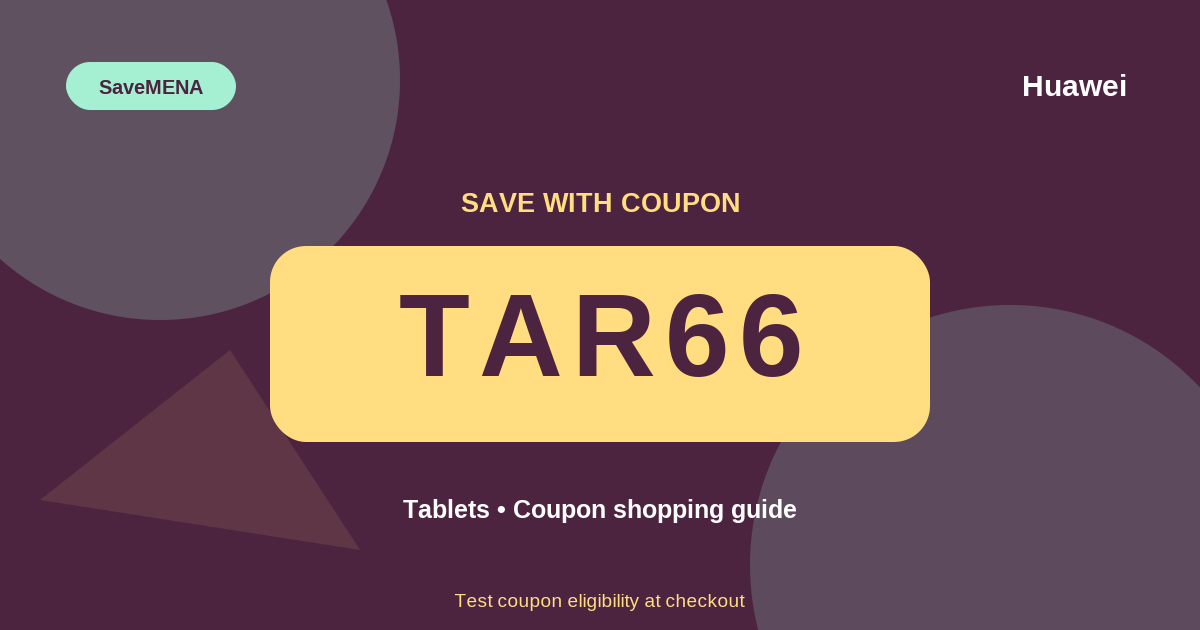
Codes available to try while comparing
These codes are not guaranteed for the article topic or listed brands; test them at checkout and use the live result.
1. Verify the Huawei Tablet’s Eligibility for the Coupon
Start by ensuring that the specific Huawei tablet model in your cart meets any technical requirements for the coupon. Some coupons apply only to certain product families or configurations, and visibility on the product page may prevent the code from activating. Carefully read the product description and manufacturer tags to confirm that the tablet aligns with any listed eligibility restrictions, even if your chosen phone does have the right brand. Checking these details at the product listing lets you rule out product mismatch as a cause of the code failure.
Cross‑check that the tablet’s SKU displayed in your cart matches the inventory listed for the coupon on the Noon storefront. If the SKU is off or the product variant is a different color or storage capacity, the coupon logic may reject it outright. A quick comparison of the SKU or barcode between the cart and the product page eliminates mismatch errors before you even hit the checkout button.
2. Confirm the Coupon Code Format and Timing
Coupon codes on Noon can be case‑sensitive or require specific punctuation. The TAR66 code should be entered in the exact format offered by Noon’s coupon prompt, typically all uppercase letters followed by numbers. Double‑check for stray spaces, hyphens or accidental capitalisation that could cause the system to invalidate it. Typographical mistakes are often the hidden culprit behind many “not working” alerts.
Make sure that the code is still within its active window. Coupons on Noon may have a launch and expiry period even if the date is not displayed. If the system logs a “coupon not found” or “expired” error, it’s best to verify with Noon’s terms or simply retry after a short wait to confirm timing issues are not at play. Timing discrepancies can also arise from server synchronization delays.
3. Check the Payment Method: Huawei Setup
When you choose Huawei payment as your checkout option, the transaction pathway might involve a different verification step than standard cards or digital wallets. Ensure that your Huawei account is fully authorised and that there are no pending authorisation holds on the card you intend to use. This step is critical because certain mobile payment services can block coupon application if the payment receptor isn’t validated first.
Review the list of accepted payment methods on the Noon page for the selected tablet. Some merchants only allow particular cards or store‑credit equivalents; if Huawei purchase credit is restricted, that restriction can retroactively block coupon application. Verify that your chosen payment method is listed as valid in the checkout UI before confirming the order.
4. Examine Cart Conditions that Interfere with Coupon Usage
Your cart might contain additional items or gift cards that alter the discount eligibility of the Huawei tablet. Many coupons apply only to item totals, exclusion of other categories, or minimal spend thresholds. Inspect your cart for any non‑eligible products that could invalidate the TAR66 code, particularly if they were added after you entered the coupon.
Also watch for hidden fees or taxes that may appear in the cart total at a later stage. These fees can sometimes push the cumulative amount beyond a threshold that the coupon was designed for. If the cart total shifts after tax calculation, the coupon may be re‑evaluated and removed. Double‑checking the cart summary before finalising payment ensures any such conflicts are spotted early.
5. Use the ‘Apply Coupon’ Sequence on Noon’s Checkout
Once you are certain that the tablet is eligible, the coupon is correctly formatted, and the payment method recognised, proceed to the checkout flow. Click the “Apply Coupon” button, enter TAR66, and wait for the confirmation snapshot. The page should refresh to display the new discounted price if the coupon is valid.
If the screen still shows a “coupon not working” note after a refresh, try clearing your browser cache or switching to a different device. The issue might be a session bug or temporary store outage, and a fresh session can sometimes resolve the display glitch without changing the underlying coupon status.
6. Test an Alternative Payment Method Temporarily
To isolate whether the payment method is the root cause of the coupon failure, switch to another accepted payment option such as a debit card, credit card, or PayPal, assuming the store allows it. Apply the TAR66 code again; if it now shows a discount, the original payment method was incompatible with coupon usage.
Keep a record of any changes in coupon status across payment methods. This documentation can be useful when you contact Noon customer support, as it demonstrates that the problem was linked to a specific payment gateway configuration rather than a random system glitch.
7. Escalate the Issue Through Noon Support Channels
When all self‑service steps have failed, the next logical move is to reach out to Noon’s customer service. Provide them with the cart details, the hardware specifics (exact Huawei tablet model), the applied coupon code TAR66, and a note describing how the payment method insertion was performed. Clear, concise information speeds up troubleshooting on their side.
Keep your documentation ready in case they need to re‑submit the order, or check the coupon’s status in real time. If a support agent indicates that the coupon is invalidated due to a system policy, confirm whether this is a temporary issue or a permanent change in terms. This conversation can clarify whether you should retry later or if your coupon isn’t usable at all for Huawei tablets.
8. Record Your Troubleshooting Journey for Future Shopping
After the order is placed or the coupon status is clarified, jot down the exact sequence of actions you took, including timestamps of each step. This audit trail will be handy if you attempt the same purchase again or if you choose to shop with another brand or category under tie‑in promotions.
Share your experience with local community forums or with the Noon community so that others experience a smoother buying process for similar Huawei tablet deals. Your detailed, methodical approach can help the broader UAE shopping ecosystem develop clearer, faster troubleshooting practices for coupon application through specialized payment methods.
Related SaveMENA pages
Related articles
Official sources to check
Frequently asked questions
Can I apply the TAR66 coupon on a Huawei tablet with any payment method?
Yes, as long as the tablet is eligible and the code format is correct. The payment method itself doesn’t restrict coupon activation, though certain payment options may require additional verification steps that could temporarily affect coupon visibility.
What should I do if the coupon still shows as inactive after I’ve verified the code and payment method?
Contact Noon customer support with all details: the tablet’s SKU, the applied coupon, and the payment method used. They can confirm if the coupon is officially expired or if there’s a system bug affecting its application.
Is there a limit on how often I can try a coupon code before it’s blocked?
No specific limit is typically announced, but repeated invalid attempts might trigger a temporary lock on your account or cart. If you suspect this, wait a short period before retrying to avoid being flagged by the system.
Can I use the same coupon code for another tablet brand on Noon?
The TAR66 code may or may not apply to other brands. Verify the brand eligibility details on Noon’s coupon terms page, or ask customer support for confirmation about cross‑brand validity.