Calvin Klein Women’s Fashion on Noon UAE: payment method — coupon · TAR64
Editing the coupon code is often the simplest overlook that turns a valid offer into a dead end. Pay close attention to the exact characters in TAR 64—no accidental
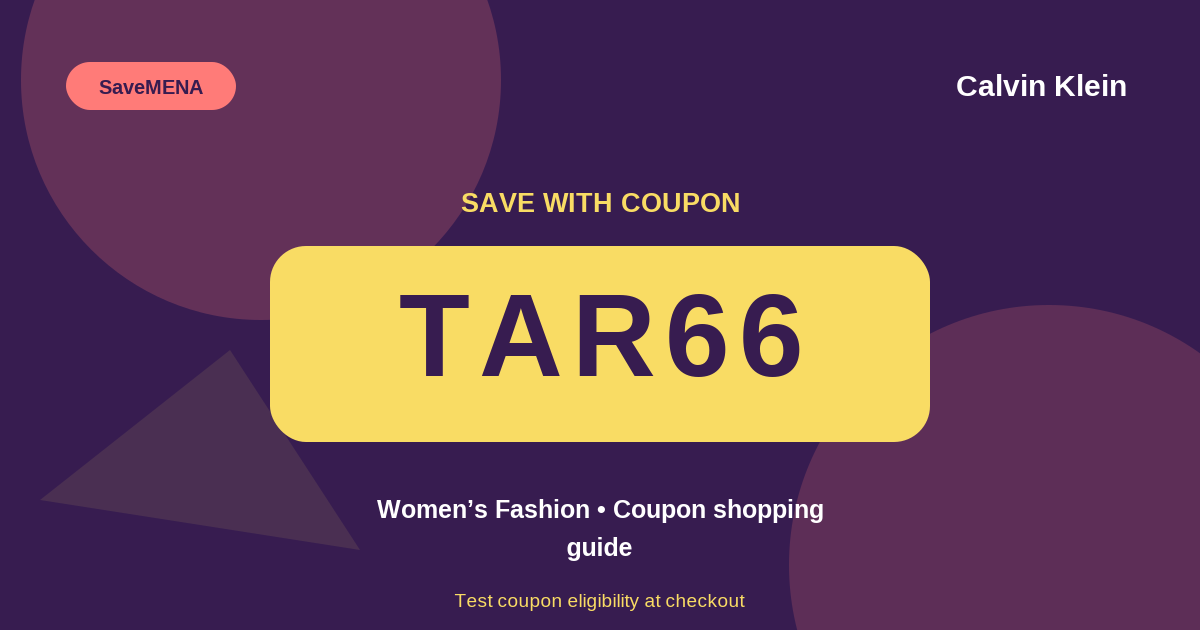
Codes available to try while comparing
These codes are not guaranteed for the article topic or listed brands; test them at checkout and use the live result.
Start With a Clean Copy: How to Enter TAR64 Correctly
Editing the coupon code is often the simplest overlook that turns a valid offer into a dead end. Pay close attention to the exact characters in TAR 64—no accidental spaces, no upper‑case versus lower‑case confusion, and not a single extra trailing digit. Many shoppers inadvertently hit the return key before fully entering the three able characters, causing the system to flag the text as incomplete. Double‑check that the field is still active while you type, and when finished, give it a brief pause before proceeding to the next step. A clean, precise entry is the foundation for any successful discount application.
Once the code appears in the discount box, keep the display visible for a moment to confirm the system has recognized it. Some interfaces will show a brief confirmation like ‘Code accepted’ or will automatically strip any hidden spaces. If no confirmation appears, press the “Apply” button again. Re‑entering can sometimes trigger a fresh validation check, especially if the code was typed during an early part of the checkout flow. Only when you see explicit acknowledgment should you move ahead to the payment section; this confirms the coupon has reached the backend before any payment decision is made.
Ensure the Item Is a Calvin Klein Women’s Fashion Choice Eligible for the Coupon
A coupon tied to a particular brand will usually honor only items from that brand’s active collections. If you’ve selected something that falls outside Calvin Klein’s range—perhaps a generic leather jacket or a third‑party label—you’ll encounter a silent rejection. Noon’s filtering logic checks the product SKU against a whitelist tied to the coupon’s promotion rules. Because these rules cannot be disclosed publicly, you should verify that the visual brand logo and the product title match those seen on Calvin Klein’s official site. Any discrepancy between the in‑app label and the brand’s official name is a common cause for a failure.
If you’re uncertain whether your chosen item fits the rule set, compare it side‑by‑side with one verified Calvin Klein product currently listed in the same category. Look for consistent tags such as “Calvin Klein” displayed prominently on the product’s detail page. When in doubt, adding a single, clear Calvin Klein garment to the cart can serve as a test run; Observe whether the coupon still refuses to accept or finally activates on that item. This simple exercise isolates brand eligibility from other checkout variables.
Track Cart Contents: Keep Your Fashion Item as the Solo Purchase
Coupon physics often changes once more than one item enters the cart. A promotion like TAR 64 might be valid only for a single Calvin Klein apparel piece, especially if the retailer’s rules cap savings to a particular quantity or product type. Before moving to payment, confirm that your cart contains only the solitary item you expect to use the coupon with. Remove any accessories, shoes, or collection‑wide gifts that might inadvertently shift the cart into an ineligible state. Checkout engines evaluate total line items before accepting any code.
While the cart has only that one item, ensure the quantity is set to one. Increasing the quantity can trigger a bulk‑quantity restriction, leading the system to silently block the coupon. Even the preview page may hide hidden promotional products that come bundled with the main item; double‑check that no additional product appears in the summary. If the item still refuses the coupon, you may have stumbled on a stock‑specific restriction or a time‑bound rule, which the cart view won't explicate. This is the moment to pause and retry your entry.
Payment Method Matters: Why Card, Cash, or PayPal May Affect Coupon
The mechanism used to pay can intersect with coupon validation. Noon allows several payment options, from credit/debit cards to net banking, e-wallets, and cash‑on‑delivery. While the coupon itself doesn’t usually discriminate by form of payment, some backend checks do connect payment method status with discount eligibility. For instance, if your card has not yet been verified, the system might deny any discount until a successful tokenization step. On another front, cash‑on‑delivery orders might bypass promotional engines altogether, causing the coupon field to reset.
To keep the coupon intact, try selecting a standard card payment first. If the code remains invisible or fails after you confirm the amount, switch to an alternative method that is known to process with the platform’s discount API. You can also check whether your chosen method carries any brokerage fees or currency conversion locks that might invalidate a promotion when the final amount is calculated. By methodically cycling through a minimal set of payment options, you isolate whether the coupon’s failure stems from the payment gateway rather than the code itself.
App vs Website: Noon UAE App vs Web Coupon Compatibility
Coupon processing quirks often differ between the mobile app and the traditional website. The same workout on the app may show an accepted status, whilst the desktop version may not. This divergence typically arises from the way the two interfaces handle session data. In the app, user credentials persist longer, which can sometimes grant a promotional boost that the web session doesn't carry. Conversely, the website may retain a fresh cookie that invalidates previously accepted codes.
To troubleshoot, toggle between the two platforms while using the same browser login. Notice if the code warms up on one side but not the other. When you find a mismatch, use the platform that exhibits the successful activation and proceed with that checkout path. If neither works, there may be a performance lag on either side; a short pause or reload can reset the promo stack. Keep in mind that the app occasionally supports special interactive offers that the web interface does not, which can also affect code validity.
Browser & Cache Settings: How Cookies Can Block the Coupon Code
Even after typing the coupon correctly and selecting the right product, an unseen driver might still kill it: the browser’s cookie or local‑storage data. When you’ve visited Noon numerous times, stored promotional codes can accumulate and cause the site to confuse a new entry for a repeated, expired token. Certain privacy or security extensions may also block required cookies, preventing a responsive validation process.
First, clear the browser cache and delete any stored Noon cookies. Then, restart the browser or use incognito mode to ensure a fresh session. Re‑enter TAR 64 and watch for the early confirmation indicator. If the code now accepts, the issue was a stale session or cookie conflict. In the event it still fails, check that no extensions are explicitly blocking third‑party cookies needed for the Noon discount engine. These systematic steps can often revive a coupon that seemed lost.
Compare alternatives without guessing
When you compare another option in calvin klein, keep the specifications, quantity and seller as consistent as possible and compare the total shown at checkout. A different coupon does not automatically make a deal better because delivery, fees and the live basket context can change the outcome. Use the final payable total as the practical comparison point.
If the retailer shows a specific condition, rely on that visible message; if it does not, do not turn an assumption into a general rule. Test available options one at a time and note any real change in the total or eligibility message. That creates a verifiable shopping comparison instead of a recommendation built on an unsupported marketing claim.
Related SaveMENA pages
Related articles
Official sources to check
Frequently asked questions
A coupon is not guaranteed; verify its result at the retailer checkout.
No. The code is only available to try. Eligibility can vary with the live account, basket, item, seller and campaign context, so checkout is the final reference.
Where should I confirm the coupon result?
Apply the code in the Noon basket and review the live message and final payable total before payment. Do not rely on an undocumented percentage or condition.
Can the result vary by product or seller?
Yes. Eligibility and offer context can vary with the current basket details, so compare the exact item, seller, variant and final total before purchasing.
What should I do if the code does not work?
Check the market, account, item, seller, basket and payment context, then try another code available to try without guessing an unsupported reason.