Women’s Fashion on Noon UAE: payment method — coupon troubleshooting · TAR64
Once you can confirm the coupon is technically active, focus on the product selection. Noon may limit coupon use to certain brands or to items listed under specific
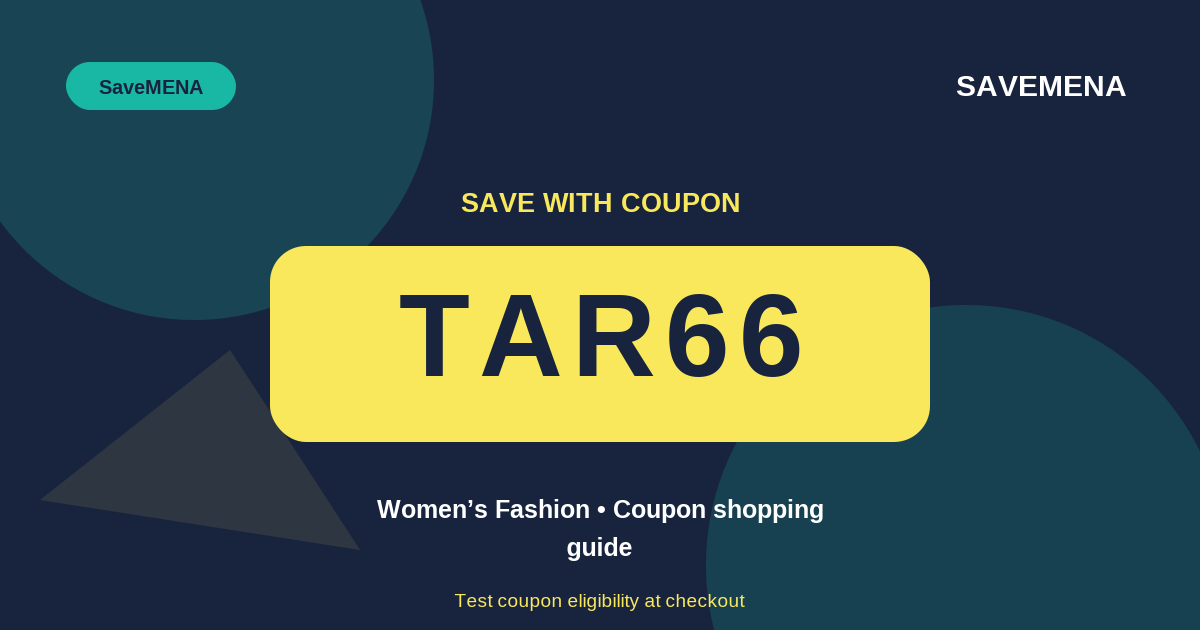
Codes available to try while comparing
These codes are not guaranteed for the article topic or listed brands; test them at checkout and use the live result.
Verifying Coupon Validity on Women’s Fashion Items
Once you can confirm the coupon is technically active, focus on the product selection. Noon may limit coupon use to certain brands or to items listed under specific sub‑categories. While you cannot claim a precise list without official confirmation, the best practice is to isolate the women’s fashion segment in your search and view sample items. Add a few items to the cart, then immediately try to apply TAR64 to see if the system flags any incompatibilities.
If the coupon still rejects the cart, it might be restricted from higher‑tier or branded garments. In such cases, the manual approach of adjusting your order—removing a brand‑restricted item or replacing it with one from the same category—can make a difference. Keep the cart simple, and test the code a second time. This iterative process ensures you’re not overlooking a subtle mapping requirement that isn’t written in plain language.
Checking Cart Contents Before Applying TAR64
Cart validation is a time‑saving trick. Noon evaluates coupon eligibility after all cart items are finalized. A common friction point is adding an item after applying the coupon, which can invalidate the code. Therefore, begin by adding the full set of desired women’s fashion items, then apply TAR64. If you add or remove items after applying, be prepared to re‑apply the code or reset the coupon field.
Pay attention to any present promotional tags on each item. Some items already feature a discount or a banner that indicates “Coupon Restricted.” If a banner is present next to an article, the coupon might not stack. The best practice is to remove such flagged items one by one and re‑enter the coupon to see if the cart total reflects the new discount structure. This systematic approach avoids vain attempts that waste time and leaves you uncertain about the coupon’s effectiveness.
Choosing the Right Payment Method for Coupon Compatibility
Payment method compatibility is paramount when using a coupon. Certain payment options might be blocked for discount lots, or the transaction may fail if the coupon does not align with the payment gateway’s rules. In the UAE, common methods include credit card, debit card, PayPal, and digital wallets. When you lock the coupon into the cart, the payment method you choose next can still freeze the discount if the transaction value does not align with the platform’s revenue structure.
To minimize conflicts, test your coupon with each payment method on a test purchase—ideally a low‑value item. Observe whether the checkout prompt surfaces an error message or whether the applied discount disappears. If a particular payment method triggers a rebate, consider switching.A coupon is not guaranteed; verify its result at the retailer checkout.
Dealing with Payment Method Restrictions and Limits
Even when the payment choice aligns with coupon rules, the transaction itself might hit limits set by the payment gateway. For instance, some cards may impose a daily spending cap that the final discounted total surpasses, or a virtual wallet could have a restricted balance that doesn’t cover the net amount. This discrepancy is often invisible until the payment window opens, at which point Noon imposes a rejection or a fallback to a non‑discounted figure.
To avoid such roadblocks, inspect the payment method’s available balance or check for any low‑balance alerts prior to checkout. If you notice a shortfall, tap into a secondary option such as a savings account transfer that supports larger balances. This proactive step removes uncertainty during the payment approval, ensuring the coupon remains intact until the final submission.
Leveraging Store Policies for Coupon and Payment Issues
Store policies often contain clauses that clarify coupon behaviors in relation to coding and payment. Noon’s terms, for example, outline that discounts are subject to final price calculations and can be nullified if not processed by the checkout gateway. While you cannot share specific excerpts, you can look for a “Discount Policy” section in your account menu or on the product detail page. These guidelines often use phrases such as “The coupon applies only if the payment is processed through the original gateway.”
If you encounter contradictory interpretations, a simple email or live chat with Noon’s support can clarify how the payment method interacts with coupon usage. Bringing along the cart order number and your payment method identifier will expedite the process and let you confirm whether your chosen payment is approved for coupon use in women’s fashion.
Contacting Noon Support and Escalation Steps
When systematic checks fail, your only safe route is to reach out directly. Noon’s contact channels include phone, email, and live chat accessible from the app. Provide them with the coupon code (TAR64), the cart items, and the payment method you've selected. If the coupon fails at checkout, provide a screenshot or description of the error text as it appears.
In most cases, Noon’s support will either explain a hidden restriction or guide you through re‑entering the coupon in a specific format. If the problem persists, request escalation to a higher support tier. Keep a record of all interactions, including reference numbers; this will be useful for future purchases and for any refund processes if needed.
Final Verification: Exporting Order Summary and Payment Confirmation
The last checkpoint is the order summary page that Noon displays before final payment. It recaps the applied coupon, showing the net total and the discount value in bold. Compare this to the original quote you expect. If the coupon is missing or the discount amount differs, the order will not reflect what you intended, and the payment method may default to a higher amount.
After confirming the summary is accurate, proceed to pay. Once the payment is finalized, you should receive a confirmation email or notification that records the applied coupon and the final amount paid. If the confirmation doesn’t mention the coupon, or if the amount seems off, you’ll need to re‑enter the coupon or double‑check your payment method as earlier sections described.
Related SaveMENA pages
Related articles
Official sources to check
Frequently asked questions
Can I use multiple coupons for my women’s fashion order?
Noon typically allows only one coupon per order. If you try to apply multiple codes, the system may ignore all but the first valid one.A coupon is not guaranteed; verify its result at the retailer checkout.
Does the type of payment card affect coupon eligibility?
Yes, some payment methods may have internal limits or may not support discount stacking for certain categories. Test the coupon with each payment method to see which works best for your cart.
What if my card balance is low but the discounted price is still above it?
In that case, Noon will flag the payment as insufficient and the coupon will not apply. Consider topping up or switching to another payment method with a higher available balance.
How do I know if the coupon code is still active?
Try applying it to any item in the women’s fashion category before adding to the cart. If the code is accepted, it is active; otherwise, the system will flag it as invalid or expired.