Puma Women’s Fashion on Noon UAE: payment method — coupon troubleshooting
When a shopper on Noon UAE finds the “TAR66” coupon lodged beside their Women’s Fashion basket—especially for Puma items—only one thing matters: does it actually
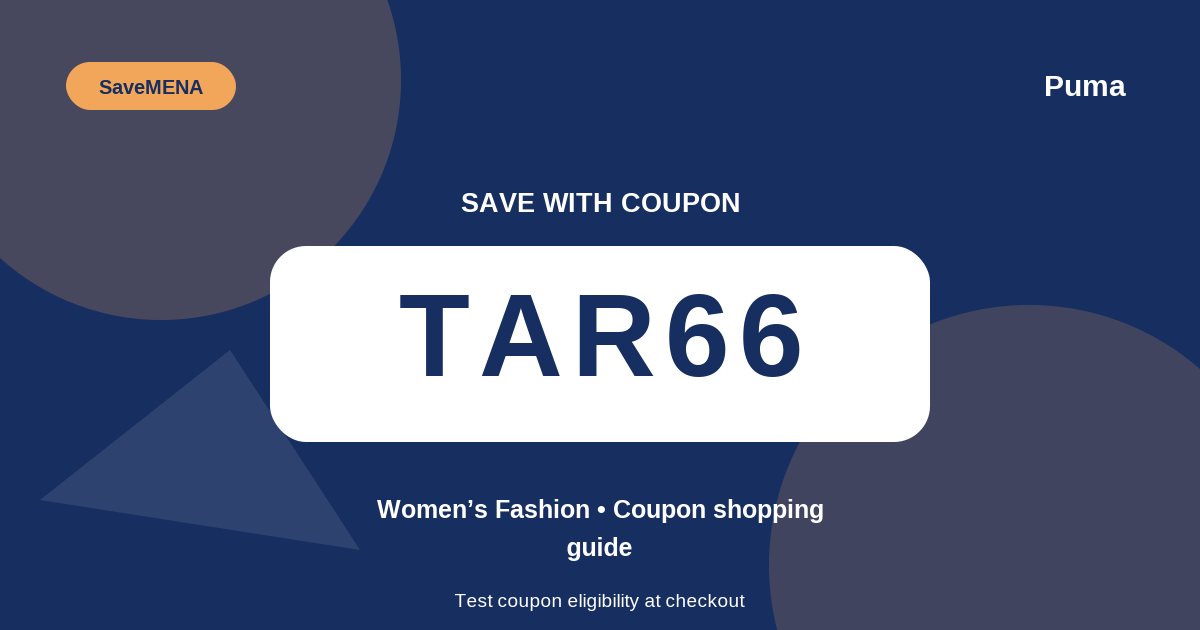
Codes available to try while comparing
These codes are not guaranteed for the article topic or listed brands; test them at checkout and use the live result.
Recognizing a Working Coupon on Noon
Before you can troubleshoot a coupon that appears “not working,” you must first understand Noon’s general coupon mechanics. When a code is accepted, the cart will visibly show a discount line, even if the final amount does not reflect a full deduction yet. The absence of this line signals a failure, but also a need for deeper investigation. Note that Noon does not publish explicit success criteria for individual codes; the visual cue in the cart remains the best indicator.
Cash value or hidden fees do not alter the coupon’s state until checkout. To determine if a coupon is technically active, add a small item and apply the code. If the cart updates with a reduction, the code is functional for that product; a lack of change points to restrictions or conflicts. This preliminary test sets the stage for deeper exploration.
Why the Noon UAE Coupon Might Fail in Women’s Fashion
The Women’s Fashion category often carries multiple seller tiers, each with its own coupon eligibility. A code that applies universally to the platform can still be barred by a seller’s own discount policy. For Puma items, the brand’s exclusivity agreements can further restrict third‑party coupon usage. Thus, a failure to apply the TAR66 coupon may simply reflect a seller‑level ban, not a platform error.
In the UAE market, product variants—size, color, edition—can also influence coupon viability. An item flagged as limited edition or part of a launch promotion often carries hidden constraints, making the coupon inapplicable. Ignoring these subtle differences frequently leads to the wrong conclusion that the coupon itself is broken.
The Role of Payment Method in Coupon Validation
The payment method selected during checkout can directly shape coupon acceptance. Noon’s system cross‑checks the payment option against the coupon’s eligibility window. Certain codes are earmarked for specific payment routes; for example, codes limited to wallet transfers may reject credit‑card payments. If your chosen method falls outside the permissible scope, the coupon line will vanish, and the cart totals will show the full price.
When buying Puma goods, sellers sometimes incentivize using particular payment channels such as Noon Wallet for faster shipping. If the TAR66 code aligns with such a marketing push, selecting another method will trigger a misuse flag in the algorithm. Checking the payment option before applying the code can prevent half‑hearted attempts and negative experience.
Step‑by‑Step Troubleshooting When Your TAR66 Coupon Stays Unapplied
Begin with the cart: confirm the code appears under “Apply Promo” and press it. If nothing changes, isolate variables. Remove all items except one Puma piece; reapply TAR66. If still no effect, the item’s seller has likely excluded coupons. Reintroduce other Women’s Fashion items and test again. This isolation process pinpoints whether the problem lies with the specific product or the coupon itself.
Next, test payment methods. Switch from the default credit card to Noon Wallet or vice versa, then reapply the coupon. If the discount appears after the payment change, the coupon’s eligibility is tied to that payment option. Record which configuration works to avoid repeating the same error later.
Navigating the Puma Collection While Waiting for Coupon Success
While your coupon attempts linger, you can still find value in exploring Puma’s catalog. Use Noon’s filter by “brand” to display only authorized Puma sellers. This reduces the risk of encountering re‑stricted items early. Also pay attention to “seller rating” and “seller certification” symbols, which tend to signal a verified partnership with the brand.
From a payment perspective, note that some sellers offer “Buy Now, Pay Later” options. These are often incompatible with certain coupons, especially if the code requires immediate payment. Opting for a standard payment route can sometimes resolve the tension between the coupon and the seller’s policies.
Ensuring Account and Cart Eligibility Before Checkout
Account status influences coupon functionality. Noon occasionally reserves excerpt coupons for premium or loyalty members, and this can automatically invalidate the code for a standard account. Verify your membership level in the profile settings before applying the code to avoid a blind spot in the algorithm.
The cart itself must also meet a minimum spend threshold, even if not explicitly advertised. Many coupon systems enforce a floor; adding a single item below that threshold will cause the coupon to drop. Double‑check the sum of your cart items and, if needed, add a placeholder item to satisfy the condition before confirming the payment method.
Post‑Review: When to Contact Noon Support or Withdraw the Coupon
If repeated attempts still fail, gather the following data: the exact cart contents, the chosen payment method, the date/time of the attempt, and the sidebar screenshot of the coupon field. This concise packet can be submitted to Noon’s help center and will expedite the troubleshooting process. Avoid mailing generic error messages; specificity reduces back‑and‑forth.
When to withdraw the coupon is a matter of diminishing returns. If you’ve exhausted all feasible payment methods, verified seller eligibility, and received no response from support within 24 hours, consider exploring alternative promotional deals. Using a different coupon code—if available—can liberate the shopping experience, rather than waiting for a potentially broken one.
Final Checklist: Making the Most of Your Season’s Savings
Before finalizing your purchase, review every line in the checkout summary. Confirm the discount line reflects the TAR66 code, validate the payment method allowance, and ensure the cart sum matches the heading displayed. A last‑minute discrepancy often results from a timing issue or a system glitch that can only be corrected by re‑applying the code after the payment field updates.
Keep the checkout window open; clicking “Place Order” prematurely can lock in a zero‑discount state. If anything feels “off”—for example, a sudden loss of the discount after voucher application—pause, refresh, and reapply.A coupon is not guaranteed; verify its result at the retailer checkout.
Related SaveMENA pages
Related articles
Official sources to check
Frequently asked questions
What makes a Noon UAE coupon not working in Women’s Fashion?
The issue can stem from seller restrictions, limited edition product flags, or a mismatch between the coupon’s intended payment method and your selected one. Checking both seller eligibility and payment option alignment often resolves the problem.
Does the Noon payment type influence Puma coupon acceptance?
Yes. Certain coupons only activate with specific payment methods like Noon Wallet or credit card. Changing the payment choice can activate a coupon that previously failed.
Where can I verify the TAR66 coupon’s eligibility?
A coupon is not guaranteed; verify its result at the retailer checkout. If still unclear, contact Noon support with cart details.
Should I wait for a support response before giving up on the coupon?
After trying all feasible payment methods and confirming seller eligibility, if no response arrives within 24 hours, it’s practical to seek alternative promotions or drop the coupon. Persisting without feedback may delay your purchase unnecessarily.