Women’s Fashion on Noon UAE: price changes — coupon troubleshooting
Noon UAE coupon not working Women’s Fashion rechecking after a price change: If you’ve come across a Noon UAE coupon not working, especially when navigating women’s
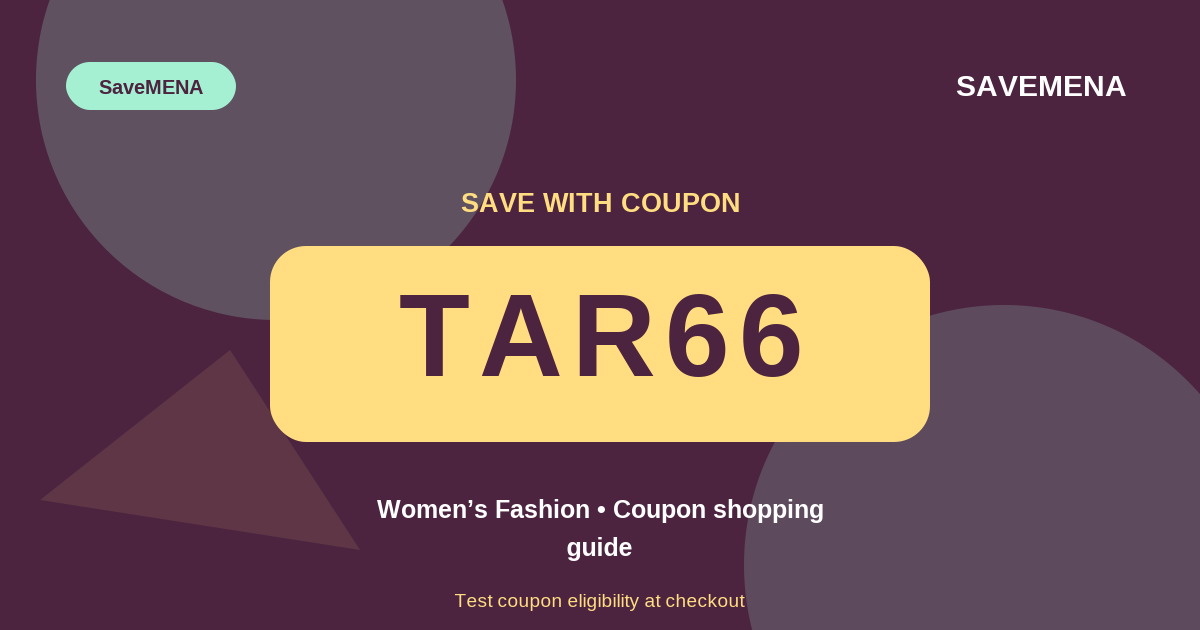
Codes available to try while comparing
These codes are not guaranteed for the article topic or listed brands; test them at checkout and use the live result.
Spotting the Price Change That Affects Coupon Eligibility
When a product’s price changes after you’ve added it to your cart, the retailer might need to update coupon eligibility at the same time. Open the product listing again to confirm the current retail price and compare it with the price shown when you checked out. A small alteration can shift the item from an eligible threshold to one where the coupon no longer applies.
Um, if you’re unsure whether the new price is high enough to invalidate the coupon, take a screenshot of both the listing and the cart before proceeding. That visual proof helps you and customer support trace the exact version of the product you were dealing with.
Verify the Cart’s Applied Price Before Coupon Entry
Before entering the TAR 66 code, review the cart totals carefully. The platform will usually list each item’s price, subtotal, and any applicable taxes or fees. If the price displayed here differs from the storefront, the cookie or session data might be stale, and the coupon won’t trigger as expected.
Check that the cart is refreshing with the latest price in real time. If it continues to show an outdated amount, consider closing the tab and reopening the site to force a fresh load, or use the site’s clear‑cache feature if available.
Refresh the Product Page After a Recent Discount Update
A newly applied discount may be activated after you’ve already anchored the item in your cart. Navigate back to the product page and click on “Add to Cart” again to refresh the item’s pricing data. If the coupon was defined with a specific price boundary, this fresh addition will align the item’s cart price with the coupon’s expected threshold.
This step also helps determine whether the coupon was linked to a specific sale event rather than a bare product price. If the offer appears only during a promotional window, you’ll see the updated price instantly upon re‑adding the item.
Confirm Coupon Eligibility Rules in the Checkout Summary
Proceed to the checkout screen and locate the coupon section. Some platforms display a brief tooltip or eligibility note next to the code box. Browse that information carefully: it may list required minimum spend, applicable categories, or valid product types.
Even if the app does not explicitly state the eligibility, the summary should pull the applied discount once the code is entered. If the discount does not appear, double‑check that the product’s category remains within the acceptable range, as women’s fashion may have subdivisions that affect coupon applicability.
Empty the Cart and Rebuild to Clear Stale Pricing Data
In scenarios where the cart’s state persists across sessions, the site might still be referencing an old price variant. Removing all items and adding the desired product afresh forces the backend to re‑fetch the latest pricing and cookie data, allowing the TAR 66 code to evaluate against current rates.
After rebuilding the cart, re‑enter the coupon before you hit the final payment button. Many sites apply the discount only after the final review, so verify that the discount appears in the last summary view before confirming the order.
Test the Coupon on a Different Product Variant
If the coupon appears unusable on one variant, try a it on another size or color of the same item. Sometimes discounts apply only when certain variants are selected, or the site’s pricing algorithm treats them separately. By testing across variants, you can isolate whether the issue is inherent to the product selection or truly a code problem.
Even if the variant changes, the overall category of women’s fashion remains the same; this commonality helps determine whether the coupon is truly blocked by a price change or by a more nuanced coupon rule that the buyer may have overlooked.
Use the SaveMENA Browser Extension to Track Coupon Validity
SaveMENA’s optional browser helper can signal whether a coupon code is viable in real time. Install the extension and enable coupon monitoring while shopping on Noon. It will parse the storefront for active promotions and display a warning if the code you wish to use (TAR 66) is incompatible or already expired.
If the extension indicates an incompatibility after your price has changed, it will suggest alternative active coupons or recommend waiting for a price reset. This proactive step reduces the number of trial‑error attempts on the checkout page.
Contact Noon Support When Persistence Persists
When all checks still return a “code not valid” error after verifying price changes and eligibility, it’s time to reach out to Noon’s support. Provide them with the cart snapshot, the product SKU, and the coupon code you attempted. Give them clear evidence that the product price is updated and that you’re attempting to apply a legitimate offer.
Support specialists can confirm whether the coupon is still active in their system or if a backend update is pending. They may also offer a manual adjustment or an alternative voucher to compensate for the coupon mishap.
Related SaveMENA pages
Related articles
Official sources to check
Frequently asked questions
What does it mean if a coupon shows as “not valid” after a price change?
A “not valid” note typically indicates that the coupon’s eligibility criteria— such as minimum purchase threshold or product category—no longer match the current cart. If the product price changed beyond the threshold, the code will fail. Proving the new price at checkout can help validate the issue.
Can I apply the same coupon to multiple items in women’s fashion?
Coupon terms are set by Noon; some codes allow multi‑item application, while others are limited to single purchases. The checkout page will display whether the discount applies to the entire cart or only a specific item. Review that indicator before finalizing the order.
Is there a chance the coupon worked but got clipped during checkout?
Some platforms automatically hide applied discounts until the final payment stage. Ensure you check the last summary screen before confirming the order. If the discount is missing there, it indicates a mismatch between the coupon code and the cart’s current pricing.
Can I request an alternate discount if TAR 66 fails?
Yes, you can ask Noon’s customer support for an alternative or temporary voucher, especially if the coupon failure is a known issue. Explain the situation, provide the cart details, and they may offer a compensatory code in lieu of TAR 66.