Home Appliances on Noon UAE: offer combinations — coupon troubleshooting
Noon UAE coupon not working Home Appliances coupon interaction with visible promotions: Lorem: If your Noon UAE coupon for Home Appliances is not applying, you’re
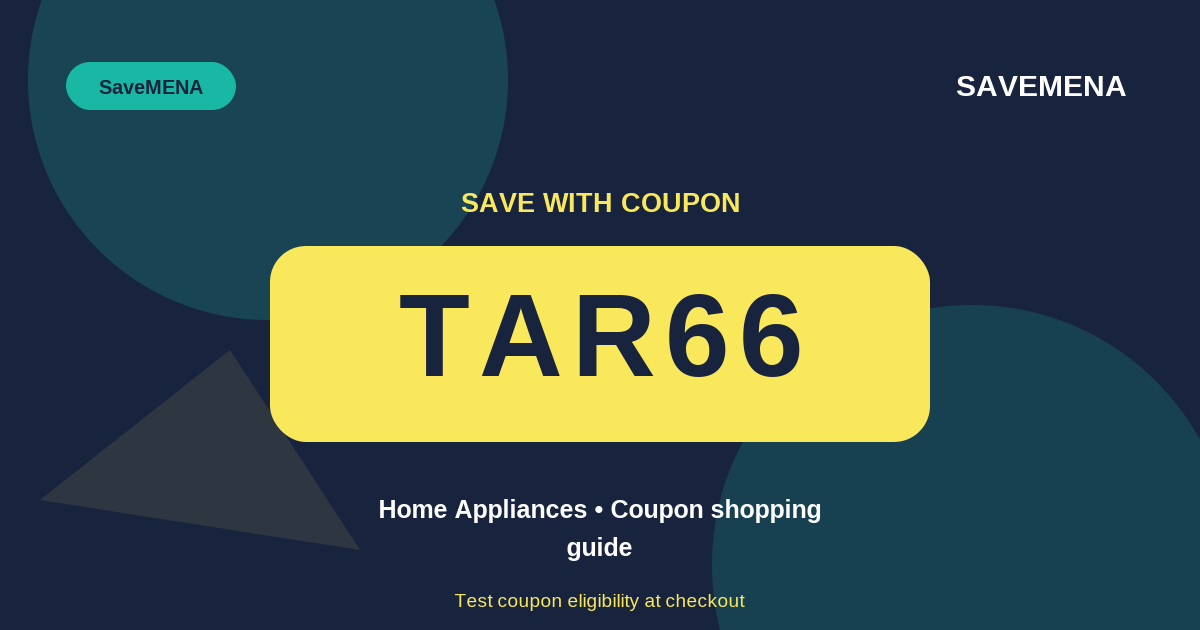
Codes available to try while comparing
These codes are not guaranteed for the article topic or listed brands; test them at checkout and use the live result.
1. Confirm the Touted Coupon’s Validity Window
The first checkpoint is ensuring TAR66 is still technically active when you shop. Even though there is no fixed expiry listed on the platform, vouchers sometimes lapse shortly after launch. Look for any banner indicating “active until” or “limited time offer” in the Home Appliances section. If no such marker appears, it’s safer to assume the coupon remains valid. However, verify that your cart still contains items eligible for the voucher; if your selection falls outside the home appliances range, the code will fail automatically.
Because Noon UAE displays promotions in real time, you can also scroll through the homepage to spot any updated graphics about the TAR66 coupon. Double‑check that the coupon can still be entered in the “Apply Voucher” field and that the field remains enabled. If it’s grayed out, it means the voucher is outside your eligibility window. This step saves you from wasting time on a code that’s no longer in circulation.
2. Double‑Check the Exact Code Entry
Vouchers are particular about their spelling, hyphens, or numeric sequences. For TAR66, type the characters exactly as shown, without spaces, punctuation, or capitalization errors (though Noon generally accepts case‑insensitive input). If you previously typed the coupon multiple times, clear the field, erase any stray characters, and re‑type it freshly. Users often mistakenly copy the code from a mobile view and end up with a hidden space that cancels the voucher.
After re‑typing, press the “Apply Voucher” button and watch for an immediate pop‑up. If the confirmation message appears, the code is syntactically correct, but it may still be rejected by the system because of unseen conflicts. Keep this section in mind when you venture into the next troubleshooting steps involving promotion conflicts.
3. Inspect Visible Promotions vs Coupon Interactions
Noon UAE frequently runs multiple visual promotions—e.g., flashing “Buy 1 Get 1” banners or “Limited‑time the discount shown at checkout off” stickers. When a voucher like TAR66 is applied, the platform may not allow compounding with other displayed promotions. Inspect the cart page for any such banners; they’ll usually appear above the total or along the side.
Click on each promotion icon to read the terms. If you see a note stating “Cannot be combined with voucher codes,” the coupon will be rejected automatically. If the banner says it’s “Applies to all items selected,” double‑check that your home appliance load is indeed within that range. This step clarifies whether the coupon is specifically blocked by visible promotions.
4. Verify Item Eligibility for the Coupon
Every voucher has hidden rules tied to particular product categories or minimum purchase amounts. Although TAR66 is presented as a Home Appliances coupon, some items within that heading (like smart home devices or accessories) are occasionally excluded. For each item in your cart, check the product page’s “Additional Information” section; you’ll find a cross‑reference for voucher compatibility there.
It’s wise to pull up the detailed cart list, not just the summary, and note any lock icons next to items that might be ineligible. Remove or replace those items, then retry applying the coupon. This approach ensures that any mismatch in eligibility won’t sabotage your checkout phase.
5. Review Your Total Before Applying the Coupon
Check for any hidden fees, like a mandatory service charge for certain home appliances. If your cart’s subtotal is below noon’s hidden threshold for voucher usage (for example, under the amount shown at checkout for some vouchers), the coupon will not apply even if you enter it correctly.
Also, confirm that your cart includes at least one qualifying item; sometimes a “minimum of one Home Appliance” rule applies. If your final subtotal doesn’t meet the minimum, remove any non‑qualifying add‑ons, then re‑apply the voucher. This helps spot the subtle threshold that blocks the coupon.
6. Ensure Account Status Is Seamless
Noon UAE sometimes restricts vouchers to logged‑in shoppers or users with a certain loyalty tier. Make sure you’re logged into your account before applying TAR66. If you’re using guest checkout, the platform may default to a “no coupon” policy.
After logging in, review your profile for any pending verifications or promotional allowances. If you recently changed your shipping address, refresh your session and re‑enter the voucher. A sync glitch could prevent the voucher from being recognized during the final checkout calculation.
7. Test Checkout With a Reduced Cart
Large carts sometimes trigger system checks that block coupons prematurely. As a diagnostic step, reduce your cart to a single eligible home appliance, and then apply TAR66. If the voucher works in this simplified scenario, the issue likely lies in cart complexity or product combinations.
Once you confirm the coupon applies correctly, gradually add other items back one by one. Observe at which point the system rejects the voucher. This process uncovers the specific product or promotion that interferes with the TAPZ codability in the cart.
8. Clear Cache and Try the App Versus Browser
Software caching can sometimes keep old promo statuses. Clear your browser history or app cache before attempting to use TAR66 again. Start with the web app: log out, open an incognito window, and re‑enter the voucher.
Alternatively, launch the Noon app on your phone, do a fresh login, and apply the coupon. Many users find the app’s real‑time promotion engine more reliable. If the voucher still won’t apply, it’s a strong indication that an unseen promotion conflict is at play.
Related SaveMENA pages
Related articles
Official sources to check
Frequently asked questions
Can I use the TAR66 coupon along with a discount promo tag on the cart?
When Noon’s visible promotion tags indicate “cannot combine with voucher codes,” the coupon will automatically be denied. This is how most discount systems preserve the integrity of individual offer terms.
Will changing my shipping address affect the coupon’s eligibility?
Yes; certain home appliance promotions are linked to specific shipping regions, and a change in address may alter the discount applicability logged in the system.
Is there a hidden minimal spend required to activate TAR66?
Most vouchers require a cart total that hits or surpasses an internal threshold. If the cart subtotal is lower, the code will not activate, even if the entry is correct.
What if I still can’t apply TAR66 after trying all steps?
Contact Noon’s customer support for voucher‑specific troubleshooting. They can confirm whether the coupon is still official or if a hidden promotion is overriding it.