Philips Home Appliances on Noon UAE: offer combinations — coupon troubleshooting
Noon UAE coupon not working Home Appliances Philips coupon interaction with visible promotions: How to troubleshoot a Noon UAE coupon not working for home
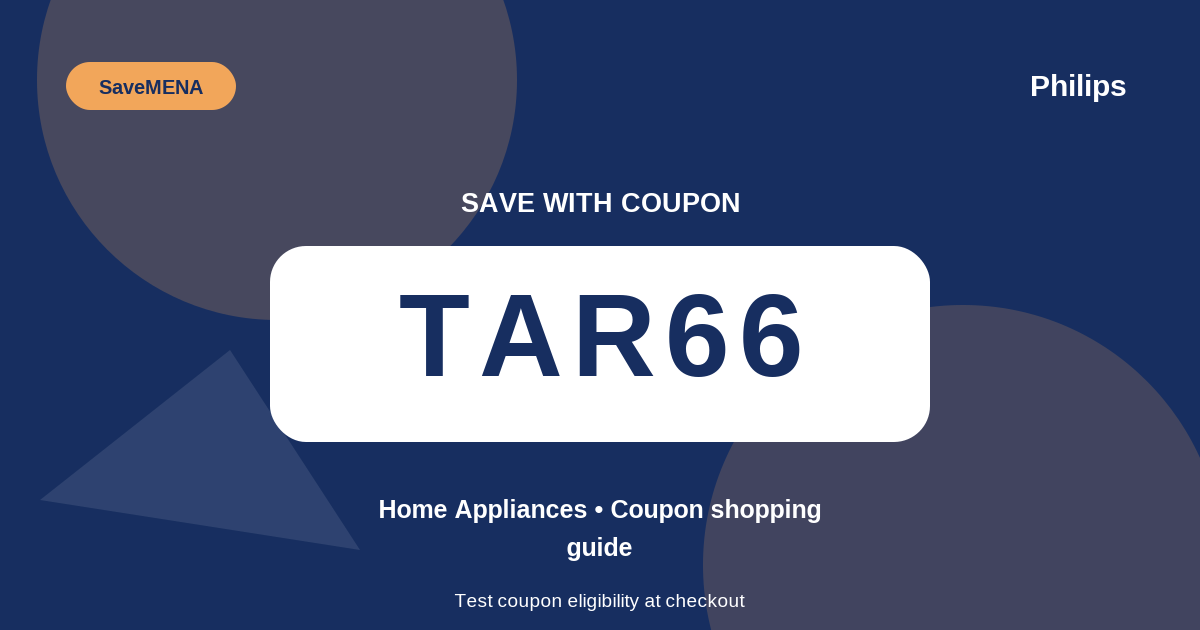
Codes available to try while comparing
These codes are not guaranteed for the article topic or listed brands; test them at checkout and use the live result.
1. Verify the Coupon Activation – Does the Code Even Reach the System?
Before diving into product‑level conditions, confirm that your entry of TAR 66 triggers the Noon interface. A simple screen update, such as the appearance of a “Coupon applied” banner, indicates that the system recognized the code. If the banner never appears, double‑check spacing, capitalisation and whether you typed the code into the correct field—some merchants embed separate fields for promotional codes and loyalty vouchers.
Also check that you are logged into the Noon app or website. Some platforms only process coupon codes after a successful account authentication. If you are using a guest checkout flow, sign in or create an account and restart the process to see if the coupon becomes feasible.
2. Identify Visible Promotions Already Applied to Your Cart
Once the coupon is accepted, compare its value with any open promotions highlighted next to your cart items. Noon often displays a “Deal of the Day” or “Bundle” badge before your checkout tally. A conflict can arise when an existing banner offers a greater discount than the specified coupon. In such cases, the platform may prioritize the bigger offer, effectively masking the coupon’s benefit even if TAR 66 is technically valid.
Take note of whether the banner mentions “valid only when not combined with other coupons” or includes a similar restriction. If the promotion’s terms are unclear, hover or tap for full details; this context will clarify whether the coupon must be abandoned or re‑selected using a different, non‑conflicting discount slot.
3. Confirm Product Eligibility for Philips Coupons
Coupons can be limited to particular brands or categories. Even though TAR 66 is a household‑appliance code, Noon might pair it with a Philips‑specific restriction not visible until the final checkout. Review each Philips product in your cart—look for a note such as “Coupon not applicable to Philips models” or “must be a Philips appliance to qualify.” This check is essential if you have mixed brands, as a single non‑Philips item can negate the whole coupon’s usefulness.
In the product page, scroll to the “Specifications” or “Offers” section where such restrictions are usually listed. If you do not find any note, it is safer to proceed to the next step; otherwise, consider removing or replacing the non‑eligible item before retrying the coupon.
4. Examine Minimum Spend or Cart Value Requirements
Coupon hearts can set a minimum purchase threshold (e.g., AED 500). While the Tar 66 code may apply to many appliances, reducing the cart’s total below that threshold will invalidate the coupon at checkout. Check the cart summary for a “Minimum spend” indicator; Noon typically shows such bars in the “Discount” section. If the threshold is not met, you will have to add a compatible item or increase quantity to comply.
Note that the threshold may exclude delivery charges or other fees when calculated. Ensure you add an extra item to surpass the minimum with the base product price, not just the discounted total, to avoid being caught by the hidden calculation difference.
5. Assess the Impact of Free Items and Gifted Promotions
Occasionally, Noon features “Buy one, get one free” or subtle “gifted” offers that still count towards coupon eligibility (or conversely, are excluded). If a Philips appliance is part of such a bundle, the coupon may not trigger, or the free item may be treated as a separate line that disrupts the total discount logic. Carefully read the promotion details—especially whether free or not‑stocked items influence coupon validation.
To test, temporarily remove the gifted item from the cart and attempt to apply TAR 66 again. A different behavior may confirm whether the gift interferes with coupon calculations.
6. Review the Timing of Platform Updates and Promotional Cycles
Noon periodically updates its promotional catalog or rotates coupon validity, sometimes without explicit user notification. Check the “Current Offers” page for any time‑sensitive changes or comments like “Coupon not available during restock.” If TAR 66 appears inactive, it could be due to such an update applied recently, causing the code to be disabled automatically.
Check any email or push notifications from Noon that mention upcoming coupon expirations or specific discount schedules. If the code’s status has changed, the only resolution is to wait until the promotion re‑activates or seek alternative coupons advertised in the same time frame.
7. Inspect Coupon Interaction Rules for Stackable Versus Exclusive Offers
When multiple coupons or discount types (e.g., store‑wide, brand‑specific, sales) appear in the same cart, Noon’s system often imposes stackability rules: some offers can be combined, others cannot. The visible promo list will indicate this by highlighting “Stackable” or “Exclusive.” If TAR 66 is exclusive, adding another active promo will override it, making the coupon drop out at checkout.
To decide the best approach, compare the two effective discounts on a sample calculation: apply TAR 66 alone versus combining another visible promo, if allowed. If stacking is possible, choose the higher value; otherwise, remember to strike out the competing discount before attempting the coupon again.
8. Validate Final Eligibility at Checkout and Seek Support If Needed
After adjusting various factors—product choice, cart value, other promos—go to the “Place Order” screen. Here the platform will provide the definitive “Coupon applied” confirmation and recalculate the total. If the code still shows as not applied, confirm that the correct coupon is entered in the relevant field, as sometimes multiple coupon slots exist for different spend levels.
If the issue persists, it is time to contact Noon customer service. Provide them with the entered code (TAR 66), the cart details, and any visible error message. Customer support can confirm whether the coupon is still valid, or if a backend restriction or temporary outage is responsible for the failure.
Related SaveMENA pages
Related articles
Official sources to check
Frequently asked questions
What should I do if the coupon code appears accepted but I don't see the discount in my final total?
If Noon shows the coupon banner but the final amount remains unchanged, confirm that the code isn’t overridden by a higher‑value promotion. Some applied banners that have higher savings automatically ignore the lower coupon. Re‑remove the higher promotion or check if the coupon has a “stackable” limit to use both together.
Can I use TAR 66 on other appliance brands besides Philips?
Coupon eligibility varies by product and may be limited to certain brands or categories. Review each item’s offer section on Noon. If the cashier banner indicates “valid for Philips appliances only,” the code may not work on other brands, despite the general appliance focus of the promotion.
Is there a difference between using the Noon app versus the web site for coupon application?
While both platforms interpret the same backend rules, the app sometimes refreshes the coupon list more frequently. If a code works on one but not the other, try clearing the app cache or pausing browser cookies on the website to see if either environment handles the coupon differently.
How do I know the minimum spend rule if it’s hidden in the cart?
Check the cart’s “Discount” summary for an indicator like “Minimum AED X required.” If the words are not displayed, the platform may incorporate the threshold implicitly. Adding an extra low‑priced appliance to meet a standard minimum usually clarifies whether the rule is active.