Office on Noon UAE: offer combinations — coupon troubleshooting
Noon UAE coupon not working Office coupon interaction with visible promotions: To troubleshoot a Noon UAE coupon that isn’t working, focus on how the coupon
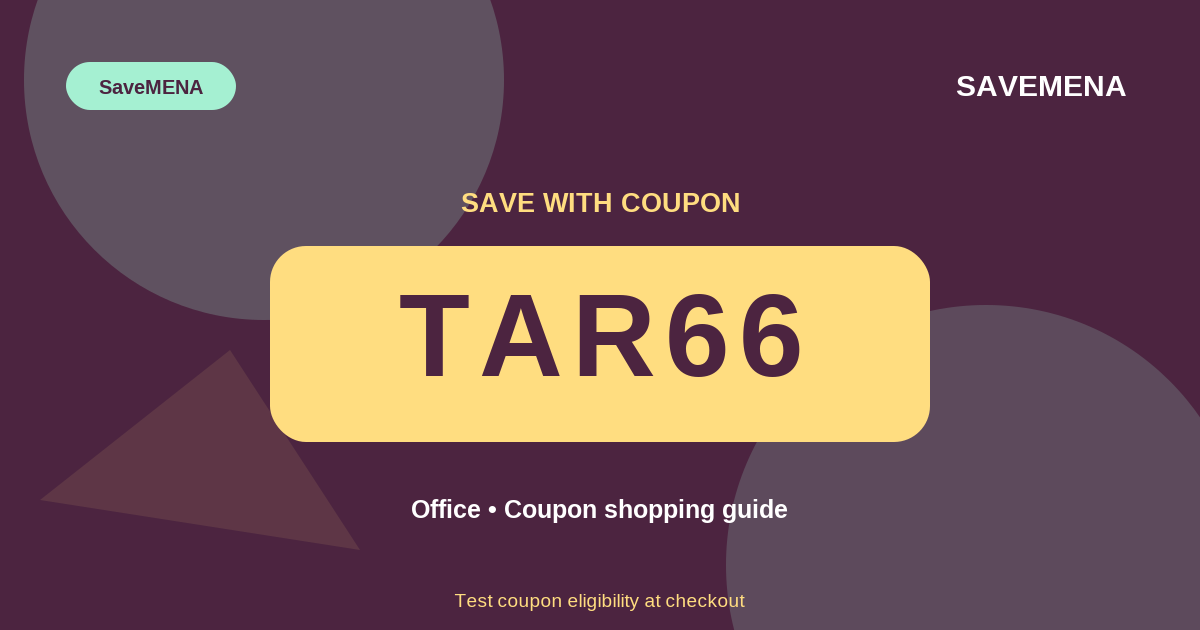
Codes available to try while comparing
These codes are not guaranteed for the article topic or listed brands; test them at checkout and use the live result.
Verify the Time‑of‑Use Rules for the TAR66 Code
Start by confirming that the TAR66 coupon was entered within the valid shopping window. Noon assigns certain codes a limited use period that may commence or conclude at a specific time, often aligned with regional holidays or store promotions. If the code was entered outside of that window, the platform will silently reject it, leaving the basket unchanged. To check the window, locate the code’s scratch‑card view in the coupon library; any consistency with the current local time zone is critical.
In office shopping, remember that certain bundles may have a separate activation day. Even if the TTL shows as active, a bulk purchase of seven or more office chairs could be pegged to a separate discount tier that overrides general coupons. Confirm that the code’s time slot aligns with the specific category date, as mismatches here explain many “no price change” occurrences.
Check For VAT Inclusion and Hidden Fees in the Basket
After ensuring the code is timely, examine how VAT and service fees are displayed on Noon’s cart summary. VAT on office items is calculated after promotions, and in some cases a flat extra fee appears only after final discount calculation. If the TAR66 code would reduce the subtotal but the VAT field is recalculated on the pre‑discount total, the savings may appear invisible.
Scroll to the bottom of the cart page, where the payable total is shown. Hover over the VAT amount to confirm that it updates once the coupon is applied. If it remains static, the issue may be that the coupon is not qualifying because the cart snapshot at checkout uses a different VAT applicator tier for office supplies, effectively nullifying the coupon’s impact.
Inspect How Office Items Are Grouped Under Visibility Rules
In the office category, items can be grouped under “Buy X Get Y Free” or “Bundle Discount” offers that are automatically applied. These groupings are marked as visible promotions and may preempt a manual coupon. When the TAR66 code is entered, the platform first checks each applied grouping; if the code conflicts with one of them, the latter may dominate and prevent the coupon from showing.
To identify conflicts, click on each visible promotion line in the cart and review its term conditions. If a promotional bundle applies a set discount per item, the coupon toolbar might ignore TAR66 because it would reduce the savings below the platform’s minimum stipulated for activated bundles. Adjust the quantity or remove a bundle to see if the coupon appears.
Relate Store‑Level Promotions to Coupon Eligibility
Some office suppliers on Noon run store‑wide sales that trigger automatically when a specific brand or category tag is present. These promotions use a separate discount engine that can preclude user‑applied coupons. Verify whether the office brand visible on the listing has a lower epurchase discount that supersedes the coupon.
Open the product page and check for any label like “Special Sale” or “Exclusive Deal.” If such a promotion exists, the platform may block the TAR66 code because it would reduce the already applied store discount. In such scenarios, you’ll need to discontent the store promotion first before the coupon becomes acceptable.
Confirm Your Account Status and Previous Redemption Limits
Coupon eligibility is sometimes narrowed by account status, such as new user or regular customer thresholds. Noon may enforce a rule that only users who have made a minimum number of past purchases can use certain codes. If your account falls below that threshold, the coupon enters a hidden “not applicable” state.
Navigate to the user profile section and look for a “Coupon History” log. You can see whether the TAR66 code has been previously redeemed or if you meet the threshold required. If you are in the early stage of your account, you may need to complete a small purchase or switch to a different account type before the code activates.
Examine Delivery Tagging and Shipping Boxes for Ineligible Areas
Some office items have delivery restrictions, such as same‑day or express shipping, that are flagged at the checkout. These restrictions also carry hidden eligibility rules for discount codes. If the selected delivery venue or “Pick‑up Points” on Noon is set to a region where the TAR66 coupon was not activated, the system will abort the discount silently.
Check the delivery method at the time you add items to the cart. If the chosen location is a low‑volume zone, the platform’s discount engine might not allow the code. Switch to a standard delivery option or verify that your location is covered before re‑applying the coupon.
Validate Minimum Spend Across Promos Before Applying the Coupon
Many office promotions operate on a tiered basis: the first \$100 might get a the discount shown at checkout discount, and beyond that, a different rate applies. When a coupon like TAR66 is added, the system re‑evaluates the entire basket against all active thresholds. If the basket total falls below the coupon’s minimum spend due to other promotions, the platform hides the coupon without notifying the shopper.
To confirm, open the cart, collapse the “Promo Summary” panel, and read the a minimum-spend condition, if the retailer shows one code. Adjust the quantity of an office desk or add a peripheral item that boosts the subtotal to meet the threshold, then re‑enter the coupon to see if the discount appears.
Cross‑Reference the Checkout Summary for Final Discount Confirmation
The last checkpoint is the checkout screen, which confirms all applied discounts before the final payment is processed. If the TAR66 code still appears ineffective at this stage, it is likely that the platform’s internal rule engine has chosen a different discount path.
During checkout, focus on the “Discounts Applied” section. If TAR66 doesn’t appear there, compare the selected promotion with the list of visible discounts. If the BARCODE or “Free Gift” line is active, the coupon might have been automatically deprioritized. Adjust the cart quantity or remove the competing promotion, then re‑apply the coupon before settling the payment to ensure the desired savings take effect.
Related SaveMENA pages
Related articles
Official sources to check
Frequently asked questions
Why does the TAR66 coupon hide but no error appears?
The coupon may have been rejected by internal eligibility checks, such as store‑level promotion conflicts or minimum spend rules, and the interface chooses to leave the basket unchanged instead of displaying an error to keep the flow smooth.
Can I use TAR66 with a Buy‑X‑Get‑Y free promotion?
Typically the Buy‑X‑Get‑Y free offer is applied before coupons. If the code conflicts with that promotion, Noon will apply the free items first, and the coupon will not alter the price. Adjust quantities to avoid overlap.
What if my account is new and TAR66 still won’t work?
Some coupons require a minimum number of past purchases. In that scenario, the discount will remain hidden until your account meets the threshold or a different coupon that is open to new users is used.
Is the visibility of promotions a problem for other office items too?
Yes, any item that automatically receives a visible discount—like a the discount shown at checkout brand sale—might block a user‑applied coupon. Inspect each visible line to identify potential blockers.