Samsung Smart Watches on Noon UAE: return policy — coupon troubleshooting
Noon UAE coupon not working Smart Watches Samsung returns information: If you're encountering a situation where the Noon UAE coupon isn’t working, especially while
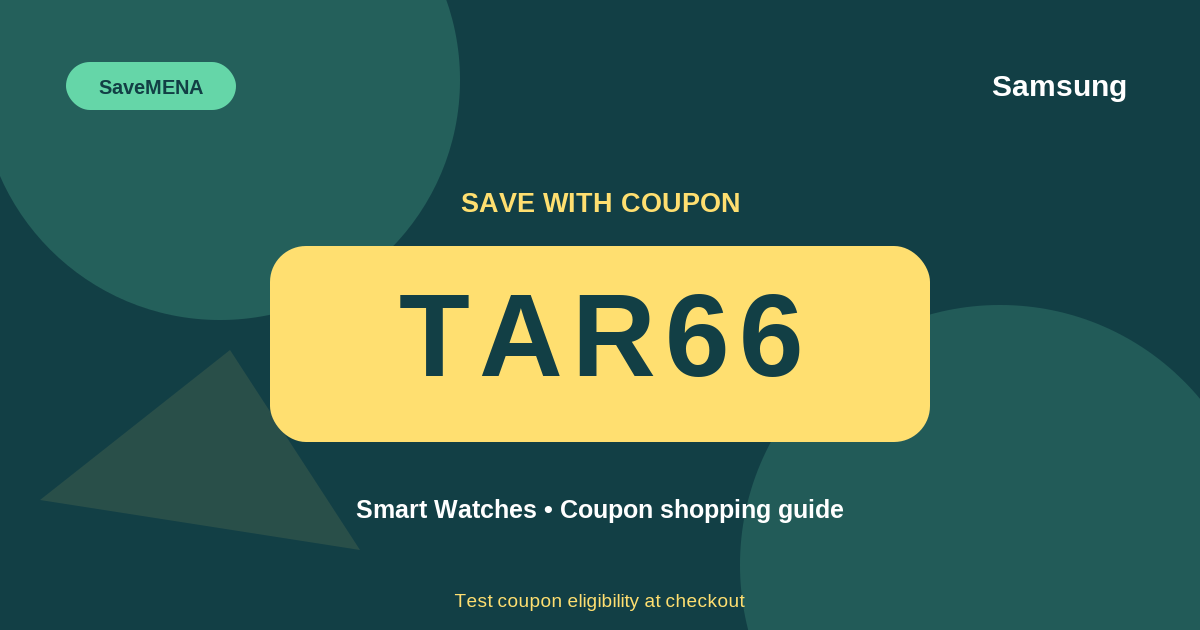
Codes available to try while comparing
These codes are not guaranteed for the article topic or listed brands; test them at checkout and use the live result.
Verify Coupon Code Entry and Account Status
When a coupon appears dormant during checkout, the first place to check is the exact spelling of the code. The TAR66 coupon is case‑sensitive, and any stray space often triggers a failure. Log back into the Noon platform, navigate to the “Coupon” field, and paste the code exactly as provided. If the error persists, ensure your account is active and that you’re using the same login tied to any promotional offers you’ve received. A mismatched or unverified account can silently reject the coupon without a detailed message.
After confirming the code’s integrity, check that your profile allowance aligns with the coupon’s requirements. Noon may limit how often a single user can apply a particular promotion. If this is the case, the platform will form a small pop‑up alert indicating eligibility issues. Verify that your user history hasn’t already exhausted the coupon’s usage allotment. Should this be the root cause, you may need to wait or seek an alternate promo until the limit resets.
Confirm Product Compatibility and Cart Eligibility
Even when the coupon code is correct, Noon may block its application if the selected item is out of stock, on clearance, or not part of the promotion pool. Samsung smart watches in your cart should be refreshed to show live availability. Remove the item, place a fresh add‑to‑cart action, and confirm the status label before attempting the coupon again. Occasionally, sellers block coupons on specific variants to preserve bulk‑sale margins. Checking the seller’s note can uncover such restrictions.
To further gauge eligibility, ensure no other promotions or pickup offers are selected simultaneously. Noon’s system often prioritizes a single discount type at a time; overlapping programs can lead to silent refusal. The best practice is to deselect all other discount options, reapply TAR66, and observe the impact. If the coupon still fails, the product may belong to a category cancelled from coupon usage, which you must verify by reviewing Noon’s coupon rules or contacting the seller directly.
Check Membership and Payment Method Constraints
Some coupons carry a household or membership level requirement, such as a Noon “Gold” status or a specific credit or debit card linked to the account. Locate your payment method in the wallet section and confirm that no restrictions prevent promotional codes from activating. If your current card is flagged for a high‑risk category, Noon may disable coupon usage until security checks are cleared.
Login to your Noon account, review both subscription tiers and payment details, and make sure you’ve opted into “Promotions and Savings” in your notification settings. A disabled toggle can inadvertently block coupon recognition even when content looks correct. If discrepancies persist, consider switching to an alternate wallet or card and retrying the cart.
Clear Navigation Caches or Switch App to Web
Browser or app caches can sometimes hold on to old cart data, causing a coupon code to appear dormant. Delete your browser history and clear cache, or close and reopen the Noon mobile app entirely. Logging out and back in can also reset the session, allowing the code to re‑hydrate accurately. This step is especially useful for compressors on an older device where resource handling lags.
If the issue remains, try accessing Noon via a desktop browser rather than the mobile app. The desktop interface sometimes handles discount logic better, giving you a clear confirmation of whether TAR66 applies. A mobile user might encounter a glitch that’s offline to the web interface, leading to consistent mismatches.
Sync Shipping Address and Account Identity
Coupon applicability can be influenced by the chosen shipping address. Noon may limit a promotion to specific regions or carrier options; mismatched postal codes can inadvertently block the code. Confirm that the address you’re selecting for delivery matches the ones listed in your account profile. If inconsistencies exist, correct the address field before finalizing the order.
Also verify that your legal name and email tied to the Noon account align with any corporate or family group discount you’re attempting to use. A mismatch can produce a silent failure, especially on items requiring a registered buyer. Re‑entering the exact information can strike the code into alignment with the approval engine.
Test the Code on a Generic Item Before the Final Purchase
Place a low‑value, non‑Samsung smartwatch product into the cart and apply TAR66. If this simpler item accepts the coupon, the problem likely lies with the Samsung smartwatch listing. Conversely, if it blocks, the code itself or your session remains problematic. Keep the test item in the cart to compare any error messages that surface, and document them for customer support.
After testing, if either product rejects the coupon, replicate the issue on a different Samsung smartwatch or another category of smartwatch that shouldn’t be restricted. This process isolates whether the coupon is universally blocked or specific to certain SKUs. If the latter, garner the product’s barcode or title when contacting support, as they’ll require precise identifiers.
Reach Out to Noon Customer Support with Precise Context
If all local troubleshooting fails, contact Noon’s dedicated support through chat or email. Provide the exact error message, the code TAR66, the product SKU or title, and screenshots of the cart page. Specify the step at which the coupon fails and whether any other promotions are active. By delivering precise data, the support agent can quickly align the issue to their database logs and provide a resolution.
Compile this information in a calm, concise format. When support offers a workaround—such as entering the code at a later stage or using a live agent to apply it—follow their instructions meticulously. If the agent informs you that the coupon is incompatible with the Samsung smartwatch, they may offer an alternative promotion or suggest a return process if you already placed the order. Keep the conversation record for any future disputes.
Know the Return Policy for Samsung Smart Watches on Noon
Understanding the return window is crucial before finalizing a purchase impacted by a coupon failure. Noon typically offers a 30‑day return period for most electronics, but warranty details can vary by seller. Record the seller’s return policy when you add the smartwatch to your cart—often found on the product detail page—because it will dictate your post‑purchase options.
Should the coupon mismatch lead to a higher final price, you still retain the same return rights if you’re unsatisfied with the product. To initiate a return, log into your Noon account, navigate to “Orders,” select the relevant purchase, and click “Return.” Follow the digital label instructions, ensuring the smartwatch is in its original packaging and functional.
Related SaveMENA pages
Related articles
Official sources to check
Frequently asked questions
How can I confirm that my coupon code is entered correctly?
Verify that there are no spaces or typos when pasting TAR66 into the coupon field. The code is case‑sensitive, so use the exact uppercase sequence. If the coupon still doesn’t appear, log out and back in to refresh your session.
Will using a coupon affect my eligibility to return a Samsung smartwatch?
No. Whether or not the coupon applies, the return rights granted by Noon are linked to the product’s purchase status, not the discount. Keep your receipt and seller return policy handy for smooth processing.
Can I use the same coupon on multiple Samsung smartwatch purchases?
Check your account’s coupon usage history. Noon often limits each user to a single application of a specific code. If you’ve already applied TAR66, you’ll need to wait until the allowance refreshes or use a different promotion.
If my order completes with the higher price, how do I run a return?
Open your Noon account, locate the order, and click the ‘Return’ button. Follow the instructions for packaging, printing a return label, and dropping off the item to the selected courier. Refunds typically process within a few business days after receipt.