Puma Women’s Fashion on Noon UAE: seller comparison — coupon troubleshooting
Noon UAE coupon not working Women’s Fashion Puma seller comparison: If the “TAR66” coupon for Noon UAE shows as invalid or simply disappears during checkout, it’s
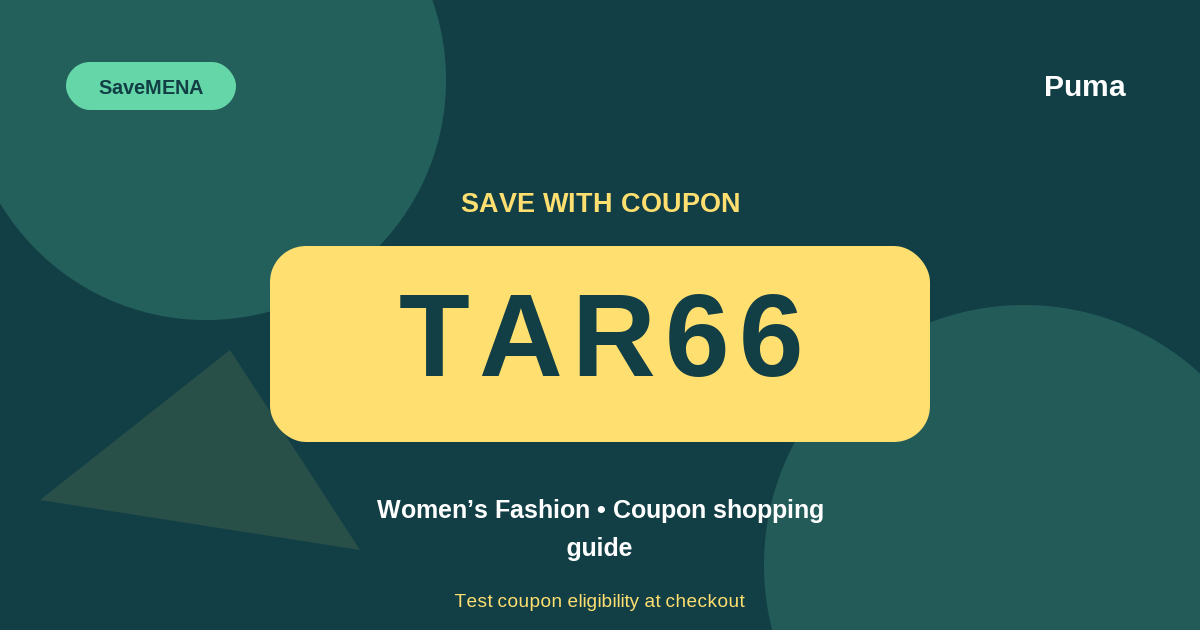
Codes available to try while comparing
These codes are not guaranteed for the article topic or listed brands; test them at checkout and use the live result.
1. Verify Cart Eligibility and Item Eligibility
Before even thinking about the seller, double‑check that every item in your cart meets the basic eligibility criteria for any coupon. Make sure you haven’t inadvertently added a product that is excluded, such as a personalized item, a sample pack, or an out‑of‑stock SKU. The coupon field on Noon’s basket page needs only regular, non‑promotional items to function.
Sometimes merchants add hidden fees or optional extras (like an extended warranty) that can block a coupon’s effect. Review the cart summary for any line items that may be separate from the main product, and remove or adjust them accordingly. If a product is not cleared for the coupon, the code will automatically turn grey in the summary, signaling you to re‑select items or contact the seller for clarification.
2. Understand the Seller’s Coupon Rules
Not every seller on Noon is required to accept all platform‑wide coupons. Check the listing page for a seller badge or “Official Store” tag to gauge higher confidence of compliance. Sellers often specify coupon compatibility in their product description or store policies. A Puma‑authorized seller, for example, might apply the TAR66 code, while a third‑party reseller may honor it or not, depending on their agreement with Noon.
If you find the seller’s description is ambiguous, reach out via the chat icon on the product page. Ask directly whether the TAR66 coupon is available for their stock. Seller‑to‑seller comparison can help you decide whether to switch to a different Puma vendor that explicitly supports the code, saving you time and preventing abandoned carts.
3. Confirm Account Status and Login Requirements
Coupons typically need you to be logged into the same account used for the checkout. Ensure you’re logged on at the time you add items to the basket; if you log in afterwards, the coupon may not re‑apply automatically. Log out and log back in if you suspect the session has expired, especially after navigating other sites or clearing cookies.
Also, verify that your account is verified and not blocked by any usage limits on limited‑access promotions. If your profile shows a “verified” tick, you’re good to go. Otherwise, check your email or SMS alerts for any pending verification steps, as an unverified account often prevents coupon application.
4. Check for Minimum Spend or Other Checkout Conditions
Occasionally, a coupon may require a minimum order value or a certain quantity of items. While specific thresholds are not listed for TAR66, it’s common practice for platforms to enforce these at checkout. After adding your favorite Puma top or pair of shoes, review the cart’s “Order Summary” to see if any minimum spend line appears. If your total is lower, the code will simply not register.
Other conditions—like a free shipping threshold or a single‑use coupon for new users—could also affect the result. Cross‑check Noon’s campaign page or your coupon confirmation email for any hidden stipulations, and adjust your cart accordingly to satisfy all prerequisites.
5. Use the Coupon Code Field Correctly
Enter “TAR66” exactly as written, including capital letters—code entry is case sensitive. The field appears beneath the ‘Your total’ area on the basket page. Press the “Apply” button, and watch for a brief status change. If you immediately see a red error message, double‑check that you’re using the correct string and that you haven’t inadvertently added a space before or after the code.
Should the error persist, try clearing your browser cache or repeating the process on a different device or the Noon app. Sometimes the web experience carries remnants of a previous session that block new codes. A fresh install of the Noon app or a new browser window often clears these glitches.
6. Compare Seller Shipping Options and Fees
Even if the coupon is finally accepted, shipping charges can differ across sellers, especially if a Puma product is stocked by a non‑official vendor that ships from overseas warehouses. Compare the shipping fee column for each seller’s listing. Sellers with “Prime” or “Scoop” labels may offer free or expedited delivery, which can offset any last‑minute coupon missteps.
Most importantly, verify that the seller’s delivery terms match your preferences (e.g., same‑day delivery, scheduled window). If a seller’s shipping cost overshadows the value you get from TAR66, you might choose an alternative vendor with lower freight, ultimately helping you retain the intended savings.
7. Reach Out to Seller or Noon Customer Support
If the code still won’t validate after checking eligibility, seller compatibility, and account status, the next literal step is to contact support. Use the “Help” menu in the app or website to open a chat or email. Provide the exact coupon code, the product SKU, and the seller name so they can troubleshoot more efficiently.
Support can clarify whether the seller accepts the code, if there’s a known system outage, or if you need to re‑apply after a site refresh. Prompt responses from support often reveal hidden policy changes that otherwise stay unnoticed and help confirm whether your product will ultimately qualify for TAR66.
8. Iterate and Verify at the Final Check‑out Step
Once the coupon is technically applied, head to the final checkout screen. Read the “Your total” section to ensure no residual errors appear. The platform occasionally flags a code at this stage if a seller has a contradictory policy—failure to resolve at this juncture will render the coupon void.
Before finalizing, double‑check your payment method, delivery address, and any order notes. Confirm that the displayed total truly reflects the coupon’s effect; if the amount stays unchanged, revisit steps 1–7 to re‑validate each condition, updating cart items or seller choices as needed. A double‑click at checkout ensures you don’t miss any last‑minute restrictions.
Related SaveMENA pages
Related articles
Official sources to check
Frequently asked questions
What should I do if the TAR66 coupon is still not applied after trying all steps?
If all prior troubleshooting steps fail, it’s possible the coupon is temporarily deactivated for that category or seller. Contact Noon or your selected seller’s support team for confirmation and ask if the promotion has expired or if it applies only to specific items.
Can I use the TAR66 coupon with a combination of other promotional codes?
Noon typically allows only one coupon per order. Attempting to stack the TAR66 code with another discount will usually prevent the second code from being accepted, so choose the one that best suits your purchase.
How do I know if my selected seller is official or authorized?
Check the listing for an “Official Store” badge or a seller name that matches the brand’s registered domain. Official sellers tend to uphold all platform coupons, while third‑party vendors might not.
Will the coupon affect my free shipping eligibility?
Coupon application generally occurs before shipping calculations. If a free‑shipping threshold is still unmet after applying TAR66, you may need to increase your cart total or choose a seller that offers free shipping independently.