Dell Computer Accessories on Noon UAE: seller context — coupon troubleshooting · TAR92
140-180 words, first sentence addresses the search intent: "how to troubleshoot a coupon without guessing" per search intent.
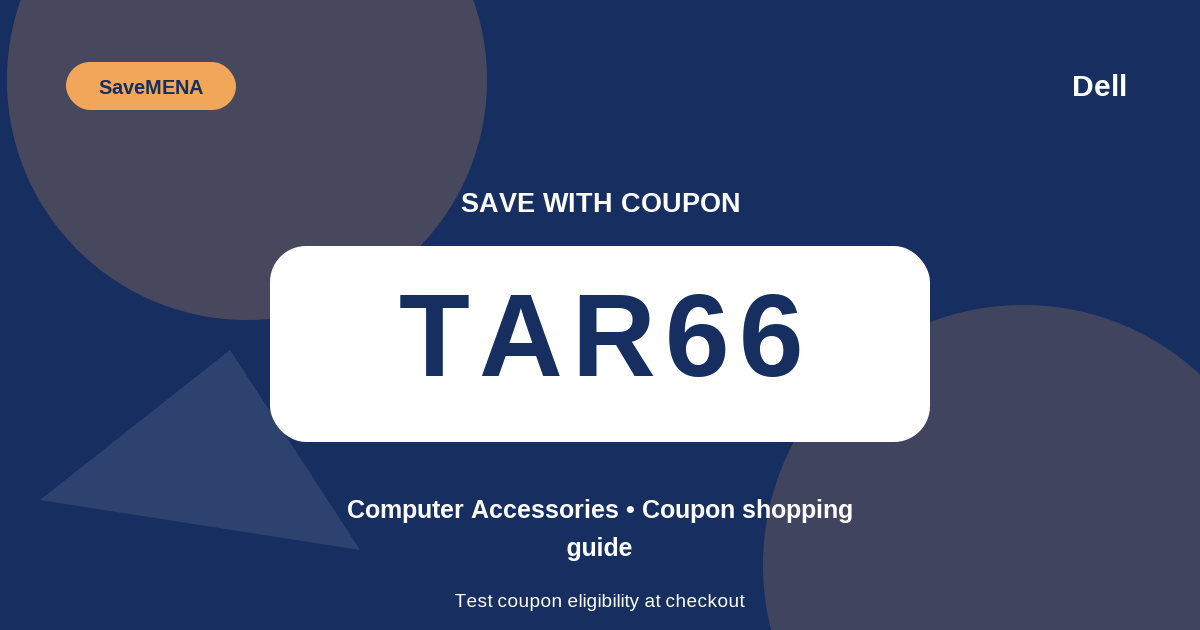
Codes available to try while comparing
These codes are not guaranteed for the article topic or listed brands; test them at checkout and use the live result.
Verifying Seller Reputation Before Adding Dell Accessories
Before any coupon can be applied, the foundational step is to determine the trustworthiness of the Dell accessory seller on Noon. A reputable seller typically displays a history of consistent positive feedback, quick responses to queries, and a clear return policy that aligns with UAE consumer protection standards. This foundational level of trust builds confidence that the product will be authentic and that the seller is likely to honor promotional codes. If a seller’s profile shows fewer interactions or a patchy rating, proceed with caution, as unresolved concerns can affect discount usage.
When reviewing seller details, pay particular attention to the presence of verified business status or any stated affiliation with Dell. A credible seller will often showcase transparent communication channels and detailed product descriptions. These factors can prove indispensable later on if the coupon code demands a specific seller or product condition. By establishing seller credibility early, you pave a smoother path for applying the TAR92 code without unexpected roadblocks during checkout.
Assessing the Coupon Activation Timing
Many times a coupon’s failure stems from it not being active at the moment of use. A vital part of troubleshooting involves confirming that the TAR92 code is indeed available for the particular period you’re attempting to purchase. Noon typically showcases active coupons beside product listings, offering real‑time status. If the code appears inactive—or if you’re unsure of its validity—pause the checkout to confirm the banner is still present on the product page during the live shopping session.
Once the product page confirms activity, proceed to the cart while ensuring you do not refresh the page, as this can sometimes invalidate temporary coding parameters. A careful navigation pathway—from product selection, through cart addition, to coupon entry—helps maintain the code’s activation, preserving its eligibility and preventing inadvertent removal caused by accidental page reloads.
Confirming Product Compatibility with the Dell Brand
Coupons, especially those tied to a particular brand like Dell, may carry implicit compatibility requirements. A systematic check involves reading the accessory’s specifications to verify that it is officially supplied for Dell devices. The listing should note “Dell‑approved” or “Designed for Dell” references. This indicates the accessory’s technical alignment and boosts the likelihood that a branded coupon will apply properly.
In addition to textual cues, examine any technical certifications or official logos found within the product image or description. Matching these markers against the vendor’s stated Dell partnership can confirm that the item falls within the intended scope of the TAR92 code. If confusion persists about compatibility, a quick inquiry through the seller’s message system can offer definitive confirmation before moving to the coupon entry step.
Monitoring Checkout Behavior for Coupon Errors
At the point of using the TAR92 code, observe how the interface reacts. A correctly accepted discount will usually prompt a brief “Code applied” confirmation and reduce the order’s subtotal in a visible field. Failure to see such an acknowledgment indicates that the code was rejected. This rejection signal may appear as a brief error tooltip or a notification beside the coupon field.
Record the specific wording of any rejection notice—if it references policy constraints, fragmented coupon codes, or compatibility limits. This information can be essential when revisiting the seller profile or reaching out for support. By noting these exact phrases, you can more efficiently locate the underlying issue without repeating random guessing attempts.
Using the TAR92 Coupon Effectively Across Multiple Items
Sometimes coupon codes are limited to a single item or a defined product line. When adding multiple Dell accessories to the cart, try entering the TAR92 code before completing the full selection.A coupon is not guaranteed; verify its result at the retailer checkout.
Check the cart summary immediately after coupon application to confirm the expected representation. If the code appears to be partially applied or misplaced, remove and re‑enter it to trigger a recalculation. Tracking the cart’s dynamic response provides a practical glimpse into whether the coupon leverages its full scope or if a single‑item limitation is at play.
Tracking Order Confirmation for Successful Coupon Application
After checkout, the order confirmation page acts as a definitive audit trail. The subtotal and final total should reflect the discount from the TAR92 code if it applied correctly. If the summary shows no deduction, revisit the coupon entry step and confirm the code was saved before the final payment action.
Even if the confirmation page seems accurate, a digital receipt might contain hidden fees or misapplied totals. Reviewing the receipt line by line, noting the coupon line item, serves as a final verification that the promotion has been honored. If discrepancies remain, gather screenshots for reference when engaging seller support.
Reassessing the Coupon after Failed Checks
When repeated attempts to activate TAR92 fail, the next logical step is to verify that no hidden prerequisites exist. Check if the seller requires inclusion of a minimum number of items or a specific operating system version. These constraints are typically documented in the product description or seller’s policy statements and can explain a coupon’s failure.
Should the seller’s stance remain unclear, a direct question about coupon eligibility phrased in a concise manner can clarify rule specifics. Consulting the seller’s FAQ or support channels before a fresh checkout attempt often resolves ambiguities that generic trials overlook.
Related SaveMENA pages
Related articles
Official sources to check
Frequently asked questions
What troubleshooting steps should I take if the TAR92 code appears active but doesn't apply at checkout?
First, ensure the cart's total reflects all relevant items. Re‑enter the code in the coupon field, see if a confirmation appears, then proceed to finalize the order. If the code remains unrecognized, double‑check the seller’s notes for any additional coupon prerequisites and contact the seller for clarification.
Can the TAN92 code be used on accessories from other brands?
Coupon usage is typically limited to the brand or product line it’s associated with. If the product listing does not explicitly state compatibility with the specific coupon, it’s safer to use the code on Dell‑approved accessories only to avoid potential rejections.
Should I refresh the product page after adding items to the cart and before applying the coupon?
Refreshing can invalidate temporary promotional parameters. It’s best to add items, proceed straight to the coupon field, and apply the code without reloading. If a buffer is required, confirm that the coupon remains listed before applying it.
What if I receive a message that the coupon is no longer available after checkout?
Verify with seller support to understand if there are pending changes or authenticity checks. If an error persists, request a revised receipt or explore Noon’s dispute help desk to seek formal clarification or refund adjustments.