Headphones on Noon UAE: seller context — coupon troubleshooting · TAR53
Before probing any technical detail, understand the basic structure of Noon’s coupon system. Coupons like TAR53 are typically tied to the platform’s promotional
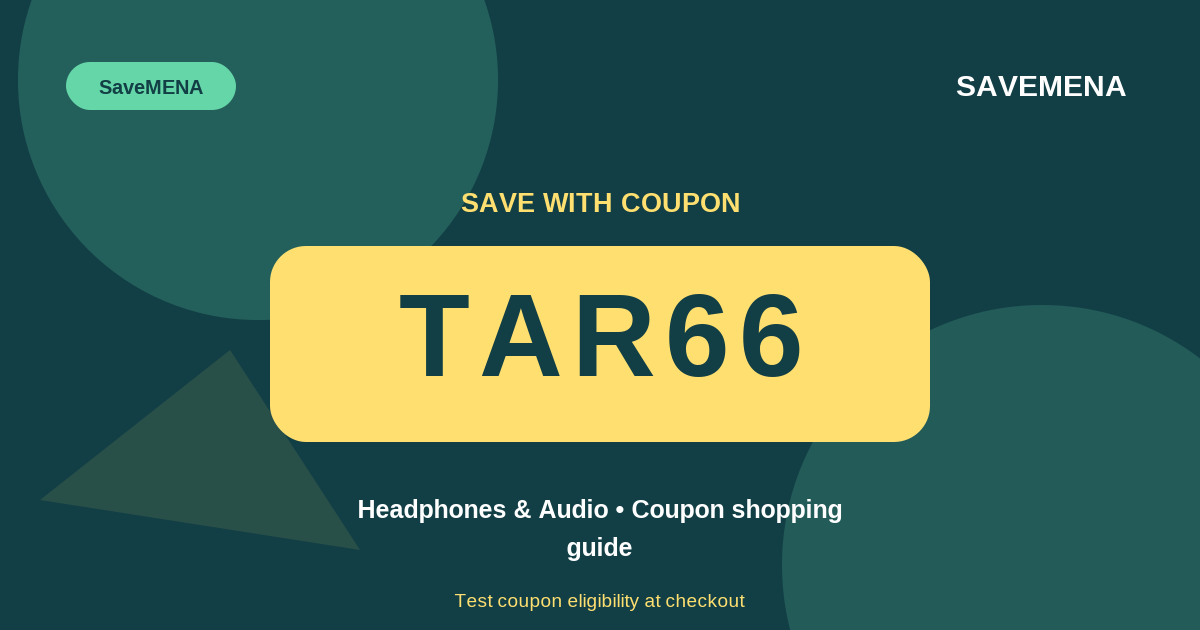
Codes available to try while comparing
These codes are not guaranteed for the article topic or listed brands; test them at checkout and use the live result.
1. Grasp the Coupon Framework on Noon
Before probing any technical detail, understand the basic structure of Noon’s coupon system. Coupons like TAR53 are typically tied to the platform’s promotional calendar and can be linked to particular product categories or sellers. Some coupons activate automatically when added to the cart, while others require manual entry. Recognize that the coupon’s status—active, expired, or pending—determines whether it can be applied at checkout. Checking the coupon’s current availability on Noon’s website or app is the first filter to avoid wasted effort.
Seller context plays a crucial role here: not every vendor on Noon participates in every promotional event. If the headphone seller has chosen to opt out of the promotion, the coupon will be invisible in their storefront. Confirming the seller’s participation status, which can be found in seller information or promotional banners, gives a quick indicator of whether the coupon will apply.
2. Verify Headphone Seller Credentials
Seller credibility directly impacts coupon applicability. Noon’s platform allows multiple sellers for a single product listing, each with distinct shipping policies and return rights. When you add headphones to your cart, note the seller label—often a separate name or store icon. A reputable seller will display a solid rating, ample reviews, and a clear return policy. These signals help determine if the seller aligns with Noon’s promotional rules.
Pixelated or incomplete seller details can indicate a less trusted vendor, which may not honor certain coupons. If the seller’s information is missing or ambiguous, contact them through the platform’s messaging system to confirm whether they accept the TAR53 coupon. Ignoring this check may lead to the coupon being rejected at checkout without further explanation.
3. Confirm Correct Coupon Application Procedure
Many coupon failures stem from human error in the application process. When the headphone product arrives in your cart, locate the “Add a code” field usually found beneath the price summary. Type TAR53 exactly as shown, ensuring no extra spaces or characters. Confirm the entry by pressing the apply button before proceeding to the next step.
Once applied, the coupon should appear in a dedicated line item in the order summary—displaying the discount amount or just the label. If the line item disappears or the discount doesn’t update the total, the coupon has not been successfully linked. Double‑check the code for typos or case sensitivity, and remember that Noon may disregard any mismatched input.
4. Identify Typical Reasons for Coupon Rejection
Several common causes can lead to a coupon not functioning, even when entered correctly. The headphone product might fall outside the discount’s category scope—such as being listed under a different sub‑category or set as exclusive to a particular brand. Additionally, the seller might have explicitly disabled promotional codes for certain items. The coupon might also be restricted to a specific customer group, such as new users or frequent buyers, though such restrictions are usually highlighted.
Another frequent culprit is an incompatible blend of coupons. Noon’s system sometimes forbids stacking multiple promotional codes or coupons in a single transaction. If you have any other code or discount active, it could negate the TAR53 coupon. Ensure that no other promotional activity is in place that conflicts with the headphone purchase.
5. Scrutinize Order Subtotal and Minimum Spend Parameters
Although the specific a minimum-spend condition, if the retailer shows one is not listed, many Noon coupons require a certain order total before activation. Even if the headphones themselves are the sole item, their price might still be below whatever threshold the coupon demands. At checkout, review the subtotal—just before taxes and shipping—under the discount line to see if the coupon remains disabled or shows a warning about insufficient spend.
In some cases, the subtotal might automatically exclude shipping or gift wrapping fees, altering the calculation. If you’re unsure whether the current price meets the threshold, consider adding an additional item to the cart or adjusting the quantity of headphones, then rebalance to confirm the coupon activates.
6. Examine Final Checkout Summary for Eligibility Confirmation
When you reach the final payment screen, the order summary becomes the definitive record of applied coupons. The discount line should reflect the TAR53 code, with a clear deduction next to the total amount. If the code is listed but the deduction appears zero, Noon recognized the coupon syntactically but deemed it inapplicable.
If the code is absent altogether, the platform likely rejected it at some earlier stage—perhaps during cart review or due to a rule mismatch. At this point, revisit the cart or seller page to confirm the code’s availability, and reapply it just before payment if still available.
7. Reach Out to Seller or Noon Support for Clarification
Should all previous checks confirm that the coupon should work, yet it still doesn’t apply, the next step is to contact support. Approaching the specific headphone seller via Noon’s messaging feature can yield insight into any hidden restrictions they may have set. Some sellers deliberately block promotional codes to maintain pricing consistency.
If the seller is unresponsive or the issue persists, file a ticket with Noon’s customer service. Provide the order ID, headphone SKU, and mention the attempted TAR53 code. They can verify system logs, confirm any backend restrictions, and sometimes offer a manual override or compensation if a technical glitch occurred.
8. Explore Complementary Saving Techniques
Even when a specific coupon fails, Noon offers a range of other benefits. Look for cashback offers, loyalty points, or spontaneous flash sales that may apply to headphones. Combining these with the nearest suitable coupon—if the seller allows stacking—can still reduce the final price. Checking the “Deals of the Day” or “Weekend Specials” sections may reveal fresh discounts aligned with headphone categories.
Another option is to switch the headphone vendor. Some sellers may have a lower base price or have opted into other promotional campaigns that provide a higher overall saving. Comparing multiple listings before finalizing purchase ensures that you’re not overlooking a better deal that a single coupon might not unlock.
Related SaveMENA pages
Related articles
Official sources to check
Frequently asked questions
Why does my Noon UAE coupon always quit working with headphones?
Most often, the problem ties back to the seller’s participation in the promotion or a hidden minimum spend requirement. Checking the seller’s status, the correct category placement, and the order’s subtotal usually reveals why the coupon fails. Contacting the seller or Noon support can provide final confirmation.
Can I use the TAR53 coupon with a different seller for the same headphones?
Coupon eligibility depends on each seller’s selection. If the headphones are listed under a different vendor who participates in the promotion, the TAR53 coupon may work in that context.A coupon is not guaranteed; verify its result at the retailer checkout.
What if the coupon is applied but shows a zero discount at checkout?
A zero discount indicates that Noon detected the code but deemed it inapplicable—often due to the item being out of scope, a missing minimum spend, or seller restrictions. Double‑check the product’s category and the seller’s promotion settings, and try reapplying the code, ensuring no other coupons are active concurrently.
Is there a way to confirm the exact a minimum-spend condition, if the retailer shows one coupon?
Not in the public listing. The only reliable method is to test by adding the headphone product to your cart, applying the coupon, and observing the result on the order summary. If the coupon rejects due to a minimum spend, Noon will typically display an appropriate message at checkout.