Adidas Sports on Noon UAE: seller context — coupon troubleshooting · TAR53
If your Noon UAE coupon is not working for sports items, particularly Adidas products, this guide walks you through a practical troubleshooting process that focuses
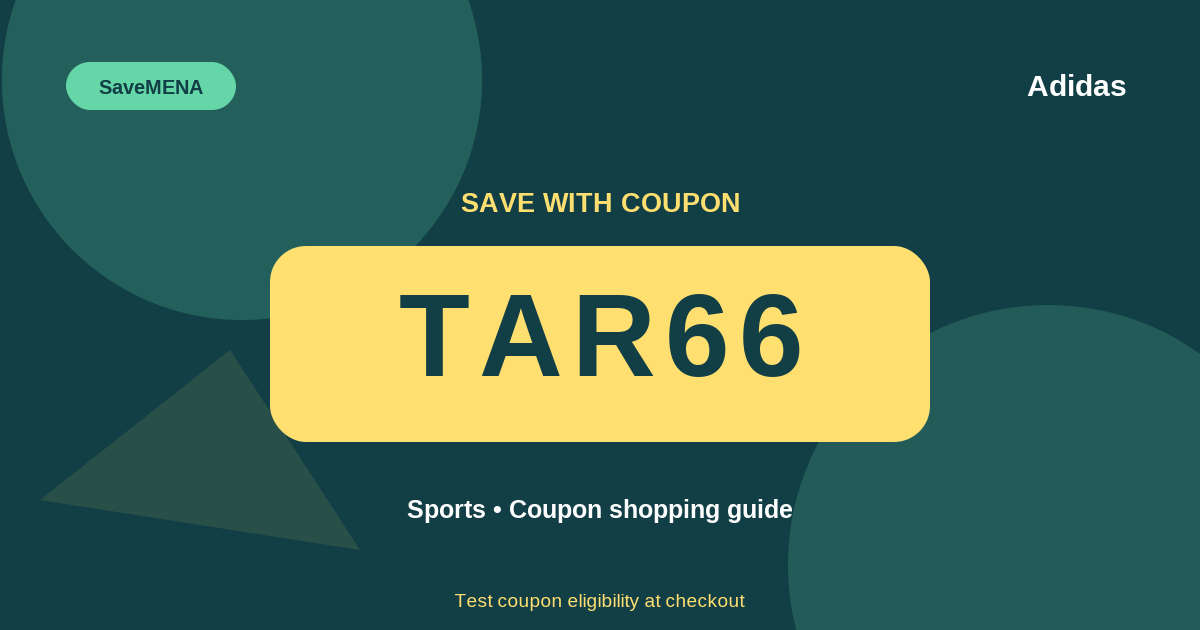
Codes available to try while comparing
These codes are not guaranteed for the article topic or listed brands; test them at checkout and use the live result.
1. Confirm Coupon Eligibility Before Adding to Cart
Start by looking at the product page for any tag that indicates coupon eligibility. Although Noon’s interface does not always display such tags prominently, do not assume the code is invalid simply because it’s not explicitly stated. Instead, search for “coupon” or “discount” information in the item description or FAQ section, as sellers sometimes mention that only coupons with a specific seller are accepted. If the page lacks this detail, proceed to the next step, but keep a record of the seller’s name and the exact product SKU.
During this check, also ensure the product’s listing is from a reputable seller, especially for Sports categories that host both official and third‑party retailers. If the seller is a verified brand partner or a top‑rated vendor, it’s more likely that coupons are supported. Conversely, if the seller is unknown or new, some discount codes may not apply. Mark the seller details for reference during checkout.
2. Verify the Coupon Code Format and Typing Accuracy
Coupons are sensitive to capitalization, spaces, and special characters. The code TAR53 should be entered exactly as shown without surrounding spaces or punctuation marks. Even a single extra character can render the coupon invalid. Double‑check that no typos or accidental key repeats occurred when copying the code from a promotional email or website banner.
To avoid such input errors, select the coupon textbox and paste the code directly, rather than typing it. After pasting, click the “Apply” button and watch for any on‑screen confirmation or error message that appears. If the screen admits the coupon but still offers no discount, the issue might lie in seller compatibility rather than code mistyping.
3. Examine Cart Accuracy and Quantity Limits
Some sellers impose limits on the quantity of items eligible for a coupon. Ensure that the exact SKU quantity you have in your cart matches what is permissible under the coupon’s terms—even if those terms are not publicly disclosed. Logically, if you’re purchasing more than one Adidas item from the same seller, the coupon may not apply beyond a single unit.
Check the cart summary carefully for line items that appear duplicate or listed under different sellers. If you have a multi‑seller cart for sports products, the coupon may validate only for one seller’s items. Rearranging items so that only the the coupon code seller’s product remains in the active cart may resolve the issue.
4. Assess Seller-Specific Promotion Restrictions
Within the seller’s store page, look for any mention of “exclusive promotions” or “seller‑only discounts.” Sometimes, a seller may have separate promo codes that are not cross‑shared with Noon’s system. If the seller’s page states they honor independent coupons, you’re likely in the clear. If no coupon information appears, that might be why Noon’s generic code does not trigger.
Reach out to the seller’s customer service through Noon’s internal chat if you need confirmation. Sellers often respond quickly to queries about coupon compatibility.A coupon is not guaranteed; verify its result at the retailer checkout.
5. Inspect Checkout Page for Real‑Time Coupon Validation
Once you “Apply” the coupon, the checkout page should recalculate the subtotal instantly. If the discount does not reflect, scroll to the coupon input field to confirm that the code remains present; sometimes the code is cleared if the seller changes during checkout. Reapply the code and observe whether the page refreshes without an error sign.
During the new loading, watch for message boxes that indicate why the discount failed. A typical message might read “This code is not valid for selected items” or “The coupon cannot be applied to this seller.” These messages point directly to seller restrictions rather than system glitches.
6. Consider the Timing of the Checkout Process
If you add items and apply the coupon early, then edit the cart or change quantities later, the coupon may become invalidated. Some platforms recalc eligibility as soon as the cart changes. In this case, you may need to reapply the coupon after each adjustment.
Ensure that you add items from the same seller consecutively. Switching back and forth between different sellers during the order process can lead to state inconsistencies that cause the coupon to fail. Only once the cart is final can you be confident that the coupon check reflects the current state.
7. Utilize the Noon Customer Support Path When All Else Fails
When every on‑screen check is green yet the discount still fails, contact Noon’s help center. Open a ticket or reach out via live chat, and reference the exact coupon code (TAR53), the product SKU, and the seller name. Include screenshots of the coupon field and any error messages you encountered.
Needing support is not an indication of error—it’s how complex systems handle exceptional cases. Bring together all collected data to help no front‑end representatives resolve the problem swiftly. Having a clear chain of evidence speeds the troubleshooting loop.
8. Keep a Log of Successful and Unsuccessful Attempts
For future reference, maintain a simple record of each coupon attempt, noting the item, seller, time, and outcome. This log allows you to spot patterns—perhaps all unapproved coupons belong to a specific seller or a particular product line—helping you avoid repetitive frustration.
Finally, after a successful application, confirm the total amount and any remaining fees on the final payment screen. Double‑check that the coupon code appears in the itemized list before you hit “Place Order.” This prevents accidental upgrades or misapplication of discounts at the last step.
Related SaveMENA pages
Related articles
Official sources to check
Frequently asked questions
What if the Sunday promotion is listed but the coupon still doesn’t apply?
Check that the product’s seller is the one supporting the coupon. If the seller does not explicitly note coupon compatibility, Noon may reject the code even if a promotion appears. Contact seller support for confirmation.
Can I use TAR53 on multiple Adidas items in one order?
The coupon’s applicability to multiple items depends on seller restrictions not disclosed publicly. Test by checking the cart’s subtotal after applying the coupon. If only one item discounts, the code likely applies per unit.
Will ordering from a different sports seller affect my coupon?
Yes, coupons often honor only the seller that issued or accepts them. Add items from sellers that do not support the coupon to your cart; the discount may be nullified or a partial discount applied.
How does Noon handle expired coupons in the checkout flow?
Noon prevents expired coupons from applying by displaying an error on the coupon field. The final price will reflect no discount if the code is no longer valid. Always verify the code’s validity date before purchasing.