Sony TVs on Noon UAE: seller context — coupon troubleshooting · TAR92
When a Noon UAE coupon stops working on Sony TV purchases, the solution lies in systematic troubleshooting rather than guesswork.
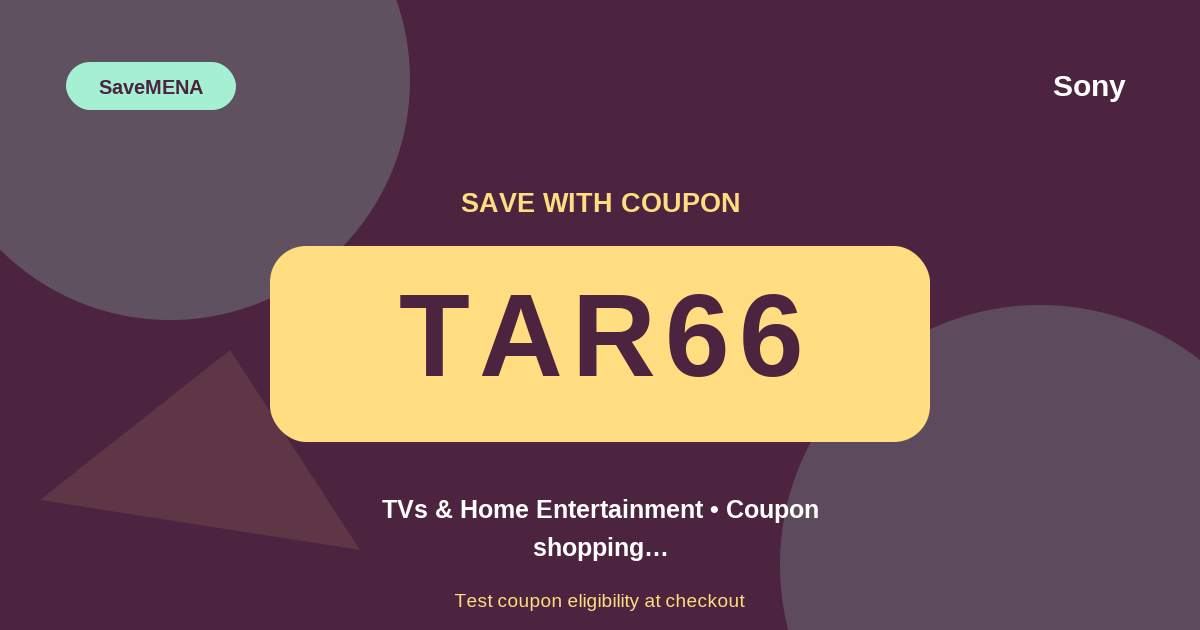
Codes available to try while comparing
These codes are not guaranteed for the article topic or listed brands; test them at checkout and use the live result.
1. Understanding the Coupon Mechanism on Noon
Never assume a coupon works. The Noon platform applies coupons after the essential validation of product, seller, and basket conditions. The first indicator that a coupon code is not functioning is an immediate denial message when you enter TAR92. This message typically references the underlying rule that prevents the coupon from being applied, such as an ineligible product category or a mis‑matched seller. Rather than guessing, begin by confirming that the Sony TV you wish to buy is correctly listed under the category that your coupon intends to cover. If the logged category differs, the coupon will fail.
Another common confusion arises when Noon’s frontend shows the coupon field as active, yet the coupon still never unlocks. In this scenario, the seller’s catalog status may affect eligibility. Some sellers maintain a separate catalog that Noon treats as a distinct branch, even if the product appears identical. Coupons are generally applied per seller; a code that was valid for one seller can be rejected for another. Therefore, the next logical step is to identify the seller ID attached to your Sony TV listing and cross‑check the coupon’s seller‑level permissions.
2. Confirming Coupon Eligibility for Sony TVs
Shopping for a Sony TV under Noon’s umbrella requires you to confirm that the coupon is not only brand‑agnostic but also item‑agnostic. The coalition of Sony’s product SKU and the Noon listing must be flagged within the coupon’s rule set. If the code TAR92 was originally published alongside a Sony promotion, it might have been crafted for a specific model or television type (e.g., OLED or LED). In the absence of explicit product coverage statements, it is safest to lean on the default policy that coupons extend to all TVs under the seller’s listing unless prevented by a specific rule.
Next, inspect the product specification in the listing. Sony TVs often come with numerous variants—screen size, resolution, and feature packages. Some variants may be excluded from certain coupon rules if they fall outside the seller’s agreed promotional tiers. By ensuring you are purchasing the exact variant that the coupon is designed for, you essentially eliminate one of the most frequent reasons coupons become inoperative. If the variant lacks any clear assignment, flag it for the seller’s confirmation at checkout.
3. Verifying Seller’s Validity and Stock Status
Seller reputation matters; an active, verified seller is the bedrock for successful coupon application. Samsung of Dubai, for example, might offer a free shipping tier that does not apply to independent sellers. Verify that the seller listed for your Sony TV has an active Noon seller badge and is not marked as “inactive” or pending. If the seller is newly listed, Noon may restrict promotional codes until a trust threshold is reached. DO NOT assume that all sellers automatically honor coupons—check the seller’s rating but remember that rating alone does not confirm eligibility.
Stock status directly influences coupon validity. A Sony TV that appears in inventory but is sold out will still show as available until the checkout stage, where Noon will reject the coupon if the item is not actually shippable from that seller. Confirm via the seller’s profile or contact them directly to ensure real stock availability before adding the item to the cart. This eliminates a silent coupon failure that occurs only at the final payment screen.
4. Checking Basket Conditions and Minimum Spend
Coupons on Noon often embed conditions like minimum spend or bundle constraints. A blanket rule states that a coupon applies only to baskets exceeding a particular value, or when several items share the same seller. While the breadcrumb “TAR92” may be available, it will still not strike if your Sony TV alone fails to meet the minimum threshold. In such circumstances the coupon will be deemed unusable and will not perform a discount at checkout. Always check the basket summary for any hidden thresholds.
Even if the basket total is above the required amount, the presence of another unrelated item from a different seller can invalidate the coupon. Some sellers handle coupons independently, meaning the Sony TV must be the sole reason for the coupon application. To avoid failing, place your Sony TV in a dedicated cart, remove unrelated sellers, and try applying the coupon again. This isolation gives you a clear view of whether the code works for this seller.
5. Inspecting Date and Checkout Context
Coupons have lifecycles that extend beyond the site’s aesthetic. The Noon interface does not reveal an expiry date for the TAR92 code, so you must observe the checkout screen for any failure messages that mention “expired” or “no longer valid.” If you receive such output, it is probable that the coupon’s temporal validity has lapsed. DO NOT trust cookies or the cache; always confirm through the latest checkout prompt to be accurate.
Different checkout channels can also represent a hidden barrier. Applying a coupon on the mobile app can sometimes succeed, while using the web portal can reject it because of different handling rules. If you test the code on the app and it remains rejected, attempt the same on the web version or vice versa. Reproducing the issue across both platforms can help isolate whether the problem is platform‑specific.
6. Reviewing Account and Device Constraints
Occasionally, coupons are restricted by the shopper’s account status, such as a new‑user limit or a loyalty tier requirement. Noon sometimes restricts public codes to registered accounts only; if you attempt to apply a coupon while browsing as a guest, the system will flag it.A coupon is not guaranteed; verify its result at the retailer checkout. This is especially true for high‑value items like Sony TVs, where Noon might implement added security checks.
Device‑specific variations also exist. Some codes work on desktop browsers only, others on mobile devices. A missing user‑agent signature can impede the discount application. If you notice a discrepancy, switch devices or adjust your browser settings by clearing cookies before retrying the coupon. By aligning the device with the platform’s expected profile, you remove a silent barrier to coupon acceptance.
7. Managing App versus Website Discrepancies
Each Noon channel manages coupon logic with a slightly different API stack. The web interface may apply a rule that the app does not, and vice versa. When encountering the same failure across both channels, the most probable cause is a seller‑side restriction that both interfaces inherit. However, one channel might provide a more descriptive error message that pinpoints the rule at fault, such as “Seller not eligible for offer” or “Product category excluded.” Use the error narrative to filter out which restriction—seller, product, or basket—must be addressed.
To systematically validate, create two separate carts: one dedicated solely to a Sony TV from a verified seller, and another mixed cart that mirrors your typical shopping scenario. Apply TAR92 to each and observe whether the error persists. If only the mixed cart fails, it confirms the coupon’s restriction is dependent on basket composition rather than the seller’s condition alone.
8. When All Else Fails: Contacting Noon Support
If every seller‑centric test fails to yield a clear path to redemption, it does not automatically mean the coupon is broken. The final recourse is to engage Noon’s support team. Provide them with the order specifics, the coupon code, and the exact error message observed at checkout. This will trigger their internal review tool, which can confirm whether the coupon should, in fact, be valid for your particular Sony TV and seller combination.
When communicating with support, mention the seller’s name, product SKU, and any relevant times you tested the coupon. Acknowledge that you have verified all other conditions yourself. While the support team may not guarantee a refund of a failed coupon, they often provide an explanation or an alternative promo if the code has expired or if the seller’s promotional agreement has been updated.
Related SaveMENA pages
Related articles
Official sources to check
Frequently asked questions
What if the coupon keeps saying the minimum spend isn’t met?
Check your cart total after consolidating all items from the same seller. Some coupons will only activate if the sum of products from that seller exceeds a certain threshold, even if the displayed subtotal appears high. If the threshold is not met, remove items from other sellers or add a qualifying product before retrying.
Can I use the coupon on both the Noon website and app?
Both channels often share the same coupon logic, but device-specific variations exist. If it fails on one, try the other. If it fails on both, the issue likely lies with the coupon’s rule set or seller restriction.
Does a Sony TV’s variant affect coupon eligibility?
Yes. Some coupons apply only to specific models or features. Verify the variant you selected matches the coupon’s intended scope, or consult the seller’s product description for any exclusions.
What if the seller’s profile looks active but the coupon still fails?
Check that the seller holds the “verified seller” badge and has sufficient stock for the Sony TV variant. Coupons can be disabled for sellers who have not met certain trust thresholds or are experiencing inventory issues.