Dyson Home Appliances on Noon UAE: warranty and support — coupon troubleshooting
Noon UAE coupon not working Home Appliances Dyson warranty and post-purchase support: When you’ve all the details of your ideal Dyson home appliance in hand, the
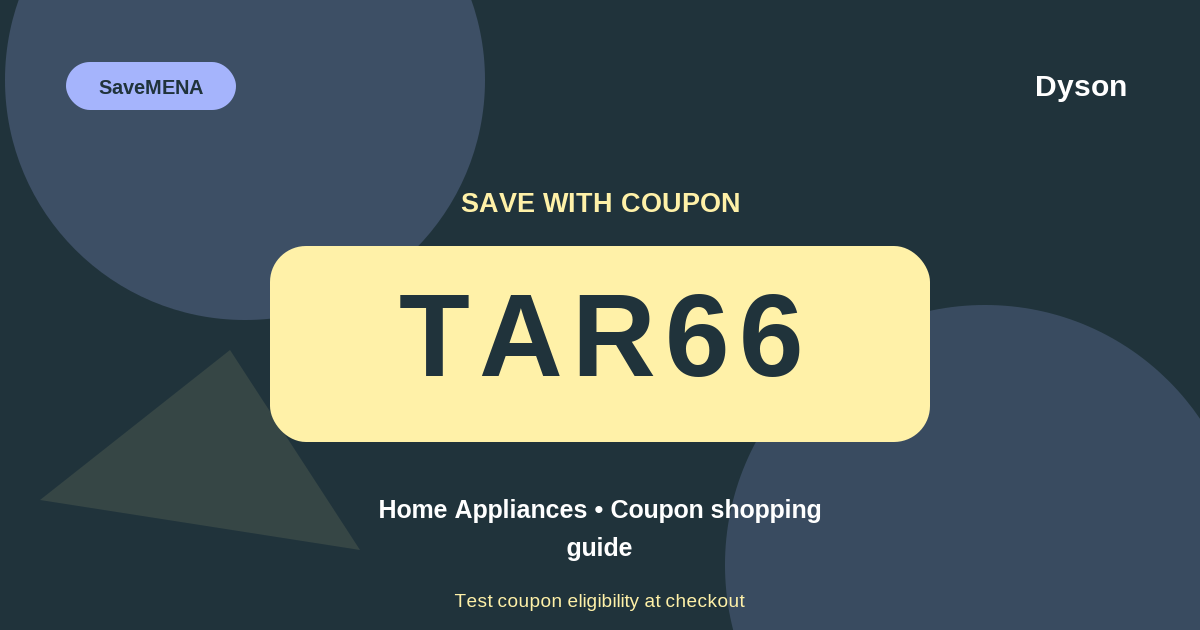
Codes available to try while comparing
These codes are not guaranteed for the article topic or listed brands; test them at checkout and use the live result.
1. Verify Code Syntax and Shipping Scope
Before you dive into the complexities of Warranties and post‑purchase support, check that the TAR66 code itself is typed correctly. A single missing character or an invisible space can already block a coupon. Search for “TAR66” in the code input box and press enter; ensure the same casing is used as presented. If the discount doesn’t apply, sound the warning in your mind: some codes are limited to specific delivery locations or shipping lanes. Even a standard home appliance from Dyson might be tied to a local dispatch point, and a no‑delivery‑fee policy could alter the nominal discount threshold. Double‑check the “delivery to UAE” requirement before moving on.
Once the syntax passes, log the product details: the seller’s name, the exact variant, and the color. These details inform the next step: the discount eligibility of this particular item. If the seller offers a localized warranty, its terms may only apply to the variant you chose; a mis‑typed code could obscure that nuance. Be sure you’re viewing the exact product page that the coupon claims to support, rather than a general listing. If this step still triggers a “not working” notice, the issue is likely deeper than a simple typo.
2. Confirm Cart Eligibility for Digital Coupons
Digits, not just letters, make a digital coupon work. Some Noon items have hidden “Eligibility flags” that block non‑original or refurbished units from receiving discounts, despite the category being Home Appliances. Scroll to the bottom of the product page, note any “Eligibility” labels, and cross‑reference this with your cart. If the filtered result shows the Dyson device as “Eligible for digital coupons,” the coupon should lift, unless an exclusion overrides it—such as a “new‑user only” condition or an overlapping sale that already provides a better offer.
Before you step toward checkout, it’s wise to add a baseline item to your cart that certainly qualifies for the code. Remove that item, apply TAR66, and see if the coupon activates. If it does, the problem lies within the Dyson item; if not, the code itself may be currently blocked across your basket. Either way, you’ve isolated whether the error stems from product eligibility or code status—a vital step for protecting your warranty claim downstream.
3. Inspect Time of Use and Holiday Promotions
Coupons often ride on promotional timelines. Even though the TAR66 code might be visible on a September listing, its activation window could be set to a specific holiday or limited‑time event. Locate the “Coupon expiry” detail on the page—if it’s missing, Google the code’s life cycle via the brand’s official FAQ or the Noon help center. A January code will no longer work in July, and a coupon that was active during a sales event may now be archived, though still displayed.
During peak seasons in the UAE, such as Eid or Dubai Shopping Festival, Noon sometimes locks coupon usage to singular shopping event periods. If your cart includes a Dyson item added after such an event, the coupon naturally fails. Check the event dates and the product’s if it was purchased before the event’s close. When in doubt, reach out to Noon customer support; they can confirm if the code remains valid for your purchase, maintaining your warranty and post‑purchase autonomy.
4. Cross‑Check Product Model and Warranty Coverage
A Dyson appliance’s warranty guarantees clawback for manufacturing defects, but it’s specific to model, region, and purchase time. If TAR66 has been denied entirely, it may unintentionally shift focus from coupon failures to warranty constraints. Locate the product’s model number on the price tag or product details page, then verify it against the Dyson warranty list for the UAE. Some models carry an extended warranty only through the publisher or a specific authorized dealer.
During the same check, ensure the seller’s post‑purchase policy aligns with the Dyson warranty. A third‑party seller may claim “post‑purchase support” but offer no official return portal. Verify the “Return policy” section; a 15‑day return frame is standard, but Dyson’s warranty often extends to a full year for defects. Confirm that your eventual claim will honour the warranty, independent of coupon performance, to maintain your peace of mind.
5. Contact Seller for Post‑Purchase Support and Claims
When a coupon refuses to work, it’s prudent to confirm that the seller remains responsive for support. Contact the store via Noon’s in‑app messaging, ask about the seller’s support response rate, and note whether they list an official service center. Some sellers handle repair requests, while others forward issues to Dyson’s official geo‑center.
Ask specifically if the seller can help initiate a warranty claim for the Dyson appliance after purchase. This dialogue ensures that, should a post‑purchase hiccup arise, you aren’t left in the lurch. Let this step set a foundation of warranty reliability, offering confidence that the coupon mishap won’t affect the support you deserve.
6. Track Delivery Fees and Payment Methods
Delivery fees can inadvertently obscure coupon impact. When “Noon UAE coupon not working” interferes, the displayed total might still include a delivery charge. Ensure the delivery fee is zero for your chosen address, as some zip codes incur a fixed cost. If the fee is present, note that the discount amount, if it were applied, would be subtracted from the sub‑total before delivery is added.
For payment, check whether the coupon’s eligibility is tied to certain card types—some coupons grant extra points only when using a Noon-preferred card. Switch to a standard debit or credit method, then recalibrate; often, a clean payment method removes hidden gates blocking the coupon. Re‑enter TAR66 after these calibrations to observe any shift.
7. Leverage Rewards versus Coupon
Even if TAR66 doesn’t apply, consider parallel avenues of savings that still protect your warranty. Noon’s loyalty points or a seasonal cashback offer might offset the discount gap. Use the loyalty calculator to see if the points you’ll earn can be applied to a subsequent purchase, thereby preserving your Dyson warranty coverage on the initial buy.
While coupons focus on immediate price cuts, loyalty rewards ensure a chain of support—your points are redeemable when you decide to replace or upgrade. Since post‑purchase support is a critical consideration, aligning your savings strategy with the warranty timeline (e.g., a Dyson flight time limit) safeguards your appliance’s life cycle.
8. Final Checkout Confirmation
The last checkpoint blends every previous step. Scroll to the checkout, review the “Final Payable Total” box: it must show the exact amount you expect, factoring in the coupon’s potential application. If TAR66 is unresolved, it may still be listed in the coupon field but not reflected in the total—a signal that the discount can’t be applied. In this instance, note the absence of a “Coupon applied” badge and the unchanged price.
Commit to a final step: confirm the warranty by reading the “Warranty Details” snippet on the checkout page. This often displays the warranty period, coverage limits, and claim process for the specific Dyson appliance. If you’re still uncertain, click the warranty link, open the official Dyson documentation, and verify that the coverage remains intact—independent of any coupon hiccup.
Related SaveMENA pages
Related articles
Official sources to check
Frequently asked questions
What do I do if TAR66 is not accepted even after following all troubleshooting steps?
If all checks are correct and the coupon still refuses to apply, contact Noon support for a resolution or consider using alternative savings such as loyalty points. Verify your account status; a non‑activated Noon Wallet can sometimes block coupon usage.
Will a failed coupon affect the warranty or post‑purchase support for my Dyson appliance?
No. Warranty coverage is determined by the product’s purchase date, model, and region, not by coupon acceptance. Post‑purchase support remains honored as long as the warranty terms are met.
Can I combine TAR66 with other promotional offers for a Dyson product?
Typically, digital coupons and other promotions are mutually exclusive. Check the “Promotions” section of your cart; if another discount is visible, you may need to remove one to use the other.
Is there a delivery fee that must be paid if my coupon doesn’t apply?
Delivery fees depend on the shipping address and seller terms. The final total on checkout will show any applicable fee, regardless of coupon status. It’s separate from the discount applied.