Braun Beauty on Noon UAE: account eligibility — delivery-inclusive price · TAR98
When you add a Braun beauty item to your Noon UAE shopping cart, the final amount you pay isn’t just the product price.
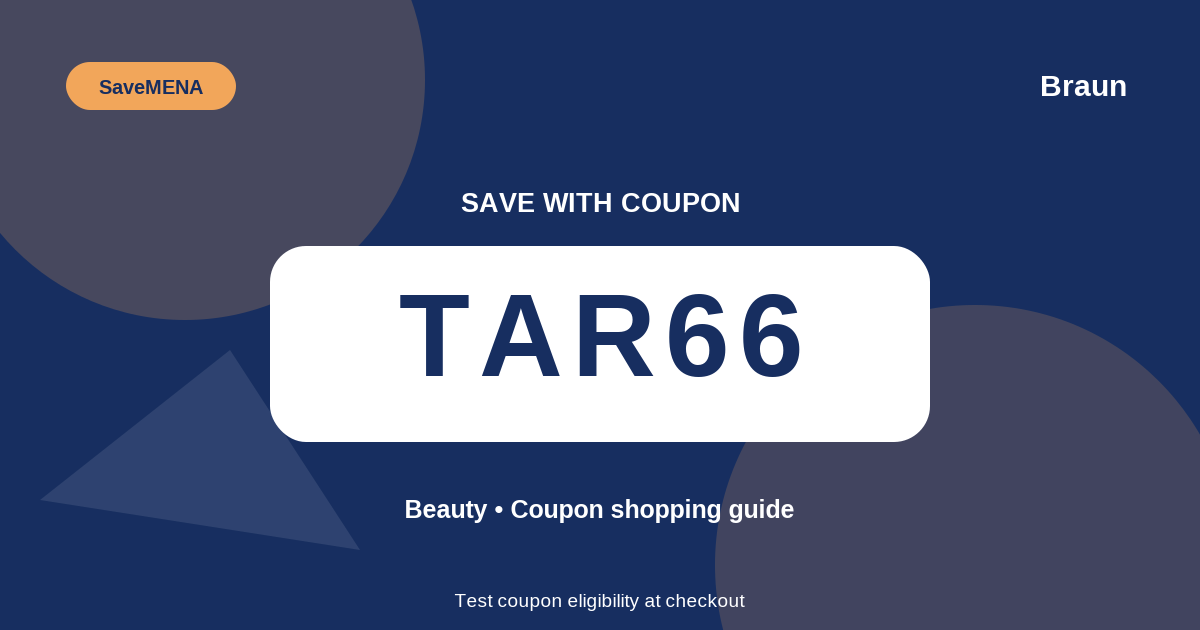
Codes available to try while comparing
These codes are not guaranteed for the article topic or listed brands; test them at checkout and use the live result.
1. Understanding the Checkout Journey
As soon as you decide to purchase a Braun beauty product, the Noon app redirects you to the checkout page. Here you’ll review the selected items, quantities, and any promotional offers live on the screen. The breakdown will display the item subtotal, applied coupons, and the delivery fee, all summed into the “Noon UAE total with delivery.” This total updates in real time as you adjust quantities or change delivery options, so you can see the effect on your bill immediately.
Even though the interface shows a single final amount, the underlying calculations depend on several variables: the product's base price, your account status, delivery address, and any taxes applied by the UAE authorities. Before you hit “Confirm,” double‑check that each line item reflects what you intended. If the totals look off, it may be a sign that an address‑based delivery fee is higher than anticipated or that a coupon is not yet applied.
2. The Role of Your Braun Beauty Wishlist
When you compile a wishlist of Braun beauty items, you’re essentially creating a personal inventory of preferred purchases. In Noon’s app, each wishlist entry can be dragged straight to the cart, preserving quantity and brand specifics. The wishlist also hints at which items are frequently stocked on the platform; items from popular brands like Braun may have specialized shipping handling that can influence fees.
Because wishlist items stay linked to your account, they also retain any personalized pricing or loyalty credits that your profile might qualify for. These credits are automatically applied during checkout, adjusting the item subtotal before delivery costs are added. Being mindful of wishlist contents allows you to balance the freshness of a new Braun product against the potential for a lower overall total with delivery.
3. Inclusion of Delivery Fees in the Noon UAE Total
The delivery fee on Noon is calculated separately from the product cost but appears within the same total that you pay. Depending on where you live in the UAE and the chosen delivery speed, the fee can range from free promotions to a fixed surcharge. Because the fee is added after any coupon discount, it directly affects the final extra charge you see.
From an account perspective, some shoppers with Noon loyalty points or an active subscription may see a reduced fee. If your account has previously accrued free‑delivery credits, they will be automatically deducted from the overall fee. Always verify that the displayed delivery cost reflects your current account status before confirming payment, as missing credits may leave you paying more than expected.
4. Applying the TAR98 Coupon at Checkout
The coupon code TAR98 can be entered into the “Discount” field at checkout. Once applied, the app recalculates the subtotal, reflecting the new amount before taxes and delivery. However, the coupon cannot influence any pre‑existing delivery fees or taxes once they’ve been calculated. It strictly lowers the product subtotal.
Because the coupon isn’t guaranteed due to potential changes in active promotions, you should check the coupon’s validity at checkout. If the code is accepted, the new total will be shown; if not, the system will alert you accordingly. Do not assume a coupon will magically change delivery costs—these remain fixed after the discount is applied.
5. Factors Influencing Delivery Charges
While the base price of a Braun beauty product remains constant, the delivery charge can fluctuate based on several factors. If you choose a faster delivery window, the fee often increases. During peak shopping periods or holidays, the platform may temporarily raise delivery rates. The distance between your pickup point and delivery location also sets the fee.
Additionally, the total weight and dimensions of the cart can affect freight rates. Adding more Braun beauty products may push the shipment into a higher weight bracket, thereby raising the fee. Given that delivery is calculated after all product discounts, any change in quantity can reshape the final “Noon UAE total with delivery,” so reviewing these variables is essential.
6. Tracking Your Order Post‑Purchase
Once the payment is processed, the order status in Noon will shift from “Processing” to “Shipped.” During this phase, you can see the exact delivery fee charged and confirm that it matches what you paid at checkout. The platform also offers a tracking number that can be followed on the carrier’s website or the Noon app to monitor the shipment’s progress.
If shipment details differ from your expected delivery fee, double‑check your account’s applied billing address and any promotional credits that might have changed the fee post‑payment. This helps spot any miscalculation early and expedite a refund or adjustment if required. Staying vigilant during this tracking stage ensures your final total sticks to what you agreed upon.
7. Common Pitfalls and How to Avoid Them
A frequent error is overlooking how delivery fees stack after coupon discounts. Even a generous coupon like TAR98 won’t reduce the fee, so savings on the product might disguise an unchanged delivery cost. Another pitfall is neglecting the effect of packaging size, which can inadvertently bump the fee by moving the order into a higher weight bracket.
Avoid these issues by previewing the final payment screen before confirming. Confirm that all line items, discounts, taxes, and delivery amounts are exactly as expected. If any line appears unexpected, revisit the cart or consult the help center for clarification. Proactive verification is the simplest way to keep control over the total with delivery.
8. Final Checklist Before You Hit Pay
Before completing payment, make sure you have: (1) verified the item subtotal, (2) confirmed that the TAR98 coupon has been accepted and the discount shows, (3) checked the delivery fee and ensured it aligns with your account’s eligibility, and (4) reviewed the tax calculation. This ensures the “Noon UAE total with delivery” truly reflects all charges you’re willing to accept.
Once everything aligns, you can confidently press the pay button. After the transaction, keep the order confirmation and note the final total. If later you notice a discrepancy, you can reference the confirmation to claim a refund or credit. By following this checklist, you maintain full control over every dollar in your transaction, especially when buying Braun beauty items on Noon.
Related SaveMENA pages
Related articles
Official sources to check
Frequently asked questions
How does the delivery fee affect the final amount I owe?
The delivery fee is added to the discounted product price after any coupons are applied. It can vary by address, delivery speed, and order weight, so you’ll see it reflected in the total before you confirm payment.
Will the TAR98 coupon reduce my delivery cost?
No, TAR98 only reduces the price of items in the cart, not the delivery fee or taxes. It’s applied to the subtotal before those additional charges.
What if my order shows an unexpected delivery fee after checkout?
Double‑check your shipping address and any active savings. If the fee still seems off, you can review the order details or contact Noon support for clarification.
Do delivery costs change if I add more Braun products?
Yes, adding items can increase the total weight or volume of the shipment, which may raise the delivery charge. Review the updated fee before finalizing your purchase.