Anker Computer Accessories on Noon UAE: account eligibility — · TAR98
How much will your new Anker computer accessory cost once you add delivery and any applicable fees? For UAE shoppers, the Noon total can shift visibly once the
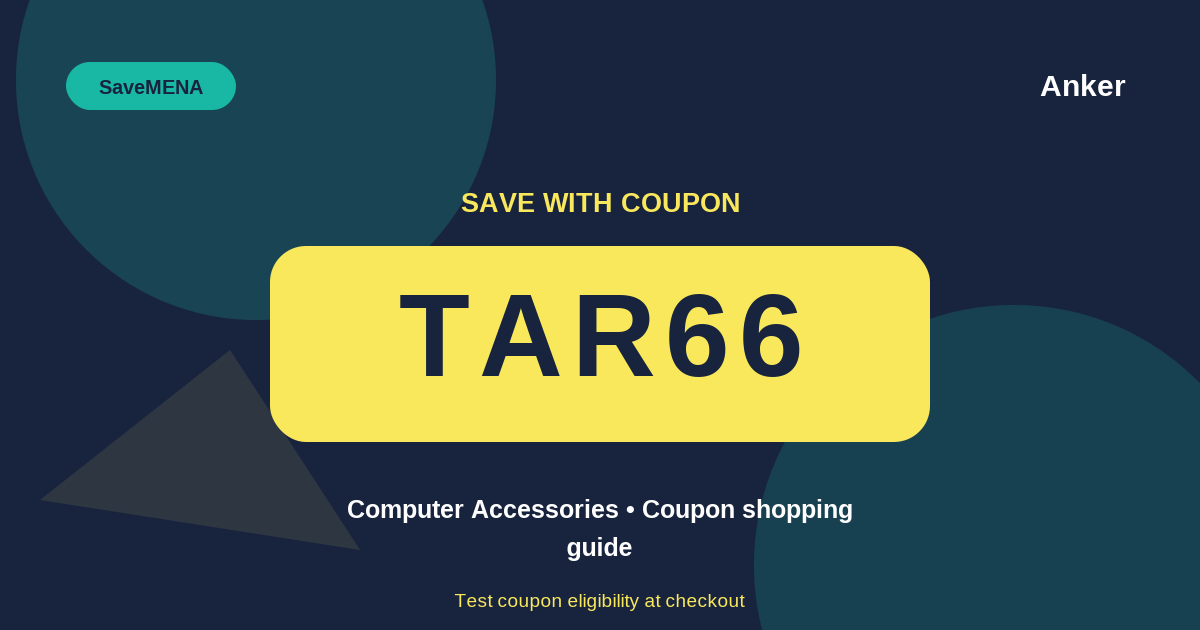
Codes available to try while comparing
These codes are not guaranteed for the article topic or listed brands; test them at checkout and use the live result.
Recognising the Basic Checkout Flow on Noon UAE
The initial shopping experience begins when you add a sought‑after Anker accessory to your cart. Noon’s interface will display the running item subtotal, which represents the base price of the chosen product before any extras. This figure is a good reference for the feature you’re buying, but it stops short of showing how your final bill will look once you integrate shipping and account‑related adjustments. By pausing at the subtotal stage, you can verify that you’ve selected the correct variant, manufacturer, and quantity, ensuring no early mistakes carry over to later charges.
Account Context: Your Noon Membership Level Matters
Your Noon account type directly influences the layer of fees that accompany your purchase. Basic accounts may see standard delivery guidelines, while premium members might benefit from exclusive, fee‑waived shipping windows or accelerated processing. The key here is to inspect the account summary available in your Noon dashboard before you finalise payment. Look for any indicators of membership status or nearby promotions that could waive or reduce a delivery fee. Although these features adapt to your account, they’re not automatically applied; you must explicitly select the option at checkout if it’s available.
The Dynamic Delivery Fee: How It Spikes or Drops
Even with a stable account type, delivery fees can vary depending on geographic location, delivery window, and the product’s physical size and weight. Noon calculates these variables in real time as you proceed through checkout, updating the “Delivery & Handling” line accordingly. When you move your cursor over this line, a tooltip subtly supplies the breakdown of charges, making transparent the factors that prompted the fee’s final value. Consequently, you will have a clearer sense of how the shipping cost changes if you select a faster service or batch your order with earlier shipments.
Additional Charges: Taxes, Duties, and How They Appear
In the UAE, local tax and customs duties are routinely integrated into the final price. Noon’s system typically appends these charges as distinct lines beneath the delivery & handling segment. When you read the final order summary, look for a “Government Tax” section to see any applied rates. Import duty, if required, will usually factor through the customs processing layer, altering the final total based on the product’s duty classification.
Applying the TAR98 Coupon: A Trial Worth Exploiting
The TAR98 coupon code offers shoppers a chance to try a discount on select items, including many Anker computer accessories. To apply it, visit your cart and enter the code in the designated “Discount Code” field before proceeding to payment. Once accepted, the coupon’s effect will appear as a reduction line in the summary, separate from the previously discussed fees and taxes.
Final Totals: The Ultimate “Noon UAE Total” Reveal
When all elements – base price, delivery & handling, taxes and duties, and any coupon deduction – converge, Noon displays the final amount due. This is the figure you will pay through your chosen payment method, and it is the last stop for any cost adjustments. Confirm that no additional line items appear after confirming payment; if an unexpected line shows, you generally need to revisit the cart to adjust or remove it.
Strategic Checklist Before Hit Pay
A coupon is not guaranteed; verify its result at the retailer checkout. By ticking off each detail, you solidify the integrity of your order and prevent overpaying.
After the Purchase: Watching the Invoice for Discrepancies
Once the payment is processed, Noon typically emails a detailed invoice that captures every line item of your order. This document is a vital second level of verification: cross‑check the final amount, shipping fee, taxes, duties, and any applied discount against the checkout screen. If any figure deviates, indicate the issue in the customer support ticket for a swift resolution.
Related SaveMENA pages
Related articles
Official sources to check
Frequently asked questions
A coupon is not guaranteed; verify its result at the retailer checkout.
No. The code is only available to try. Eligibility can vary with the live account, basket, item, seller and campaign context, so checkout is the final reference.
Where should I confirm the coupon result?
Apply the code in the Noon basket and review the live message and final payable total before payment. Do not rely on an undocumented percentage or condition.
Can the result vary by product or seller?
Yes. Eligibility and offer context can vary with the current basket details, so compare the exact item, seller, variant and final total before purchasing.
What should I do if the code does not work?
Check the market, account, item, seller, basket and payment context, then try another code available to try without guessing an unsupported reason.