Apple Headphones on Noon UAE: account eligibility — delivery-inclusive price · TAR84
When you add Apple headphones to your Noon cart, the price you see on the product page isn’t the final amount.
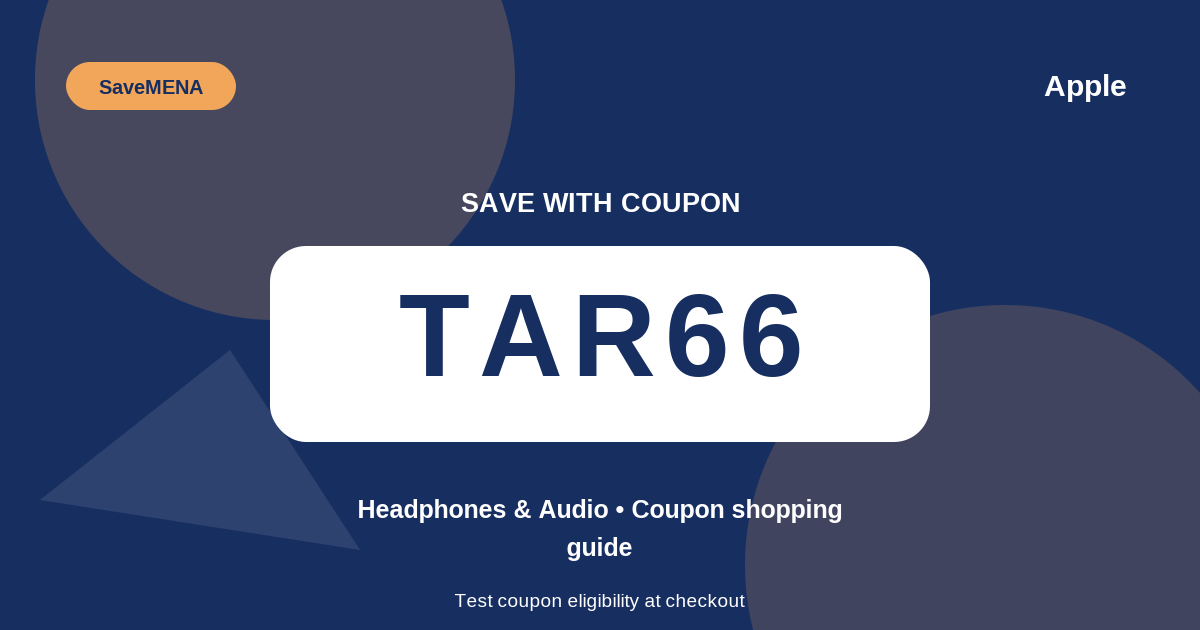
Codes available to try while comparing
These codes are not guaranteed for the article topic or listed brands; test them at checkout and use the live result.
1. Understanding Noon UAE Checkout: Seeing the Total with Delivery
At Noon, the checkout page pulls together your cart subtotal, any applicable taxes, and the chosen shipping fee into one clear column labeled “Total payable.” This figure updates instantly when you change delivery items, add a coupon, or select a different shipping speed. Because Noon’s interface is dynamic, the summary you see before you click “Place Order” is the most reliable preview of what will appear on your receipt.
It’s important to remember that this upfront total is provisional. Noon may adjust the figure if your gift card balance does not cover a portion of the fee or if a discount is applied after you’ve entered payment details. Always double‑check the final amount in the order summary box before you confirm, as some deductions or extra charges can appear at the last step.
2. Delivery Options and Fees Explained for Headphones
The delivery method you select has a direct impact on the cost shown in the “Noon UAE total with delivery.” Faster options like same‑day or next‑day shipping typically carry a higher surcharge, while standard delivery remains more economical. The fee is listed with the delivery method name so you can choose the balance of speed and price that best suits your need for the new Apple headphones.
If your pickup location is the same warehouse as the item, Noon sometimes offers free or reduced shipping. This variance is visible on the checkout screen after you enter your address. Keep in mind that any discount code you apply will be reduced from the subtotal, but not from the shipping line unless the code explicitly states the promotion covers delivery. Check the details of your coupon before finalizing.
3. Impact of Apple Account on Noon Purchase Experience
Signing into Noon with your Apple ID can influence how your purchase is recorded, especially if you’re buying Apple headphones. Account integration allows Noon to verify your Apple ownership status and may provide a smoother transaction flow. The store may prompt you to confirm that the Apple account you are using owns the Apple device or headphone you’re buying, which is sometimes a prerequisite for certain warranty or return policies.
The Apple account context can also trigger exclusive promotional offers or loyalty credits that appear during checkout. These offers are incorporated into the final total automatically once you are signed in. If your account is not linked or you use a different e‑mail address, you might miss these badges, and the total may not reflect potential enhancements or minor fee adjustments that are linked to Apple account holders.
4. Applying Coupons: How TAR84 Fits Into Your Cart
To start using the TAR84 code, simply enter it into the coupon field on the checkout page before you confirm payment. While the code is readily available, Noon’s systems will determine whether it applies. The final total will reflect any discount applied from the coupon only if the code passes their eligibility checks, such as stock availability or minimum spend. Be prepared because this will not alter the shipping line unless the offer text says otherwise.
Because the coupon’s applicability can change based on inventory or promotional terms, it’s wise to observe the updated total right after you click “Apply.” Noon’s interface will either confirm the discount or show a message if the coupon is invalid or expired. The displayed total after this step gives you a transparent, actionable view of what the final charge will be.
5. Confirming Final Payable Amount: The Checkout Hallmarks
On Noon’s final confirmation screen, every line adds to the last column labeled “Payable Total.” It merges product cost, tax, shipping surcharge, and any coupon deduction into one figure that will hit your payment method. This screen is designed to be the definitive record before the transaction completes, ensuring there are no unexpected fees.
Should you notice a discrepancy between the earlier subtotal and the final payable total, it is usually due to a dynamic tax adjustment or an automatic service fee. At this stage, you can verify these components – confirmed by a dropdown that expands into details – and decide whether to proceed or modify your cart. This tick‑box style review mirrors Noon’s policy of transparency.
6. Timing and Delivery: Does Speed Affect Fees?
Choosing a quicker shipping method typically inflates the fee that participates in the “Noon UAE total with delivery.” For premium Apple headphones, if you want rapid delivery, you’ll likely see the surcharge added immediately next to the price in the cart. Checking this column early signals how the fee will contribute to the overall total you’ll pay.
If your shipping method is later adjusted during checkout, the total recalculates automatically. The user interface displays the difference, so you can actively gauge the cost of speed versus waiting. Some users prefer to keep the standard method to avoid unnecessary fees when the headphones are non‑time‑critical. This practice is useful for budget-conscious shoppers who want a clear definitive total.
7. Managing Multiple Charges: Taxes, Platform Fees, and Service Fees
Noon’s checkout aggregates several components into one line item, usually titled “Additional Costs.” These can include a small VAT, a platform fee that keeps the marketplace running, or a local service fee. The total shown in the summary gives you a snapshot of how each contributes to the final payable amount.
To remain confident in the price, review each component individually if your account gives that option. If not, the final total itself will reflect the sums. Apple headphone buyers often relate to the added convenience of these fees being transparent, ensuring there are no hidden deductions once the payment has been processed.
8. Summary and Best Practices for a Smooth Headphone Purchase
Before you hit the “Place Order” button, revisit the checkout screen: confirm that the Apple account is correctly linked and that the TAR84 code has been applied, watch the shipping line for any added fees, and ensure the final payable total matches your expectations. This step can prevent mismatched totals or lost savings.
Use a pre‑checkout checklist: verify Apple ID, choose a shipping method that balances cost and urgency, confirm any coupon field, review all other charges, and then confirm the final amount. By following these steps, you’ll secure a predictable final bill for your Apple headphones on Noon, while staying within your budget and taking advantage of any eligible promotions.
Related SaveMENA pages
Related articles
Official sources to check
Frequently asked questions
What happens if the TAR84 coupon is invalid during checkout?
If the coupon code fails to apply, Noon will display a notice next to the coupon field. The final payable total will not include any discount, and you’ll need to either remove the code or address the issue before proceeding with payment.
Can I change my shipping method after I’ve entered payment details?
Typically, once payment details are entered, the shipping method is locked. If you need to adjust, cancel the transaction first or use the “Edit” button that may appear in the confirmation screen to set a new delivery option.
Will my Apple account affect the tax applied to the headphones?
The tax rate applied by Noon is based on the delivery address and local regulations, not on your Apple account. However, linking your Apple ID can influence other sections such as warranty or return eligibility.
Is there a maximum number of headphones I can order in one transaction?
Inventory limits appear before you reach the checkout screen. If an item is out of stock or over the order limit, Noon will notify you and you’ll need to adjust the quantity before adding to the cart.