LG Home Appliances on Noon UAE: account eligibility — delivery-inclusive price · TAR84
When you add an LG home appliance to your cart, Noon’s system calculates a delivery fee based on your delivery address and the size of the item.
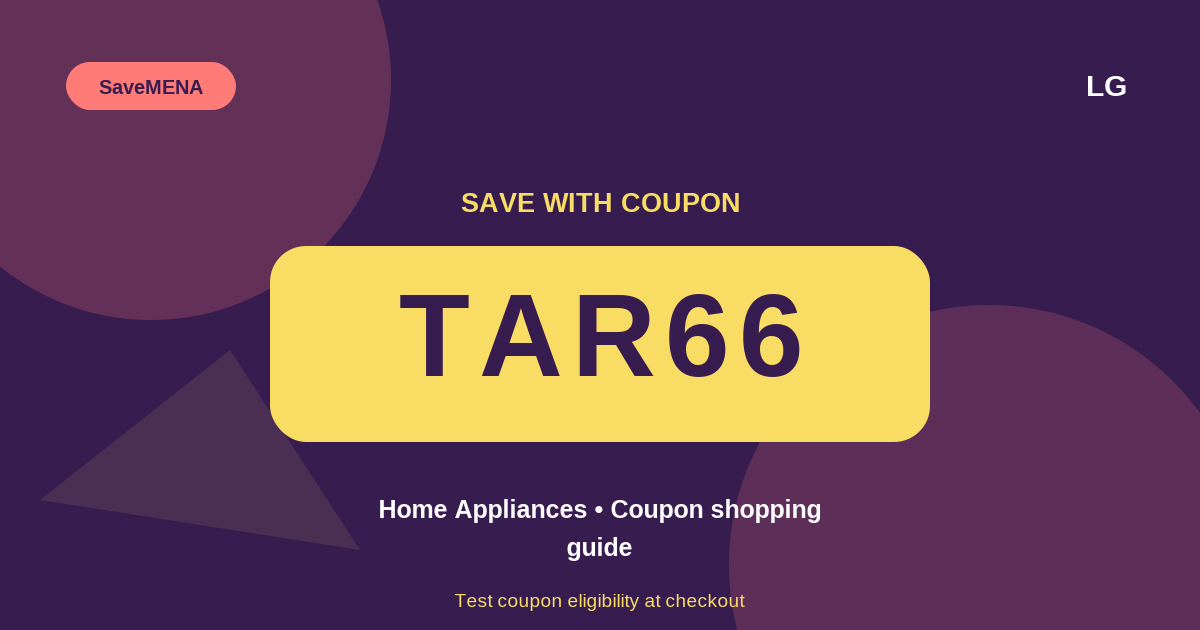
Codes available to try while comparing
These codes are not guaranteed for the article topic or listed brands; test them at checkout and use the live result.
Understanding Noon’s Delivery Charges for Home Appliances
When you add an LG home appliance to your cart, Noon’s system calculates a delivery fee based on your delivery address and the size of the item. This fee is added to the product price once you proceed to checkout and is visible on the summary page before you confirm payment. The fee may vary between basic and high‑volume appliances such as refrigerators or washers, and it changes if you opt for express delivery instead of standard. To avoid confusion, always double‑check the “Delivery” line on the order summary and note the selected delivery time slot, as some slots may carry different charges.
In the UAE market, delivery fees can also depend on regional proximity to Noon’s distribution centres. For locations like Dubai and Abu Dhabi, shipping rates are often more competitive, while zones further out may see a modest surcharge. Since Noon does not publish a flat fee structure, the only reliable source for your exact delivery cost is the checkout itself. Being proactive—selecting the desired delivery window before confirming your order—ensures that you see the accurate fee reflected on the final page and can plan accordingly.
Choosing the Right LG Appliance for Your Needs
LG has built a strong reputation in the UAE for delivering energy‑efficient, high‑performance home appliances. On Noon, you typically find models ranging from compact kitchen units to full‑size renewable‑gas refrigerators, each offering distinct features such as inverter motors, smart connectivity, or advanced sanitizing cycles. When selecting a product, pay close attention to the specification list presented on the product page, ensuring that the appliance meets your space constraints and electrical setup. SKU variants (e.g., color, capacity, model number) should be chosen before adding the item to the cart to lock in the exact model you desire.
While browsing, keep an eye on user reviews and product ratings to gauge real‑world reliability—especially for large home appliances that may require service after a few years. Since the price may vary slightly between sellers on Noon, it’s wise to select a trusted vendor to maintain consistent quality assurance. By making an informed choice at this stage, you’ll later reduce the chance of returning or exchanging the product, which could trigger additional fees or delays.
Step‑by‑Step Checkout Process on Noon
After you’ve committed to an LG model and chosen your delivery window, click on the “View Cart” button to review your order. On the cart page, you will see each item listed with its price, any applicable discount, and the pending delivery fee. At this point, Nas effectively can modify quantities or remove items, but the final total will update automatically once any change is made. If you notice a discrepancy, double‑check that you’ve selected the correct product variant and that no additional accessories are listed.
Proceeding to the “Checkout” stage triggers a series of prompts: a required login, a shipping address confirmation, and payment method selection. Noon demands a verified account and a valid payment method to finalize the purchase. Here, you will also have the chance to apply a promotional code—the TAR84 coupon—in a dedicated input field. After ensuring all fields are correctly filled, the page will recalculate the total amount, combining product price, delivery fee, tax, and any coupon discount. This final number is the amount that will be charged to your chosen payment method.
Defining Delivery Times and Their Impact on the Price
Delivery options on Noon are split into standard and express categories, each reflected in a distinct time slot presented during checkout. Estimating the impact of these slots on the final cost is best done by comparing the listed delivery fee before and after selecting the desired window. Typically, express slots incur a modest surcharge to accommodate the faster turnaround. However, Noon occasionally offers free standard delivery for certain high‑end LG appliances if you meet a minimum spend or account threshold. Check whether any such guideline applies to your purchase by consulting the “Delivery” breakdown.
Seasonal promotions or partner events can also modify delivery pricing, sometimes providing optional free delivery at a discount on large items. These changes are usually highlighted within the delivery fee field; you’ll see a remark indicating an eligible promotion should you opt for a specific slot. Because delivery costs are dynamically calculated, selecting a slot that best fits your schedule and budget is key. The impact on the total is revealed instantly, so you can shift slots on the fly if you want to save a few dirhams.
Potential Extra Charges & How They Are Calculated
Beyond standard delivery fees, Noon may apply small extra charges in certain situations. For example, if a free‑delivery threshold is not met, a delivery fee will be applied after the product price and before discounts. Also, a processing fee may arise for credit‑card transactions or for items requiring special handling—such as large refrigerators that need an elevator. These fees are also summarized on the order confirmation page before you finalize payment. Being aware of them during checkout allows you to decide whether expanding your purchase to meet a free‑delivery threshold is worthwhile.
Other potential extras include return or change fees, especially if you initiate an exchange within a specific timeframe after delivery, or if the item arrives damaged. Typically, Noon’s policy mandates an additional fee to cover restocking and refurbishment. While these do not affect the final checkout total, they are a part of the overall cost calculus for home appliances, given their higher price points. Always double‑check the policy section on Noon’s help page or at the checkout screen’s footnotes for the most accurate and up‑to‑date information.
Applying the TAR84 Coupon: A Step‑by‑Step Guide
The TAR84 coupon can provide a convenient discount on your entire LG home appliance purchase, but it is not guaranteed to always be accepted. During checkout, you will find a field labeled “Promo Code” or similar. Input TAR84 and click the “Apply” button. Noon’s system will immediately recalculate the running total, displaying the discount value if the coupon is valid for your cart contents and account status. If the code is ineligible—whether due to an expired, restricted, or non‑qualifying sale—Noon will deny the discount and revert the total to its original state.
Because discount values are hidden until confirmed, always read the subsequent confirmation dialogue for any remarks about eligibility. Some coupons are limited to certain sellers or require a minimum purchase amount. If the coupon fails, you will have the opportunity to proceed with checkout without applying it. This means that while the TAR84 code can be worth trying, it is essential to keep an eye on the recalculated price after entering it. The final number shown at the end of the checkout process will reflect whether your coupon applied successfully; any unintended changes will be displayed clearly to prevent surprises.
Leveraging Your Noon Account Context to Maximise Savings
Your Noon account plays a crucial role in the final checkout stage. Whether you’re a new user, a Gold Membership holder, or a loyalty‑reward customer can affect delivery eligibility, coupon acceptance, and even the visibility of special offers. During checkout, Noon will automatically read your account status from your profile. If you have accumulated points or pending rewards, those can be displayed in the “Balance” section; you may have the option to apply them toward your purchase, though this depends on each promo’s terms.
Additionally, certain membership tiers unlock free delivery or zero‑fee returns for high‑value items. The presence of these perks will be reflected clearly on the summary page, likely under the delivery fee line. Make sure you log in before adding your LG appliance to the cart and before applying any coupon to ensure that your account context is fully applied. Even if you don’t qualify for a membership bonus, a proper login guarantees a refund plan that is consistent and transparent, reducing post‑delivery surprises.
Verifying Your Final Payable Total
Once the checkout screen displays the cumulative amount—including product price, delivery, taxes, any additional fees, and discount from a coupon (if applicable)—you must verify that every line item matches your expectations. If you see a new fee or an unexpected tax, a review of the terms for large appliances on Noon’s help page will often clarify why it was added. For instance, a large refrigerator might trigger a specific handling or service tax that is added automatically.
Before you click “Place Order,” scroll through the entire summary, check the delivery window, confirm your payment method, and ensure that the displayed total is exactly what you intend to pay. This is the last chance to adjust any item, change delivery dates, or re‑apply a coupon. Once you finalize the purchase, Noon will issue a confirmation email that lists the final amount and the order number. Save this for future reference, particularly for warranty or exchange purposes, as it provides a verifiable record of the total paid.
Related SaveMENA pages
Related articles
Official sources to check
Frequently asked questions
Can I use the TAR84 coupon with other promo codes at Noon?
Generally, Noon allows only one promo code per order. If you try to apply another code, the system will replace your previous entry.A coupon is not guaranteed; verify its result at the retailer checkout.
Will my account balance or loyalty points affect the delivery fee?
Account status can influence delivery options. For instance, Gold Members may receive free delivery on certain items, while standard users may pay a small standard fee. Log in before checkout to see if you qualify for any discount.
What happens if I have a mismatch between the displayed total and the amount charged?
If the amount charged differs from the final total shown at checkout, you should contact Noon customer support immediately and reference the order number for resolution.
Can I change my delivery time after placing the order?
Delivery time can usually be rescheduled through Noon’s order‑management panel. Some changes may incur a fee or void free‑delivery eligibility, so review the terms before confirming a new slot.