Mobiles on Noon UAE: account eligibility — delivery-inclusive price · TAR84
Noon UAE total with delivery and how that brings the final charge for your mobile purchase can be confusing until you understand the separate parts that go into it.
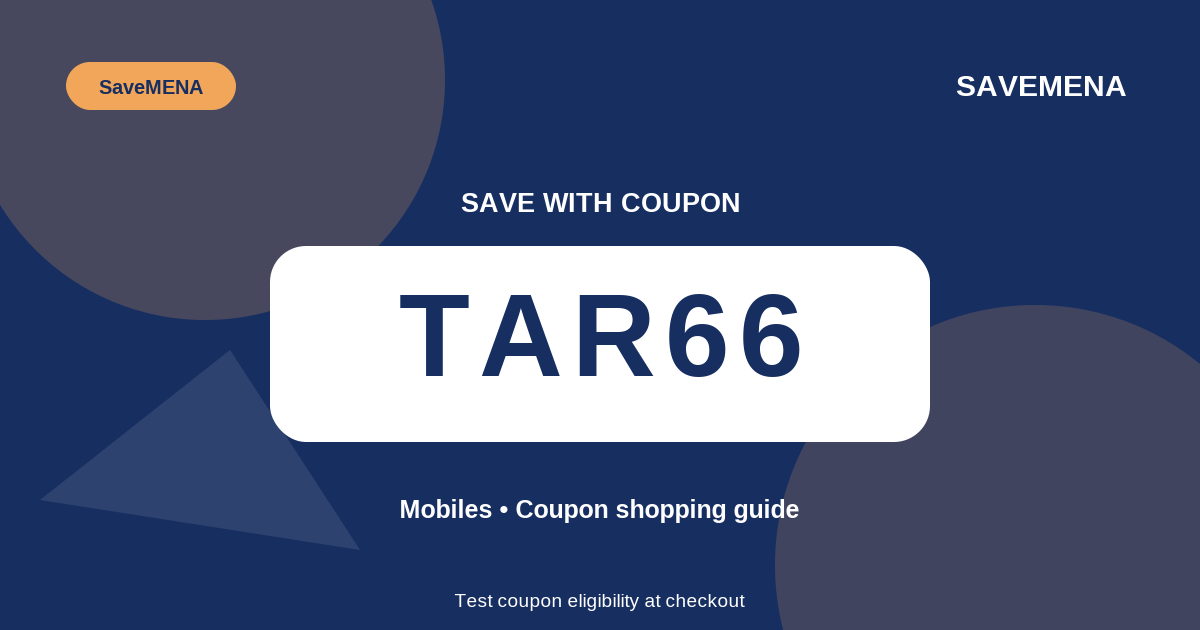
Codes available to try while comparing
These codes are not guaranteed for the article topic or listed brands; test them at checkout and use the live result.
Viewing the Cart: How Delivery Fees Shape Your Mobiles Bill
When you browse a mobile on Noon, the price tag you see is only the headline cost for the handset itself. It does not account for added fees such as optional extended warranties, insurance coverage, or over‑the‑counter accessories. Below that price you’ll find a shipping legend that explains whether the item qualifies for free delivery or whether a separate fee applies. If a delivery fee is present, Noon will append it to your running subtotal. Being aware of this split lets you decide whether a capped price or an extra delivery charge better suits your budget.
The overall experience for most UAE shoppers is that the delivery fee is automatically recalculated whenever you change your shipping address or select a new delivery slot. This can affect the total gradually, especially if you postpone adding a water‑resistance case that triggers a higher freight dollar. Notice how the cart adds a new line item first and then re‑updates the final figure. That way you always know what you’re paying for before you click checkout.
Bundling and Crunching Numbers: Calculating the Full Noon UAE Total
To get the full Noon UAE total with delivery, simply add the cost of the handset, tax, shipping, and any chosen add‑ons. This is presented as a concise list on the cart page, providing a clearer view of each component. The platform will show you a subtotal for the mobile, then include a tax line that reflects the UAE VAT rate. Finally, a separate line will occupy the delivery charge or any other pending fee.
When you proceed to checkout, the app compiles those values once more, allowing you to confirm that the numbers match your expectations. If you’re purchasing with a Noon account that carries loyalty points or cashback vouchers, those can further reduce the line items listed. Always cross‑check the last summary screen before making a payment. This final confirmation to avoid unseen charges is a necessary habit for getting the most accurate final bill.
The Role of Your Noon Account: Why Status Matters for Fees
Your Noon account can influence the final total in several tangible ways. First, registered users often automatically qualify for discounted shipping rates or free delivery on select mobiles. There may also be periodic promotions that offer a fixed discount on the total order. To use these benefits, you must be logged into your account at checkout, as the system reads the account data to apply any applicable reductions.
Second, an active Noon account can store delivery addresses and payment methods. This eliminates the need to re‑enter details for every purchase, thereby preventing minor errors that could increase costs – such as choosing an expensive local courier by accident. It’s always a good practice to review your saved addresses and ensure the correct one is selected before finalizing a mobile order.
Choosing the Right Shipping Option: Fast vs. Economy
Noon offers multiple delivery windows, from same‑day express to next‑day standard. Choosing express shipping will typically add a modest fee to the cart, but may also offer a guaranteed arrival time that can suit critical business needs. Economy shipping tends to be cheaper, but the shipment becomes eligible for a modest freight charge that appears after checkout if a longer delivery timeframe is chosen.
For mobile orders that are high‑value or size‑sensitive, opting for a protected shipping plan can mitigate the risk of damage. Though this introduces another cost, it may reduce the overall financial impact if a post‑delivery replacement is expensive. During checkout, you will see a new line item for the protection fee, which can be omitted if you prefer a simpler order. Knowing the trade‑offs helps you adjust the total to fit the budget.
Applying the TAR84 Coupon Without Surprises
The TAR84 coupon code is available for use on the Noon mobile category. Users can enter the code in the “Enter Promo” field during checkout to see if it applies. The platform will automatically recalculate the final amount after verifying the code’s eligibility. Be aware, however, that the coupon may not be compatible with certain promotional offers or loyalty point usage; hence it is best to check the full discount list on the cart page.
If the coupon does not apply, Noon will usually display a brief message explaining the reason. This might be due to a maximum total limit or a restricted product range. In that case, double‑check the terms of use by tapping the relevant link provided. This simple step ensures you are not misled by a coupon that would have no effect on the final bill.
Payment Methods and Their Influence on the Checkout Flow
The choice of payment method can subtly alter the final figures. Standard credit or debit card payments tend to incur a small processing fee that will show as a separate line item in the final summary. Digital wallets or Noon’s own payment options might waive or reduce that fee, making the overall total slightly less. Selecting a payment method that you prefer and is cost‑effective requires reviewing the platform’s payment tabs during checkout.
After the payment method is chosen, the app recalculates the entire bill one final time. If a shortage of funds or an invalid card triggers a rollback, a full re‑balance is shown until the error is resolved. Checking the final screen guarantees that the payment method will process without a sudden lift in the final amount that was not anticipated during cart review.
Tracking Your Order: When to Expect Delivery in the UAE
Once your mobile has cleared the final payment, Noon automatically sends a shipment confirmation that includes a tracking number. By logging into your account, you can view the delivery progress from the “Track Order” tab. The shipping label will display an estimated arrival date that reflects the chosen delivery option. Users often rely on this dashboard to confirm that no unforeseen delays modify the estimated time of arrival.
If an external courier is employed for the delivery, the tracker will update in real time as the package moves. Occasionally, customs or internal sorting phases can affect the final delivery time, thereby pushing the promised window slightly. To accommodate any such shifts, it is useful to keep a buffer period built into planning, especially for business‑critical devices.
Verifying the Final Balance: Final Checkpoints Before You Pay
The last screen before the payment window appears as a full recap of every bill line: handset price, tax, shipping fee, optional add‑ons, discounts from loyalty points or coupons, and any payment‑processing charges. This summary allows the shopper to see the exact figure that will be debited from the chosen payment method.
If any line item looks out of place – such as a delivery charge that is higher than previously displayed – you should double‑check the distance of the selected address or a possible mistake in choosing a shipping option. Logging out and back in, refreshing the cart, and re‑entering address details are good practices to eliminate accidental mis‑calculations. Completing this check prevents unexpected surprises and ensures every mobile purchase meets your expected budget.
Related SaveMENA pages
Related articles
Official sources to check
Frequently asked questions
Will my Noon account automatically apply any discounts to my mobile order?
Only discounts that are tied to your account status, such as loyalty points or specific Noon promos, will be applied automatically. You must be logged in during checkout for the platform to read and use those benefits.
Does the TAR84 coupon work with other promotions on Noon?
Coupon compatibility is shown when you enter the code at checkout. If the system flags an incompatibility, it usually explains why, as not all promotions stack together.
What happens if I’m given a different delivery fee at checkout compared to the cart?
Sometimes the final delivery charge differs slightly due to address changes or courier adjustments. Verify your shipping address and options as the last step before paying to avoid surprises.
Can I switch my payment method after seeing the final total?
Most payment options are locked once you press “Pay Now”. To change it, you must cancel or go back in the process before final confirmation.