Sony Gaming on Noon UAE: basket contents — delivery-inclusive price · TAR78
When you add Sony gaming products to your Noon UAE cart, the final amount you pay often feels mysterious.
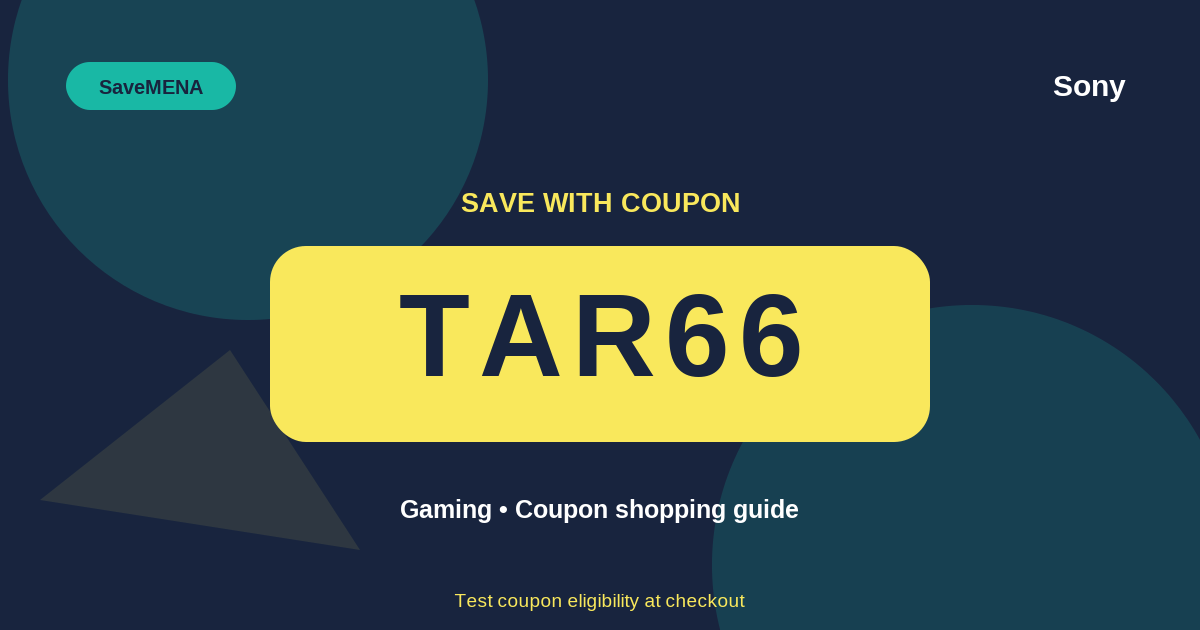
Codes available to try while comparing
These codes are not guaranteed for the article topic or listed brands; test them at checkout and use the live result.
1. Building Your Sony Gaming Basket: Selecting Core Titles
Start the shopping experience by adding a Sony PlayStation console or a game you’re eager to play. Your basket composition begins with the primary product, which sets the base headline of the checkout page. In Noon’s UAE store, each Sony item’s price reflects the current market value, including any applicable VAT. At this stage, you can compare models and see instant price differences that feed into the final calculation. Thoroughly reviewing the product details ensures you capture the exact SKU—whether it’s a PS5 Digital Edition or a PS4 Pro—to avoid surprises later.
Once you press “Add to Cart,” the interface scrolls the item into the basket view. A small pop‑up displays the “Subtotal” amount, which is the sum of all items before taxes and delivery. This subtotal is critical because every change in basket composition—such as swapping a console for a game—will shift the base amount that delivery and fees attach to. You’ll also notice a “Estimated Shipping” field; while it doesn’t include final through‑checkout fees, it gives a heads‑up on the delivery type you selected.
2. Adding Peripherals: Controllers, Headsets, and More
Once the core console is in place, extend your basket with peripheral accessories. Sony’s range on Noon includes DualSense Wireless Controllers, headsets, charging docks, and even extra memory cards. Each addition carries its own price, and because most peripheral prices are lower than the console, the building of the basket can be paused there—yet the calculus of fees will still change with every added item. Notice how the “Subtotal” updates after each peripheral is added, giving a live preview of how the final total will shift.
Peripheral items sometimes qualify for free shipping thresholds. While not guaranteed, it’s common for bundles of accessories to push the subtotal past a certain limit, thereby unlocking a reduced delivery fee. Keep this dynamic in view: each peripheral’s cost could either raise the overall subtotal above a free‑delivery threshold or keep it within the paid‑delivery bracket, both of which affect the final payment.
3. Value Add‑Ons: Digital Content and Subscription Services
Beyond physical items, Noon UAE offers digital download codes and subscription services like PlayStation Plus or PS VR experiences. Adding digital content updates the basket composition without physically increasing the cart weight—yet it still adds to the subtotal. Furthermore, digital items sometimes enjoy a different delivery fee logic, possibly zero for instant delivery.
These add‑ons can also bring small tiered service fees or auto‑renewal information. Even though these fees are typically minor, the checkout screen will list them separately. Reviewing these items before moving forward ensures you understand exactly how they contribute to the final calculation. This clarity can prevent unexpected charges when the payment method is prompted.
4. Calculating Item Prices and Taxes: What You’ll See Up Front
In the Noon UAE staging area, the “Subtotal” presents the collective price of all physical and digital items. After this, VAT is automatically added—usually the discount shown at checkout of the subtotal. The interface displays the tax amount in a separate line. Because VAT applies uniformly, each item’s base price will have its own proportional tax added, though the interface aggregates them into a single figure.
This computed total—subtotal plus VAT—forms the last value that remains unchanged until you add delivery or coupon discounts. Paying close attention here saves confusion later: the value you're presented with in the final total will be the same across the basket until the next two sections modify it.
5. Delivery Options on Noon: How They Shift the Total
Noon offers multiple delivery methods in the UAE: standard, express, and sometimes driver‑pool deliveries. Each method differs in speed and potential cost. Selecting a faster option—like express—almost always incurs a higher fee, while standard might be free if the subtotal surpasses a certain threshold. The basket composition influences these thresholds: adding more items can unlock lower delivery fees.
When you click “Proceed to checkout,” the delivery selection page reveals the exact fee for your chosen option. This fee appears as a line item separate from the subtotal and taxes. The way it is displayed depends on your delivery address and any current promotions that may waive fees for specific orders. Keep this in mind, because a single shipping strategy can account for much of the variation in the final payable amount.
6. Hidden Fees and How Checkout Finalizes Them
As you navigate to checkout, a few less obvious fees can surface. Service or processing fees, sometimes linked to the payment method or special promotions, are displayed at the bottom of the summary. While occasional, these can change the final figure in increments that are not always obvious at cart view time.
Before you confirm payment, Noon presents every fee in a final review page: subtotal, tax, delivery, hidden service fees, and any discount applied. This step is the true “Noon UAE total” you’ll actually pay. It’s crucial to read this page thoroughly, as the amount shown there is the definitive figure calculated from your basket composition, including delivery charges.
7. Applying Coupon TAR78: Potential Savings on the Basket
The TAR78 coupon code is available for testing on Noon UAE. To apply it, simply enter the code at the designated input field on the checkout summary before you finalize the purchase. The system will then validate the code against the basket composition and available offers, adjusting the final total if the coupon is valid. Remember, the coupon is not guaranteed to work for every item or basket size.
Whatever the outcome, the discount amount—if any—is shown in the deduction line on the final summary. This deduction (or lack thereof) directly lowers the post‑delivery total. Since the coupon's eligibility can be contingent on the basket composition and selected delivery option, always double‑check that your chosen items qualify before clocking the final payment.
Related SaveMENA pages
Related articles
Official sources to check
Frequently asked questions
How often does Noon update the delivery fee for my order?
The delivery fee is calculated at checkout based on your chosen delivery method and current promotions. If you edit the basket composition, the fee may adjust automatically to reflect new totals.
Will the TAR78 coupon apply to digital downloads only?
It can potentially apply to any qualifying item in your basket, but it is not exclusive to digital downloads. Confirm eligibility on the checkout page before finalizing your purchase.
Can I combine TAR78 with another coupon?
Noon typically allows only one coupon to be applied per transaction. Use TAR78 directly on the checkout page to see if it’s accepted.