Toys on Noon UAE: checkout message — delivery-inclusive price
Noon UAE total with delivery Toys the live coupon message at checkout: If you're wondering how delivery and fees affect the final total when shopping for toys on
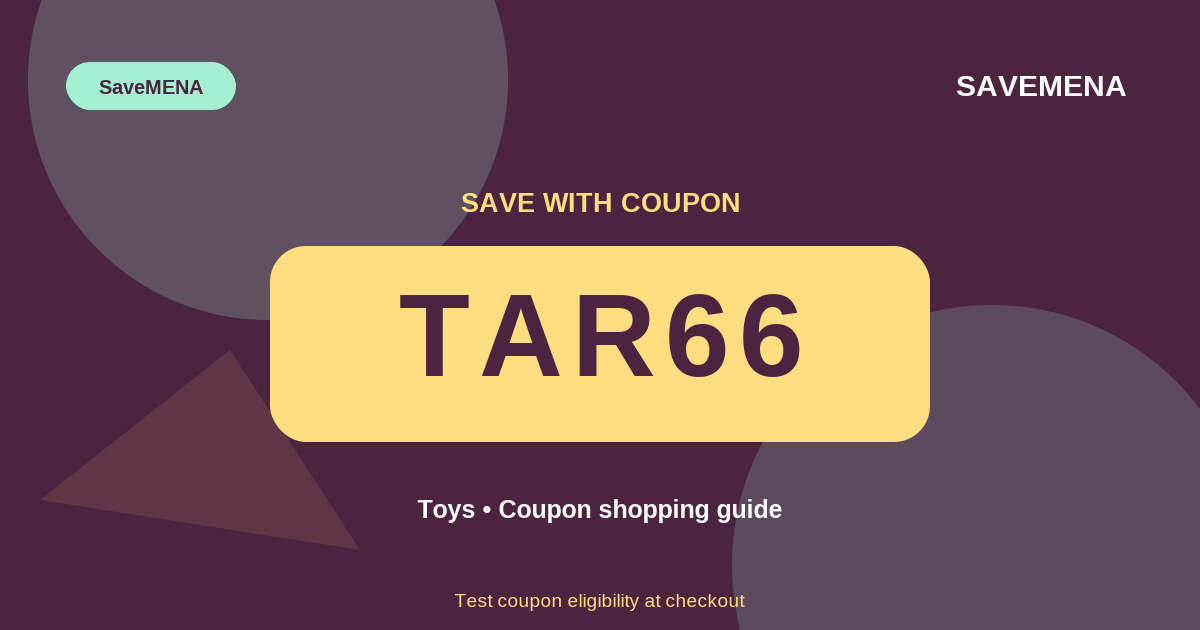
Codes available to try while comparing
These codes are not guaranteed for the article topic or listed brands; test them at checkout and use the live result.
Know Your Basket – Verify Item Prices and Delivery Options
Before any checkout dialogue pops up, double‑check the quantity and variant of each toy in your cart. Make sure that the prices listed on the product page match the prices summing up in your basket. A small typo in a variant can lead to a different freight cost, especially when the seller ships from a distant emirate. Keep a screenshot or note of the prices so you’ll have a reference if the total at checkout differs.
Next, examine the delivery options shown near the item list. Some sellers offer standard free delivery above a certain order value, while others charge a flat fee per item. Pay close attention to whether the listed fee is per item, per order, or conditional on meeting a minimum threshold. The clearance between the displayed prices and the final totals hinges on these details, so authoritatively confirming them here feeds directly into your later comparison.
Factor in Delivery Fees – Understanding Conditional Charges in UAE
Delivery fees on Noon UAE can vary widely between sellers and even between regions within the UAE. While “free” delivery may appear on the product page, it often disappears once you add a second toy or cross a certain weight limit. Knowing whether the fee is a simple flat rate or varies with distance or weight is crucial in anticipating the final charge.
When you reach the checkout, the delivery fee appears in a separate line—highlighted in the order summary before the live coupon prompt. Check that the fee line matches the seller’s policy for the items you’ve chosen. If any fee seems higher than the quoted amount, investigate the seller’s shipping page or the delivery calculator provided by Noon. The live coupon message will appear only after you confirm these fees.
Hook the Live Coupon – How the TAR66 Message Integrates into Checkout
Once you confirm the basket amount and delivery, the checkout page displays a live coupon message. This is the moment where the system evaluates whether the TAR66 code applies to your purchase. The message sits between the delivery fees and the final payable total, letting you see the impact of the coupon before you lock in payment.
Because Noon’s live coupon logic is dynamic, the message may appear as a saved or suggested coupon rather than an active discount. Keep the tercial in mind; the TAR66 code is their experimentation tool, not an assured benefit. The message simply informs you that the code is eligible to be tested—any adjustment to the total will surface once you press “Apply.”
Track the Live Discount – Verifying the Coupon’s Impact on the Total
After triggering the live coupon, a new line appears indicating whether a discount has been applied. If you see a numeric reduction subtracting from the subtotal, note that figure carefully. The line should update automatically, recalculating the grand total you will pay. If there is no numerical change, congratulations—the coupon didn’t alter the final amount for this particular set of items.
It’s helpful to record the original total pre‑coupon and the posted total post‑coupon side‑by‑side. If there is a difference, that delta is your actual saving. Save a screenshot of the order summary to guard against later queries from the seller’s support team, especially if you plan to revisit the purchase or personalize the final payment plan.
Watch for Extra Fees – Handling Subscription, Service or Handling Charges
Beyond the visible delivery fee and the live coupon line, other hidden costs can creep in. Percent‑based service fees, handling charges for fragile toys, or recurring subscription charges—all can appear after the live coupon has processed its discount. Each appears as a line item on the checkout screen, usually identified by the sale or service name.
Verify each new line item before confirming payment. If a charge is unfamiliar, click the info icon or reference the seller’s policy page. This practice ensures that the final total you commit to truly reflects what your wallet will bear. Remember, the live coupon message will update automatically if one of these new fees appears after you press “Apply.”
Confirm the Final Payable – Cross‑Checking the Total Before Payment
Once every line item—item cost, delivery fee, live coupon effect, and any extra charges—has been scanned, you are able to see the final payable amount. Look meticulously at the last line displayed, as this is the figure that the payment gateway will use to charge your card. This is your last checkpoint before the “Pay” button lights up.
Make sure to recalculate mentally or with a simple spreadsheet: sum the item costs, add the delivery and any additional fees, subtract any coupon savings, and confirm this against the displayed total. If there is a discrepancy, use Noon’s order review tool or contact the shipping seller before you finalize the transaction. A user‑friendly interface typically offers a "Remind me to pay" or "Cancel order" option if anything appears off.
Secure Payment Options – Safe Ways to Pay without Extra Costs
While Noon accepts a variety of payment methods—including credit card, debit card, and electronic wallets—each may impose a small transaction fee that isn’t always integrated into the checkout total. If your bank charges a processing fee for card payments, add that to your mental tally before proceeding.
Select a payment method that matches your most cost‑efficient choice. For example, some banks offer zero‑fee online payments for certain cards, or you can use a saved key‑card that Noon recognizes. The final amount you shall pay will be presented on the summary screen just before the “Pay” button, inclusive of any transaction fee that the gateway automatically adds.
Capture the Receipt – Using the Order Summary to Spot Discrepancies
After the payment processes, Noon generates a formal digital receipt that details every line item, the applied coupon, the total charged, and any shipping charges. Print or snapshot this receipt for your records. If you suspect a mis‑charge—such as an unaccounted‑for fee or a wrong coupon deduction—a copy of the receipt will help expedite dispute resolution with Noon or the seller.
Store the receipt along with any relevant screenshots of the checkout process, especially the live coupon message. If you doubt that TAR66 was applied correctly, keep the receipt handy as proof that the system either honored or declined it. This documentation protects you in case of a billing mismatch or when you request a refund for unmet expectations.
Related SaveMENA pages
Related articles
Official sources to check
Frequently asked questions
How do I know if the TAR66 coupon is valid for my toy order?
The live coupon message will indicate whether the code is eligible. If it subtracts a value from your total after you apply it, the coupon worked. If no change appears, it may not apply to your chosen items or total.
Could I get a refund if a delivery fee appears after I’ve paid?
Check the receipt and the order summary. If a fee appears post‑payment that wasn’t disclosed earlier, you can contact Noon customer support with your order number and request a resolution.
Is there a fee for using my credit card on Noon?
Most banks add a nominal transaction fee for card payments. The fee, if any, will be included in the final amount displayed on the checkout summary before you confirm payment.
Can I cancel my order after seeing the final total with delivery?
If you notice an error in the final total or the coupon message, you can cancel the order before sending the payment. Use the cancellation button on the order page, if available, before the transaction clears.